Best generative AI platforms and tools comparison 2026
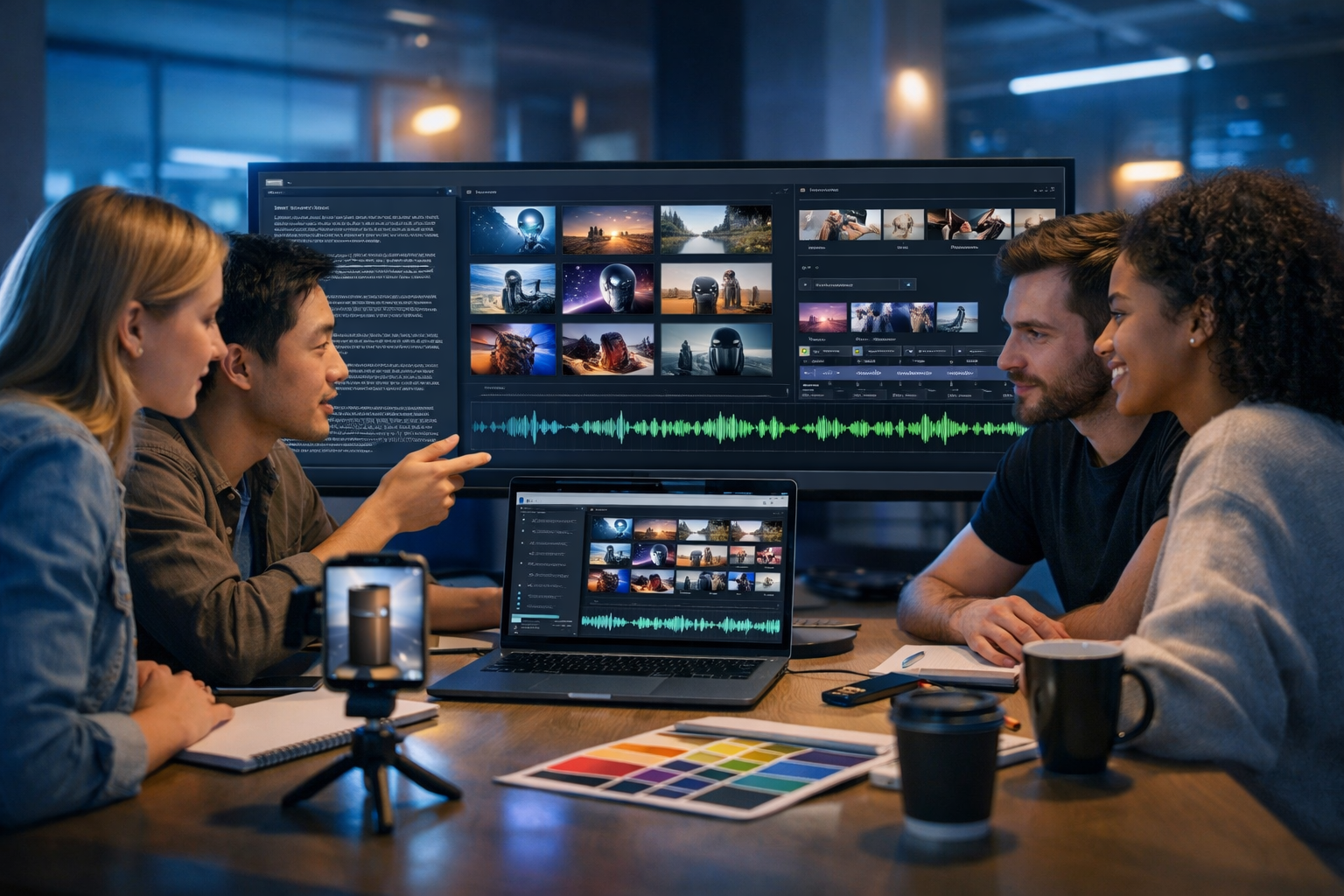
Searching for the best generative AI platforms and tools comparison 2026 isn’t about picking the “smartest” model—it’s about choosing a system that reliably produces on-brand text, images, video and audio, fits your workflow, and stays cost-effective as you scale. This guide compares the main platform categories you’ll see in 2026, the trade-offs that matter in real teams, and a practical decision framework you can use today.
What “best” means in a 2026 generative AI platform
By 2026, most teams have access to strong models. The differentiators are workflow, governance, multi-modal output (text + image + video + audio), and predictable pricing. A platform that wins demos but fails in daily use will cost more in rewrites, rework, and brand damage.
Use this definition of “best” for your team:
- Produces consistent quality across your primary content types (marketing copy, product visuals, social video, voice-overs).
- Supports repeatable workflows: templates, versioning, brand tone, and quick iteration.
- Has acceptable risk controls: permissions, content safeguards, and clear ownership of outputs.
- Integrates smoothly with how you publish (CMS, social scheduling, ads, email platforms) or at least exports cleanly.
- Costs are transparent and don’t spike when you experiment.
The 2026 landscape: platform types you’re comparing
When people ask for a generative AI tools comparison, they often mix together very different product categories. In 2026, most tools fall into one of these buckets:
- All-in-one content platforms that generate text, images, video and audio in one place (ideal for small teams needing speed and consistency).
- Model “chat” tools focused on conversation and general writing (great for ideation, but less structured for production).
- Specialist creation tools for one modality (best-in-class image editors, video generators, audio studios).
- Enterprise suites with heavy governance and compliance (powerful, but typically pricier and more complex).
- Developer-first APIs for building custom workflows (flexible, but require engineering time).
If your output spans multiple formats, stitching together four separate specialist tools can work—but it increases context switching, brand drift, and cost.
Comparison criteria that actually matter (with 2026 expectations)
Use these criteria to compare platforms objectively. You can copy this list into a spreadsheet and score each tool from 1–5.
1) Multi-modal coverage: text, image, video, audio
In 2026, marketing teams don’t just publish blogs. A single campaign may require landing page copy, product imagery, short-form video, and a voice-over. Platforms that cover multiple modalities reduce hand-offs and keep tone consistent.
- Text: long-form blogs, product descriptions, ad variants, email sequences.
- Image: lifestyle/product visuals, banners, social graphics.
- Video: reels, explainers, product demos.
- Audio: narration, voice-overs, podcast elements, background music.
2) Consistency and “brand control”
The biggest hidden cost of generative AI is inconsistency: different writers, different prompts, different results. Look for tooling that helps you maintain tone and structure—templates, reusable prompts, and predictable outputs.
3) Editing and iteration speed
The best teams iterate. You want quick revisions, variant generation, and easy refinements (shorten, expand, change tone, add CTA). For images and video, iteration means changing style, lighting, framing, and format without starting from scratch.
4) Output rights, safety, and governance
Depending on your sector, you may need audit trails, team permissions, or explicit guidance around sensitive topics. Even small teams benefit from guardrails that reduce accidental policy violations and protect brand reputation.
5) Pricing predictability
In 2026, “cheap per month” can become expensive when tools charge separately for video minutes, image credits, or premium voices. Compare your likely monthly output against each pricing model and watch out for add-ons that you’ll inevitably need.
6) Workflow fit: from idea to published asset
The platform should match how you work: planning, drafting, generating, editing, approval, export. If it forces you into a single rigid flow, your team will revert to manual methods.
Best generative AI platforms and tools comparison 2026: category-by-category
Rather than listing dozens of brand names with shallow pros/cons, this comparison focuses on tool categories you’ll encounter in 2026 and how to decide between them. Use it to shortlist the best option for your needs.
A) All-in-one AI content platforms (best for speed and small teams)
All-in-one platforms are designed for teams that need to produce complete campaigns—not just prompts. They typically combine a structured writing environment with generation for visuals, video, and audio.
- Where they win in 2026: fewer tools, faster turnaround, consistent voice, simpler training for non-technical users.
- Trade-offs: may not have every advanced control that a specialist studio provides (though the gap is shrinking).
- Ideal for: startups, agencies, e-commerce teams, creators producing multi-format content weekly.
Gen AI Last is built for this category: professional AI Text Generation (blogs, product descriptions, emails, social), plus AI Image, AI Video, and AI Audio generation in one platform. If you want a single place to go from brief to assets, explore our AI content tools and see what fits your workflow.
B) General-purpose chat assistants (best for ideation and quick drafts)
Chat-first tools are excellent for brainstorming, outlines, quick rewrites, and internal Q&A. In a 2026 production setting, they often need extra structure to become a reliable content pipeline.
- Where they win: rapid ideation, interactive refinement, broad knowledge coverage.
- Trade-offs: inconsistent formatting, harder to standardise outputs across a team, multi-modal features may be fragmented.
- Ideal for: solo creators, early-stage ideation, support teams drafting responses.
C) Specialist image generation and design tools (best for deep visual control)
Image specialists tend to offer fine-grained controls: inpainting, outpainting, product mockups, style references, and advanced editing. They’re great when visuals are your primary output.
- Where they win: detailed art direction, complex compositing, high-end creative workflows.
- Trade-offs: you still need a separate text tool, plus video and audio tools for campaigns.
- Ideal for: design teams, brands with heavy visual identity requirements, product-lifestyle imagery at scale.
D) Specialist video generation/editing tools (best for cinematic output)
Video tools in 2026 are far more capable than earlier generations, especially for short-form content. The best ones offer storyboard-driven workflows, scene control, and fast variants for different platforms.
- Where they win: advanced timelines, transitions, scene-level editing, realistic motion and lighting controls.
- Trade-offs: cost often scales with minutes rendered; collaboration can be complex; you may still need separate voice/music tools.
- Ideal for: teams producing frequent reels/ads, product demo pipelines, performance marketing creatives.
E) Specialist audio tools (best for voice quality and sound design)
Audio specialists shine when voice quality is mission-critical: podcasts, narration, training content, and ads that depend on convincing delivery.
- Where they win: voice cloning (where legal/ethical), emotional inflection control, mixing, mastering, music generation.
- Trade-offs: another tool to manage; more exports/imports; brand consistency depends on your process.
- Ideal for: podcast networks, e-learning businesses, brands doing lots of narrated video.
F) Enterprise suites and governance-first platforms (best for regulated sectors)
Large organisations often prioritise compliance, access control, and data policies over raw creative speed. Enterprise suites can be the “best” choice if you need formal governance and integrations with existing systems.
- Where they win: permissions, audit trails, security controls, procurement-friendly contracts.
- Trade-offs: slower rollout, higher cost, potentially less creative flexibility for everyday marketers.
- Ideal for: finance, healthcare, government suppliers, and large enterprises with strict policies.
A practical scoring matrix you can use (copy/paste)
Here’s a simple matrix for your own best generative AI platforms and tools comparison 2026. Score each tool 1–5 (5 is best) and total it.
- Multi-modal coverage (text/image/video/audio)
- Quality on your use cases (test with real briefs)
- Brand consistency controls (templates, reuse, tone)
- Iteration speed (variants, revisions, editing)
- Team workflow (collaboration, organisation, exports)
- Governance (permissions, safety, audit)
- Pricing predictability (no surprise add-ons)
- Learning curve (time to onboard a new teammate)
Tip: do a one-week trial with a single campaign. If you can’t get from brief to publishable assets quickly, the tool will not magically improve at scale.
Real-world examples: which platform type fits which team?
Example 1: E-commerce startup launching a new product
You need: product page copy, ad creatives, lifestyle images, a 20–30 second demo reel, and a voice-over for paid social.
- Best fit: an all-in-one platform so the messaging stays consistent across assets.
- Workflow: generate product descriptions and ad variants, then create matching visuals, then produce short video and voice-over narration.
- Why: fewer hand-offs means faster launch and less brand drift.
Example 2: Agency producing weekly content for 10 clients
You need: repeatable templates, quick variants, and a way to keep client tone distinct.
- Best fit: all-in-one platform for baseline production, with specialist tools only where a client demands it.
- Process: standardise briefs and prompt templates per client; generate monthly content packs (blogs + social + creatives).
- Why: consistent throughput and predictable costs are more valuable than niche features used occasionally.
Example 3: Founder-led B2B SaaS with a small marketing team
You need: SEO blogs, email nurture, LinkedIn posts, occasional explainer videos, and clean narration.
- Best fit: all-in-one platform to cover the majority of needs without adding headcount.
- Process: turn customer interviews into blog outlines; generate a blog, then derive emails and social posts; create a short explainer with a matching voice-over.
- Why: one subscription replacing multiple tools reduces overhead and speeds publishing cadence.
How to run your own tool comparison in under 60 minutes
Don’t compare tools with random prompts. Compare them with your real tasks. Here’s a quick test plan:
- Create one campaign brief: audience, offer, tone, key claims, CTA, mandatory phrases, and exclusions.
- Text test: ask for a 1,000–1,200 word blog plus a 5-email sequence plus 10 social captions. Score clarity, tone consistency, and how much editing you needed.
- Image test: generate 3–5 marketing visuals with the same brand vibe. Check for realism, artefacts, and how quickly you can iterate.
- Video test: produce a 20–30 second reel or product demo. Evaluate pacing, visual coherence, and whether outputs are usable without heavy post-production.
- Audio test: generate a voice-over for the video. Listen for natural cadence, mispronunciations, and suitability for your audience.
- Export test: can you get assets out cleanly and publish quickly?
Where Gen AI Last fits in a 2026 comparison
If your goal is to produce complete content stacks (not just drafts), Gen AI Last is designed to remove tool sprawl. You can generate:
- Text: blog posts, product descriptions, email campaigns, social media copy.
- Images: marketing visuals, product photos, social graphics, banners.
- Video: marketing videos, product demos, social reels, explainer videos.
- Audio: voice-overs, podcast audio, background music, narration.
For startups and small teams, the biggest advantage is cost predictability: full access to text, image, audio and video generation from one subscription. You can view pricing from $10/month and compare it against the combined cost of separate specialist subscriptions.
If you want to test quickly, build one campaign in a single sitting: generate the blog, convert it into social posts and emails, then create a matching set of visuals plus a short reel with a voice-over. You can start creating for free and evaluate outputs against the scoring matrix above.
Buying advice: choosing the best platform for your situation
Use these rules of thumb to decide fast:
- If you publish in 2+ modalities weekly (e.g., blog + social visuals + reels), prioritise an all-in-one platform to reduce friction and keep messaging aligned.
- If your brand is image-led (fashion, interiors, high-end lifestyle), consider a specialist image tool alongside an all-in-one platform for everything else.
- If video is your growth engine (paid social, creator-led brands), choose a video-first tool for production and use a platform like Gen AI Last to supply scripts, captions, and supporting creatives.
- If you’re regulated, governance may outweigh convenience—shortlist enterprise-grade options, then validate whether they meet creative needs.
- If you lack internal expertise, choose the tool with the simplest workflow and best templates—speed to publish beats theoretical quality you can’t operationalise.
Common pitfalls in 2026 AI tool comparisons (and how to avoid them)
Most teams make the same mistakes when comparing generative AI:
- Testing with unrealistic prompts: use real briefs, brand tone, and constraints.
- Ignoring editing time: the best tool is the one that needs the least human correction to be publishable.
- Overpaying for “best-in-class” features you rarely use: buy for your top 80% of use cases.
- Underestimating context switching: four tools means four learning curves and four sets of exports.
- Skipping a pricing simulation: estimate your monthly output and map it to the tool’s credit system.
FAQs: best generative AI platforms and tools comparison 2026
What is the best generative AI platform in 2026?
“Best” depends on your workflow. If you need multi-format marketing assets fast, an all-in-one platform is often best. If you need deep control in a single modality (like high-end video), a specialist tool may be better for that part of the pipeline.
Should I use one platform or multiple tools?
If you’re a small team, start with one platform to cover text, images, video and audio, then add specialist tools only when you hit a clear limitation. This keeps cost and training manageable.
How do I compare pricing fairly?
Estimate your monthly content volume (blogs, images, video seconds, voice-over minutes) and calculate total cost including add-ons. Transparent bundles—like full access across modalities—are easier to budget than credit systems with separate caps.
What should I test before committing?
Run one real campaign end-to-end: write the core message, generate supporting creatives, produce a short video, and add narration. Score quality, iteration speed, and time-to-publish.
Conclusion: the simplest stack that ships wins in 2026
A useful best generative AI platforms and tools comparison 2026 isn’t about chasing the newest model—it’s about choosing a platform that helps you publish consistently, iterate quickly, and stay within budget. Start with your real workflow, score tools using a repeatable matrix, and prioritise the stack that gets you from brief to published assets with the least friction. If you want an affordable, multi-modal option built for startups and small teams, explore our AI content tools and see how far you can get in a single session.
Ready to Create with Generative AI?
Join thousands of creators using Gen AI Last to generate text, images, audio, and video — all from one platform. Start your 7-day free trial today.
Start Free — Try 7 DaysQuick Links
Create AI content from $10/month
View Plans