Best Generative AI Tools in 2026: Top Picks & How to Choose
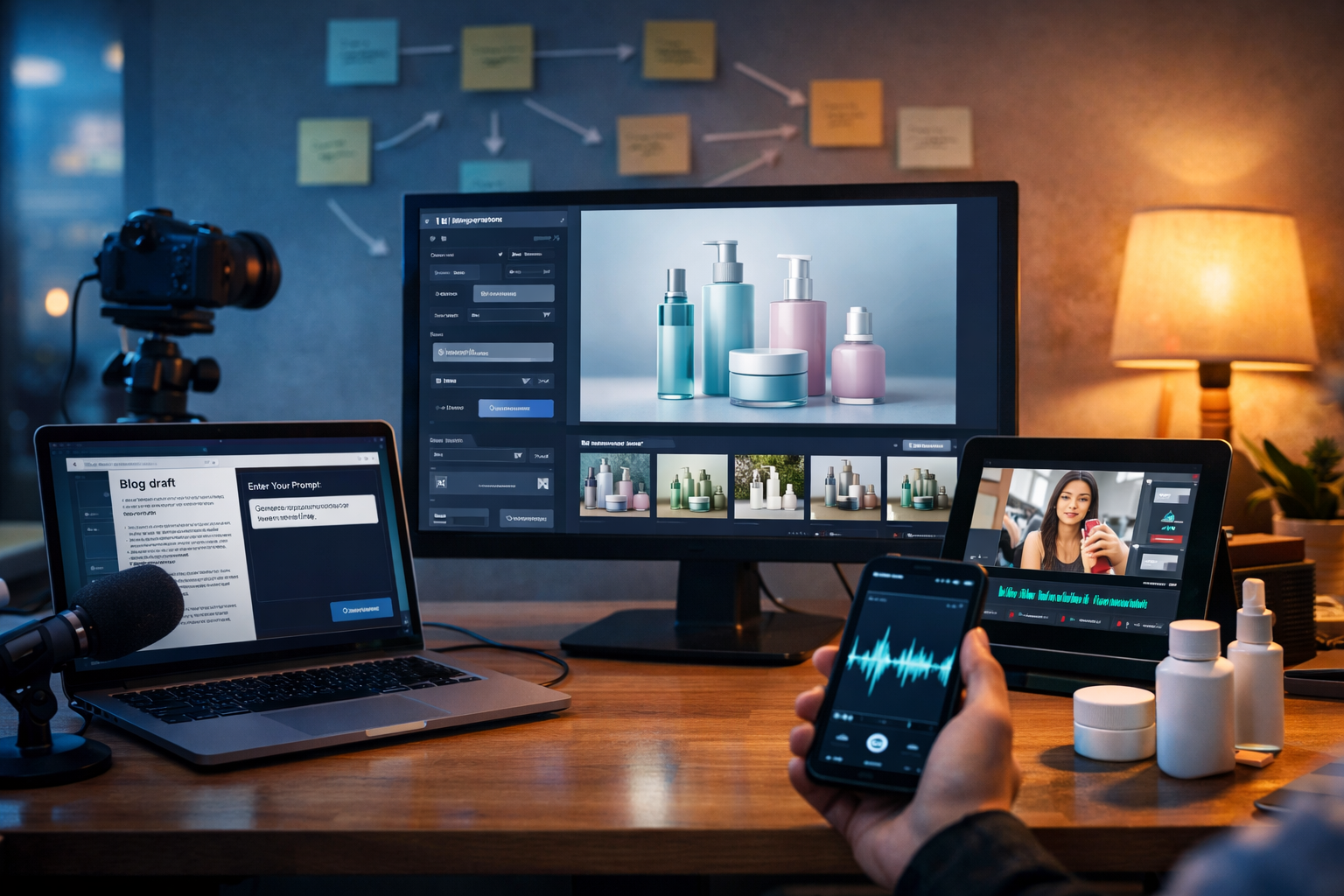
The best generative AI tools do more than “write a paragraph” or “make a picture”. They help you ship real marketing assets—blogs, ads, product visuals, voice-overs and short videos—quickly, consistently and on-brand. This guide breaks down what to look for, how the main categories compare, and how to build a practical stack that fits a startup or small team.
What counts as the “best generative AI tools” today?
Generative AI tools create new content from prompts (and sometimes from your existing files). “Best” depends on your goal, but most teams judge tools on five outcomes: quality, speed, control, consistency and cost.
- Quality: outputs that are usable with minimal editing—clear writing, believable images, natural voice, watchable video.
- Speed: fast iteration, templates, batch generation, and short time-to-first-draft.
- Control: ability to specify tone, format, aspect ratio, duration, style and constraints.
- Consistency: repeatable results aligned to your brand voice and visual identity.
- Cost: predictable pricing that matches your content volume (especially important for startups).
In practice, the best generative AI tools are the ones that fit your workflow end-to-end. If you have to juggle four subscriptions, copy-paste between tools and reformat everything, you lose the time you hoped to save.
The four main categories of generative AI tools (and what they’re best for)
Most teams need a mix of text, image, video and audio generation. Here’s how to think about each category, the core features to prioritise, and where teams commonly waste time.
1) AI text generation tools
Text tools are the workhorses for marketing and operations. They’re ideal for drafting content quickly, exploring angles, and producing variations for different channels.
- Best for: blog posts, product descriptions, landing page sections, email campaigns, social media copy, FAQs and customer support macros.
- Key features to look for: tone controls, formatting options (headings, tables, bullet lists), rewrite/expand/shorten, and prompt templates for common tasks.
- Common pitfalls: generic fluff, inconsistent tone across writers, and unverified claims. The tool should help you structure content, not replace judgement.
A practical approach is to use AI for first drafts and variations, then add your expertise: unique examples, data points you can substantiate, and clear recommendations.
2) AI image generation tools
Image generation turns prompts into marketing visuals—useful when you don’t have a designer on standby or you need rapid iteration for campaigns.
- Best for: social graphics, ad creatives, blog header images, banners, concept visuals, product scenes and lifestyle imagery.
- Key features to look for: aspect ratios (1:1, 4:5, 9:16, 16:9), style guidance (photorealistic vs illustrative), and consistency tools for recurring characters/products.
- Common pitfalls: outputs that look “AI-ish”, inconsistent hands/typography, and visuals that don’t match brand guidelines.
If your brand relies on polished, coherent campaigns, prioritise tools that let you iterate quickly and keep a stable look across multiple assets.
3) AI video generation tools
Video is increasingly the highest-leverage marketing format, but it’s historically been expensive and slow. Generative video tools help you produce explainers, product demos and short social clips without a full production pipeline.
- Best for: product demos, reels/shorts, ad variants, explainer videos, lightweight motion content for landing pages.
- Key features to look for: scene control, duration options, aspect ratios (especially 9:16 for social), simple editing and export options.
- Common pitfalls: weak storytelling (no hook), mismatched pacing, and “template fatigue” where every video feels the same.
The best results come from pairing a strong script outline (hook → problem → solution → proof → call to action) with visuals that support each beat.
4) AI audio generation tools
Audio tools create voice-overs, narration, podcast segments and background music—useful for video, courses, product walkthroughs and internal enablement.
- Best for: voice-overs for ads and explainers, podcast intros, narration for tutorials, background music for social clips.
- Key features to look for: natural prosody, pacing control, multiple voices/styles, and clean exports.
- Common pitfalls: robotic emphasis, poor pronunciation of brand terms, and inconsistent loudness between segments.
Even with excellent AI voices, you’ll get better outcomes by writing for the ear: shorter sentences, clear transitions, and explicit pronunciation notes for tricky terms.
All-in-one vs specialist tools: what’s better for most teams?
Specialist tools can be excellent in one area, but most small teams need speed and consistency across formats. That’s where an all-in-one platform often wins: one place to generate your blog draft, matching visuals, a short promo video and a voice-over for the same campaign.
Gen AI Last is built for this workflow—text, images, video and audio in one platform. Instead of paying for multiple products, you get full access from $10/month, which is particularly useful for startups testing channels and messaging.
You can explore the full suite via our AI content tools, and if you’re cost-checking tools, view pricing from $10/month.
A practical checklist for choosing the best generative AI tools
Use this checklist to evaluate any tool (or to decide whether consolidating into one platform makes sense).
- Define the outputs you need weekly. Example: 2 blog posts, 10 social posts, 4 ad creatives, 2 short videos, 2 voice-overs.
- Check brand control. Can you specify tone, audience, format and style? Can you reliably reproduce a look?
- Assess editing effort. How much time does it take to turn a draft into something publishable?
- Look for multi-channel reuse. Can one campaign become a blog, an email, a carousel, a reel and a voice-over without starting from scratch?
- Evaluate speed at scale. Can you generate variations (A/B angles, different CTAs, different lengths) quickly?
- Confirm commercial suitability. Make sure you understand usage rights and whether you can use outputs in ads and client work.
- Audit total cost of ownership. Subscriptions add up. Time spent switching tools is also a cost.
Recommended “best generative AI tools” by use case
Rather than listing dozens of brand names, the most useful recommendation is to choose tools by the job-to-be-done. Below are the most common content jobs and what a “best-in-class” setup looks like for each.
Use case: content marketing that actually ranks
What you need: structured outlines, clear explanations, unique examples, internal linking, and consistent publishing velocity.
- Text: generate an outline, then draft each section with a specific audience and intent (informational vs commercial).
- Images: create a featured image and a few supporting visuals that match the topic (not generic “AI brain” art).
- Video/audio: repurpose the post into a 45–60 second summary clip and a short voice-over.
With Gen AI Last, you can draft the article, generate matching blog imagery, create a short promo video and add a voice-over without moving between separate platforms—handy when you’re trying to post consistently.
Use case: e-commerce product launches
What you need: fast product copy, lifestyle imagery, and short demos that communicate benefits quickly.
- Text: product titles, bullet benefits, FAQs, comparison tables, and email sequences for launch week.
- Images: clean product scenes for ads, banners and social posts (multiple angles and backgrounds).
- Video: 10–20 second vertical clips highlighting one use case at a time.
- Audio: voice-over for the demo and optional background music.
A simple workflow is: generate 5 benefit angles → pick the top 2 → create image variants for each → build short videos for each angle → run small-budget ads to validate messaging.
Use case: agencies and client services
What you need: repeatable quality, quick variations, and the ability to serve multiple client tones and visual styles.
- Text: campaign concepts, ad copy variations, landing page sections, and client-ready proposals.
- Images/video: rapid creative testing for different audiences and offers.
- Audio: voice-overs for explainers and ad creatives to reduce production overhead.
An all-in-one tool is useful here because you can move from concept to multi-format assets in one place, which keeps turnaround times competitive.
How to get better results: prompts that work in the real world
The difference between “okay” and “excellent” outputs is usually the brief. Here are practical prompt patterns you can reuse—whether you’re generating text, images, video or audio.
Prompt pattern for high-quality marketing text
Example: “Write a 900-word blog post section for [audience] who want [goal]. Tone: confident, plain English, British spelling. Include: 1 real-world example, 1 checklist, and 3 common mistakes. Avoid: hype, unverifiable claims, and filler. End with a clear CTA.”
Add constraints (word count, format, audience sophistication) and ask for tangible elements (examples, steps, dos and don’ts). You’ll spend far less time editing.
Prompt pattern for on-brand images
Example: “Photorealistic marketing image of [scene] featuring [product/subject]. Style: clean, premium, soft natural light, shallow depth of field. Colour palette: [your brand colours]. Composition: space on left for overlay (but do not include text). Aspect ratio: 16:9.”
Specify lighting, composition and what must not appear (text, logos, watermarks). This produces assets that look designed rather than accidental.
Prompt pattern for short-form video
Example: “Create a 20-second vertical video storyboard with 4 scenes. Topic: [offer]. Include: hook in first 2 seconds, 2 benefit scenes, and a CTA. Visual style: modern, minimal, product-focused. Provide the voice-over script and on-screen action notes.”
Even if you generate the video directly, a storyboard mindset improves pacing and clarity.
Prompt pattern for natural voice-overs
Example: “Generate a friendly, trustworthy voice-over (UK English) for this script. Pace: medium. Emphasis: highlight these words [list]. Pronounce brand name as: [phonetic]. Add short pauses after sentences.”
Voice quality improves when you control pace, emphasis and pronunciation rather than hoping for the best.
A simple 60-minute workflow using one platform
If you’re a startup or small team, the fastest way to benefit from generative AI is to run a repeatable weekly workflow. Here’s a practical example using an all-in-one toolset.
- 10 minutes: Generate 5 topic angles and pick one based on customer pain and search intent.
- 20 minutes: Create an outline and draft the post sections. Edit for accuracy, add your experience and proof.
- 10 minutes: Generate a featured image and 2 supporting visuals consistent with the topic.
- 15 minutes: Generate a short promo video (or storyboard + scenes) and a matching voice-over.
- 5 minutes: Create 6 social snippets (1 LinkedIn post, 1 X thread, 2 captions, 2 CTAs).
If you want to try this approach without committing to multiple subscriptions, you can start creating for free and build the first campaign end-to-end.
Quality, accuracy and E-E-A-T: what you still must do yourself
Generative AI accelerates production, but you remain responsible for what you publish. To keep content trustworthy (and to meet Google’s quality expectations), use these checks:
- Verify claims: if the content references statistics, regulations, pricing or technical specs, confirm them from primary sources.
- Add first-hand insight: include a real example from your team (what you tried, what happened, what you changed).
- Be specific: replace generic advice with steps, templates and decision rules.
- Review for brand safety: remove anything misleading, sensitive or inconsistent with your values.
When you combine AI speed with genuine expertise and editorial standards, your content becomes both scalable and credible.
Why Gen AI Last is a strong choice for teams that want one solution
Many lists of the best generative AI tools focus on single-purpose apps. Gen AI Last is designed for the reality of modern marketing: you rarely need just text or just images—you need assets across channels, fast.
- AI Text Generation: blogs, product descriptions, email campaigns and social copy.
- AI Image Generation: marketing visuals, product-style photos, social graphics and banners.
- AI Video Generation: reels, explainer videos, product demos and promotional clips.
- AI Audio Generation: voice-overs, narration, podcast audio and background music.
- Affordable pricing: full access from $10/month, suited to startups and small teams.
If your goal is to publish consistently and repurpose content across formats, consolidating your workflow can be the difference between “we tried AI” and “AI is part of how we ship”. Explore our AI content tools or view pricing from $10/month to see whether an all-in-one approach fits your needs.
FAQs about the best generative AI tools
Are the best generative AI tools only for marketers?
No. Marketing is a common use case, but teams also use generative AI for internal documentation, customer support macros, training materials, pitch decks, and product education assets.
Should I pick separate tools for text, images, video and audio?
If you have specialist needs (for example, high-end film production), separate tools can make sense. For most startups and small teams, an all-in-one platform reduces switching costs and makes it easier to repurpose one idea into many assets.
How do I keep AI content from sounding generic?
Use specific prompts, add first-hand examples, include constraints (audience, tone, structure), and edit the final output with your brand voice in mind. Generic inputs almost always produce generic outputs.
What’s the fastest way to see value from generative AI?
Pick one weekly workflow (for example: blog + 6 social posts + a short video + voice-over), run it for four weeks, and measure output speed and performance. Tools deliver value when they’re part of a repeatable process.
Final thoughts: the “best” tools are the ones you’ll actually use
The best generative AI tools help you move from idea to publishable assets with less friction—without sacrificing quality or trust. Start with your real outputs, test the workflow end-to-end, and prioritise platforms that let you create text, images, video and audio together. If you want to build that workflow quickly, start creating for free and produce your first multi-format campaign in a single session.
Ready to Create with Generative AI?
Join thousands of creators using Gen AI Last to generate text, images, audio, and video — all from one platform. Start your 7-day free trial today.
Start Free — Try 7 DaysQuick Links
Create AI content from $10/month
View Plans