Cheapest AI Image and Video Generation Tool for Startups
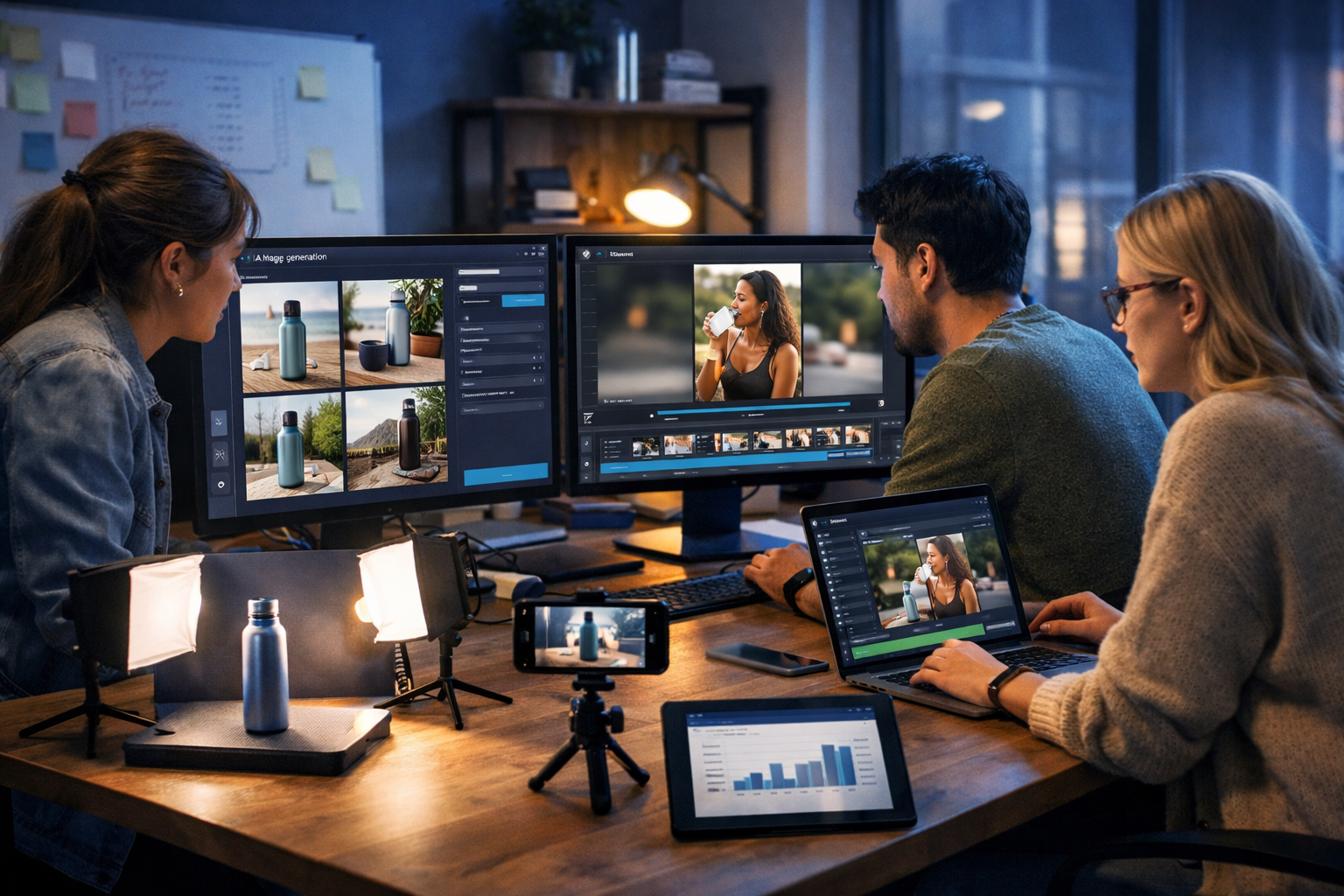
If you’re searching for the cheapest AI image and video generation tool for startups, you’re probably trying to do two things at once: ship marketing assets quickly and protect runway. The right platform should help a small team create scroll-stopping visuals, short-form videos and supporting copy without paying for multiple subscriptions, freelancers or agencies every month.
What “cheapest” really means for startup content creation
“Cheapest” is not only the lowest monthly price. For startups, it’s total cost per usable asset and the time it takes to get from idea to publishable creative. A tool can look inexpensive but become costly when you add:
- Multiple subscriptions (one for images, one for video, one for copy, another for voice-overs).
- Usage limits that force upgrades when you scale campaigns.
- Hidden workflow costs: exporting, reformatting, rewriting scripts, or recreating assets because they don’t fit your brand.
- Team friction: switching tools, inconsistent style, slow approvals, and fragmented asset libraries.
For most early-stage teams, the “cheapest” option is an all-in-one platform where you can generate images, videos, scripts, captions and voice in one place—so every campaign has consistent messaging and faster iteration.
Why startups need both AI image and video generation (not just one)
In 2026, performance marketing is rarely single-format. A typical launch or growth sprint might require:
- Paid social creatives (static + short video)
- Landing page hero visuals
- Product demo snippets for TikTok/Reels/Shorts
- App screenshots or lifestyle mock-ups
- Email banners and launch GIF/video loops
If you can only generate images, you’ll still need video assets and voice-over (or you’ll rely on stock footage that looks like everyone else’s). If you can only generate videos, you’ll still need high-quality thumbnails, ad statics, product hero images, and supporting copy. Startups win when they can produce an entire creative package rapidly.
The simplest answer: an all-in-one tool is usually the cheapest
For many startups, the most cost-effective route is choosing one platform that covers:
- AI image generation for ads, banners, social graphics, product visuals
- AI video generation for marketing videos, demos, explainers, reels
- AI text generation for scripts, hooks, captions, landing copy, product descriptions
- AI audio generation for voice-overs, narration, podcast audio, background music
Gen AI Last is designed around that reality: one subscription gives full access to text, image, audio and video generation—starting from $10/month. You can explore the suite via our AI content tools and see the plans on view pricing from $10/month.
How to evaluate the cheapest AI image and video generation tool for startups
Use this checklist to compare tools objectively. It prevents the common trap of picking a low monthly cost that turns into a high cost per campaign.
1) Total output: how many usable assets can you ship per week?
Ask: “If we run two growth experiments a week, can we generate enough variations to test properly?” For most startups, a workable baseline is:
- 10–30 image variations per week (different hooks, scenes, formats)
- 3–10 short videos per week (15–45 seconds)
- Supporting copy: scripts, captions, CTAs, ad text
If a tool restricts output heavily, you’ll pay in iteration speed (which is expensive when you’re still finding product-market fit).
2) Workflow: can one person produce a full campaign without tool-hopping?
The cheapest setup is often the one that reduces context switching. A practical startup workflow should go like this:
- Generate a campaign angle and ad copy (text)
- Generate image concepts and variations (image)
- Generate a short video script and storyboard (text)
- Generate video assets (video)
- Add voice-over and/or background music (audio)
Gen AI Last supports this end-to-end creation model in a single platform, so your “cost” isn’t just money—it’s also fewer hours lost stitching tools together.
3) Brand consistency: can you keep a recognisable look and voice?
Startups can’t afford to look generic. When evaluating tools, consider whether you can reliably produce:
- Consistent colour palette, lighting style and composition in images
- A consistent tone of voice in scripts, captions and email copy
- Repeatable video structures (hook → value → proof → CTA)
A platform that does both creative generation and copy generation helps maintain alignment between what people see and what they read/hear.
4) Multi-format outputs: does it fit your channels?
Startups typically need multiple aspect ratios and formats across channels. Your tool should support producing assets you can adapt for:
- Website and landing pages (often wide visuals)
- Instagram and Facebook (feed + stories/reels)
- TikTok and YouTube Shorts (vertical video)
- LinkedIn (square/landscape, more professional tone)
Even if you start with one channel, you’ll likely expand once you find what converts—so avoid tools that lock you into a narrow output format.
Why Gen AI Last is built to be the cheapest option for startups
Gen AI Last positions itself as an affordable, all-in-one AI content platform. Instead of paying separately for a copywriting assistant, an image generator, a video tool and a voice solution, you get full access to:
- AI Text Generation: blog posts, product descriptions, email campaigns, social media copy
- AI Image Generation: marketing visuals, product photos, social graphics, banners
- AI Video Generation: marketing videos, product demos, social reels, explainer videos
- AI Audio Generation: voice-overs, podcast audio, background music, narration
Pricing is straightforward for small teams: $10/month, $50/6 months or $100/year—with access to all features across plans. That matters because startups often need flexibility to ramp output up or down without re-negotiating tools or stacks.
If you want to validate fit quickly, you can start creating for free and then move to a paid plan when you’re ready to scale.
Practical startup use cases (with ready-to-steal prompts)
Below are realistic workflows where an all-in-one platform becomes the cheapest option because it compresses time and tool costs. Each example includes prompts you can adapt in Gen AI Last.
Use case 1: Launching a new feature with images + short video
Goal: Create a cohesive launch package in a day: hero image, 3 ad statics, a 20–30 second product reel, and supporting copy.
Text prompt (launch messaging): “Write 5 benefit-led hooks and 3 CTA options for a new feature: [feature]. Audience: [persona]. Tone: clear, confident, not hypey. Keep hooks under 12 words.”
Image prompt (ad creative concepts): “Photorealistic product lifestyle scene showing [product] used by [persona] in [setting]. Emphasise [benefit]. Clean modern aesthetic, soft natural light, shallow depth of field, high-end marketing photo, no text.”
Video prompt (reel structure): “Create a 25-second vertical marketing reel script: 0–3s hook, 3–15s problem/solution demo, 15–22s proof points, 22–25s CTA. Product: [product]. Feature: [feature].”
Audio prompt (voice-over): “Voice-over in British English, friendly and professional, medium pace, slight smile. Read the reel script. Add a subtle upbeat background music bed.”
Use case 2: E-commerce startup generating product photos and demo videos
Goal: Produce consistent product imagery and short demos without paying for frequent shoots.
- Images: Generate product-on-background shots, lifestyle scenes, and banner compositions.
- Video: Create quick “how it works” demos and UGC-style clips for ads.
Image prompt (lifestyle variation set): “Photorealistic lifestyle product photo of [product] on a kitchen counter, morning light, realistic shadows and reflections, minimal props, premium look, 16:9 wide. Create three variations: cosy home, modern apartment, bright studio.”
Video prompt (product demo): “Create a 30-second product demo video showing: unboxing, setup in 3 steps, before/after result, and a final close-up. Style: clean, modern, high conversion ad. No on-screen text.”
Because Gen AI Last includes text, you can also generate product descriptions and email sequences alongside the visuals using the same positioning and benefits.
Use case 3: B2B SaaS startup producing LinkedIn creatives and explainers
Goal: Publish twice per week with consistent visuals, plus one monthly explainer video.
Text prompt (LinkedIn post): “Write a LinkedIn post for founders about [topic]. Include one contrarian insight, one short example, and a clear takeaway. Tone: pragmatic, British English. 150–220 words.”
Image prompt (professional social graphic style): “Photorealistic office scene: founder presenting a simple dashboard on a laptop to a small team in a meeting room, soft natural light, minimal modern decor, cinematic depth of field, 16:9 wide, no text.”
Video prompt (explainer): “Create a 60-second explainer video outline for [product]. Structure: problem, why current solutions fail, how [product] works in 3 steps, proof, CTA to book a demo.”
A lean cost model: what startups typically spend without an all-in-one tool
Even if you keep spend “low”, stacking separate tools can add up quickly—especially when you need both image and video plus copy. Startups often end up with:
- One tool for AI images
- One tool for AI video
- One tool for scripts/copy and campaign writing
- One tool for voice-over or audio
Beyond the monthly fees, you pay in duplicated learning curves, inconsistent creative direction, and slower experimentation. That is why a single subscription that covers all four modalities can be the cheapest AI image and video generation tool for startups in real-world terms: it reduces direct spend and also compresses the time-to-asset.
How to build a 7-day startup content sprint with Gen AI Last
Here’s a simple weekly rhythm that a founder or small marketing team can run without burning out.
Day 1: Choose one angle and generate campaign messaging
- Generate 10 hooks
- Generate 3 value propositions
- Generate 5 CTAs
Use the same angle across images, videos and landing pages so you learn faster from results.
Day 2: Produce 12–20 image variations for ads and social
Create variations by changing: setting (home office vs co-working), persona (founder vs marketer), and outcome (before/after). Keep one variable per batch so you can identify what drives performance.
Day 3: Create 3–5 short videos from the top hooks
Use a consistent structure (hook, demo, proof, CTA). Then vary only the hook and opening scene. This makes analysis cleaner and results more actionable.
Day 4: Add voice-over and audio polish
If you’re targeting multiple regions, test two voice styles (e.g., neutral professional vs friendly conversational). Use background music sparingly so clarity remains high.
Day 5: Generate the landing page copy and email follow-up
Turn the winning hook into a landing page hero, then produce a short nurture sequence. Keeping everything in one platform helps maintain a single narrative thread.
Day 6–7: Publish, test, and iterate
Pick two metrics (e.g., CTR and conversion rate). Pause weak creatives quickly and generate new variants based on what you learned.
Common pitfalls when choosing a “cheap” AI tool (and how to avoid them)
- Pitfall: Paying for images but still needing video and voice. Fix: Choose a platform that includes image, video and audio in one subscription.
- Pitfall: Generating assets that don’t match your buyer’s reality. Fix: Prompt with specific personas, environments and use contexts (device, workplace, lighting, camera style).
- Pitfall: Inconsistent messaging across channels. Fix: Generate your core positioning and claims first, then build visuals and video scripts from the same source copy.
- Pitfall: Too many variations with no learning. Fix: Test one variable at a time (hook, scene, offer) and document results.
Who should use Gen AI Last as their startup creative engine?
Gen AI Last is a strong fit if you’re a startup that needs to create content regularly but can’t justify multiple specialist tools or ongoing agency spend. It’s especially useful for:
- Solo founders building demand while shipping product
- Small marketing teams running weekly experiments
- E-commerce brands producing continuous ad creatives
- B2B SaaS teams needing explainers, demos and social content
Because every plan includes text, image, audio and video, you don’t have to “unlock” essential formats later. You can start lean and scale output as you learn what works.
Final take: the cheapest AI image and video generation tool for startups is the one that removes extra tools
If your team needs both image and video—plus scripts, captions and voice—an all-in-one platform is usually the lowest-cost choice in practice. Gen AI Last combines AI text, image, video and audio generation under a single subscription starting at $10/month, helping startups ship more creative, run more tests and stay consistent across channels.
Explore our AI content tools, check view pricing from $10/month, or start creating for free to see how quickly you can build a full campaign from a simple prompt.
Ready to Create with Generative AI?
Join thousands of creators using Gen AI Last to generate text, images, audio, and video — all from one platform. Start your 7-day free trial today.
Start Free — Try 7 DaysQuick Links
Create AI content from $10/month
View Plans