Cheapest AI Image and Video Generation Tool for Startups
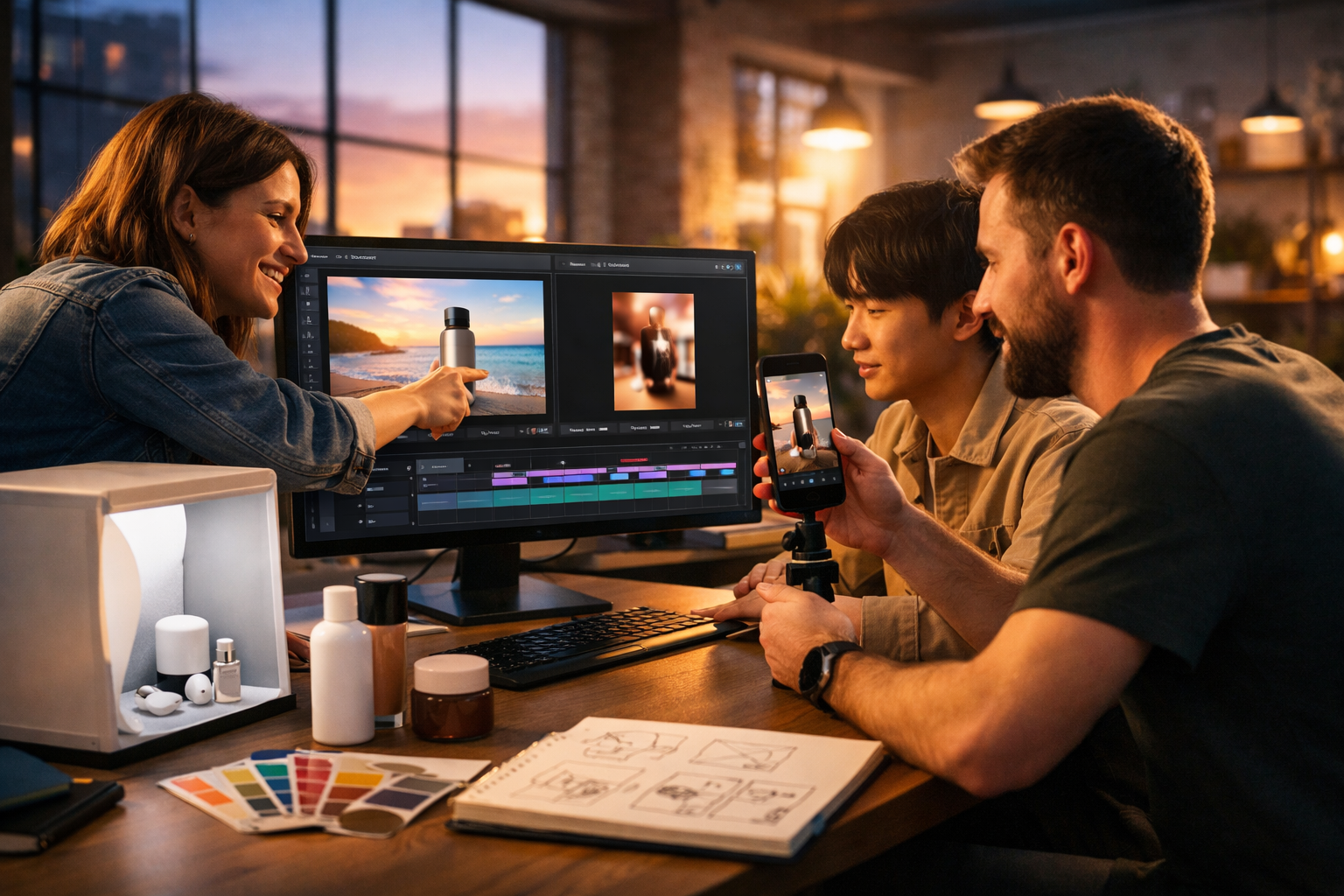
If you’re a startup, you don’t need “another tool” — you need a reliable way to ship marketing assets fast, keep spend predictable, and maintain quality across ads, landing pages, and social. This guide breaks down what the cheapest AI image and video generation tool for startups should actually deliver, how to compare options fairly, and how to build a content pipeline that doesn’t collapse the moment you scale.
What “cheapest” really means for startups
For early-stage teams, “cheapest” isn’t just the lowest monthly number. The real cost is a combination of:
- Total cost of ownership: subscriptions, add-ons, usage limits, and seats.
- Time cost: how long it takes to get an on-brand image or usable video.
- Workflow cost: switching between separate tools for copy, images, video, and audio.
- Opportunity cost: delays in launching campaigns, A/B tests, and new pages.
A tool can look cheap, but if you need separate subscriptions for scripts, visuals, voice-over, and edits, you’ll quickly exceed your budget — or lose weeks to tool-hopping.
The non-negotiables: what a budget-friendly AI image + video tool must include
When you’re comparing platforms, use this checklist. If a solution fails more than one area, it’s rarely a bargain.
1) Commercial-ready output (not just “cool demos”)
Startups need assets that can go straight into real campaigns: paid social creatives, hero visuals for landing pages, product demo clips, and short-form reels. Look for:
- Consistent visual quality (lighting, anatomy, product realism).
- Practical formats (16:9 for web, 1:1 for feeds, 9:16 for reels).
- A workflow that supports repeatable brand outputs.
2) Predictable pricing (no surprise “usage tax”)
Many “cheap” tools gate features behind higher tiers, charge per export, or heavily restrict video length. For startups, predictable pricing is critical for planning monthly spend. Gen AI Last includes full access to text, image, video, and audio generation from $10/month, which is designed for lean teams that need breadth without stacking subscriptions.
You can view pricing from $10/month to compare it against the cost of buying separate tools for each medium.
3) An end-to-end content workflow (script → visuals → video → voice)
Most startups don’t have a dedicated creative department. The cheapest solution is the one that reduces steps. Ideally, your platform should help you:
- Generate messaging and scripts (ads, hooks, captions, VO scripts).
- Create images for ads, thumbnails, product visuals, banners.
- Turn the concept into a short video (demo, reel, explainer).
- Add audio (voice-over, narration, background music).
Gen AI Last is built as an all-in-one platform for exactly this: text, images, video, and audio in one place. Explore our AI content tools to see what’s included.
Why startups specifically struggle with image and video creation
Video and visuals are the bottleneck for early growth. Even if you have a strong product, you still need creatives for:
- Paid acquisition: multiple variations for testing hooks, angles, and formats.
- Website conversion: hero visuals, explainer sections, feature diagrams, trust signals.
- Product marketing: launch videos, demo snippets, release notes, onboarding.
- Social content: reels, short explainers, behind-the-scenes, tutorials.
Traditional production is slow and expensive. Hiring designers and editors is a great long-term move, but early-stage teams often need to validate positioning, iterate weekly, and learn what converts. AI generation is most valuable when it helps you test faster and ship more consistently.
How to evaluate the cheapest AI image and video generation tool for startups
Use the following framework to compare tools in a way that’s tied to business outcomes (not just shiny features).
A) Cost per usable creative (CPCreative)
Instead of asking “How much per month?”, ask: “How many campaign-ready creatives can we produce per month without friction?” A practical way to estimate:
- Decide your monthly target: e.g., 30 ad images + 12 short videos.
- Estimate how many attempts each asset takes before it’s usable.
- Factor in time for scripting and voice-over (often a separate tool).
The “cheapest” option is the one that produces the highest number of usable outputs with the least manual clean-up, while keeping your monthly spend stable.
B) Feature completeness (do you need extra subscriptions?)
Startups frequently end up paying for a stack: copy tool + image generator + video generator + voice tool + music library. Even if each is “cheap”, the combined total often isn’t.
With Gen AI Last, you can create:
- AI text: blog posts, product descriptions, email campaigns, social copy.
- AI images: marketing visuals, product-style photos, social graphics, banners.
- AI video: marketing videos, demos, reels, explainer videos.
- AI audio: voice-overs, narration, podcast audio, background music.
C) Speed-to-market (how quickly can a non-designer ship?)
The hidden cost in many tools is learning curve and iteration time. Your standard should be: a founder, marketer, or growth generalist should be able to generate a complete campaign package in a single session:
- 3 ad image variations
- 1 short promo video (15–30 seconds)
- A caption and CTA
- Optional voice-over or background music
A practical startup workflow (using one platform)
Below is a repeatable process you can run weekly. The goal is to produce consistent creative while keeping costs low.
Step 1: Create your “creative brief” prompt (text)
Start with one short brief you can reuse:
- Audience: who you’re targeting
- Pain point: the cost or risk they want to remove
- Outcome: the transformation your product provides
- Offer: trial, discount, demo, onboarding
Example brief: “Target: busy operations managers at small e-commerce brands. Pain: time wasted tracking orders and support tickets. Outcome: one dashboard and faster fulfilment. Offer: free trial.”
Then generate: 10 hooks, 5 ad headlines, 3 short scripts, and 10 captions. This is where an all-in-one platform reduces friction because your copy flows directly into image/video prompts.
Step 2: Generate 6–10 on-brand images (image)
Choose two visual directions: one lifestyle and one product/UI-led. For example:
- Lifestyle: a founder in a co-working space, using the product on a laptop; warm light, candid feel.
- Product/UI: clean desk, device mock-up, focused on clarity and modern design.
Actionable tip: lock three consistent elements across your prompts (lighting, lens style, environment) so you get a recognisable “campaign set” rather than random one-offs.
Step 3: Turn winning angles into short videos (video)
Start with 15–30 second videos for social and ads. Use a simple structure:
- Hook (0–3s): state the pain or surprising insight.
- Value (3–15s): show the workflow or key benefit.
- Proof (15–25s): metric, testimonial snippet, or demo moment.
- CTA (final seconds): “Start free”, “Book a demo”, “Try it today”.
Create 3 variations per angle: different first line, different pacing, and one version with a stronger “before/after”. The cheapest tool is the one that lets you iterate quickly without counting every export like it’s gold.
Step 4: Add voice-over and background audio (audio)
Audio is often what makes a startup video feel “real” rather than templated. Generate:
- A clear voice-over in your brand tone (calm, confident, energetic).
- Background music that matches your platform (techy minimal, upbeat pop, cinematic).
When audio is included in the same platform as your visuals and script, you avoid the classic startup trap: finishing the video edit and then getting stuck hunting for a voice tool and licenced music.
Cost comparison: why “all-in-one” tends to be the cheapest
A common scenario for startups looks like this:
- Copy tool subscription (for ads, landing pages, emails)
- Image generation tool subscription
- Video generation or editor subscription
- Voice-over tool subscription
- Music/licensing subscription
Individually, each might look inexpensive. Together, they usually exceed what a small team wants to spend — and they add coordination overhead.
Gen AI Last simplifies this with a single subscription that includes text, image, video, and audio generation starting at $10/month. If you’re trying to keep burn low while producing content at speed, that combination is the point.
Use cases: where startups get immediate ROI
1) Paid social creative testing (Meta, TikTok, LinkedIn)
Most startups under-test creatives. Aim for a weekly cadence: 10 new image variations and 3–5 new video variations. Use AI to test:
- Different hooks (problem-first vs outcome-first)
- Different visual worlds (office, warehouse, home, co-working)
- Different product emphasis (feature A vs feature B)
2) Product launch kits (in a single afternoon)
For a feature release, you typically need:
- Landing page section copy
- A banner and a hero image
- A 20–40 second promo video
- An email announcement and social captions
When one platform covers all media types, you can keep everything consistent: the same positioning, the same look, the same CTA.
3) Explainer videos for onboarding and support
Support tickets are expensive. Short explainers reduce churn and improve activation. Build a small library:
- “How to get started in 60 seconds”
- “Connect your account”
- “Export and share results”
Use AI voice-over to keep the tone clear and consistent even when you can’t record in a studio.
Prompting tips for better images and videos (without wasting generations)
Getting strong results quickly is what keeps a tool “cheap” in practice. These tactics reduce retries.
Be specific about scene, subject, and camera
Instead of: “startup marketing image”, try: “three-person startup team in a co-working space reviewing a product demo on a laptop, warm natural light, candid documentary photography, 35mm lens look”.
Anchor brand consistency with a reusable “style block”
Create a short reusable block you add to most prompts, for example: “clean modern workspace, neutral palette, soft shadows, realistic skin tones, minimal clutter”. This keeps outputs coherent across campaigns.
For videos, write the first 3 seconds like a headline
Your hook is the primary performance lever. Generate multiple hook lines and build separate versions around each hook. Examples:
- “We cut our weekly reporting from 6 hours to 20 minutes.”
- “If you’re still doing this manually, you’re bleeding margin.”
- “Here’s the fastest way to onboard new clients.”
Common pitfalls when choosing a cheap AI generator
Avoid these traps that make “cheap” expensive:
- Paying for multiple tools because the first can’t do audio: VO and music add up quickly.
- Over-relying on one-off visuals: without a repeatable style, your brand looks inconsistent.
- Ignoring usage limits: video often has stricter caps than images.
- Choosing a tool that doesn’t support your workflow: speed beats novelty in startup marketing.
So, what’s the cheapest AI image and video generation tool for startups?
If your definition of “cheapest” includes predictable pricing, usable output, and not needing four extra subscriptions, then an all-in-one platform is typically the best value for startups. Gen AI Last combines AI text, image, video, and audio generation in a single tool with plans starting at $10/month — built for small teams that want to produce professional content without enterprise budgets.
To explore what you can generate across formats, visit our AI content tools. If you’re ready to keep spend lean while increasing output, view pricing from $10/month. Or jump straight in and start creating for free.
Quick-start checklist for your first week
Use this to get immediate momentum and measurable results.
- Pick one offer (trial, demo, discount) and one audience segment.
- Generate 10 hooks + 3 short scripts + 10 captions.
- Generate 8 images in two styles (lifestyle + product/UI).
- Generate 3 videos (same idea, different hooks).
- Add voice-over to one version and background music to another.
- Ship, measure, and keep the best-performing “style block” for next week.
The startups that win aren’t the ones with the fanciest creative — they’re the ones that run more iterations, learn faster, and keep production costs under control. The right AI platform makes that cadence sustainable.
Ready to Create with Generative AI?
Join thousands of creators using Gen AI Last to generate text, images, audio, and video — all from one platform. Start your 7-day free trial today.
Start Free — Try 7 DaysQuick Links
Create AI content from $10/month
View Plans