How marketers use generative AI in 2026: real examples
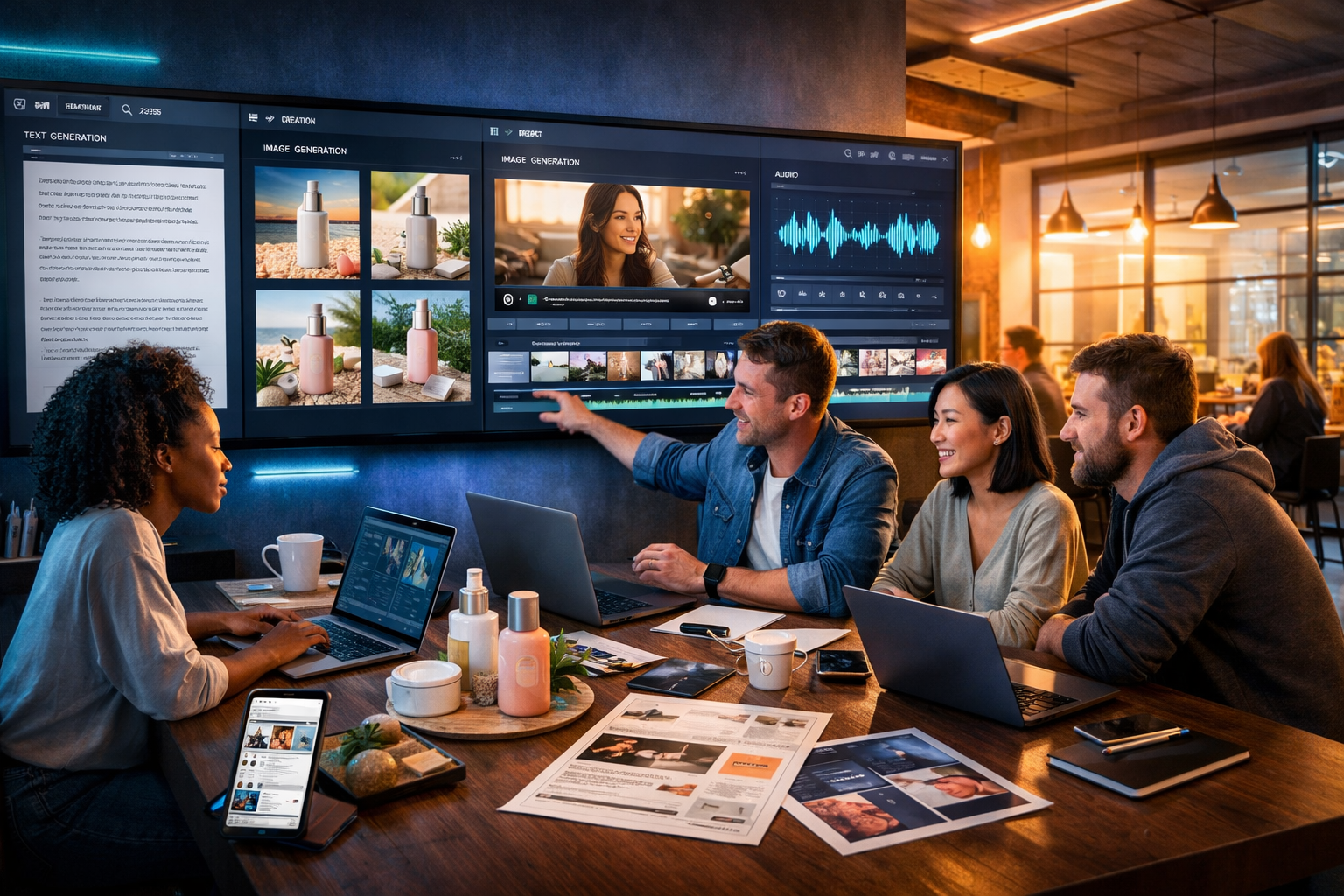
Generative AI is no longer a “content shortcut” in 2026; it’s the operating system for modern marketing teams. The best marketers use it to move faster and make smarter decisions: creating assets in multiple formats, testing more angles, and personalising at scale without losing brand consistency. Below are real, practical examples of how marketers use generative AI in 2026—plus copy-and-paste workflows you can run using our AI content tools.
What changed by 2026 (and why the old approach stopped working)
In 2026, three shifts pushed generative AI from “nice to have” to essential: (1) audiences became more fragmented across platforms and formats, (2) creative fatigue increased as everyone competed for attention, and (3) performance marketing demanded faster iteration cycles. Teams that used to ship one campaign per month now ship dozens of micro-campaigns per week—with a single core idea adapted into emails, social posts, landing pages, ads, product visuals, short videos, and voice-overs.
The winning teams aren’t the ones producing the most content; they’re the ones running the best content systems: reusable prompts, brand guardrails, rapid testing, and multi-format production. Gen AI makes that system possible for small teams.
How marketers use generative AI in 2026: 12 real examples
The examples below are written in a way you can replicate. Each includes the goal, what’s generated, and a simple workflow you can run with Gen AI Last for text, images, video, and audio.
1) Turning one product update into a full launch kit in one afternoon
Scenario: A SaaS startup ships a new feature and needs a coordinated launch across channels.
What marketers generate in 2026: announcement blog post, landing page sections, email sequence, social posts, support article, and a 30-second product teaser video with voice-over.
- Write the feature brief as a structured prompt: target user, pain point, what’s new, proof, CTA.
- Use AI text to produce: (a) a long-form blog post, (b) 3 landing page value sections, (c) 5-post social thread, (d) 3-email sequence.
- Generate 3–5 hero visual concepts (e.g., abstract UI + benefit icons) for different audiences.
- Generate a short video script, then create a product teaser video; add AI audio voice-over and optional background music.
This is where an all-in-one platform matters: teams avoid tool-hopping and keep messaging consistent across formats. If you want to replicate this workflow quickly, start with start creating for free and build your “launch kit” prompt template once.
2) Building paid social creative variations that actually differ (not just synonyms)
Scenario: A DTC brand is stuck in a loop of similar ads that perform worse each month.
What works in 2026: Marketers use generative AI to create angle matrices—a structured set of distinct messaging angles (e.g., “save time”, “status”, “safety”, “cost certainty”, “before/after”). The AI then generates copy and visuals for each angle.
- Create 8–12 distinct angles from customer reviews and objections.
- For each angle, generate: 5 primary texts, 5 headlines, 3 CTAs, and one “anti-claim” (what you won’t promise).
- Generate matching ad images: lifestyle, product close-up, UGC-style, and clean studio banner variants.
- Create 10–15 second reels from the best angles with on-screen captions and voice-over.
The key insight: variation must be structural (different promises and proof), not cosmetic. AI is used to explore the angle space quickly, then humans pick what’s brand-safe and compliant.
3) Hyper-relevant email personalisation without creepy tracking
Scenario: A subscription business wants better retention but can’t rely on heavy tracking or invasive personalisation.
2026 approach: Use AI to generate message variants based on declared preferences and broad segments (e.g., goals, experience level, plan type), keeping privacy and trust intact.
- Define 6–10 segments using first-party signals (signup answers, plan, product usage milestones).
- Generate a retention sequence: welcome, first success, habit building, win-back, renewal reminder.
- For each email, generate 3 tones (direct, friendly, expert) and 5 subject line options.
- Add an AI-generated audio “quick tip” as an optional bonus for certain segments (e.g., a 45-second coaching snippet).
With Gen AI Last, you can create the entire email system (copy plus audio assets) in one place, then refine based on open rates and downstream behaviour.
4) Localised landing pages that read like a human wrote them
Scenario: A service business expands into new cities and needs location pages that aren’t thin, repetitive SEO boilerplate.
Real example pattern: Marketers feed the AI a “location page recipe” that includes local proof, FAQs, service specifics, and clear next steps—then generate each page with unique details.
- Provide: services offered, response times, typical customer types, guarantees, and 8–12 FAQs.
- Generate: page intro, service breakdown, testimonials section (using your real reviews), and a locally relevant FAQ set.
- Generate a hero banner image in a style consistent with your site visuals.
Important: keep claims accurate and verifiable. In 2026, “helpful content” expectations are high—thin pages tend to underperform.
5) Sales enablement that matches the marketing message (instantly)
Scenario: Marketing updates positioning, but sales decks and call scripts lag behind.
2026 workflow: Marketing teams use generative AI to produce a complete enablement pack in the same afternoon as the messaging update.
- Generate: a 10-slide storyline outline, discovery questions, objection handling, and 3 call follow-up email templates.
- Create: short explainer video for prospects and a separate internal training video for reps.
- Add: audio voice-over to the explainer for accessibility and repurposing as a “mini podcast” clip.
The benefit is message alignment: fewer mismatched promises, smoother handoffs, and better conversion from lead to booked meeting.
6) Product page optimisation via “intent blocks”
Scenario: An ecommerce store sees traffic but low add-to-cart rates.
2026 pattern: Marketers generate modular product page blocks tailored to intent: “gift buyer”, “comparison shopper”, “first-time user”, “returning customer”.
- Generate four versions of key sections: above-the-fold value, benefits, social proof, FAQs, shipping/returns.
- Create image variants: product on white, in-use lifestyle, close-up detail, and size/scale visual.
- Generate a 20–40 second product demo video and a separate 6-second bumper for retargeting.
Even if your website can’t fully personalise dynamically, you can A/B test these blocks and roll out winners.
7) Content refresh at scale (without erasing the human viewpoint)
Scenario: A B2B company has 200 blog posts from 2021–2024 that are decaying in rankings.
2026 best practice: AI handles the heavy lifting (structure, gaps, snippets, internal links), while humans add experience: what worked, what didn’t, and what changed in the market.
- Ask AI to: extract outdated sections, suggest new headings, and propose updated examples for 2026.
- Add a “what we’ve seen in practice” section from your team’s real results.
- Generate new feature images and supporting diagrams/illustrations.
If you’re building a repeatable pipeline, centralise creation in our AI content tools and maintain a single brand voice prompt that every writer uses.
8) Social listening summaries that become weekly content themes
Scenario: A marketing team monitors Reddit, LinkedIn, TikTok, reviews, and support tickets—but struggles to convert noise into content.
2026 workflow: Marketers paste anonymised themes (not personal data) into AI to create weekly “topic briefings” and then generate posts in multiple formats.
- Provide: top 10 questions, top 10 frustrations, top 10 misconceptions.
- Generate: a weekly LinkedIn post, a short reel script, a carousel outline, and an email snippet.
- Create visuals that match each format (carousel panels, reel cover image, story background).
This produces content that feels timely because it is: it’s anchored in what people asked this week, not last year’s keyword list.
9) Brand-safe creative guardrails (so AI doesn’t drift)
Scenario: Teams adopt AI fast and then discover inconsistent tone, off-brand visuals, and risky claims.
2026 fix: A “brand kit prompt” that acts like a style guide the AI can follow, plus a checklist for every asset before it ships.
- Define: tone (3 adjectives), banned words, compliance rules, proof requirements, and reading level.
- Define: visual style (lighting, composition, colour mood, photography vs illustration).
- Define: CTA rules (one primary CTA, no misleading urgency).
In practice, this is what stops “AI content” from feeling generic. It also speeds approvals because reviewers know what to look for.
10) Short-form video factories for small teams
Scenario: A solo marketer needs consistent video output but can’t film daily.
2026 approach: Use AI to generate scripts, B-roll concepts, on-screen captions, and voice-overs, then publish a steady cadence of informative clips.
- Generate 20 hooks around one theme (e.g., “pricing mistakes” or “3 ways to improve conversions”).
- Turn the top 5 hooks into 30–45 second scripts with a clear CTA.
- Generate the videos and add AI audio narration; keep a consistent voice style.
This is also where affordability matters: with view pricing from $10/month, small teams can run a video workflow without stacking multiple subscriptions.
11) Campaign “creative QA” before spending money
Scenario: A team launches ads that later get rejected or underperform due to unclear offers.
2026 workflow: Marketers use AI to critique assets against a checklist: clarity, compliance risk, specificity, proof, differentiation, and consistency.
- Ask AI to flag vague claims (“best”, “guaranteed”) and request proof or rewrites.
- Ask AI to rewrite for different platforms (Meta, TikTok, LinkedIn) with native constraints.
- Generate alternative offers (trial, audit, bundle, guarantee) and predict likely objections to address.
You still need human judgement, but AI dramatically reduces unforced errors and speeds iteration.
12) Repurposing one webinar into a month of assets
Scenario: A B2B team runs a webinar and wants maximum ROI from the content.
2026 repurposing stack: summary blog post, key takeaways email, 8–12 short clips, quote cards, and an audio “highlights” episode.
- Generate a structured recap article with timestamps and action steps.
- Create social graphics from quotes and key frameworks.
- Produce short videos: one idea per clip, with captions and a clear takeaway.
- Generate an audio version for commuters (clean narration + light background music).
In 2026, “repurposing” is a first-class marketing skill—and generative AI makes it feasible even if you’re a team of one.
Copyable prompt templates marketers use in 2026
You’ll get better results when you prompt like a marketer, not like a casual user. Here are three templates you can adapt inside Gen AI Last.
Template A: Angle matrix (paid social + landing page)
Prompt skeleton: “You are a performance marketer. Product: [what it is]. Audience: [who]. Primary problem: [pain]. Proof: [reviews/data]. Constraints: [no exaggerated claims, British English, brand tone]. Generate 10 distinct messaging angles. For each angle provide: promise, proof, headline (max 35 chars), primary text (max 125 chars), CTA, and one matching image concept.”
Template B: Multi-format launch kit (text + video + audio)
Prompt skeleton: “Create a launch kit for [feature/product]. Include: blog outline + full draft (1,200–1,600 words), landing page sections (hero, benefits, FAQs), 3-email sequence, 10 social posts, a 30-second video script with shot list, and voice-over text. Keep claims accurate and specify where proof is needed.”
Template C: Brand kit prompt (guardrails)
Prompt skeleton: “Brand voice: [3 adjectives]. Audience: [who]. We never say: [banned words]. We must include: [proof rules, CTA rules]. Reading level: [e.g., clear, non-technical]. Visual style: [photorealistic/studio/lifestyle], lighting, colour mood, composition rules. Before final output: run a compliance and clarity checklist.”
Pitfalls to avoid (what separates good AI marketing from spam)
Generative AI can scale quality—or scale problems. In 2026, these mistakes show up repeatedly:
- Publishing without proof: AI can sound confident while being wrong. Require sources, screenshots, or internal data for claims.
- One-prompt content: High-performing teams iterate: angle → draft → critique → rewrite → platform adaptation.
- Generic visuals: If every image looks like stock, performance suffers. Specify scenarios, products, and lighting.
- Ignoring accessibility: Captions, alt text, readable contrast, and audio options broaden reach.
- Inconsistent brand voice: Without guardrails, AI drifts. Use a brand kit prompt every time.
A practical 7-day plan to adopt generative AI marketing (even in a small team)
If you want results quickly, focus on repeatable workflows rather than one-off experiments.
- Day 1: Create your brand kit prompt (tone, banned claims, visual style).
- Day 2: Build an angle matrix for one offer; generate 30 ad copy options and 10 image concepts.
- Day 3: Produce 3 short videos from your best angles with captions and voice-over.
- Day 4: Generate an email sequence supporting the same campaign message.
- Day 5: Create a landing page draft with intent blocks and FAQs.
- Day 6: Run creative QA: clarity, compliance, proof, differentiation.
- Day 7: Review performance; feed learnings back into prompts and regenerate improved variants.
Because Gen AI Last includes text, image, video, and audio in every plan, you can keep this whole process in one toolset. To keep it cost-effective, view pricing from $10/month and scale only when you have a proven workflow.
Frequently asked questions
Does generative AI replace marketers in 2026?
It replaces repetitive production work, not marketing judgement. The best results come from marketers who can define the angle, the proof, the audience insight, and the constraints—then use AI to multiply output and testing speed.
What formats benefit most from generative AI right now?
Short-form video scripts, paid social variations, email sequences, product visuals, and repurposing workflows tend to show fast wins because they reward iteration and multi-format output.
How do you keep AI-generated marketing content accurate?
Require proof for claims (data, reviews, screenshots), run a QA checklist, and keep a human approval step—especially for regulated industries. Treat AI as a draft partner, not a source of truth.
Use these 2026 workflows with Gen AI Last
If you want to apply the examples above immediately, the simplest path is to keep your creation pipeline in one place: generate your copy, visuals, videos, and voice-overs together, then iterate from performance feedback. Explore our AI content tools to build your first multi-format campaign, or start creating for free and save your brand kit prompt as your foundation for everything you publish in 2026.
Ready to Create with Generative AI?
Join thousands of creators using Gen AI Last to generate text, images, audio, and video — all from one platform. Start your 7-day free trial today.
Start Free — Try 7 DaysQuick Links
Create AI content from $10/month
View Plans