How Restaurants Use AI for Social Media Marketing (2026)
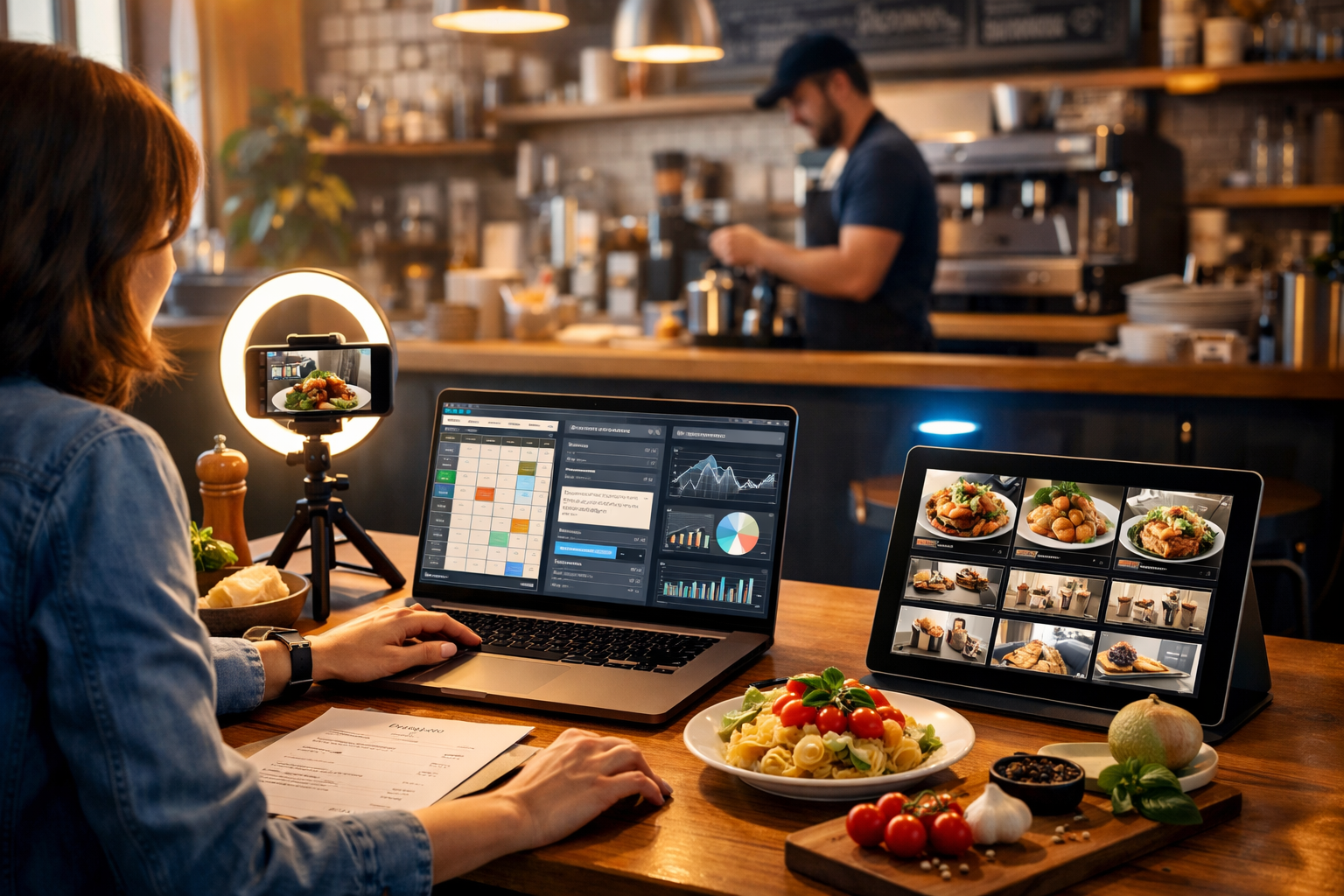
Restaurants win (or lose) attention in seconds on Instagram, TikTok and Google Business Profile. AI helps teams move faster: planning weekly content, turning one dish into multiple posts, generating on-brand visuals and reels, and learning what actually drives bookings. This guide explains how restaurants use AI for social media marketing, with practical workflows you can apply immediately using our AI content tools.
Why restaurants are using AI for social media marketing
Social platforms reward consistency, originality and relevance. But restaurant teams are busy, budgets are tight, and content demands keep rising: daily Stories, 3–5 weekly posts, reels, seasonal menus, events and reviews. AI doesn’t replace hospitality; it reduces the production bottleneck so you can show up more often with better creative.
- Turn “what should we post?” into a repeatable content system.
- Generate captions, hooks and calls-to-action tailored to each platform.
- Create social-ready images, posters, menu highlights and banners quickly.
- Produce short videos and voice-overs for reels and ads without a full studio setup.
- Test more variations to learn what drives reservations and walk-ins.
The core use cases: how restaurants use AI across social media
1) Content strategy and a realistic posting calendar
Most restaurants don’t fail because the food isn’t great—they fail because content is sporadic. AI helps you plan months of posts based on your menu cycles, peak trading days, local events and what your customers actually ask.
What to generate with AI: monthly themes (e.g., “Friday fish specials”), weekly pillars (behind-the-scenes, staff picks, customer favourites), and a daily schedule that matches your team capacity.
- Prompt idea: “Create a 4-week Instagram and TikTok content calendar for a neighbourhood Italian restaurant. Include 3 posts + 3 reels per week, plus Stories ideas, each tied to a menu item or experience.”
- Pro tip: Ask AI to create “batchable” concepts—content you can film in one session (kitchen prep, plating, staff intros) and drip-feed for weeks.
2) Caption writing that sounds human (not generic)
Captions are where restaurants convert attention into action: bookings, takeaway orders, and event enquiries. AI text generation can produce multiple caption options that match your brand voice—playful, premium, family-friendly, or late-night edgy—while including relevant hashtags and clear CTAs.
With our AI content tools, you can generate platform-specific versions: a short TikTok hook, a longer Instagram caption, and a Google Business Profile update from the same source details (dish, price, availability, booking link).
- Prompt idea: “Write 5 Instagram captions for a new brunch menu. Voice: warm, witty, local. Include one booking CTA and 8–12 UK-relevant hashtags.”
- Prompt idea: “Rewrite this caption in 3 tones: premium fine dining, casual neighbourhood, and family-friendly.”
Actionable check: Before publishing, edit the first line to make it specific (dish name, sensory detail, time limit). Replace vague phrases like “come try” with “Book for Saturday brunch” or “Order for collection by 7pm”.
3) Turning one menu item into a week of content
A common AI workflow is “one hero dish, many assets”. The goal is to stop reinventing content daily. Pick one dish (or cocktail) and generate multiple angles: ingredients, chef technique, customer reaction, pairing suggestion, and a limited-time offer.
- Monday: ingredient story (“local tomatoes, basil, burrata”).
- Wednesday: behind-the-scenes prep or plating reel.
- Friday: offer or event tie-in (“date night set menu”).
- Weekend: UGC repost prompt (“tag us to be featured”).
Prompt idea: “Create 12 post concepts from a single dish: spicy miso ramen. Include: hook, shot list, caption angle, CTA, and best platform.”
4) AI-generated images for promos, Stories and posters (without looking fake)
Restaurants often need “support visuals” more than perfect food photography: Story backgrounds, event posters, seasonal banners, specials boards, carousel graphics, and ad creatives. AI image generation can produce these quickly while keeping the brand consistent.
Where AI images shine: themed backgrounds (summer terrace vibe), ingredient close-ups, abstract textures, and lifestyle scenes that match your cuisine. For hero dish photos, your best results still come from real photography—then use AI to extend the campaign with matching supporting assets.
- Prompt idea: “Create a photorealistic background image for an autumn tasting menu promo: warm candlelight, rustic wood table, subtle bokeh, empty place setting ready for plating, 4:5 crop safe area.”
- Brand tip: Create a reusable prompt template that includes your colours, mood, camera style and lighting so every campaign looks like ‘you’.
5) Reels and short videos without a full production team
Short-form video is where reach is, but it’s also the most time-consuming. AI video generation helps you turn a script or storyboard into a social clip, while AI text generation speeds up hooks, shot lists and on-screen text planning. You can also repurpose the same idea into different aspect ratios and lengths.
A practical approach: film 10–20 seconds of real kitchen footage (sizzle, pour, plate), then use AI to create variations: different intros, pacing, and an end card style that matches the campaign.
- Prompt idea: “Write a 20-second Instagram reel script for a new smoky margarita. Include a 1-second hook, 3 quick shots, and a clear booking CTA.”
- Prompt idea: “Generate 5 alternative hooks for this reel aimed at locals within 5 miles.”
6) Voice-overs and narration for reels, menus and ads
Not every restaurant has a confident on-camera host. AI audio generation lets you add clean voice-overs for reels, explainers (“how our tasting menu works”), event promos, or paid social ads. It’s also useful for accessibility: narrated menu highlights or allergy-friendly reminders.
- Prompt idea: “Create a 15-second voice-over script for a Mother’s Day set menu. Tone: warm, inviting, premium. End with ‘Book now’.”
- Execution tip: Keep VO lines short and specific (dish names, dates, times). Pair with captions for silent viewing.
7) Social listening, FAQs and review-to-content repurposing
Your best content ideas are already in your reviews, DMs and comments: “Do you do gluten-free?”, “Is there parking?”, “What’s the best dish for first-timers?” AI can turn these into an FAQ series, carousel posts, and short reels that reduce friction and increase bookings.
- Prompt idea: “Turn these 20 customer questions into 10 Instagram carousel topics and 10 TikTok video ideas, each with a hook and CTA.”
- Trust builder: Use real review snippets (with permission) as inspiration, then keep the claim accurate—no exaggeration about ingredients or sourcing.
A practical AI workflow for restaurant social media (weekly)
Here’s a repeatable system that works for small teams. The idea is to batch planning and asset creation once per week, then schedule and refine daily.
- Collect inputs (20 minutes): this week’s specials, bookings availability, events, new supplier delivery, staff rota, and 10–15 raw photos/videos from service or prep.
- Plan (30 minutes): use AI to generate a 7-day plan: 3 posts, 2 reels, daily Stories, and one community post (poll, question sticker, or local collaboration).
- Create copy (30 minutes): generate captions in two tones (A/B test), plus a shorter version for TikTok and an update for Google Business Profile.
- Create supporting visuals (45 minutes): generate story backgrounds, event poster variations, and a carousel template look (consistent colour + lighting + props).
- Video packaging (45 minutes): generate a script, shot list, and optional voice-over; produce 1–2 versions with different hooks.
- Publish + respond (daily 15 minutes): reply to comments quickly, collect questions, and note which posts drive profile visits and bookings.
If you want all of this in one place—text, images, audio and video—view pricing from $10/month and keep your production consistent without adding extra tools.
Examples: AI prompt packs restaurants can reuse
Use these as templates. Replace bracketed fields with your details.
Prompt pack A: New menu launch (7 days)
- Strategy: “Create a 7-day social launch plan for [restaurant name], cuisine [type], location [city]. Goal: bookings for [date range]. Include 2 reels, 2 carousels, 3 Stories sequences.”
- Captions: “Write 6 Instagram captions for the new [menu name]. Include dish names: [list]. Tone: [premium/casual]. Include booking CTA and 10 hashtags.”
- Reels script: “Write a 25-second reel script: ‘What’s on our new menu’. Include hook, 5 shots, VO lines, and on-screen text suggestions.”
- Creative variations: “Give 10 hook options for locals who haven’t visited before. Avoid clichés.”
Prompt pack B: Quiet midweek rescue
- Offer design: “Suggest 5 profitable midweek offers for a [casual dining] restaurant with average spend £[x]. Consider margins and kitchen capacity.”
- Ad copy: “Write 3 paid-social ad variations promoting [offer]. Include headline, primary text, and CTA. Target: locals within 3 miles.”
- Story sequence: “Create a 5-frame Instagram Stories flow that drives bookings for Wednesday. Include poll sticker ideas and urgency.”
Prompt pack C: UGC and community building
- UGC prompt: “Write 10 customer-friendly prompts to encourage tagging us. Include one incentive that doesn’t discount (e.g., feature of the week).”
- Collab ideas: “List 15 local collaboration post ideas with gyms, cinemas, florists, breweries, and hotels in [area]. Include what each partner gains.”
Best practices: keep AI content authentic and on-brand
AI accelerates output, but restaurants thrive on trust. Use these safeguards so your marketing feels real.
- Use real details: exact dish names, allergens, opening times, dates, and availability. Don’t let AI invent ingredients or sourcing claims.
- Build a brand voice sheet: 5 adjectives, banned phrases, emoji policy, and examples of “how we sound”. Feed it into every prompt.
- Show people: staff intros, chef tips, supplier visits, and customer moments (with consent). Human footage + AI packaging is a strong mix.
- Keep consistency: choose 2–3 fonts/colours in your design system (even if you’re not adding text to AI images) and stick to one visual mood.
- Make accessibility standard: add captions, keep VO clear, and avoid tiny on-screen text in reels.
What to measure (and how AI helps you iterate)
If you measure the right signals, AI becomes a growth engine rather than a content machine. Track metrics that connect to revenue and retention.
- Reach & discovery: reel views, non-follower reach, profile visits.
- Intent: link clicks, “Get directions”, “Call” taps, booking button clicks.
- Conversion proxies: DMs about tables, comments asking for availability, saves/shares on menu posts.
- Content efficiency: assets created per hour, cost per creative, consistency (posts per week).
Iteration loop: each week, ask AI to analyse what you posted (topics, hooks, format, time) and propose the next week’s plan with 2–3 controlled tests—e.g., “face-to-camera vs hands-only plating” or “offer-led vs story-led captions”.
Common mistakes restaurants make with AI (and how to avoid them)
- Posting too generic: If your caption could fit any restaurant, it won’t convert. Add specifics: dish name, time, location cues, and a reason to come now.
- Over-polished visuals: Audiences trust “real” footage. Use AI for campaign support, not to fabricate dishes you don’t serve.
- Ignoring operations: Don’t promote an offer your kitchen can’t fulfil. Tie content to stock, prep and staffing.
- No CTA: Every post should have a next step: book, order, save, share, comment, vote, or DM.
- Not reusing assets: One photoshoot should power multiple posts. AI helps you repurpose quickly—use it.
How Gen AI Last supports restaurant social media end-to-end
Restaurants don’t need four separate subscriptions to keep up. Gen AI Last combines AI text, image, video and audio creation in one platform—so you can plan campaigns, generate captions, create social visuals, produce reels, and add voice-overs from a single workflow.
- AI Text Generation: captions, hooks, content calendars, ad copy, DM replies, and email campaigns.
- AI Image Generation: promo visuals, backgrounds, banners, and on-brand creative variations.
- AI Video Generation: social reels, promos, and explainer-style clips from scripts and concepts.
- AI Audio Generation: voice-overs and narration for reels and ads.
To test a full week of content in one go, start creating for free and then scale with view pricing from $10/month when you’re ready to publish consistently.
Quick-start checklist: implement AI social media in 60 minutes
- Pick one goal for the week: bookings, midweek covers, takeaway, or event tickets.
- Choose one hero item (dish/cocktail/event) and write down 10 real details (ingredients, price, time, location).
- Generate: 6 captions, 10 hooks, and a 7-day posting plan.
- Generate: 3 supporting images (Story background, event poster style, carousel background).
- Generate: 1 reel script + optional voice-over, then film 3–5 quick real shots on your phone.
- Schedule posts and set a daily 15-minute engagement window.
Final thoughts: AI is a speed advantage, not a shortcut
The best results come when AI amplifies what’s already true about your restaurant—your food, your people, your atmosphere and your community. Use AI to plan smarter, create faster, test more variations, and free up time for what matters: great service. With an end-to-end platform like Gen AI Last, even a small team can run professional social media marketing every week.
Ready to Create with Generative AI?
Join thousands of creators using Gen AI Last to generate text, images, audio, and video — all from one platform. Start your 7-day free trial today.
Start Free — Try 7 DaysQuick Links
Create AI content from $10/month
View Plans