How Restaurants Use AI for Social Media Marketing
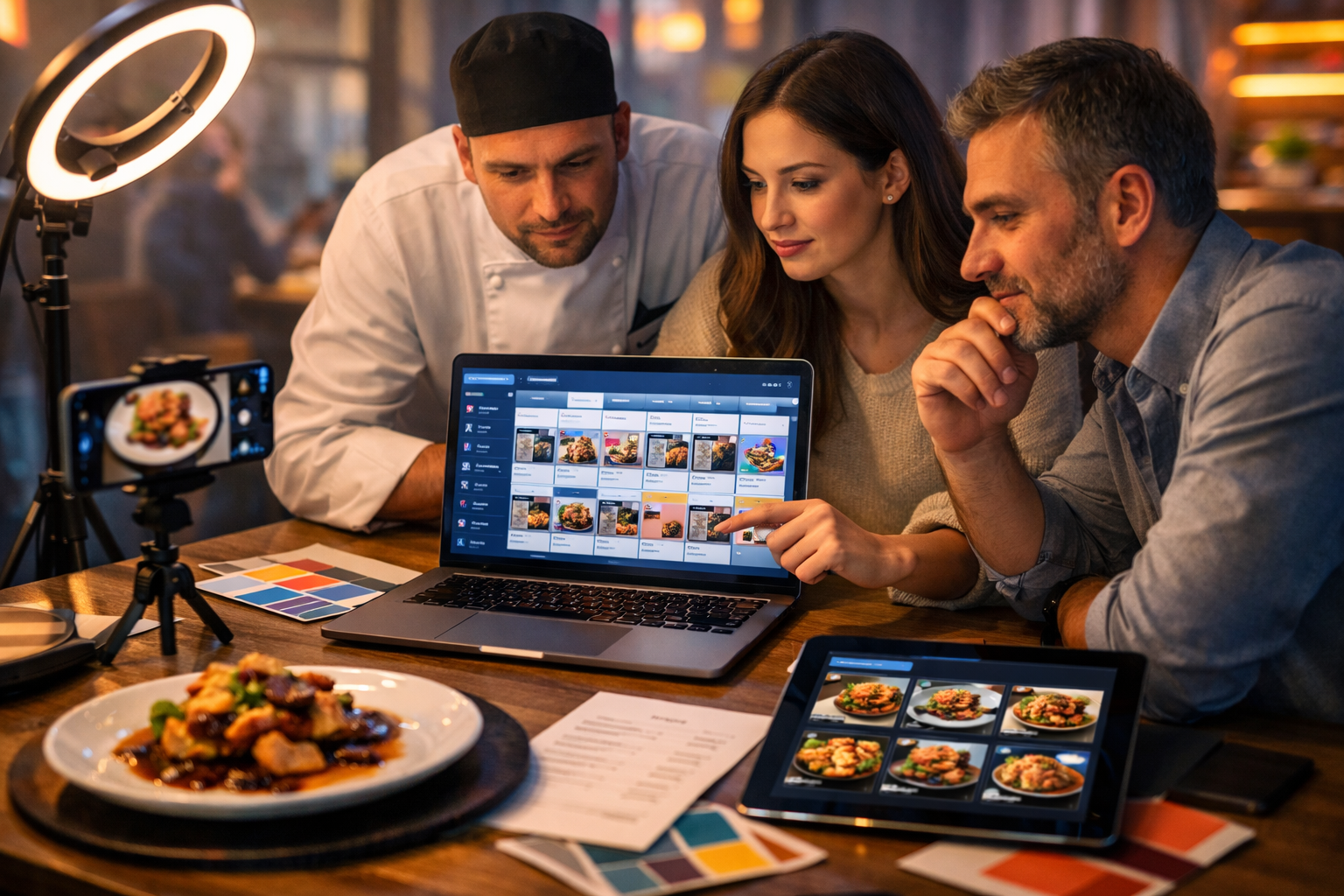
Restaurants win (or lose) attention in seconds on Instagram, TikTok and Facebook. AI helps teams create stronger posts faster: on-brand captions, mouth-watering visuals, short-form videos, smarter scheduling and clearer reporting—without needing a full agency. Below is a practical guide to how restaurants use AI for social media marketing, with examples, workflows and prompts you can copy today.
Why AI is now essential for restaurant social media
Restaurant marketing is high-frequency by nature: new dishes, daily specials, last-minute table availability, staff stories, events and seasonal menus. Social algorithms reward consistency, speed and relevance—yet most restaurants run content with limited time, limited budget and limited creative resources.
AI solves the most common bottlenecks by helping you:
- Generate fresh content ideas that match your concept, location and audience.
- Write captions, hooks and calls-to-action quickly (and in your brand voice).
- Create social graphics and campaign visuals when you don’t have new photos.
- Turn simple footage into reels, promos and explainers with voice-over.
- Repurpose one shoot into a week (or month) of content across platforms.
- Make data-driven improvements from performance insights.
An all-in-one platform such as our AI content tools lets a small team generate text, images, video and audio from a single brief—keeping the output consistent and reducing tool sprawl.
The core ways restaurants use AI for social media marketing
1) Idea generation for daily posting (without repeating yourself)
Many restaurant feeds go quiet because “we don’t know what to post”. AI helps by producing content pillars and dozens of post angles, tuned to your cuisine, service style and audience. The best results come from giving AI specific context: your location, your bestsellers, your opening hours, and what makes you different.
Example content pillars for a neighbourhood bistro:
- Dish spotlight (hero dish, seasonal special, dessert feature)
- Behind-the-scenes (prep, plating, staff favourites)
- Local community (suppliers, nearby events, collaborations)
- Social proof (reviews, UGC, guest reactions)
- Offers and urgency (limited seats, set menu, lunch deal)
Copy-and-paste prompt (ideas):
“You are a social media manager for a [type of restaurant] in [city]. Our brand voice is [3 adjectives]. Create 30 post ideas for Instagram and TikTok for the next 30 days. Include: the hook, what to film/shoot, caption angle, CTA, and best posting time. Prioritise content that drives bookings and walk-ins.”
2) Faster, better captions (that sound like your restaurant)
AI text generation is one of the quickest wins: captions, reel scripts, Stories text, comment replies and DMs. The key is to define your voice and constraints (UK spelling, no clichés, mention allergens, include booking link, etc.).
What great restaurant captions do:
- Start with a hook (sensory, curiosity, urgency, or benefit).
- Name the dish and what makes it special (ingredient, technique, story).
- Make the next step obvious (book, walk in, order, save, share).
- Add relevant hashtags and location cues without stuffing.
Example (for a weekend special):
Hook: “The crackle you can hear from across the pass.”
Body: “This weekend only: slow-roasted pork belly, apple-fennel slaw, cider jus, and crispy potatoes. Served from 12pm until it sells out.”
CTA: “Book now or walk in early—link in bio.”
With Gen AI Last, you can generate multiple caption options in seconds (short, punchy, story-led, luxury tone, family-friendly tone), then pick the one that fits your audience.
3) On-brand social graphics and campaign visuals
Not every post needs a professional shoot, but every post should look consistent. AI image generation helps create backgrounds, seasonal concepts, menu-feature graphics, event posters and story templates—especially useful when you’re promoting something time-sensitive and don’t have fresh photography.
High-value uses for restaurants:
- Story backgrounds for “Today’s special”, “Now pouring”, “Last tables”.
- Concept visuals for upcoming dishes (to tease a launch).
- Seasonal campaign art (Valentine’s, Ramadan, summer terrace, Christmas parties).
- Consistent carousel slides (ingredients, pairings, chef tips).
Important: Use AI images responsibly. Avoid presenting an AI image as an exact photograph of a dish you serve if it could mislead customers. A smart approach is to use AI visuals as backgrounds, mood shots, or conceptual art—and keep hero dish posts based on real photos/video.
4) Reels and TikToks: scripts, shot lists and edits
Short-form video is where many restaurants struggle most: “What do we film?” and “How do we edit fast enough?” AI supports the whole pipeline—concept, script, shot list, captions, voice-over and even turning a simple sequence into a structured promo.
Example reel formats that consistently work:
- The 7-second hero: close-up plating + one line hook + CTA.
- Day-in-the-kitchen: prep → service → final dish, fast cuts.
- Menu explainer: what it is, what it tastes like, who it’s for.
- Staff pick: “If you like X, order Y.”
- Limited availability: “Only 12 portions today.”
Gen AI Last’s video generation can help you transform a clear prompt into a short marketing video concept, and its audio generation can add voice-overs or background music that matches your vibe—particularly useful for promos, explainers and paid social.
5) Smarter scheduling and platform repurposing
One piece of content should not live only once. Restaurants use AI to repurpose across platforms and formats:
- Reel script → Story sequence → caption → email snippet → Google Business update.
- Chef interview → 30-second reel → quote graphic → blog post summary.
- New menu photos → carousel → “3 bestsellers” post → “pair it with” Story.
Time-saving prompt (repurpose):
“Repurpose this Instagram reel transcript into: (1) a 120-word Facebook post, (2) 5 Instagram Story frames (text only), (3) a 60-word Google Business post, and (4) a short email teaser. Keep the same voice and include a booking CTA.”
6) Social listening, review responses and community management
Response speed matters. AI helps restaurants draft polite, brand-aligned replies to comments and reviews, handle FAQs in DMs (opening hours, allergens, parking, large bookings), and maintain a consistent tone across staff members.
Best practice: use AI to draft, then have a human approve—especially for complaints, allergy questions, or refund requests. Keep it empathetic, specific and solution-focused.
Example prompt (review replies):
“Write 5 reply options to this review in a warm, professional tone. Include an apology, one specific detail, and an invitation to resolve it via email. Review: [paste].”
7) Paid social ads: testing more creatives, faster
Paid social works for restaurants when the creative is strong and the offer is clear (midweek set menu, brunch, happy hour, events, delivery). AI helps you generate multiple ad variations quickly so you can test:
- Different hooks (taste, value, convenience, occasion).
- Different audience angles (date night, families, office lunch, tourists).
- Different CTAs (book now, call, order online, get directions).
With a toolset that covers text, images and video in one place, you can build a small creative library and keep your ads fresh without raising costs. If you’re a small team, view pricing from $10/month to see how an all-access plan compares to hiring multiple specialists.
A simple AI workflow restaurants can follow each week
Here’s a practical, repeatable workflow that fits a busy service schedule.
- Monday (30–45 mins): Ask AI for a 7-day content plan based on bookings targets, events and specials.
- Tuesday (30 mins): Generate captions and hashtags for each post; create Story frames for daily reminders.
- Wednesday (45 mins): Film a 20-minute batch: 5 short clips (plating, pour, grill, ambience, staff hello).
- Thursday (30–60 mins): Turn clips into 2–3 reels; add AI voice-over if helpful; export platform variants.
- Friday (15 mins): Create urgency content: “last tables”, “walk-ins welcome”, “limited portions”.
- Daily (10 mins): Use AI to draft replies to comments/DMs; post a quick Story update.
If you want to implement this with minimal setup, you can use our AI content tools to generate scripts, captions, visuals, voice-overs and promo videos from the same campaign brief.
Ready-to-use prompts for restaurant social media
Copy, paste, then replace the brackets.
Prompt 1: 30-day calendar (bookings-focused)
“Create a 30-day social media calendar for [restaurant name], a [cuisine] restaurant in [area]. Goals: increase midweek bookings and promote [offer/event]. Platforms: Instagram + TikTok. For each day: post type (reel/carousel/story), hook, shot list, caption, CTA, and suggested posting time. Keep British English and our voice: [friendly/modern/cheeky/refined].”
Prompt 2: Reel script (15 seconds)
“Write a 15-second reel script to promote [dish/drink]. Include: 1 strong hook in the first 1 second, 5 quick shots, on-screen text suggestions, and a final CTA to book/order. Audience: [locals, office workers, students, families].”
Prompt 3: Caption variations (brand voice)
“Write 10 Instagram caption options for a photo of [dish] at [restaurant]. Constraints: max 120 words, include a sensory description, include location mention [area], end with a booking CTA, and avoid clichés. Provide 3 hashtag sets (local, foodie, niche cuisine).”
Prompt 4: Comment and DM replies
“Draft reply templates for these FAQs: vegan options, allergens, parking, dog-friendly, wheelchair access, large group booking, corkage. Tone: warm and concise. Add a line inviting the customer to DM for details.”
Prompt 5: Paid ad copy (A/B testing)
“Create 6 versions of primary text + 6 headlines for a Facebook/Instagram ad promoting [offer]. Make 3 versions focused on value and 3 focused on experience/occasion. Include one version for families and one for date night. Keep within typical ad length limits.”
What to measure: KPIs that matter for restaurants
Vanity metrics feel good, but restaurants need outcomes: bookings, walk-ins, orders and repeat visits. Track:
- Reach and saves: indicates discovery and intent (especially for menus and guides).
- Profile actions: calls, directions, website clicks, booking link clicks.
- DM volume and conversion: how many DMs turn into reservations.
- Reel completion rate: a strong signal for short-form performance.
- Offer redemption: track with a code word (“say ‘BRUNCH10’”).
Use AI to summarise weekly performance and propose changes (different hooks, different posting times, more behind-the-scenes, more UGC requests). The fastest improvement usually comes from better hooks, clearer CTAs and tighter video pacing.
Common mistakes to avoid when using AI for restaurant marketing
- Sounding generic: feed AI your actual menu, story and local context. Edit for personality.
- Overposting promotions: balance offers with craft, people and community.
- Misleading visuals: don’t present AI images as real dishes if they’re not accurate.
- Ignoring compliance: be careful with allergens, pricing, opening hours and alcohol promotion rules.
- No system: AI works best with a weekly workflow and reusable templates.
How Gen AI Last helps restaurants do it all in one place
Restaurants rarely need “more content”. They need the right content—on time—across multiple formats. Gen AI Last is built for that reality: generate social captions and campaign copy, produce scroll-stopping images for Stories and carousels, create short promo videos and reels concepts, and add voice-over or background audio for polished output. Because every plan includes full access to text, image, audio and video generation, it’s practical for independent restaurants, startups and small marketing teams.
If you want to test a full workflow quickly, start creating for free and build a week of posts from a single brief. When you’re ready to scale consistently, view pricing from $10/month.
Final checklist: implement AI this week
- Define 3–5 content pillars and your brand voice (write it down).
- Generate a 7-day plan with hooks + shot lists.
- Batch film 5–10 short clips during prep or pre-service.
- Create 2–3 reels and 3–4 supporting posts/carousels.
- Prepare reply templates for DMs and reviews.
- Track profile actions and booking link clicks weekly; iterate.
Used well, AI doesn’t replace your restaurant’s personality—it amplifies it. The winners are the teams that pair real hospitality with faster content production, sharper storytelling and consistent execution.
Ready to Create with Generative AI?
Join thousands of creators using Gen AI Last to generate text, images, audio, and video — all from one platform. Start your 7-day free trial today.
Start Free — Try 7 DaysQuick Links
Create AI content from $10/month
View Plans