How Restaurants Use AI for Social Media Marketing (Guide)
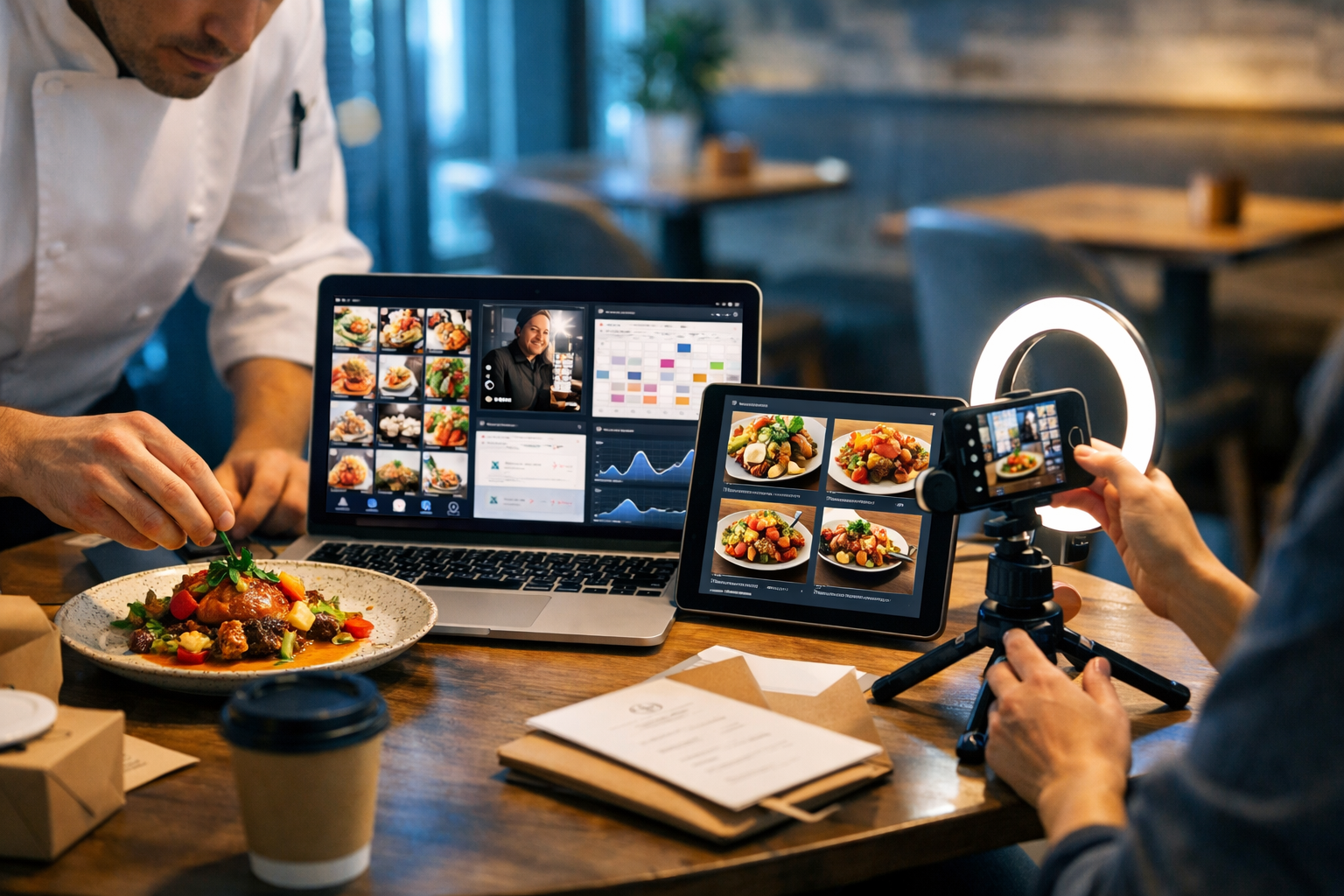
Restaurants are expected to post like media companies: daily stories, weekly reels, seasonal launches, and real-time replies—often with a tiny team and a tight budget. That’s where AI helps. When used well, AI doesn’t replace your brand voice or hospitality; it speeds up planning, creates on-brand content at scale, and improves decisions with data. This guide explains how restaurants use AI for social media marketing, with practical workflows and examples you can apply this week.
Why AI is changing restaurant social media
Social platforms reward consistency, speed, and relevance. Restaurants, however, deal with unpredictable factors: sold-out specials, weather swings, staff shortages, and last-minute events. AI bridges the gap by helping you:
- Generate content ideas fast (without staring at a blank page).
- Produce better captions and calls-to-action (CTAs) matched to each platform.
- Create visuals, reels, and voice-overs without a full production team.
- Respond quicker to comments and reviews while staying polite and on-brand.
- Spot what’s working using analytics and iterate with fewer guesses.
The best results come from combining AI with your real strengths: your food, your people, your story, and your local community.
How restaurants use AI for social media marketing: 10 high-impact use cases
1) Content planning and idea generation
Most restaurants don’t fail on social media because they lack good photos—they fail because they run out of ideas or time. AI can generate a month of content themes in minutes, tailored to your cuisine, location, and offers.
Example prompts you can use (then refine with your specifics):
- “Create a 30-day Instagram content plan for a neighbourhood Italian trattoria in Manchester. Include reels, stories, and static posts. Focus on lunch trade, midweek offers, and weekend bookings.”
- “Give me 20 TikTok video ideas for a vegan café. Make them low-effort and staff-friendly (15–30 seconds). Include hooks and captions.”
- “Suggest a content calendar for December: festive menus, gift cards, group bookings, New Year’s Eve, and quieter days.”
With our AI content tools, you can generate the plan, then immediately produce the copy, images, and short videos to match—without switching platforms.
2) Captions that sound like your restaurant (not like a robot)
A common fear is that AI makes posts generic. The fix is simple: train your prompts with a mini “brand voice” brief. Include your tone (warm, playful, premium), typical phrases, and what you never say.
Brand voice starter you can paste into your prompt:
- Tone: friendly, local, slightly cheeky, not cringey.
- Always include: booking prompt or walk-in info, dietary notes if relevant.
- Never include: “limited time only” unless true; exaggerated claims.
- Use British English spelling and natural punctuation.
Caption prompt example:
“Write 5 Instagram captions for a photo of our new ‘smoked haddock fishcakes’ starter. Mention it’s gluten-free on request. Include one caption with a question, one with humour, one short (under 90 characters). End with ‘Book via the link in bio’.”
AI also helps you create platform variants (Instagram vs TikTok vs Facebook) so you’re not copying and pasting the same wording everywhere.
3) Menu and offer promotion that doesn’t feel salesy
Restaurants need to sell—tables, delivery, events—without turning their feed into a billboard. AI can help balance promotional content with story-led posts: ingredients, suppliers, staff moments, behind-the-scenes prep, and customer favourites.
Practical approach: 70/20/10
- 70% value/entertainment (kitchen moments, tips, culture, community).
- 20% social proof (UGC, reviews, “what people are ordering”).
- 10% direct promotion (events, bookings, special menus).
Ask AI to convert an offer into three story angles: ingredient story, chef story, and customer story. That single promotion becomes a mini-campaign.
4) Image creation for specials, events, and “no-photo” moments
Not every restaurant has perfect photos of every dish, cocktail, or event—and sometimes you need a post quickly (sold-out special, weather-driven offer, last-minute cancellation). AI image generation can create on-brand social graphics or stylised food visuals when you don’t have a shoot ready.
Smart uses include:
- Event announcement graphics (wine tasting, live music, chef’s table).
- Seasonal “mood” visuals (autumn comfort food theme, summer terrace vibe).
- Ingredient-led artwork (e.g., citrus and herbs for a new cocktail menu).
- Backgrounds and templates for stories, with your real photos layered on top.
Tip: be transparent where needed. If you’re using AI-generated images to represent a dish, avoid implying it’s a literal photo of the exact plated meal. Use it for promotional graphics, concepts, and themed visuals—then pair with real photography whenever possible.
5) Video and reels at scale (without complex editing)
Short-form video is the fastest route to reach for many restaurants, but editing takes time. AI video tools can help you turn simple clips into polished reels: auto-suggested captions, structure, and pacing; quick variations for different platforms; and storyboards that guide your filming.
Low-effort reel formats that AI can script instantly:
- “Dish build” (3–6 clips: prep → sizzle → plate → close-up → guest reaction).
- “Today’s special” (chef introduces in 10 seconds + price + booking CTA).
- “Behind the bar” (cocktail build with ingredient text overlays).
- “Staff picks” (each person names their favourite dish in one line).
With Gen AI Last, you can generate the script (text), the supporting graphics (images), and the reel-style video assets in one workflow—ideal for small teams who can’t justify multiple subscriptions. If you want to explore options, view pricing from $10/month.
6) AI audio for voice-overs, narration, and on-brand sound
Voice can make restaurant content feel more personal—especially for chef-led stories, ingredient explainers, and event promos. But recording in a busy kitchen isn’t always practical. AI audio tools can create clean voice-overs from a script, plus background music for reels where appropriate.
Useful voice-over scripts include:
- “What’s in this dish?” (30 seconds: origin, key flavours, dietary notes).
- “Meet the supplier” (local butcher, fishmonger, farm—build trust).
- “How to book” (clear instructions reduce drop-offs and DMs).
Pro tip: keep the voice-over natural and short. Let the food do the talking—audio should guide, not dominate.
7) Faster community management (comments, DMs, and review responses)
Social media marketing is also customer service. AI can draft replies to common questions (“Do you cater for coeliac?”, “Is there parking?”, “Can we bring a dog?”) and help you respond to reviews quickly and consistently.
Best practice: use AI to draft, then add human judgement for sensitive cases. Never post an AI-generated apology or conflict response without checking details first.
- Create a “response library” for FAQs and pin the most common answers.
- Set tone rules: always thank, acknowledge, explain next step, invite offline follow-up if needed.
- For negative reviews: confirm facts, avoid defensiveness, propose a remedy.
8) Personalisation by audience segment (locals, tourists, families, corporate)
A family-friendly brunch spot and a date-night wine bar might be the same venue at different times of day. AI helps you tailor messaging by segment without rewriting from scratch.
Simple segmentation ideas:
- Locals: weekly specials, community events, loyalty perks.
- Tourists: signature dishes, “near X landmark”, booking and opening times.
- Families: kids’ menu, buggy access, quieter times, sharing plates.
- Corporate: lunch efficiency, pre-order options, private dining.
Ask AI to produce three versions of the same post with different hooks and CTAs, then publish the most relevant variant when each audience is online.
9) Social listening and trend adaptation (without chasing every fad)
Restaurants feel pressure to jump on trends—often too late, or in ways that don’t fit the brand. AI can help you adapt trends to your concept by generating “trend translations”: how a format could work for your menu and audience.
Trend safety checklist:
- Does it suit your brand personality?
- Can staff film it safely and quickly?
- Does it highlight something you actually sell (dish, experience, story)?
- Will it still make sense in two weeks?
Use AI to generate three angles for a trend: one educational, one entertaining, one promotional—then pick the best fit.
10) Performance optimisation: analysing what works and repeating it
AI can help you make sense of performance data: which posts drive bookings, which reels generate saves, and which stories get replies. The goal is not vanity metrics—it’s turning attention into covers, delivery orders, and repeat customers.
Metrics that matter for restaurants:
- Reach and profile visits (top-of-funnel discovery).
- Saves and shares (intent signals: “I want to go here”).
- DMs and link clicks (booking and enquiry behaviour).
- Comments quality (questions about menu, opening hours, group size).
Each month, ask AI to summarise your winners and turn them into a repeatable template: hook style, clip order, caption length, posting time, and CTA.
A simple AI-powered workflow (weekly) for a busy restaurant
You don’t need a complex system. Here’s a realistic weekly workflow that many independent restaurants can manage.
- Monday (30 minutes): Generate 10 post ideas based on bookings, weather, and stock. Pick 5.
- Tuesday (45 minutes): Draft captions + hashtags + story text. Create two variants per post.
- Wednesday (45 minutes): Film 10–15 short clips (kitchen, plating, bar, ambience). No perfection.
- Thursday (60 minutes): Create 2 reels from your clips. Add AI voice-over if needed.
- Friday–Sunday (10 minutes/day): Reply to comments/DMs using AI drafts; post stories in real time (sold out, walk-ins, atmosphere).
Because Gen AI Last includes text, image, video, and audio creation in one place, you can run this entire workflow using a single toolset. If you haven’t tried it yet, start creating for free and build your first week of posts.
Concrete examples: prompts and outputs you can copy
Example 1: Launching a new brunch menu
Prompt (text): “Create a 7-day Instagram campaign for a new brunch menu. Audience: locals aged 25–45. Include 2 reels, 2 carousels, and 3 stories. Keep tone friendly and confident. Add clear booking CTA and mention walk-ins before 11:00.”
What to publish:
- Reel: “Brunch in 15 seconds” with 5 quick clips and a voice-over.
- Carousel: “3 new plates + what to order if you like…” (sweet/savoury/healthy).
- Stories: poll (“Team waffles or eggs?”), behind-the-scenes, and booking reminder.
Example 2: Promoting a quiet Tuesday without discounting
Prompt (text): “Write 6 post options to drive bookings for Tuesday evening. No discounts. Highlight atmosphere, service, and a signature dish. Include one post aimed at couples and one aimed at friends catching up.”
Creative angles: candlelit tables, “chef’s favourite” dish, “perfect midweek catch-up”, limited bar seats, or “rainy-night comfort” theme with warm visuals.
Example 3: Handling FAQs in DMs
Prompt (text): “Create polite DM replies for: (1) gluten-free options, (2) allergies and cross-contamination policy, (3) dog-friendly policy, (4) parking, (5) large group bookings. Keep each reply under 450 characters. British English.”
Save the best replies as templates and have staff personalise with a name and date-specific details.
Best practices and pitfalls (what to get right)
Keep humans in the loop
AI can write quickly, but it doesn’t know tonight’s stock levels or whether the terrace is closed due to wind. Ensure someone checks facts before posting: prices, dates, opening hours, allergens, and booking links.
Protect brand trust with honest visuals
Use AI images to support marketing (seasonal graphics, story backgrounds, conceptual visuals) rather than misrepresenting dishes. Trust is hard to win and easy to lose—especially in hospitality.
Avoid the “samey” trap
If every caption looks identical, your audience tunes out. Rotate formats: short captions, longer storytelling, Q&As, staff features, customer shout-outs, and ingredient sourcing. Ask AI for five distinct “voice modes” within your brand guidelines.
Stay compliant and respectful
Be cautious with customer photos, staff filming, and music rights. If you’re using AI audio or video, stick to assets you have the right to use. Also be mindful of data privacy when pasting customer messages into tools—remove names and personal details.
Frequently asked questions
Does AI replace a social media manager for restaurants?
AI reduces workload and speeds up production, but it doesn’t replace local knowledge, hospitality tone, and real-time decision-making. Many restaurants use AI to support an owner, manager, or part-time marketer—so they can post consistently without hiring full-time.
Which platforms benefit most from AI content?
Instagram and TikTok benefit heavily because they reward frequent short-form content. Facebook is still valuable for local discovery, events, and community groups. Google Business Profile content also matters, even though it’s not a traditional social platform.
What’s the quickest AI win for a small restaurant?
Start with a 30-day content plan and caption templates for your top 10 dishes, plus a DM FAQ library. That alone removes most day-to-day friction and makes posting feel manageable.
Getting started: your first 60 minutes
If you want to put this into action today, here’s a one-hour sprint:
- List your top 5 money-makers (best-selling dishes or experiences).
- Generate 15 post ideas around them (education, behind-the-scenes, social proof, promotion).
- Create captions for 5 posts (platform-specific variants).
- Generate 2 on-brand story backgrounds (AI image) for upcoming announcements.
- Write a 20-second voice-over for one reel and produce the audio.
You can do all of the above using our AI content tools—and because every plan includes full access to text, image, audio, and video generation, it’s realistic even for independents and small teams.
Conclusion: AI helps restaurants show up consistently—and win locally
The real power of AI in restaurant marketing isn’t gimmicks—it’s consistency, speed, and smarter iteration. When you combine genuine hospitality with AI-assisted planning, captions, visuals, reels, and quick replies, you free up time for what actually grows a restaurant: great food and great service. If you’re ready to build a week of content in one sitting, start creating for free and turn your next special into a full social campaign.
Ready to Create with Generative AI?
Join thousands of creators using Gen AI Last to generate text, images, audio, and video — all from one platform. Start your 7-day free trial today.
Start Free — Try 7 DaysQuick Links
Create AI content from $10/month
View Plans