How Restaurants Use AI for Social Media Marketing in 2026
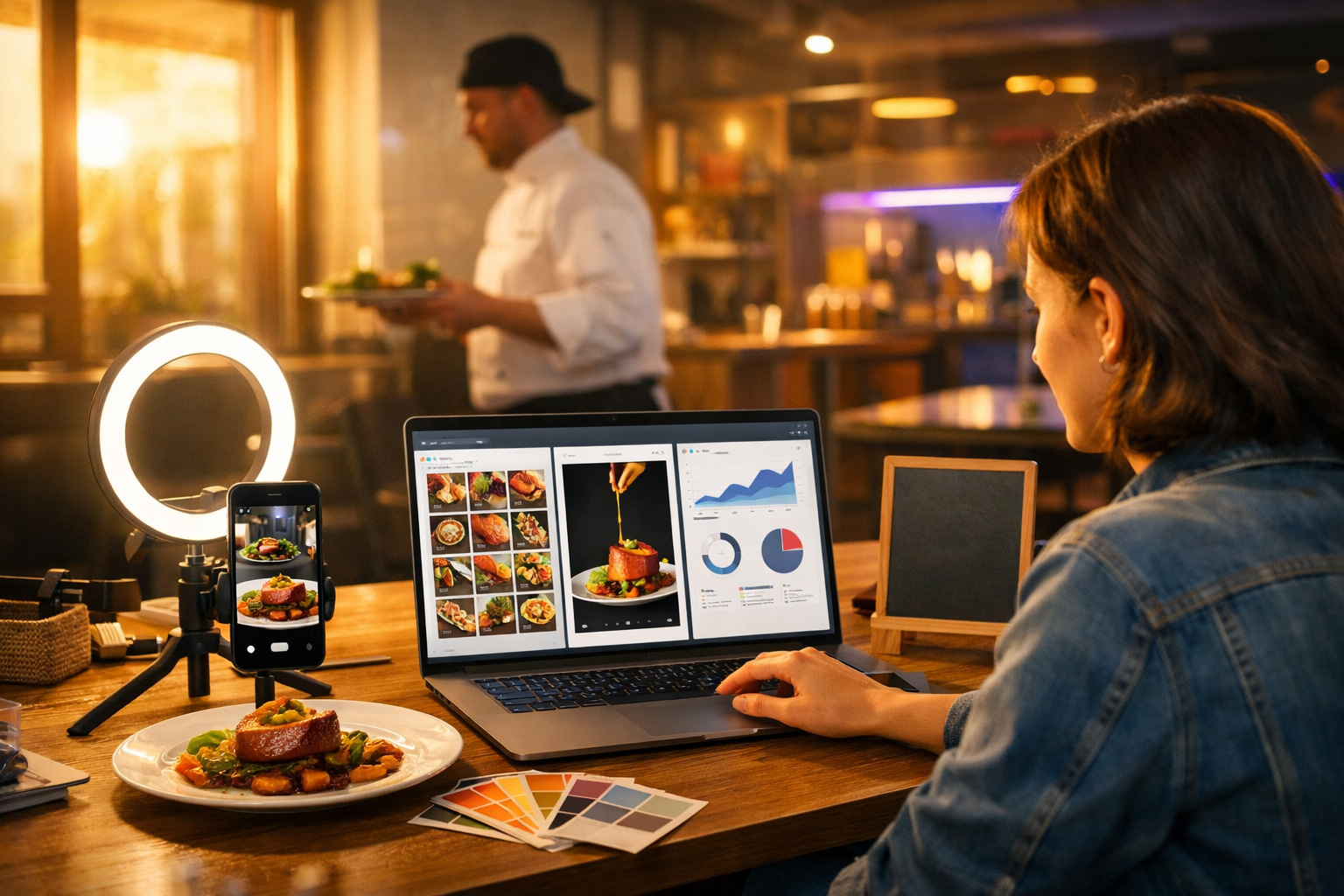
Restaurants don’t lose customers because the food isn’t good—they lose attention because they can’t post consistently, creatively, and fast enough. That’s exactly where AI helps: turning a simple idea (today’s special, a behind-the-scenes moment, a new cocktail) into scroll-stopping captions, images, reels, and even voice-overs in minutes. In this guide, you’ll learn how restaurants use AI for social media marketing—plus a practical workflow and prompts you can copy using our AI content tools.
Why AI is changing restaurant social media
Social media is now a discovery engine. People search Instagram and TikTok the way they used to search Google: “best brunch near me”, “date night pasta”, “sushi happy hour”. AI doesn’t replace your restaurant’s personality—it helps you express it more often, in more formats, with less effort.
The biggest wins typically come from four areas:
- Consistency: posting 4–7 times a week without burning out.
- Speed: turning daily changes (sold-out items, weather, events) into timely posts.
- Creativity at scale: fresh hooks, angles, and series ideas instead of repeating the same “come try our…” copy.
- Performance: refining content based on what your audience actually engages with.
How restaurants use AI for social media marketing (10 practical use cases)
1) Generate weekly content plans around real revenue drivers
The most effective restaurant feeds aren’t random—they’re structured around bookings and footfall: weekday quiet periods, weekend rush, seasonal menus, and events. AI helps you turn those business goals into a weekly plan with post themes, formats, and calls to action.
Example: A neighbourhood bistro wants to boost Tuesday covers. AI can generate a “Tuesday Date Night” series: one reel, one carousel, one story set, and one last-minute reminder post.
- Prompt idea: “Create a 7-day Instagram plan for a 40-seat Italian restaurant in Manchester. Goal: increase weekday bookings. Include 3 reels, 2 carousels, 2 story ideas, with hooks and CTAs. Brand voice: warm, witty, local.”
2) Write captions that match your brand voice (and actually get saved)
Captions still matter: they provide context, keywords for social search, and reasons to take action (book, call, order). Restaurants use AI text generation to produce multiple caption options with different tones—then they pick the one that sounds most like them.
A practical approach is to maintain a simple “voice sheet”:
- Words you use (and don’t use)
- Typical sentence length
- Humour level (dry / playful / none)
- Emoji policy
With Gen AI Last, you can generate short, medium, and long caption variants for the same post—ideal for A/B testing and repurposing across platforms. If you want to keep costs sensible, view pricing from $10/month for full access to text, image, audio, and video generation.
3) Create high-quality social visuals when you don’t have a photographer
Not every restaurant can run weekly shoots. AI image generation helps fill gaps: promo graphics, hero visuals for seasonal campaigns, backgrounds for menu announcements, and stylised dish scenes when the kitchen is too busy to stage photos.
Where AI visuals work best: campaign banners, story backgrounds, event posters (without text embedded), mood boards, and “concept” images for upcoming menu launches.
- New season teaser: “Something fresh is landing next week…”
- Theme nights: taco Tuesday, steak night, jazz brunch
- Gift cards and holiday promotions
Tip: Keep your feed coherent by using the same lighting style and props in your prompts (e.g., warm tungsten, marble table, linen napkins, shallow depth of field).
4) Turn one dish into 15 pieces of content
Restaurants often under-use their best assets. AI helps you generate multiple angles around one dish, which is perfect for consistency without feeling repetitive.
Example angles for the same burger:
- Origin story: why you created it
- Ingredient spotlight: local beef supplier
- Behind the scenes: grill sizzle
- Customer reaction: “first bite” trend
- Pairing: best beers/cocktails with it
- FAQ: gluten-free bun option, spice level, add-ons
5) Script and produce short-form video (Reels/TikTok) faster
Short-form video is where restaurants can win big—if they can keep up with output. AI helps with hooks, shot lists, on-screen text suggestions, and full scripts for voice-over style videos. With Gen AI Last, you can also generate marketing videos and variations for different aspect ratios and pacing.
A simple repeatable format: 6–10 seconds, 5 quick shots, one clear CTA.
- Shot 1: exterior sign / door open
- Shot 2: dish close-up
- Shot 3: pour/sizzle/cut
- Shot 4: chef plating
- Shot 5: guest reaction
Prompt idea: “Write 5 TikTok hooks and a 10-second shot list for a tapas bar promoting a new set menu. Make it energetic and local to Leeds. End with a booking CTA.”
6) Add voice-overs and narration for accessibility (and higher watch time)
Voice-over videos often outperform silent clips because they keep attention and explain what’s happening quickly. AI audio generation lets you create clear narration in a consistent voice—ideal for menu walk-throughs, chef tips, and event announcements.
Examples restaurants use:
- “3 things to order if you love spicy food”
- “What £25 gets you on our lunch set”
- “Behind the bar: how we make our signature sour”
7) Localise content for neighbourhoods, tourists, and events
A strong local angle helps social algorithms understand who to show your content to. AI can produce multiple versions of the same post tailored to different audiences: locals (convenience, community), tourists (signature dishes, “must-try”), and event-goers (pre-theatre, match-day offers).
- Local variant: “5 minutes from the station—perfect for a midweek catch-up.”
- Tourist variant: “If you’re in town for one night, start with our…”
- Event variant: “Pre-show dinner in 60 minutes—here’s what to order.”
8) Reply to comments and DMs quickly (without sounding robotic)
Slow replies lose bookings. Restaurants use AI to draft responses to common questions (opening times, allergens, large group bookings, parking), while keeping the tone human. The key is to treat AI as a drafting assistant: staff should approve and personalise when needed.
Common quick-reply templates to generate:
- “Do you have vegan options?”
- “Is it walk-ins or bookings only?”
- “Can you do a birthday cake?”
- “Are dogs allowed?”
9) Improve social SEO with keywords people actually search
People search within social platforms using natural phrases: “best ramen”, “bottomless brunch”, “gluten-free pizza”, “kids eat free”. AI can help identify and weave these phrases into captions, alt text, and on-screen text ideas—without keyword stuffing.
Practical method: list 10 “high-intent” searches relevant to your menu and location, then rotate them through posts each week. Keep it honest: only claim what you can deliver.
10) Repurpose across Instagram, TikTok, Facebook, and Google Business Profile
Most restaurants create once and post once, but the best results come from repurposing. AI makes this painless: take a reel script and generate a shorter TikTok caption, a Facebook event post, and a Google Business Profile update.
- One video → 3 hooks + 2 caption lengths + 5 story frames
- One photoshoot → 2 carousels + 6 single-image posts + 10 stories
- One event → teaser + reminder + last-chance + recap
A simple AI workflow restaurants can follow (repeat weekly)
You don’t need an agency process to get agency-like consistency. Here’s a lightweight weekly workflow used by many small teams.
- Collect inputs (15 minutes): this week’s specials, table availability, events, and 10–15 raw photos/videos from a phone.
- Generate a plan (15 minutes): ask AI for a 7-day schedule with formats, hooks, and CTAs.
- Create assets (60–90 minutes): captions + hashtags + story frames; generate missing visuals; draft 2–3 reel scripts.
- Produce short videos (60 minutes): film quick clips during service prep; assemble and export variations.
- Publish and engage (daily 10 minutes): respond to comments/DMs using AI-drafted replies.
- Review (15 minutes weekly): note top posts, saves, shares, and bookings attributed to socials; feed learnings back into next week’s prompts.
If you want everything in one place (text, images, video, and audio), you can build this workflow inside our AI content tools and keep your output consistent without adding headcount.
Copy-and-paste AI prompts for restaurant social media
Use these prompts as templates. Replace the bracketed sections with your details.
Prompt 1: Weekly plan
Prompt: “You are a restaurant social media strategist. Create a 7-day content plan for [restaurant name] in [city]. Cuisine: [type]. Target: [locals/tourists/families]. Goal: [bookings/footfall/delivery]. Include 3 reels, 2 carousels, 2 story sequences. For each: hook, caption outline, CTA, and recommended posting time.”
Prompt 2: Reel script + shot list
Prompt: “Write a 12-second Instagram Reel script promoting [dish/drink]. Include a punchy hook, shot-by-shot list (6 shots max), on-screen text suggestions, and a final CTA to book via link in bio. Brand voice: [warm/funny/upmarket]. Avoid clichés.”
Prompt 3: Carousel structure
Prompt: “Create a 7-slide carousel for [restaurant] titled (no text on images) about ‘What to order for your first visit’. Provide slide-by-slide image ideas, short caption copy, and 10 relevant keywords for social search in [city].”
Prompt 4: Comment/DM replies
Prompt: “Draft friendly, concise replies for these customer messages, keeping our tone [describe tone]. Include a question back where helpful. Messages: [paste messages].”
Best practices (so AI content doesn’t feel generic)
AI makes content faster, but the restaurants that win still anchor everything in real-world proof. Use AI to amplify what’s true about you.
- Feed it specifics: ingredients, supplier stories, chef quotes, neighbourhood references, and price points.
- Show real people: the chef’s hands, the bartender’s pour, the team briefing, the first table of the night.
- Use series: repeat formats weekly (e.g., “Chef’s tip Friday”, “New dish drop”, “30-second lunch tour”).
- Keep compliance tight: be accurate about allergens, offers, and availability.
- Don’t over-edit: casual authenticity often beats polished ads for restaurants.
What to measure: KPIs that link to bookings, not just likes
Vanity metrics can feel good but don’t always pay rent. Track numbers that indicate intent.
- Saves and shares: signals content people want to come back to (often correlates with visits).
- Profile actions: website clicks, call taps, directions taps.
- DM volume: enquiries about bookings, menu, and events.
- Reel retention: completion rate and re-watches.
- Offer redemptions: trackable codes for specific posts.
Use your best-performing post as a template: ask AI to create 10 variations with new hooks but the same structure.
Common mistakes restaurants make with AI (and how to avoid them)
- Posting AI content without checking facts: always verify prices, hours, allergens, and dates.
- Overusing generic buzzwords: replace “mouth-watering” with sensory specifics (smoky, citrusy, crispy, slow-cooked).
- Ignoring brand consistency: lock in tone and visual style; reuse prompt elements.
- Only selling: mix promotion with education and entertainment (recipes, tips, stories).
- Not repurposing: the easiest growth comes from stretching one idea across formats.
Putting it into action with Gen AI Last
If you’re building restaurant content with limited time and staff, an all-in-one tool matters. Gen AI Last lets you generate:
- Text: captions, hooks, hashtags, content calendars, DM replies, email promos
- Images: campaign visuals, social graphics, concept shots for upcoming launches
- Video: reels, promos, explainer-style clips, variations for different platforms
- Audio: voice-overs, narration, background music for short-form videos
You can try it quickly and build your first weekly plan and batch of posts in one sitting—start creating for free, then scale up whenever you’re ready.
FAQ: how restaurants use AI for social media marketing
Is AI social media marketing suitable for independent restaurants?
Yes. Independent restaurants benefit most because AI reduces the time and cost of content creation, while still letting you keep your unique voice and local identity.
Will AI-generated posts feel inauthentic?
They can if you use generic prompts. The fix is simple: add real details (ingredients, staff names, neighbourhood references) and combine AI copy with real photos and clips from your kitchen and dining room.
What should a restaurant create first with AI?
Start with a 7-day plan, then produce two reels (signature dish + behind the scenes), one carousel (“what to order”), and a set of story frames for this week’s availability or specials.
How often should restaurants post on social media?
A realistic target is 4–7 posts per week plus stories most days. AI helps you maintain that pace by batching captions, scripts, and visuals in advance.
Conclusion
The most successful examples of how restaurants use AI for social media marketing are simple: plan around bookings, create repeatable video formats, repurpose across platforms, and keep the content grounded in real people and real food. With an all-in-one platform like Gen AI Last, you can go from idea to caption, visuals, reels, and voice-over without juggling multiple tools—and start showing up consistently where your next customers are already scrolling.
Ready to Create with Generative AI?
Join thousands of creators using Gen AI Last to generate text, images, audio, and video — all from one platform. Start your 7-day free trial today.
Start Free — Try 7 DaysQuick Links
Create AI content from $10/month
View Plans