How to Create a Podcast Using AI: Complete Guide
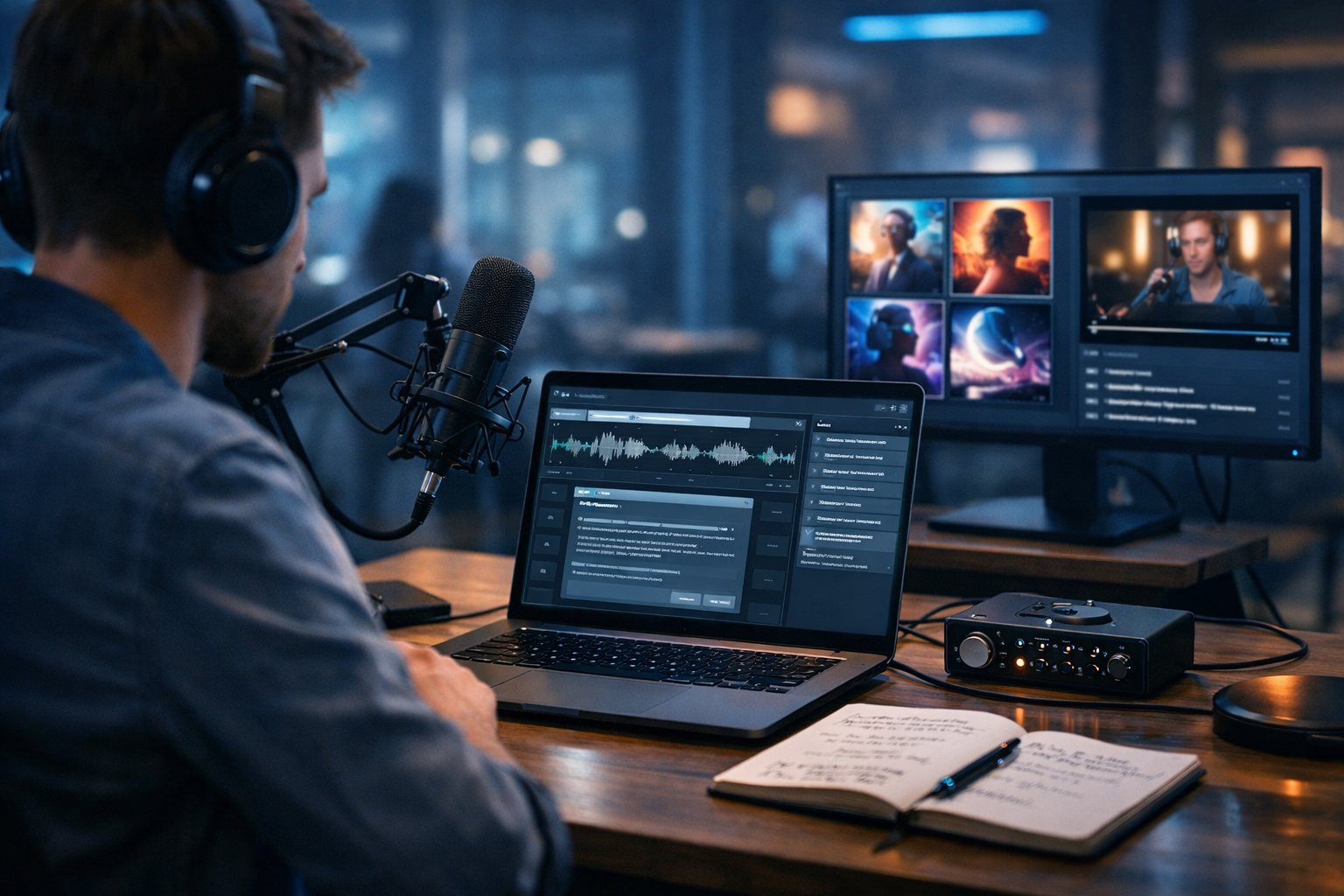
Podcasting used to mean expensive equipment, long editing sessions and weeks of prep. Today, AI lets you go from an idea to a publish-ready episode in hours—without sacrificing quality. This complete guide shows how to create a podcast using AI, step by step, using Gen AI Last to generate scripts, voices, audio assets, visuals and promo content from simple prompts.
Why use AI to create a podcast?
AI doesn’t replace your point of view—it removes the slow, repetitive parts of production. Used well, it helps you launch faster, stay consistent and keep your episodes polished.
- Speed up research, outlining and scripting.
- Generate high-quality voice-overs when you can’t record.
- Create background music, intros and outros without licensing headaches.
- Produce cover art and social visuals in minutes.
- Repurpose each episode into blogs, emails and short-form social copy.
Gen AI Last is designed for this end-to-end workflow: text, image, audio and video generation in one place. Explore our AI content tools and build a complete podcast pipeline with one subscription.
Step 1: Define your podcast concept (AI-assisted, but human-led)
Before you generate anything, get clear on what you’re making and who it’s for. AI can suggest angles and validate assumptions, but you must choose a focused concept.
Decide your niche and audience
- Audience: Who is this for (job role, interests, pain points)?
- Promise: What will listeners learn or feel after each episode?
- Differentiator: Why you (experience, access, point of view)?
Prompt you can use in Gen AI Last (AI Text Generation): “Act as a podcast strategist. Suggest 10 podcast concepts for [niche] aimed at [audience]. For each, include unique angle, sample episode titles and a one-sentence value proposition.”
Pick a sustainable episode format
Choose a format you can produce consistently:
- Solo: fastest to produce; best for teaching and commentary.
- Interview: great for credibility; requires scheduling and prep.
- Co-hosted: lively and easier to brainstorm; needs alignment.
- Narrative: immersive but editing-heavy; AI can help with scripts and voice.
Step 2: Build a season plan and episode outline with AI
Consistency is what grows a podcast. Use AI to create a season roadmap so you’re not reinventing the wheel every week.
Create a 10–12 episode content map
Practical approach: Start with 3 “pillar” themes, then expand each theme into 3–4 episodes.
Prompt: “Create a 12-episode season plan for a podcast about [topic]. Use three pillars: [pillar 1], [pillar 2], [pillar 3]. For each episode provide title, key points, example story, and a clear call-to-action.”
Outline each episode like a producer
A simple, repeatable outline improves delivery and reduces editing time:
- Hook (15–30 seconds)
- Intro + what you’ll learn (30–60 seconds)
- Core segments (3–5 points)
- Example / case study
- Summary + next step
- Outro (subscribe, website, offer)
Step 3: Write your podcast script with AI (and keep it natural)
AI-written scripts can sound stiff if you treat them as final. Use AI to draft, then edit for your voice—short sentences, contractions, and clear pauses.
Script styles you can generate
- Word-for-word (best for narration and beginners)
- Bullet-point talk track (best for a conversational tone)
- Interview pack (questions, follow-ups, transitions)
Prompt (solo episode): “Write a 10-minute podcast script about [topic] for [audience]. Tone: friendly expert, British English. Include: hook, 3 key sections with examples, a short recap, and a CTA to [offer]. Add stage directions for pauses and emphasis.”
Prompt (interview): “Create an interview guide for a guest who is a [role]. Give 12 primary questions, 2 follow-ups each, plus intro/outro scripts and 5 transition lines to keep pacing tight.”
If you want to turn each episode into written content later, keep your script structured—AI can easily repurpose it into an article, newsletter, and social posts using Gen AI Last’s text tools.
Step 4: Create your podcast voice and audio assets using AI
You have two main production paths: record your own voice, or generate voice-overs with AI. Many creators blend both—human host plus AI for ads, quotes, and multilingual versions.
Option A: Generate an AI voice-over
With Gen AI Last’s AI Audio Generation, you can turn a script into a clean narration quickly—ideal for explainer podcasts, daily news formats, or founders who don’t want to record.
- Choose a voice that matches your brand (warm, authoritative, energetic).
- Add pronunciation notes for names, acronyms and locations.
- Insert natural pauses and segment breaks for easier editing.
Tip: Generate a 20–30 second test read first. Adjust pacing and tone, then render the full episode.
Option B: Record yourself and use AI to enhance production
If you record your own voice, AI still helps: it can produce intros, outros, sponsor reads, and backup takes. You can also generate a second voice for characters or quotes in narrative episodes (where ethically appropriate).
Add intro/outro music and background beds
A consistent sonic identity makes your show feel professional. Use AI-generated background music to create:
- Intro theme (8–12 seconds)
- Outro theme (10–20 seconds)
- Low-volume background bed for transitions
Practical safeguard: Keep background music subtle (around -25 to -20 LUFS under speech) and avoid busy melodies that compete with vocals.
Step 5: Edit and master your episode (a repeatable checklist)
AI reduces editing time, but you still need a quality standard. Aim for clarity, consistent loudness, and a structure that respects the listener’s time.
A simple editing workflow
- Assemble: place narration/recording in order.
- Clean up: remove long pauses, repeated lines, obvious mistakes.
- Sound design: add intro/outro, stings, background bed where needed.
- Level and master: consistent volume, no clipping, clear vocal tone.
- Export: typically MP3 (128–192 kbps) or WAV if your host prefers.
Quality targets (rule of thumb): clear speech, minimal room echo, consistent loudness across episodes, and no harsh sibilance. If you’re using AI voice, pay attention to unnatural emphasis—fix by adjusting punctuation and adding stage directions in your script.
Step 6: Create podcast cover art and brand visuals with AI
Your cover art is your podcast’s billboard. AI image generation helps you explore styles quickly—minimalist, photographic, illustrative—without hiring a designer upfront.
With Gen AI Last’s AI Image Generation you can generate multiple concepts and iterate based on what looks strongest at thumbnail size.
- Use a high-contrast focal point (face, icon, or bold shape).
- Stick to 2–3 brand colours.
- Keep composition simple (most listens happen on mobile).
Note: Many podcast platforms require specific dimensions (often square). Generate a 16:9 concept for promos too, then adapt variants for cover requirements.
Step 7: Publish your podcast (hosting, RSS, and metadata)
AI can’t replace podcast hosting, but it can dramatically improve your titles, descriptions and show notes—what actually helps discovery.
Choose a hosting platform
Pick a podcast host that provides an RSS feed and distribution to Spotify/Apple Podcasts, plus analytics. Once hosting is set up, upload your episode audio, add cover art, and write metadata.
Use AI to write SEO-friendly titles and show notes
Prompt: “Write an SEO-friendly podcast episode title (max 60 characters), a 150-word description, 6 bullet-point takeaways and a short CTA. Topic: [topic]. Audience: [audience]. British English.”
- Include the main keyword naturally in the title or first line of the description.
- Add timestamps (listeners love skimming).
- Link to your site, lead magnet, or product.
Step 8: Promote and repurpose with AI (this is where growth happens)
Most podcasts fail because they stop at publishing. Plan your promotion as a system: one episode becomes a week of content.
Repurposing ideas (fast, high impact)
- Blog post: turn the script into an article and add examples.
- Email: “3 takeaways” newsletter that links to the episode.
- Social posts: 5–10 short posts with hooks and quotes.
- Audiograms / reels: short video teasers with captions.
- Lead magnet: checklist or template from the episode.
Gen AI Last makes this simple because you can generate:
- Promo copy using AI Text Generation.
- Episode visuals and banners using AI Image Generation.
- Short teasers and explainer clips using AI Video Generation.
- Voice-overs and background music using AI Audio Generation.
If you’re building this on a startup budget, view pricing from $10/month—every plan includes full access across text, image, audio and video, so you’re not paying for separate tools.
Step 9: Stay ethical and consistent (especially with AI voices)
AI makes production easier, but trust is what makes a podcast last.
- Be transparent if you use AI narration (a simple note in show notes is often enough).
- Don’t impersonate real people or copy their voice without permission.
- Fact-check stats, quotes and claims—especially in health/finance/legal topics.
- Respect copyright for any non-AI audio, clips, or music you add.
A complete AI podcast workflow (copy this)
Use this repeatable workflow to produce one episode per week:
- Pick topic + listener goal (10 minutes).
- Generate outline + script draft (30–45 minutes).
- Create AI voice-over or record host audio (30–60 minutes).
- Add AI music stings and assemble episode (30–60 minutes).
- Write title, description, show notes, timestamps (15–30 minutes).
- Generate cover/promo visuals + short teaser video (30–45 minutes).
- Schedule posts + email + blog repurpose (45–90 minutes).
Common mistakes when creating a podcast using AI (and how to avoid them)
- Sounding robotic: write for speech, not for reading; add pauses; shorten sentences.
- Overproducing: listeners want clarity, not constant music and effects.
- Vague positioning: one clear audience beats “for everyone”.
- No promotion system: plan repurposing before you publish.
- Inconsistent release schedule: batch-produce 2–4 episodes ahead.
Get started with Gen AI Last
If you want an all-in-one way to script, voice, brand and market your show, Gen AI Last gives you text, image, audio and video generation in a single platform—ideal for founders, freelancers and small teams.
You can start creating for free, build your first episode assets, and then scale into a consistent publishing workflow when you’re ready.
Ready to Create with Generative AI?
Join thousands of creators using Gen AI Last to generate text, images, audio, and video — all from one platform. Start your 7-day free trial today.
Start Free — Try 7 DaysQuick Links
Create AI content from $10/month
View Plans