How to Create a Podcast Using AI: Complete Guide
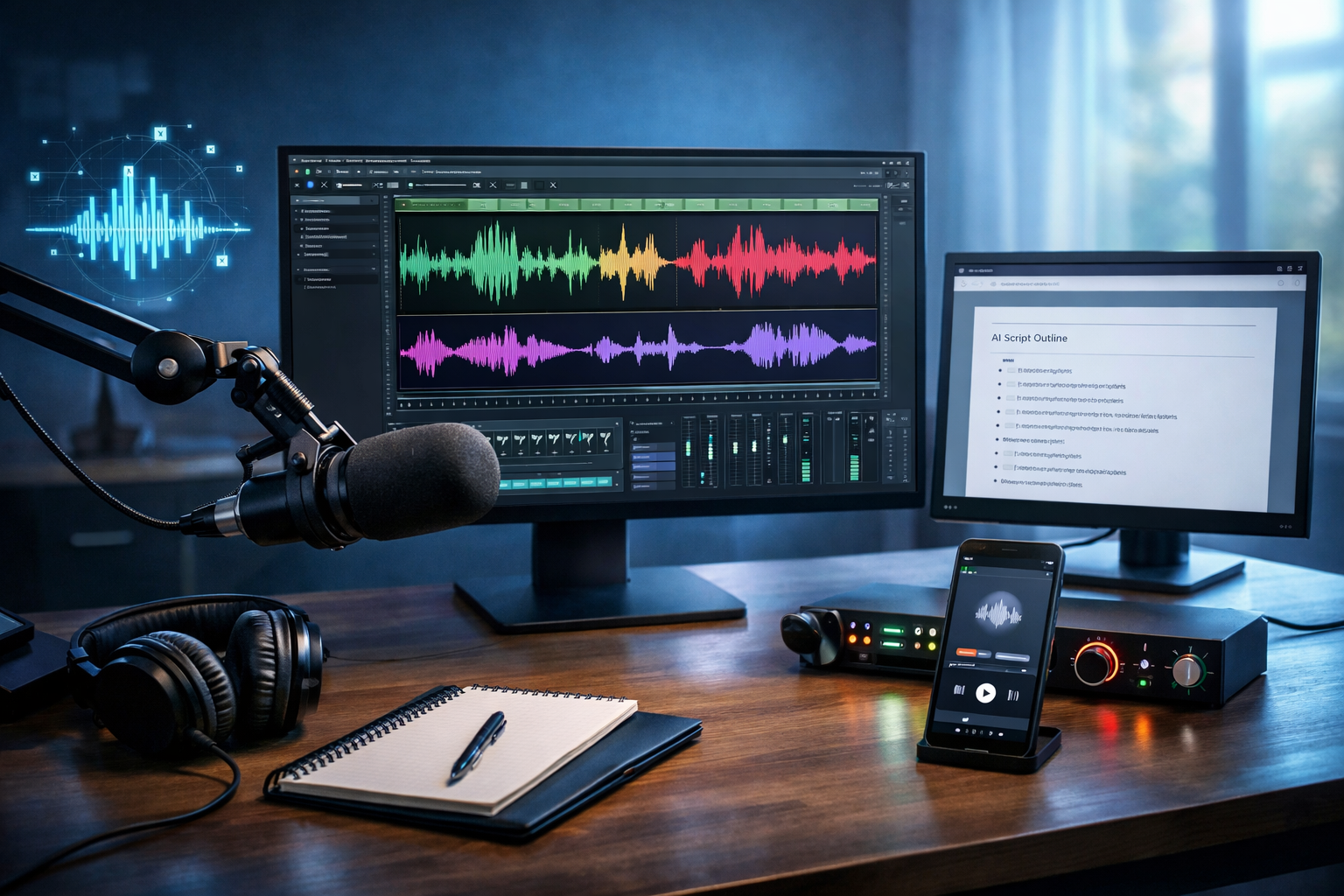
Podcasting no longer requires a studio, an editor, and hours of polishing. With the right AI workflow, you can plan episodes, write scripts, generate professional narration, clean your audio, create cover art, cut promo clips, and publish consistently—even if you’re a solo creator or a small business team. This “how to create a podcast using AI complete guide” walks you through a practical, end-to-end process using tools you can access in one place.
Why use AI for podcast creation?
AI doesn’t replace your ideas or expertise—it removes the bottlenecks. Instead of getting stuck on blank-page scripting, inconsistent audio quality, or never finding time to repurpose episodes into marketing assets, you can build a repeatable production pipeline.
- Speed: generate outlines, scripts, and show notes in minutes.
- Consistency: keep tone, structure, and publishing cadence steady.
- Quality: create clean voice-overs and background music without specialist gear.
- Repurposing: turn one episode into clips, quotes, and blog content.
- Cost control: ideal for startups and small teams on tight budgets.
Gen AI Last brings text, image, audio, and video generation together, so your podcast production and promotion can happen inside a single workflow. Explore our AI content tools to see what you can generate from simple prompts.
Before you start: define your podcast foundation
AI works best when you provide clear inputs. Spend 30–60 minutes setting your direction; it will save you hours later.
1) Choose a specific audience and promise
Instead of “marketing tips”, aim for “marketing systems for early-stage SaaS founders” or “weekly property investing insights for first-time buyers in the UK”. Your promise should answer: Who is this for, and what outcome do they get?
2) Pick an episode format you can maintain
- Solo: fastest to produce; great for thought leadership.
- Interview: strong credibility; requires scheduling and prep.
- Co-hosted: conversational energy; needs alignment.
- Narrative: highly engaging; more writing and editing.
3) Decide your “minimum viable cadence”
Weekly is great, but fortnightly is better than weekly-and-then-silence. Build a cadence you can sustain for 3 months. AI helps you batch: outline and script multiple episodes in one session, then record or generate audio later.
Step-by-step: how to create a podcast using AI (complete workflow)
Below is a practical pipeline you can repeat for every episode. Use all steps or start lean and expand.
Step 1: Generate episode ideas that match search intent
Podcast discovery increasingly happens via search (Google, Spotify, Apple Podcasts). Use AI text generation to build a list of episodes people actively look for.
Prompt example (ideas): “Generate 30 podcast episode ideas for [audience] about [topic]. Make titles specific, benefit-led, and aligned to problems people search for. Include 10 beginner, 10 intermediate, 10 advanced.”
- Prioritise titles that include “how to”, “best”, “mistakes”, “checklist”, “template”, “complete guide”.
- Create 3–5 “pillar episodes” (evergreen guides) and support episodes that branch off.
Step 2: Outline the episode for clarity and pacing
A strong outline prevents rambling and makes editing easier. Ask AI to create a structure with timestamps and transitions.
Prompt example (outline): “Create a 20-minute podcast episode outline on ‘[title]’ for [audience]. Include: hook, intro, 3–5 main sections, examples, a short recap, and a CTA. Add suggested timestamps and 2 transition lines between sections.”
- Hook (0:00–0:30): promise + pain point.
- Credibility (0:30–1:00): why listeners should trust you (experience, results, stories).
- Body: teach one clear thing per segment.
- CTA: tell them exactly what to do next (subscribe, download, book, join).
Step 3: Write a script that sounds human (not robotic)
Whether you’re recording your own voice or using AI audio, scripts matter. The best podcast scripts are conversational, with varied sentence length and clear signposting.
Prompt example (script): “Write a conversational podcast script based on this outline: [paste]. Tone: confident, friendly, practical. Use British English. Add natural pauses, rhetorical questions, and short real-world examples. Avoid filler and clichés. Include a 20-second intro and 20-second outro.”
Editing checklist (quick):
- Read it out loud once; shorten any sentence you can’t say comfortably.
- Add “signposts” (e.g., “First…”, “Here’s the key point…”, “Let’s put this into practice…”).
- Include one tangible example per main section (numbers, scenarios, mini case studies).
Step 4: Record or generate your narration with AI audio
You have two good options: record your own voice (best for personal connection) or generate narration with AI audio (best for speed, multi-language versions, or brand consistency).
Option A: Record your own voice (AI still helps)
If you record: use AI to refine the script for spoken delivery and to generate a second version for faster takes (shorter sentences, clearer emphasis). Record in a quiet room, speak 10–15 cm from the mic, and aim for consistent volume.
Option B: Generate narration with AI Audio Generation
With Gen AI Last’s AI Audio Generation, you can turn your script into a polished voice-over suitable for podcast audio, narration, or even multi-episode series production. This is particularly useful for businesses producing educational content at scale (e.g., product updates, training, customer onboarding).
- Choose a voice style that matches your brand (warm, authoritative, energetic).
- Add stage directions in brackets for pacing (e.g., [pause], [smile], [slow]).
- Generate a short test paragraph first, then adjust tone and speed.
If you want an all-in-one platform for scripting, voice-over, visuals, and promo clips, start creating for free and build your first episode assets in one place.
Step 5: Add intro/outro music and subtle background where appropriate
Music improves perceived production value, but keep it subtle under speech. AI-generated background music is ideal for intros, outros, and short transitions.
- Intro: 8–12 seconds is usually enough.
- Outro: 10–20 seconds with your CTA.
- Transitions: optional 1–2 second stings (don’t overuse).
Prompt example (music): “Create a short, upbeat but minimal background track for a business podcast intro, 10 seconds, modern, clean, no vocals, subtle rhythm.”
Step 6: Polish the audio (the part listeners notice most)
A great script won’t save bad audio. Your goal is consistent loudness, clear voice, and minimal distractions.
- Remove long silences and obvious mistakes.
- Reduce noise (hum, hiss, background rumble) where needed.
- Level volumes so speech is consistent across the episode.
- Keep music lower than voice; it should be felt, not heard.
If you’re using AI narration, you’ll often start with a cleaner signal. If you’re recording your own voice, consider doing a 10-second “room tone” sample before you start; it helps with noise reduction and smoother edits.
Step 7: Create podcast cover art with AI image generation
Cover art is your billboard in podcast apps. AI image generation makes it easy to test styles quickly: minimalist, bold typography space, photographic, illustrated, or brand-aligned colour palettes.
Prompt example (cover concept): “Create a clean, professional podcast cover image concept for a show about [topic]. Style: modern, high contrast, studio lighting, central subject: microphone + abstract waveforms. Leave clear negative space for title (no text in image).”
- Ensure it still looks good as a small thumbnail.
- Use consistent colours across episodes for brand recognition.
- Avoid clutter; one focal point wins.
Step 8: Write SEO-friendly titles, descriptions, and show notes with AI text
Great metadata improves discoverability and conversions. Use AI to generate multiple title options and select the clearest, most specific one.
- Episode title: benefit + specificity (e.g., “How to Launch a Podcast in 7 Days (Using AI for Script + Voice)”).
- Description: 2–3 short paragraphs + bullet takeaways + links.
- Show notes: timestamps, key points, resources, CTA.
Prompt example (show notes): “Create podcast show notes for this transcript/script: [paste]. Include: a 2-sentence summary, key takeaways, timestamps, and a short CTA at the end. Keep it skimmable.”
Step 9: Repurpose the episode into short-form video and social assets
This is where AI turns one episode into a week of marketing. Even if you don’t film yourself, you can generate simple audiogram-style videos or text-led reels with visuals.
- Promo clips: 15–45 seconds, one clear point, strong opening line.
- Audiograms: waveform + captions + cover art background.
- Quote cards: 1 key insight per image for LinkedIn/Instagram.
- Blog post: convert the episode into a structured article for search traffic.
Gen AI Last supports AI Video Generation for marketing videos, social reels, and explainers, plus AI Image Generation for social graphics—use both to keep your promo consistent with your podcast branding. If you’re budgeting carefully, view pricing from $10/month for access to text, image, audio, and video generation in one plan.
Step 10: Publish and distribute (with a repeatable checklist)
You’ll still need a podcast host (to distribute your RSS feed to Spotify/Apple/others). AI can help you build a publishing checklist and keep it consistent.
- Export your episode audio in a standard format (commonly MP3) and confirm it plays cleanly start-to-finish.
- Upload to your podcast host with your episode title, description, and cover art.
- Add timestamps and key links in show notes (tools, resources, your site).
- Schedule the release and queue your social clips for the next 3–7 days.
- Track performance: downloads, completion rate (if available), and which clips drive the most clicks.
A simple AI podcast workflow for small teams (repeat weekly)
If you want a manageable routine, use this weekly cadence:
- Day 1: AI outline + script + title variations.
- Day 2: Record or generate narration + create intro/outro.
- Day 3: Audio polish + show notes + cover art.
- Day 4: Generate 3–5 promo clips + 5 quote posts.
- Day 5: Publish + schedule promotion + collect listener questions for next episode.
Common mistakes when creating a podcast with AI (and how to avoid them)
- Over-automating the voice: if you use AI narration, add your own perspective—opinions, real examples, and specific recommendations.
- Generic scripts: include your unique framework, data points, or personal experience to stand out.
- Inconsistent audio levels: keep loudness consistent across episodes; listeners notice sudden jumps.
- Weak intros: your first 20 seconds should clearly state the benefit of listening.
- No repurposing plan: decide in advance which 3 moments you’ll clip and which platforms you’ll post on.
Practical example: prompt pack for one full episode
Here’s a ready-to-use set of prompts you can paste into Gen AI Last and run in sequence:
- Topic validation: “List the top 10 questions beginners ask about [topic]. Prioritise questions that suggest high intent and clear pain points.”
- Outline: “Create a 15–20 minute episode outline answering question #1. Include hook, 4 sections, examples, recap, CTA.”
- Script: “Write the full script from the outline. Conversational, British English, short paragraphs, include 3 practical examples and a final checklist.”
- Show notes: “Create show notes with timestamps, key takeaways, and a short summary.”
- Social: “Extract 6 short quote graphics captions and 3 clip hooks (first line) for LinkedIn and Instagram.”
- Audio: “Convert this script into a natural voice-over. Pace: medium, friendly, confident. Add brief pauses after headings.”
Frequently asked questions
Can I create a podcast using AI without recording my voice?
Yes. You can generate narration using AI audio, then combine it with intro/outro music and publish as a standard podcast episode. The key is adding unique insight so your content doesn’t feel generic.
Is an AI-generated podcast good enough for a business brand?
It can be—if you prioritise clarity, accuracy, and brand tone. Keep scripts specific, include real examples, and maintain consistent audio quality and artwork across episodes.
What’s the fastest way to produce episodes regularly?
Batch the writing: generate 4–8 outlines and scripts in one session, then record or generate audio later. Repurpose each episode into clips and quote graphics so promotion is automatic rather than rushed.
Create your first AI-assisted podcast episode with Gen AI Last
If you want an affordable, all-in-one way to produce and promote a podcast, Gen AI Last combines AI text (scripts, titles, show notes), AI audio (voice-overs and music), AI images (cover art and social graphics), and AI video (promo clips and reels). That means you can go from idea to published episode with a single, repeatable process—without stitching together multiple tools.
Explore our AI content tools, then view pricing from $10/month if you’re ready to build a consistent publishing pipeline.
Ready to Create with Generative AI?
Join thousands of creators using Gen AI Last to generate text, images, audio, and video — all from one platform. Start your 7-day free trial today.
Start Free — Try 7 DaysQuick Links
Create AI content from $10/month
View Plans