How to Create a Podcast Using AI: Complete Guide
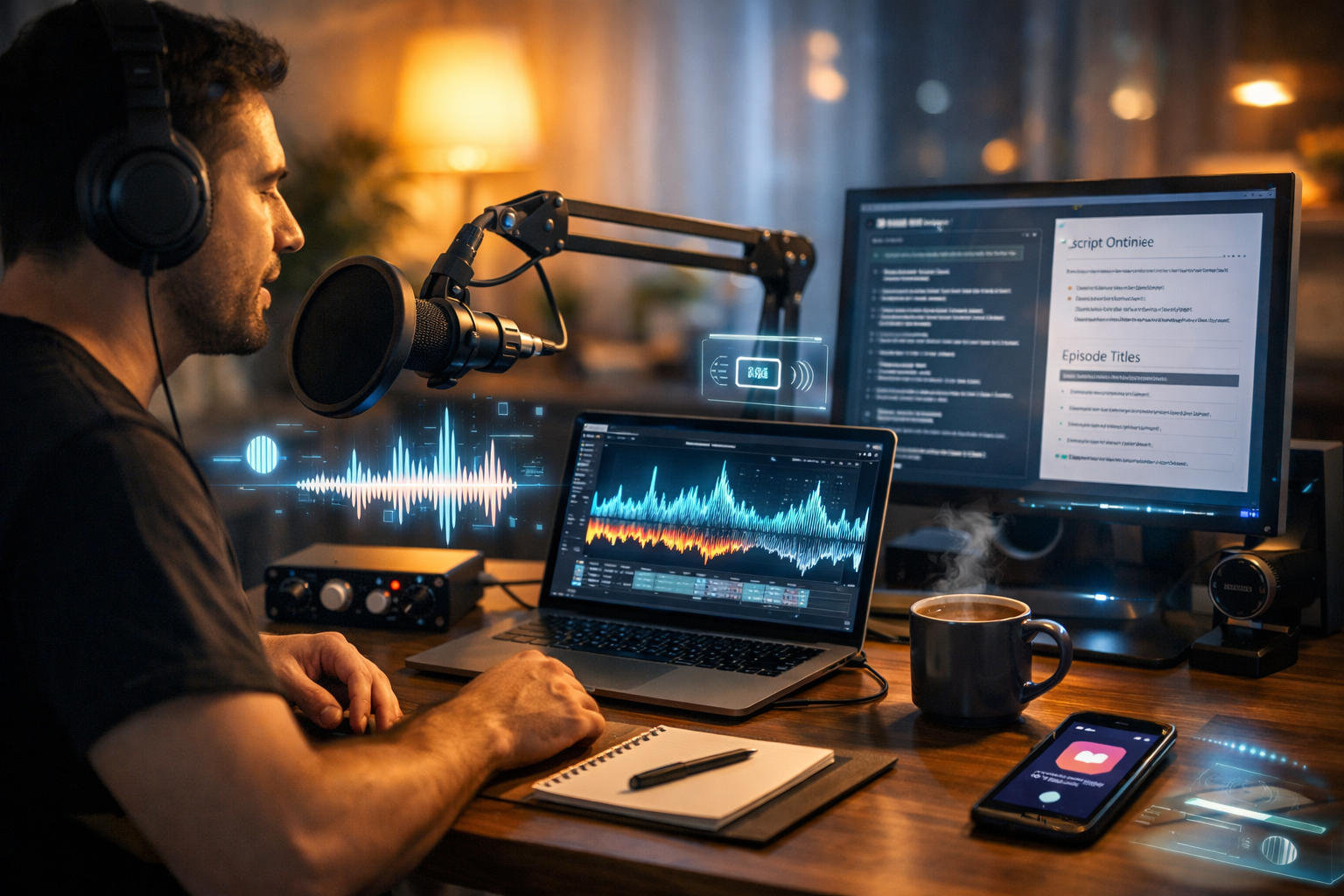
Want to launch a podcast without spending weeks on scripting, recording retakes and fiddly editing? This guide shows you how to create a podcast using AI end to end: from picking a format and writing episodes, to generating clean voice-overs, adding music, and producing promotional clips. You’ll also learn a repeatable workflow you can run every week—ideal for founders, marketers and creators who need quality and speed on a small budget.
Why use AI for podcast creation?
AI doesn’t replace good ideas or authentic perspective—it removes the slow, repetitive parts of production. Used well, it helps you publish consistently, improve clarity, and adapt your show for multiple channels (blog, social, email) without duplicating effort.
- Faster pre-production: generate episode angles, outlines, interview questions and scripts.
- Better consistency: maintain tone, pacing and segment structure across episodes.
- Simpler audio: create voice-overs, intros/outros, and background music quickly.
- More reach: repurpose audio into show notes, blog posts, social captions and short videos.
- Lower cost: produce studio-style results without hiring a large team.
Gen AI Last brings these capabilities together in one place—text, image, audio and video generation—so you can produce a full podcast package from a single platform. Explore our AI content tools to see how each step fits your workflow.
Step 1: Define your podcast concept (audience, promise, format)
Before you touch a microphone, define a clear “listener promise”: what will people learn or feel after each episode? AI can help brainstorm, but you need a specific target audience and outcome.
- Audience: Who is this for? (e.g., early-stage SaaS founders, busy parents, junior designers)
- Promise: The repeatable value you deliver (e.g., “practical growth experiments you can run this week”)
- Format: Solo, co-host, interview, narrative, or hybrid
- Length: 10–15 mins for quick insights, 25–40 mins for depth, 45+ mins for longform
- Cadence: Weekly is easiest to maintain with AI; start fortnightly if you’re unsure
AI prompt you can use (concept clarity): “Act as a podcast producer. Ask me 8 questions to clarify my niche, target listener, and unique angle. Then propose 3 show concepts with names, formats, and a 1-sentence listener promise.”
Step 2: Plan your first 10 episodes (so you don’t burn out)
Most podcasts stop after 3–7 episodes because creators run out of ideas or time. Avoid this by planning a “minimum viable season” up front. Aim for 10 episodes with a mix of evergreen and timely topics.
Simple episode planning framework:
- Pillar topics: 3–5 core themes your show is known for
- Recurring segments: e.g., “tool of the week”, “listener question”, “case study breakdown”
- Outcome-driven titles: Focus on what the listener gets (“How to…”, “Why…”, “What to do when…”)
AI prompt (episode slate): “Create a list of 10 podcast episodes for [niche]. For each: title, 3 bullet outcomes, suggested segment structure, and one real-world example to include. Keep episodes 20 minutes.”
Step 3: Write your script or run-sheet with AI (and keep it natural)
A great AI-assisted podcast doesn’t sound like AI. The trick is to use AI to build structure and clarity, then add your voice: opinions, anecdotes, mistakes, and specific examples.
Script vs run-sheet: which should you use?
Use a full script if you’re new, you want tight timing, or you’re using AI voice-over. Use a run-sheet (bullet points) if you’re confident on mic and want a conversational feel.
- Full script: best for solo explainers, tutorials, narrative shows
- Run-sheet: best for interviews, co-hosted chat, Q&A
A reusable AI scripting template
Ask your AI text generator for a consistent structure so each episode feels familiar. For example:
- Hook (15–25 seconds): problem + promise
- Credibility: why you/your guest knows this
- 3–5 main points with examples
- Summary: key takeaways
- Call to action: subscribe, newsletter, product, next episode
AI prompt (tight, natural script): “Write a podcast script in British English for episode titled ‘[title]’. Length: 18–22 minutes. Tone: warm, expert, practical. Include one personal anecdote placeholder and 2 concrete examples. Avoid clichés. Use short sentences for spoken delivery. Add time stamps per section.”
Step 4: Choose your voice approach (record yourself, AI voice, or hybrid)
There are three common approaches. Your choice depends on brand goals, legal/ethical comfort, and how quickly you need to publish.
- Human-hosted: you record your voice; AI helps with script, editing and repurposing.
- AI voice-over: you generate narration from your script; best for explainer-style podcasts, multilingual series, or anonymity.
- Hybrid: you record key segments; AI voice handles intro/outro, ads, or short updates.
With Gen AI Last, you can generate podcast-ready audio, voice-overs, and background music in the same workflow you use to write your script and create promo assets. If you’re cost-sensitive, view pricing from $10/month—all plans include full access to text, image, audio and video generation.
Step 5: Record clean audio (a simple setup that works)
AI editing is powerful, but starting with clean audio still matters. You don’t need a perfect studio—just control echo and background noise.
Minimal gear checklist
- Microphone: a USB dynamic mic is a great starter; dynamic mics reduce room noise.
- Headphones: closed-back to avoid bleed.
- Pop filter: reduces harsh “p” and “b” sounds.
- Room: soft furnishings (curtains, rug) to reduce reflections.
Recording tips that save hours later
- Keep mic 10–15 cm from your mouth and slightly off-axis.
- Record a 10-second “room tone” sample (silence) for smoother noise handling.
- Speak slower than you think; clarity beats speed.
- If you make a mistake, pause and repeat the sentence—easy to edit.
Step 6: Generate or enhance audio with AI (voice-over, music, polish)
This is where AI can shrink production time dramatically. Typical AI audio tasks include: generating narration, creating intro/outro voice, adding subtle background music, and producing consistent ad reads.
Create a podcast intro/outro (repeatable brand asset)
Keep intros short (10–20 seconds). Your listener wants the episode, not a long preamble.
- Intro formula: show name + who it’s for + what today covers
- Outro formula: one takeaway + subscribe + where to find links
AI prompt (intro script): “Write a 15-second podcast intro in British English for a show about [topic]. Include show name: [name]. Audience: [audience]. End with a single sentence that tees up today’s episode title: [title].”
Background music: less is more
Music should support your voice, not compete with it. Use it lightly: intro/outro, stings between segments, or a low bed under a recap. Ensure you have the right to use it—AI-generated tracks can be a practical solution when licensed correctly within your tool.
Step 7: Edit like a pro (even if you’re a beginner)
Editing is where podcasts are won or lost. The goal isn’t perfection—it’s a smooth, engaging listen. AI can help you identify filler words and improve pacing, but you should still make final decisions based on what sounds natural.
A practical editing checklist
- Clean-up: remove obvious mistakes, long pauses, mic bumps.
- Noise control: apply light noise reduction; avoid over-processing.
- Leveling: aim for consistent loudness (many hosts target around -16 LUFS for stereo).
- EQ and compression: subtle EQ for clarity; gentle compression for even volume.
- Music mix: duck music under speech; fade in/out smoothly.
- Final listen: check on headphones and phone speaker.
If you’re using AI-generated voice-over, you can often skip multiple takes and focus on flow: tightening sections, adjusting emphasis, and ensuring names and technical terms are pronounced correctly.
Step 8: Create show notes, titles, and SEO assets with AI
Podcast discoverability depends on more than audio. Strong titles, descriptions and show notes help listeners decide to click—and help search engines understand your content.
What to generate for every episode
- Episode title: outcome-focused, specific, not clickbait.
- Episode description: 2–4 short paragraphs plus bullet takeaways.
- Show notes: sections, resources mentioned, timestamps if possible.
- Quotes: 3–5 pull quotes for social.
- Email blurb: a short “why listen” message.
AI prompt (show notes + SEO): “Turn this podcast transcript into SEO-friendly show notes. Include: a compelling summary, 6 bullet takeaways, 3 resources to link (generic placeholders), and 5 timestamped sections. Use British English. Avoid fluff.”
Because Gen AI Last supports AI text generation alongside audio, you can generate these assets immediately after finishing your episode, without switching tools.
Step 9: Design podcast artwork and promo graphics with AI
Your cover art is your billboard in podcast apps. It must be readable at small sizes and visually consistent across episodes. While podcast platforms have specific requirements, a good rule is: one strong focal image, high contrast, and a clear brand style.
- Create a consistent template for episode quote cards and audiograms.
- Generate supporting visuals for YouTube, LinkedIn and Instagram.
- Keep colours and typography consistent (even if you vary imagery).
Gen AI Last’s image generation can help you produce on-brand promotional visuals quickly, especially if you’re a startup or small team without a designer. Pair that with your episode text assets for a complete campaign.
Step 10: Turn episodes into short videos (best growth lever right now)
Short-form video is one of the fastest ways to grow a podcast, even if your show is audio-first. The simplest approach is to repurpose 20–60 second highlights with captions and a strong hook.
- Pick highlights: a surprising insight, a clear step-by-step tip, or a strong opinion.
- Add context: headline-style hook + 1-line “what you’ll learn”.
- Use consistent styling: colours, layout, and recurring intro sting.
With Gen AI Last’s video generation, you can turn episode scripts and audio into promotional reels and explainers that match your brand, then reuse the same ideas as posts and emails.
Step 11: Publish and distribute (hosting, platforms, and cadence)
To publish, you typically need a podcast hosting provider that creates an RSS feed. From there, you submit the feed to major directories (Apple Podcasts, Spotify, etc.). Keep your release schedule realistic—consistency matters more than frequency.
A simple launch plan
- Publish 3 episodes on day one (so new listeners can binge).
- Then release weekly (or fortnightly) on the same day/time.
- Promote each episode for 7 days with 3–5 assets (quote, clip, email, post).
A complete AI podcast workflow you can repeat weekly
Here’s a reliable weekly system that balances speed and quality. Adjust timings to your format.
- Monday (30–60 mins): choose topic, generate outline, draft script/run-sheet.
- Tuesday (30–90 mins): record (or generate) narration; capture intro/outro.
- Wednesday (60–120 mins): edit, level, add music, final listen.
- Thursday (45–90 mins): generate show notes, titles, email, social copy; create graphics.
- Friday (30–60 mins): schedule publishing and promotional posts; prepare 1–2 video clips.
If you want to streamline this into one toolkit, Gen AI Last covers the entire content stack. You can start creating for free and build your first episode package (script, cover visuals, audio assets, and promo clips) in a single flow.
Common mistakes when creating a podcast using AI (and how to avoid them)
- Publishing generic scripts: Add opinions, lived experience, and specific examples. AI should draft; you should direct.
- Over-editing audio: Too much noise reduction can create robotic artefacts. Use subtle settings.
- Long intros: Get to the value fast. Keep intro under 20 seconds.
- No repurposing: Every episode should generate a blog-style article, 3–5 social posts, and at least one short clip.
- Inconsistent cadence: Choose a schedule you can sustain for 10 episodes.
FAQ: how to create a podcast using AI (complete guide)
Can AI create an entire podcast episode?
Yes—AI can generate the topic, outline, script, voice-over and supporting assets. The best results come when you add human judgement: a clear point of view, accurate facts, and real examples.
Is an AI-voiced podcast acceptable to listeners?
It depends on your niche and presentation. AI voice can work well for explainers, news-style summaries, multilingual shows, or accessibility. If your brand relies on personal connection, consider a hybrid approach.
How long does it take to produce an episode with AI?
A simple solo episode can often be produced in a few hours end to end once you have templates. The biggest time savers are AI-assisted scripting, reusable intro/outro assets, and automated repurposing.
What’s the most affordable way to start?
Use one platform that covers multiple content types so you’re not paying for separate tools. Gen AI Last includes text, image, audio and video generation from $10/month, which is designed for startups and small teams.
Next steps: build your first episode pack
If you follow the steps in this how to create a podcast using AI complete guide, you’ll have a repeatable system: plan → script → voice → edit → publish → repurpose. Start by producing one “episode pack”: the finished audio, show notes, one promo graphic, and one short video clip. Once you can do that consistently, scaling your podcast becomes straightforward.
Ready to put this into practice? Explore our AI content tools and build your workflow, then view pricing from $10/month when you’re ready to publish at pace.
Ready to Create with Generative AI?
Join thousands of creators using Gen AI Last to generate text, images, audio, and video — all from one platform. Start your 7-day free trial today.
Start Free — Try 7 DaysQuick Links
Create AI content from $10/month
View Plans