How to Create AI Animated Videos for Marketing (Step-by-Step)
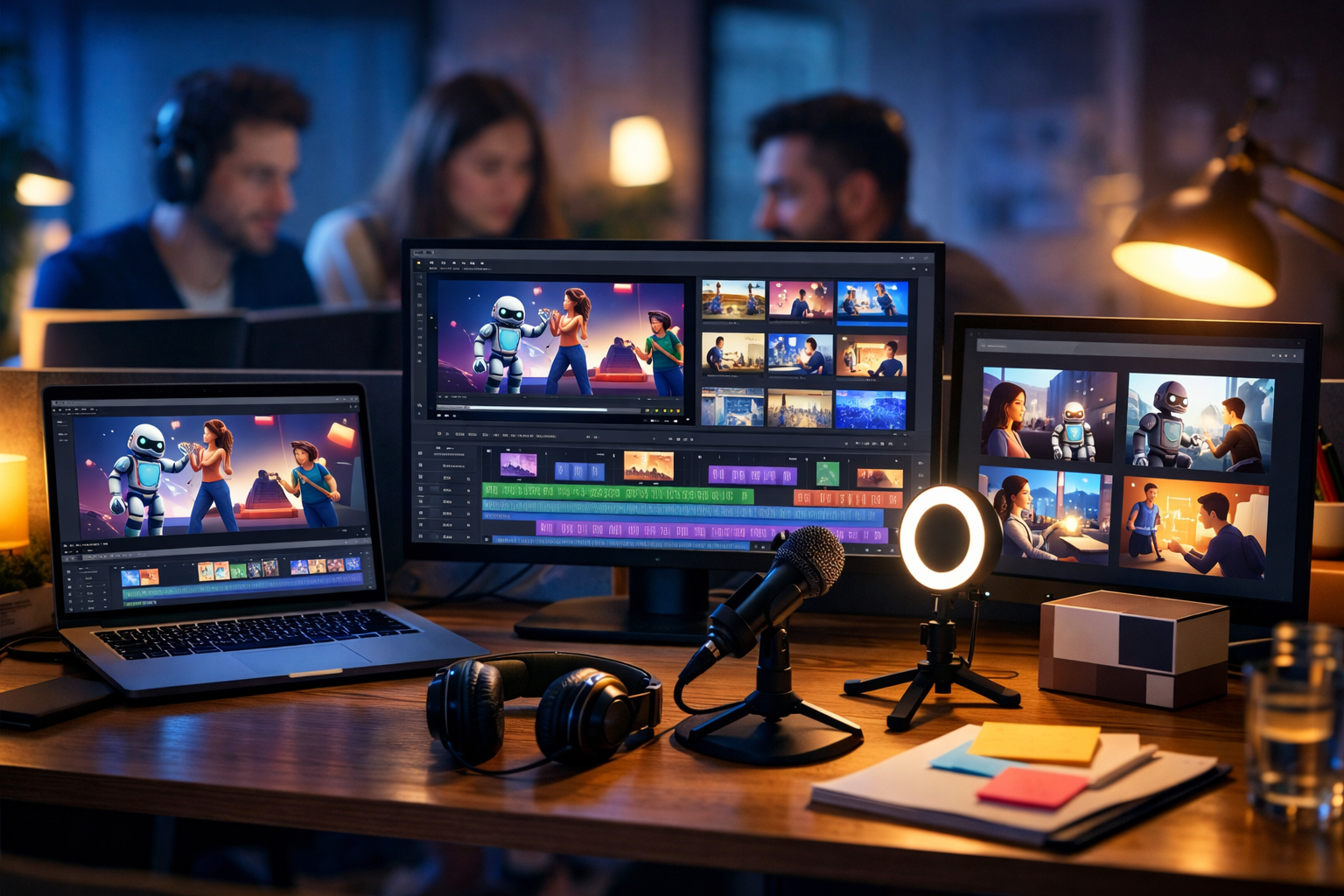
AI animation has made marketing video production faster, cheaper, and far more scalable—without needing a full studio or a specialist motion team. In this guide, you’ll learn how to create AI animated videos for marketing from strategy to final export, with practical prompts, storyboard templates, and a repeatable workflow you can run inside one platform.
What counts as an “AI animated marketing video”?
An AI animated marketing video is any promotional video where AI helps generate key parts of the creative: the script, scenes, characters, product visuals, motion graphics-style clips, voice-over, background music, or multiple versions for different audiences. The final result might look like:
- A short animated social reel introducing a product feature
- A 60–90 second explainer video for your landing page
- A product demo with animated overlays, icons, and callouts
- A campaign video with animated scenes to match a seasonal offer
The goal is the same as any marketing video: capture attention, communicate value quickly, and drive a next step (click, sign-up, demo request, purchase). AI simply compresses the production timeline and lowers costs so you can test more ideas.
Why AI animation is ideal for marketing (and where it fits best)
AI animated videos are especially effective when you need speed, variety, or consistency across campaigns. They work well for:
- Early-stage brands that need professional content without agency budgets
- Performance marketers running lots of creative tests (hooks, angles, offers)
- SaaS and service businesses explaining complex ideas simply
- E-commerce creating multiple product benefit videos and UGC-style variants
With an all-in-one platform like Gen AI Last, you can generate the script, visuals, voice-over, and the video itself in one place. Explore our AI content tools to see how text, image, audio, and video generation can work together as a single workflow.
Step 1: Start with a clear marketing objective and a single CTA
Before you open any AI generator, decide what the video must achieve. The most common mistake is trying to explain everything at once. A strong animated marketing video usually has one objective and one clear call to action (CTA).
Pick one objective:
- Awareness: introduce the problem and your brand
- Consideration: explain how your product works and why it’s different
- Conversion: highlight offer, urgency, and proof
- Retention: onboarding, feature adoption, upgrades
Choose one CTA: “Start a free trial”, “Book a demo”, “Shop now”, “Download the guide”, “Join the webinar”. Your script, scenes, and voice-over should all point to that CTA.
Step 2: Select the right animated format for your channel
Different platforms reward different pacing. Match your format to the channel first, then build the creative around it.
Quick format guide
- TikTok / Reels / Shorts (9:16): 10–25 seconds, fast hook in first 1–2 seconds, large on-screen callouts, simple scenes.
- LinkedIn / X (1:1 or 16:9): 20–45 seconds, problem–insight–solution, proof point, CTA.
- Landing page explainer (16:9): 60–90 seconds, structured narrative, product walkthrough, testimonials or trust markers.
- Paid ads: 6–15 second variants, multiple hooks, clear benefits, repeated branding cues.
Even if your final deliverable is 9:16, many teams storyboard in 16:9 first, then reframe key scenes. The key is to keep animated elements readable on mobile.
Step 3: Write the script with AI (and make it sound human)
A good script is the backbone of animation. Use AI text generation to draft quickly, then refine for clarity, cadence, and brand voice. Inside Gen AI Last, you can generate marketing scripts, hooks, taglines, and multiple variants in minutes.
Script structure that converts (30–60 seconds):
- Hook (0–3s): Call out a pain or desired outcome.
- Problem (3–10s): Make the frustration specific.
- Solution (10–35s): Show how it works in simple steps.
- Proof (optional): Metric, testimonial, credibility cue.
- CTA (final 3–5s): One action, one destination.
Copy-and-paste prompt: AI animated video script
Use a prompt like this in Gen AI Last’s text generator:
Prompt: “Write a [25/45/75]-second marketing video script for [product/service] for [audience]. Objective: [awareness/consideration/conversion]. Tone: [friendly, authoritative, playful]. Include: 3 hook options, a concise main script with short sentences, on-screen text suggestions per line, and a single CTA: [CTA]. Mention these benefits: [benefit 1], [benefit 2], [benefit 3]. Avoid jargon. Use British English.”
Human-sounding edits to always apply: shorten sentences, remove filler (“very”, “really”), add one concrete detail (time saved, cost reduced), and read it out loud—if you stumble, rewrite.
Step 4: Turn the script into a storyboard (scenes you can actually generate)
AI video generation works best when your scenes are specific and visually achievable. A storyboard is simply a scene-by-scene plan: what the viewer sees, what they hear, and what text appears.
Storyboard template (use this for each scene):
- Scene goal: What must the viewer understand here?
- Visual: Character/action/background style
- On-screen text: 3–7 words max
- Voice-over: One or two short lines
- Transition: Cut, swipe, zoom, match cut
Example storyboard (30-second SaaS explainer)
- Scene 1 (Hook): Split-screen of messy spreadsheets vs calm dashboard. Text: “Reporting shouldn’t take hours.” VO: “Still spending hours building weekly reports?”
- Scene 2 (Problem): Animated marketer juggling tabs, notifications, charts. Text: “Too many tools.” VO: “Data everywhere, insights nowhere.”
- Scene 3 (Solution): Clean UI mock-up animation with 3 metrics popping in. Text: “Everything in one view.” VO: “Meet [Product]—your dashboard that updates automatically.”
- Scene 4 (Proof): Simple animated badge + “Save 6 hrs/week” (use a truthful figure). VO: “Teams save up to [X] hours a week.”
- Scene 5 (CTA): Character clicks “Start trial” button animation. Text: “Start your free trial.” VO: “Try it today—set up in minutes.”
If you can describe each scene clearly, you can generate it reliably with AI.
Step 5: Generate consistent characters and brand visuals with AI images
Many animated marketing videos use recurring characters, icon styles, and brand colours. To avoid each scene looking random, generate (or define) a simple visual system before producing the video clips.
Practical approach: create 1–2 hero characters, 2–3 background “worlds” (office, home, shop), and a small set of props (laptop, product box, phone). Then reuse them.
Prompt: consistent character sheet
Prompt: “Create a character sheet of a friendly marketing manager, mid-30s, casual smart outfit, consistent face and hairstyle, simple modern 3D animation style, neutral background, showing 6 poses: waving, thinking, pointing at screen, celebrating, frustrated, typing on laptop. Soft studio lighting, high detail, no text.”
Generate your character and supporting visuals using Gen AI Last’s image tools, then carry the same design cues into the video scenes.
Step 6: Create AI animated video scenes (and keep them editable)
Now convert your storyboard into short clips. Shorter clips are easier to regenerate if one part looks off, and they make editing smoother.
Scene-generation best practices:
- One action per scene: “character points at chart” beats “character walks, points, and smiles”.
- Stable framing: avoid excessive camera movement unless you need it for energy.
- Readable composition: leave space for on-screen text.
- Consistent style: repeat the same descriptors (style, lighting, lens).
Prompt pattern for each scene
Prompt: “8-second animated clip, modern 3D explainer style, friendly character (same as reference), co-working office background, character typing on laptop then looking up with a smile, subtle motion, clean colour palette matching teal and charcoal, soft natural light, shallow depth of field, space on right for captions, 16:9.”
Inside Gen AI Last, you can generate these clips as marketing-ready video assets and iterate quickly. If you’re building on a budget, view pricing from $10/month—every plan includes full access to text, image, audio, and video generation, which is ideal for small teams doing weekly campaigns.
Step 7: Add voice-over with AI audio (and make it believable)
Voice-over is often what makes an animated video feel “real”. AI audio generation can produce clear narration quickly, but you’ll get the best results by directing the delivery like you would with a human voice actor.
Voice-over tips that improve trust:
- Write for speech: contractions (“you’ll”), shorter lines, fewer commas.
- Mark emphasis: CAPITALISE a word you want stressed.
- Control pace: insert “(pause)” in the script where needed.
- Match audience: upbeat for consumer, calmer for B2B.
Prompt: marketing voice-over direction
Prompt: “Generate a clear British English voice-over for this script. Style: confident, friendly, not salesy. Pace: medium-fast for social ads. Add subtle pauses after key benefits. Avoid robotic cadence.”
You can also generate background music beds (light, modern, unobtrusive) and keep them low in the mix so the CTA remains crisp.
Step 8: Edit for retention: pacing, captions, and pattern interrupts
AI can generate assets, but retention is won in the edit. The best marketing animations feel tight: no dead air, no long establishing shots, and no repetitive visuals.
Editing checklist for higher watch time:
- Front-load value: show the outcome early (before the “how”).
- Use captions: many viewers watch without sound; keep captions large and concise.
- Pattern interrupt every 2–4 seconds: change angle, switch background, add an icon, zoom slightly.
- Reinforce the CTA twice: once mid-video, once at the end.
- Brand cues, not clutter: consistent colours and a simple end card are enough.
If your audience is mobile-first, consider a version with bigger on-screen text and tighter framing—often a simple re-edit can outperform a full remake.
Step 9: Create variations for A/B testing (the real advantage of AI)
The biggest marketing benefit of AI animated videos is volume with control. Instead of one “perfect” video, produce a small set of smart variations and test them.
High-impact elements to vary:
- Hook: pain-led vs outcome-led vs curiosity-led
- First visual: problem scene vs product scene
- Offer: free trial vs discount vs bonus
- CTA wording: “Start” vs “Get” vs “Try”
- Length: 12s, 20s, 35s
A practical cadence is 3 hooks × 2 CTAs × 2 lengths = 12 variants from one storyboard. This is where an all-in-one toolchain helps: you can reuse scripts, regenerate scenes, and swap voice-over quickly.
Step 10: Publish with platform specs and a distribution plan
Export specs matter. A great video can underperform if it’s blurry, cropped, or too quiet.
Basic specs (safe defaults)
- Reels/TikTok/Shorts: 1080×1920 (9:16), loudness balanced, burnt-in captions recommended.
- YouTube: 1920×1080 (16:9), include end screen-style CTA in last 5 seconds.
- LinkedIn: 1080×1080 or 1920×1080, captions help, keep it professional and benefit-led.
Distribution plan: publish organically, then repackage the best performer for ads. Turn the same message into a short reel, a square feed version, and a landing page explainer cut.
Common mistakes when creating AI animated videos for marketing
- Overly complex scenes: too many actions cause visual weirdness and reduce clarity.
- No brand consistency: each scene looks like a different company; fix by standardising style prompts.
- Weak hook: if the first line is generic, retention drops immediately.
- Too much text: viewers won’t read paragraphs; use punchy phrases.
- CTA buried at the end: add a mid-video CTA for short formats.
- Ignoring proof: add one truthful metric, review snippet, or credibility marker.
A repeatable workflow you can run in Gen AI Last
If you want to produce marketing videos weekly (not once a quarter), use a repeatable system:
- Brief: objective + audience + CTA + offer
- Script: generate 3 hooks + main script using AI text
- Storyboard: 5–7 scenes with one action each
- Assets: generate consistent character/props with AI images
- Clips: generate short animated scenes with AI video
- Audio: generate voice-over + subtle background music
- Edit: captions + pacing + CTA end card
- Variants: swap hook/CTA and test
To try this end-to-end without stitching together multiple subscriptions, you can start creating for free and build your first storyboard, script, and video scenes in one place.
Mini prompt library: 6 hooks that work for animated ads
Use these as plug-in starters for your scripts:
- Pain hook: “If you’re still [manual task], this will save you hours.”
- Outcome hook: “Get [result] in [timeframe]—without [common frustration].”
- Myth-bust hook: “You don’t need [expensive tool/team] to get [result].”
- Checklist hook: “Three signs your [process] is costing you money.”
- Before/after hook: “Before: [chaos]. After: [calm outcome].”
- Challenge hook: “Give me 15 seconds—I’ll show you a better way to [task].”
FAQ: how to create AI animated videos for marketing
Do AI animated videos work for B2B marketing?
Yes—especially for explaining complex products quickly. Keep visuals clean, prioritise clarity over flashy animation, and include one credibility cue (metric, client type, or result).
How long should an AI animated marketing video be?
For social ads, 10–25 seconds is a strong starting point. For landing pages, 60–90 seconds often performs best. Make a shorter cut first, then expand only if you need more explanation.
What’s the fastest way to produce these videos consistently?
Use a fixed storyboard template and generate variations of hooks and CTAs. An all-in-one platform helps because your scripts, images, voice, music, and video assets stay aligned.
Next step: build your first animated marketing video this week
If you follow the workflow above—objective, script, storyboard, scenes, voice, edit—you can produce a professional AI animated marketing video in a single afternoon and test multiple variants by the end of the week. Gen AI Last is designed for exactly this kind of practical, end-to-end creation across text, images, audio, and video—without the cost and complexity of multiple tools.
Ready to Create with Generative AI?
Join thousands of creators using Gen AI Last to generate text, images, audio, and video — all from one platform. Start your 7-day free trial today.
Start Free — Try 7 DaysQuick Links
Create AI content from $10/month
View Plans