How to Create AI Animated Videos for Marketing (Step-by-Step)
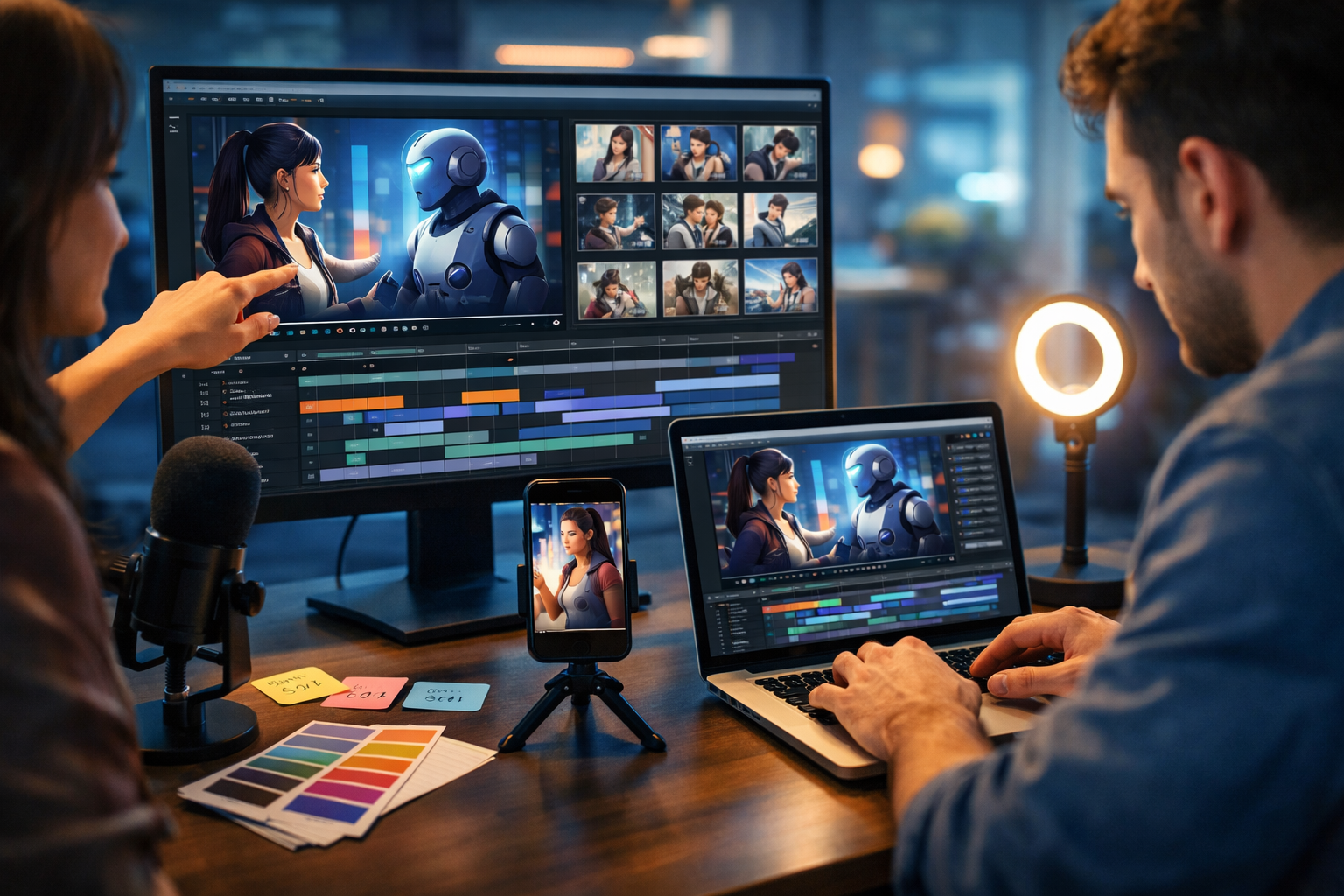
Learning how to create AI animated videos for marketing is one of the fastest ways for small teams to produce scroll-stopping ads, explainers and social reels—without hiring a full production crew. In this guide, you’ll get a practical workflow you can repeat: define the goal, write a strong script, generate visuals and animations, add voice-over and music, then publish and optimise for performance.
What counts as an “AI animated marketing video”?
AI animated marketing videos are short or long-form videos where some (or all) of the following are created with generative AI: the script, storyboards, images/characters, motion scenes, voice-over, captions, and sometimes background music. The “animation” can be:
- Character-based animation (a spokesperson avatar or illustrated character)
- Motion graphics (icons, text callouts, animated charts)
- Image-to-video scenes (still visuals animated into short clips)
- Product demos with animated overlays and transitions
The marketing advantage is speed: you can test multiple concepts in a day, then scale the winners. With an all-in-one platform like our AI content tools, you can keep the whole workflow in one place: text, images, video, and audio.
Step 1: Start with a clear marketing objective (and one CTA)
Before you generate anything, define what success looks like. AI makes content cheaper—so it’s easy to produce lots of “nice videos” that don’t move metrics. Pick one objective and one primary call-to-action (CTA):
- Awareness: maximise 3-second views and reach (CTA: “Follow for more”)
- Consideration: drive landing-page visits (CTA: “Learn more”)
- Conversion: generate trials or sales (CTA: “Start free trial”)
- Retention: feature adoption and upgrades (CTA: “Try this feature”)
Tip: If you’re unsure, build a 15–30 second video for awareness first, then retarget viewers with a more detailed explainer.
Step 2: Choose the right format for the platform
Great AI animation still fails if it’s the wrong format. Decide this upfront:
- Vertical (9:16): TikTok, Reels, Shorts (fast hook, bold visuals, captions)
- Square (1:1): feed posts and some ads (strong centre framing)
- Wide (16:9): YouTube, landing pages, presentations (more room for demos)
For most brands, a smart approach is to produce a 16:9 master, then create vertical cut-downs with tighter framing and bigger captions. AI generation makes versioning much faster.
Step 3: Write a high-performing script (use a proven structure)
Animation is only as effective as the story. Use AI text generation to draft options quickly, but keep a clear structure. Three reliable frameworks:
- Hook–Problem–Solution–CTA (best for ads and short reels)
- Before–After–Bridge (best for transformation narratives)
- PAS: Problem–Agitate–Solve (best for high-intent audiences)
Example 20-second script for a SaaS product
Hook (0–3s): “Still spending hours making marketing content?”
Problem (3–7s): “Writing, designing, editing, voice-over—each step needs a different tool.”
Solution (7–17s): “With Gen AI Last, generate text, images, video, and audio from one prompt. Create ads, explainers, and reels in minutes.”
CTA (17–20s): “Try it today and ship your next campaign faster.”
When you draft in Gen AI Last, create three variations: one punchy, one educational, one story-led. Then test them with different hooks.
Step 4: Turn the script into a storyboard and shot list
A storyboard prevents random scenes and inconsistent visuals—two common issues in AI video production. Keep it simple: 6–10 shots for a 20–30 second video.
- Scene number and duration (e.g., Scene 1: 2.5 seconds)
- On-screen action (character gesture, product UI, animated icons)
- Voice line (exact narration)
- Text overlay (keep it short: 3–6 words)
- Visual style notes (brand colours, background, lighting)
You can generate the storyboard table using AI text generation, then reuse the same format for every campaign.
Step 5: Generate consistent visuals (characters, products, backgrounds)
Consistency is what makes AI animation look “brand-grade” rather than random. Use AI image generation to establish a stable visual language:
- Pick a style: photorealistic, 3D render, flat illustration, clay, anime-inspired, etc.
- Define a palette: 2–3 primary colours + neutral backgrounds
- Lock character details: hairstyle, outfit, age range, accessories
- Create a “prompt template”: reuse the same core description for each scene
A reusable prompt template (edit per scene)
Template: “In a [setting], a [character description] uses [product/action]. Style: [style], lighting: [lighting], colour palette: [palette], camera: [shot type], high detail, clean background, no text.”
In our AI content tools, generate a small library first: 10–20 visuals that cover your key scenarios (pain point, solution, product close-up, social proof, CTA).
Step 6: Create the animated video scenes with AI video generation
Now convert your storyboard into video clips. A practical method is “scene-first”: generate 3–5 second clips per storyboard panel, then assemble them into the final video. This gives you better control over pacing and revisions.
- Keep prompts specific: describe subject, action, camera move, and mood
- Use subtle motion: slow push-in, gentle pan, light parallax often looks more premium
- Maintain continuity: reuse the same character and environment description
- Generate options: create 2–3 variations per scene, pick the best
Example scene prompts (marketing explainer)
- Scene 1 (Hook): “Close-up of a marketer at a laptop, multiple tabs open, overwhelmed expression, quick zoom in, cool blue office lighting, cinematic shallow depth of field, subtle handheld feel.”
- Scene 2 (Solution): “Smooth pan across a clean dashboard-style interface vibe (abstract, no readable text), icons for text, image, video, audio appear as animated tiles, warm-to-neutral lighting, modern agency aesthetic.”
- Scene 3 (Outcome): “Confident marketer reviewing a finished vertical video on a smartphone, bright natural light, celebratory mood, gentle slow motion, crisp details.”
For product marketing, aim for clarity over complexity: if the viewer doesn’t understand the point in 5 seconds, simplify the animation and strengthen the hook.
Step 7: Add voice-over and music (audio is the conversion multiplier)
Many AI animations look good but feel flat because the audio is an afterthought. Use AI audio generation to produce clean narration and suitable background music.
- Voice-over: choose a tone that matches your brand (confident, friendly, technical)
- Pacing: keep to 130–160 words per minute for most explainers
- Music: low and steady for explainers; punchier for ads (never drown the voice)
- Sound design: small whooshes/clicks can make motion graphics feel “real”
Voice-over script tips that improve watch time
- Use short sentences and active verbs
- Avoid jargon unless you’re targeting specialists
- Read it out loud before generating audio—if you stumble, rewrite
Because Gen AI Last includes audio generation in every plan, you can create multiple voice styles for different audiences without adding new subscriptions. View pricing from $10/month to see what fits your team.
Step 8: Edit for marketing performance (not just aesthetics)
Editing is where you turn AI-generated parts into a cohesive ad. Optimise for the viewer’s attention span:
- Hook first: your most compelling claim or visual must appear in the first 1–2 seconds
- One idea per scene: avoid layered messages that compete
- Pattern interrupts: change shot type every 2–4 seconds (zoom, cut, new angle)
- Captions: always include them for social (many viewers watch muted)
- CTA clarity: tell people exactly what to do next
A simple timing blueprint for a 30-second marketing video
- 0–3s: Hook + bold visual
- 3–10s: Problem + stakes
- 10–24s: Solution + 2–3 proof points (features, results, demo)
- 24–30s: CTA + reminder of outcome
If your animated video is longer than 45 seconds, consider splitting it into a short ad plus a longer explainer for the landing page.
Step 9: Repurpose into a full campaign (multiply output from one concept)
The best way to win with AI is not one video—it’s a system. From one animated master, create:
- 3 hook variants: different first lines and opening visuals
- 2 length variants: 15s and 30s
- 1 explainer cut: 60–90s for YouTube/landing pages
- Static creatives: key frames as social images and banners
- Email + landing copy: matched messaging for conversion
Because Gen AI Last includes AI text generation and AI image generation alongside video and audio, you can keep your messaging consistent across every asset in the campaign—without jumping between tools.
Step 10: Publish, test, and iterate (the AI advantage)
AI makes iteration cheap—so use it. Run small tests, then scale what works. Focus on these metrics:
- Hook rate: 3-second view percentage or thumb-stop ratio
- Average watch time: tells you if the story holds attention
- CTR: creative-message match
- CPA/ROAS: ultimate performance for paid campaigns
Iteration checklist: change one variable at a time (hook, CTA, first scene, voice style, pacing). Avoid changing everything, or you won’t know what improved results.
Common mistakes (and how to fix them fast)
- Mistake: The animation looks impressive but the message is vague. Fix: rewrite to one promise + one proof + one CTA.
- Mistake: Inconsistent characters across scenes. Fix: reuse a strict character description and generate a reference set first.
- Mistake: Too much on-screen text. Fix: move detail into the voice-over; keep overlays to headline-level phrases.
- Mistake: Slow start. Fix: open with the outcome (“Get a week of content in 10 minutes”), then explain.
- Mistake: Generic stock-music feel. Fix: generate music that matches tempo and mood; keep it subtle under speech.
A repeatable workflow you can use today
Here’s a simple end-to-end workflow for how to create AI animated videos for marketing that works for startups, agencies, and in-house teams:
- Define objective + CTA + target audience
- Generate 3 script variations (Hook–Problem–Solution–CTA)
- Create a 6–10 scene storyboard and shot list
- Generate a consistent visual set (characters, environments, product visuals)
- Generate 3–5 second video clips per scene
- Generate voice-over + background music
- Edit: add captions, pacing, CTA, exports for each platform
- Test hooks and cut-downs; iterate weekly
If you want to streamline the entire pipeline—scripts, visuals, video scenes, and voice-over—use our AI content tools to build and ship campaigns faster, with one subscription.
FAQ: AI animated videos for marketing
How long should an AI animated marketing video be?
For social ads, aim for 15–30 seconds. For explainers on landing pages, 60–90 seconds often performs well. Start short, prove the concept, then expand.
Do AI animated videos work for B2B?
Yes—especially for simplifying complex products. Use clear problem statements, show a quick “how it works” sequence, and add proof (numbers, use cases, or a mini demo).
What’s the cheapest way to create AI animated videos for marketing?
Use an all-in-one tool so you’re not paying separately for scripting, visuals, voice, and video. Gen AI Last includes text, image, video, and audio generation from view pricing from $10/month, making it practical for startups and small teams.
Create your first AI animated marketing video this week
Pick one product, one audience, and one promise. Draft three hooks, build a simple storyboard, generate consistent visuals, then create short animated scenes and add a strong voice-over. Once you publish, let performance data guide your next iteration.
Ready to make your first version? Start creating for free and build a complete animated marketing video—from script to voice-over—using one platform.
Ready to Create with Generative AI?
Join thousands of creators using Gen AI Last to generate text, images, audio, and video — all from one platform. Start your 7-day free trial today.
Start Free — Try 7 DaysQuick Links
Create AI content from $10/month
View Plans