How to Create AI Animated Videos for Marketing (Step-by-Step)
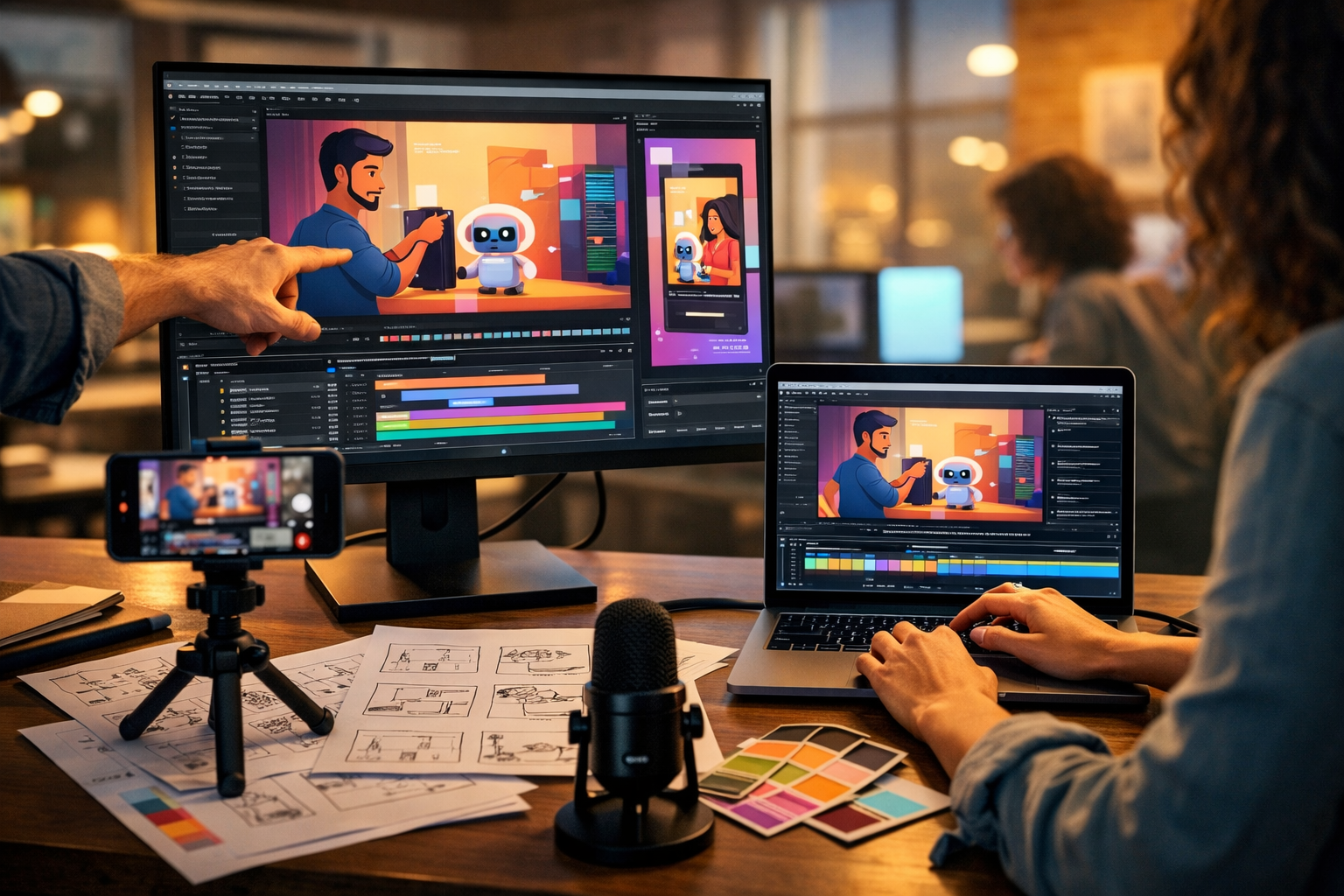
AI animation has made marketing video production faster, cheaper, and far more scalable—without needing a full studio or specialist motion designer. In this guide, you’ll learn how to create AI animated videos for marketing from start to finish: strategy, scripting, visuals, voice-over, editing, and distribution, with practical prompts and templates you can reuse.
What counts as an “AI animated marketing video”?
An AI animated marketing video is any video where AI helps generate the core building blocks—script, visuals, motion, voice, music, or editing—resulting in an animated output. That could be:
- A short animated social ad (6–15 seconds) built around a bold hook and a single offer.
- An explainer video (30–90 seconds) using animated scenes and simple on-screen text.
- A product demo animation showing UI screens, features, or step-by-step outcomes.
- A motion-graphics reel with icons, charts, and headlines for B2B campaigns.
With an all-in-one platform like our AI content tools, you can generate the script, images, voice-over and video from a single workflow—ideal for startups and small teams that need output without agency overheads.
Why AI animation works so well for marketing
Animated videos are effective because they simplify complex ideas and hold attention in noisy feeds. AI makes them even more useful because you can iterate quickly.
- Speed: create multiple variants for different audiences and platforms in hours, not weeks.
- Consistency: keep a recognisable visual style and tone across campaigns.
- Lower cost: fewer external dependencies for scripting, visuals, voice-over and editing.
- Testability: A/B test hooks, offers, CTAs, lengths, and opening scenes.
Step 1: Start with a clear marketing goal (not “make a video”)
Before you generate anything, define one primary goal. AI makes production easy; strategy is what makes it effective.
- Awareness: maximise retention in the first 3 seconds and aim for reach.
- Consideration: explain the problem and why your approach is different.
- Conversion: focus on the offer, proof, and a direct CTA.
- Retention: onboarding tips, feature highlights, and “quick wins”.
Tip: Decide the platform first. A 9:16 TikTok/Reels video needs a different script rhythm than a 16:9 YouTube explainer or a 1:1 LinkedIn ad.
Step 2: Pick an animation style that matches your brand and budget
AI can support several “animated” looks. Choose one that suits your product, audience, and how often you’ll publish.
Common AI-friendly styles
- 2D character explainer: friendly, approachable, great for services and education.
- Motion-graphics icons: clean and corporate, ideal for B2B and SaaS.
- UI/product walkthrough animation: best when the product experience is the hero.
- Mixed media: AI images + kinetic typography + simple transitions (fastest to produce).
Practical rule: If you need to publish weekly, pick a style that doesn’t require perfect character continuity. Motion graphics and UI-driven scenes are easiest to scale.
Step 3: Write a conversion-first script (with AI, but guided by you)
The script is the highest-leverage piece. A beautiful animation with a weak message will underperform. Use AI text generation to draft quickly, then refine for clarity and punch.
Here’s a reliable structure for most marketing animations:
- Hook (0–3s): call out the pain or desired outcome.
- Problem (3–10s): show what’s frustrating about the current way.
- Solution (10–25s): introduce your product and “how it works”.
- Proof (optional, 20–40s): results, testimonial, numbers, credibility cues.
- CTA (final 3–5s): one clear next step.
Script prompt you can reuse
Use this prompt in Gen AI Last’s text generation to produce a first draft, then edit:
- Prompt: “Write a [30/45/60]-second animated marketing video script for [product]. Audience: [who]. Goal: [awareness/conversion]. Tone: [playful/professional]. Include a hook in the first 2 seconds, simple language, short sentences, and one CTA. Also provide on-screen text suggestions per scene.”
Example (short):
Hook: “Still spending hours on content that barely converts?”
Solution: “With Gen AI Last, generate your script, visuals, voice-over, and video from a single prompt.”
CTA: “Try it today and ship your next campaign faster.”
Step 4: Turn the script into a storyboard and scene list
AI video generation works best when you break your idea into clear scenes. A storyboard doesn’t need to be artistic—it needs to be specific.
A simple storyboard template (copy this)
- Scene number + duration: e.g., Scene 1 (0–3s)
- Visual: what appears on screen (character/action/UI/icon)
- On-screen text: 3–7 words max
- Voice-over: line to be spoken
- Transition: cut, slide, zoom, match cut, wipe
Practical rule: Keep most scenes under 4 seconds for social formats. If a scene requires explanation, split it into two.
Step 5: Generate consistent visuals (characters, props, backgrounds)
For AI animated marketing videos, visual consistency matters: the same character should look like the same character; colours should feel on-brand; scenes should look like they belong together.
Use Gen AI Last’s image generation to create:
- A hero character (or two) in multiple poses and expressions.
- Scene backgrounds (office, home, retail, app interface context).
- Product mockups and marketing assets (pack shots, banners, icons).
Visual prompt formula for marketing animation
Use a consistent prompt structure so your frames match:
- Prompt template: “2D animation still frame, [style], [character description], [pose/action], [background], brand colour palette [colours], clean shapes, soft shadows, high contrast, composition with empty space for captions, consistent character design, 16:9”
Tip: Generate a small “style board” first (3–6 images) and lock the style before producing all scenes. This prevents a patchwork look.
Step 6: Generate the video (and keep control with scene-based production)
When producing AI animated videos for marketing, scene-based production gives you more control than attempting one long prompt. Build your video as 6–12 short clips that you can reorder, swap, and test.
What to specify in your video prompts
- Camera: static, slow push-in, pan, over-the-shoulder, top-down.
- Motion: character waves, icons slide in, UI elements animate, product rotates.
- Energy: “snappy transitions” for ads; “smooth movement” for explainers.
- Format: 9:16 for Reels/TikTok, 1:1 for feeds, 16:9 for YouTube/site.
If you want an efficient end-to-end workflow, generate your script and scenes, then produce video clips inside our AI content tools so you’re not juggling multiple subscriptions or exporting between platforms.
Step 7: Add voice-over that sounds human (and matches your audience)
Voice-over can lift conversion rates because it reduces effort for the viewer—especially on explainers and product demos. Gen AI Last’s AI audio generation lets you create narration quickly, without booking a studio.
Voice-over best practices for marketing
- Write for speech: short sentences, everyday words, fewer clauses.
- Match the platform: punchier for Reels; calmer for YouTube and landing pages.
- Leave breathing room: allow 0.3–0.6 seconds between key points.
- Always preview with captions: many viewers watch muted.
Quick workflow: generate two voice variants (energetic vs neutral) and test them against the same visuals. It’s one of the easiest A/B tests you can run.
Step 8: Use background music and sound design to boost retention
Sound affects perceived quality. Even simple animated videos feel more premium with subtle music and light sound effects (whooshes, clicks, pops) timed to transitions and text reveals.
- Keep music low: dialogue should remain clear and front-of-mix.
- Avoid busy tracks: simple beats work best under voice-over.
- Use audio cues: add a soft “tick” when benefits appear on screen.
Gen AI Last’s audio generation can help you create usable background music and narration in one place, reducing the usual scramble for stock assets.
Step 9: Add captions and on-screen text (the conversion multiplier)
Captions aren’t optional for social. They also help comprehension for fast, animated scenes.
Caption guidelines that work
- One idea per line: avoid long sentences.
- Highlight keywords: emphasise outcomes, not features.
- Safe zones: keep key text away from UI overlays (especially in 9:16).
- Sync to beats: change captions on beats or transitions to feel intentional.
CTA text examples: “Get the template”, “Watch the demo”, “Start your free trial”, “Book a 10-min walkthrough”. Keep it singular—don’t offer three next steps.
Step 10: Export multiple aspect ratios and versions (so one idea becomes a campaign)
A strong concept should turn into multiple assets. Plan from the start to repurpose:
- 9:16: TikTok, Reels, Shorts (primary for attention)
- 1:1: Instagram feed, Facebook feed
- 16:9: YouTube, website, presentations
Versioning ideas: keep the same visuals, but swap the hook; keep the hook, but change the offer; keep everything, but replace the voice-over tone. This is where AI shines: rapid iteration without restarting production.
A practical example: 30-second animated ad storyboard
Here’s a simple storyboard you can adapt for almost any product (especially SaaS, agencies, and e-commerce tools).
- 0–3s (Hook): Visual: messy to-do list exploding into sticky notes. On-screen: “Content takes forever.” VO: “Still stuck creating content the hard way?”
- 3–8s (Pain): Visual: tired marketer, multiple tabs open. On-screen: “Too many tools.” VO: “Scripts here, images there, editing somewhere else…”
- 8–16s (Introduce): Visual: clean dashboard vibe, assets appear. On-screen: “One platform.” VO: “Gen AI Last helps you generate text, images, audio, and video from prompts.”
- 16–24s (Benefit): Visual: animated product demo scenes assembling quickly. On-screen: “Ship faster.” VO: “Launch campaigns in days, not weeks.”
- 24–30s (CTA): Visual: polished video plays on phone screen. On-screen: “Start today.” VO: “Create your first video now.”
Common mistakes (and how to avoid them)
- Trying to say too much: one video, one message. Make sequels for the rest.
- Weak first 2 seconds: start with the pain, outcome, or an unexpected statement.
- Inconsistent visuals: lock a style board and reuse the same character description and palette.
- Overcomplicated animation: simple motion + clarity beats flashy movement.
- No distribution plan: decide where it will run and what success metric matters (CTR, watch time, leads).
Metrics to track for AI animated marketing videos
Measure performance by goal and platform. These are the metrics that most reliably map to business results:
- Hook rate: 3-second views / impressions (your opening is working or not).
- Average watch time: indicates pacing and clarity.
- CTR: measures CTA strength and offer relevance.
- Conversion rate: landing page alignment with video promise.
- Comment themes: qualitative feedback on objections and confusion.
Optimisation loop: improve hook first, then shorten scenes, then tighten the offer and CTA. Don’t change everything at once—iterate one variable per version.
Why Gen AI Last is a practical choice for small teams
The challenge with AI video production is rarely “can I generate something?” It’s “can I produce consistently, on brand, and on deadline?” Gen AI Last is built for that reality: text, images, video, and audio in one place, so your workflow stays simple.
- One stack: script → visuals → video → voice-over without juggling multiple services.
- Campaign-ready output: generate social copy, email teasers, and landing page sections alongside the video.
- Affordable: full access from $10/month, which matters when you’re testing and iterating.
If you’re pricing out tools, you can view pricing from $10/month and choose a plan that fits how often you publish.
Quick start checklist (create your first AI animated marketing video today)
- Pick one goal (awareness, consideration, conversion).
- Choose a style you can repeat weekly.
- Generate a 30–45 second script with a strong hook and one CTA.
- Convert it into 6–10 scenes with durations.
- Generate consistent visuals (style board first).
- Generate scene-based video clips and assemble them.
- Add AI voice-over + light background music.
- Export 9:16 and 16:9 versions, plus at least one alternate hook.
Ready to build your first version? You can start creating for free, generate your script and scenes, and turn your next marketing idea into an animated video without a complicated toolchain.
Frequently asked questions
How long should an AI animated marketing video be?
For paid social, start with 10–20 seconds and test. For explainers on a landing page, 45–90 seconds is common. The right length is the shortest version that clearly delivers the promise and CTA.
Do AI animated videos work for B2B marketing?
Yes—especially motion-graphics and UI walkthrough styles. Focus on business outcomes (time saved, risk reduced, revenue gained) and include proof where possible.
How do I keep the visuals consistent across scenes?
Lock a repeatable style: fixed colour palette, consistent character description, and similar lighting/composition. Generate a style board first, then produce the scene images and video clips using the same prompt structure.
What’s the fastest workflow for a small team?
Use one platform to create the full set of assets: script (text), frames (images), narration/music (audio), then assemble the final cut (video). That’s exactly why teams use our AI content tools rather than stitching together separate subscriptions.
Ready to Create with Generative AI?
Join thousands of creators using Gen AI Last to generate text, images, audio, and video — all from one platform. Start your 7-day free trial today.
Start Free — Try 7 DaysQuick Links
Create AI content from $10/month
View Plans