How to Create AI Audio Ads for Spotify (Step-by-Step)
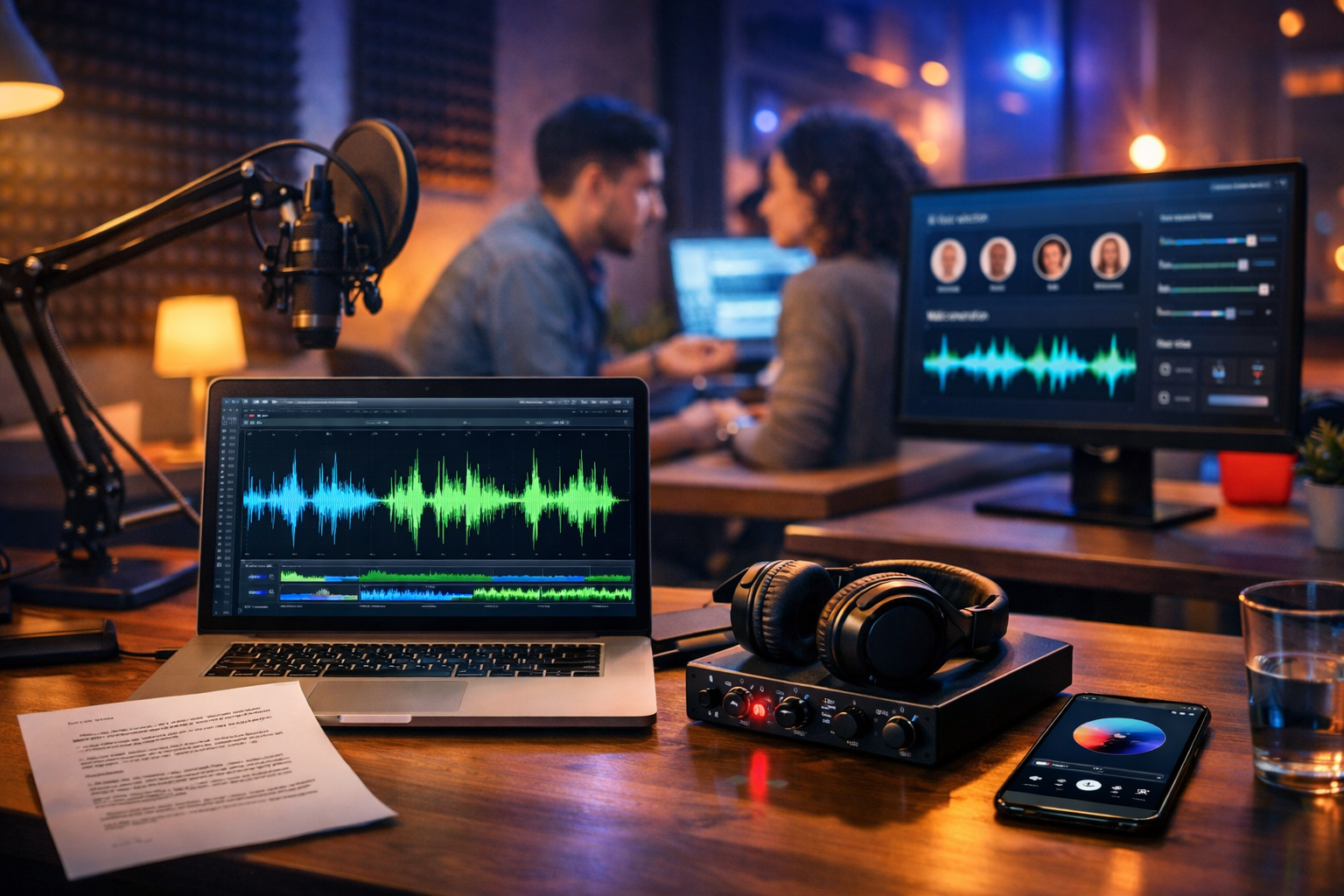
Spotify audio ads can be incredibly effective—if you sound professional, get to the point fast, and target the right listeners. The challenge is that traditional audio production takes time and money. This guide shows you how to create AI audio ads for Spotify end-to-end: from writing a conversion-focused script to generating voice-overs and background music, exporting the correct file, and testing multiple versions quickly using Gen AI Last.
Why Spotify audio ads work (and where most brands go wrong)
Spotify is an intent-rich environment: people are listening with headphones, commuting, working out, or studying. That means your message can land—if it’s clear and relevant. Where brands often slip is trying to cram too much into 30 seconds, using generic “radio voice” reads, or failing to match the listener’s context (mood, activity, location, and time).
AI helps you avoid those mistakes by making it easy to produce multiple ad angles, voice styles, and lengths—then quickly iterate based on performance. With our AI content tools, you can generate the script (text), the voice-over (audio), optional background music (audio), supporting visuals (images) and even short companion videos (video) without managing multiple platforms.
Before you generate anything: decide your Spotify ad strategy
The fastest way to waste budget is to create a “nice sounding” ad that has no strategic focus. Nail these inputs first:
- Objective: awareness (reach), consideration (site visits), or conversion (sign-ups/purchases).
- Offer: first order discount, free trial, limited-time deal, free consultation, or a simple “learn more”.
- Target listener: location, age range, interests, genres, moods, and playlists relevant to your product.
- Landing destination: a dedicated landing page that matches the ad message (not your homepage).
- Single CTA: one clear action (don’t ask people to do three things in 30 seconds).
Once you have those, you can use AI to produce assets quickly—but still keep the message aligned with the campaign goal.
Spotify audio ad basics: lengths, structure, and pacing
Spotify commonly runs audio ads around 15–30 seconds. Shorter can work extremely well if your offer is simple. Regardless of length, strong Spotify ads follow a predictable rhythm:
- Hook (0–3s): call out the listener’s situation or pain point.
- Value (3–15s): what you do and why it’s useful, stated plainly.
- Proof/credibility (optional): quick reassurance—results, ratings, “trusted by”, or “local”.
- Offer + CTA (last 5–8s): the deal and the next step, repeated once for clarity.
AI makes it easy to generate several versions with different hooks (price-led, benefit-led, problem-led) and different CTAs (book, shop, try, download). That variety is critical for testing.
Step 1: Write a Spotify-ready script with AI (with examples)
A Spotify script should sound like a human speaking naturally—not like a brochure. Use short sentences, everyday words, and write for the ear. With Gen AI Last’s AI Text Generation, you can produce multiple scripts in minutes and refine them with clear constraints: length, tone, audience, and CTA.
A prompt you can copy for Gen AI Last (script generation)
Use a prompt like:
- “Write 5 Spotify audio ad scripts for a 30-second ad. Brand: [brand]. Audience: [who]. Offer: [offer]. Tone: [friendly/confident]. Include a hook in the first 2 seconds, one benefit, one proof point, and a clear CTA. Keep it conversational, avoid jargon. Provide estimated word count for each.”
Example: 30-second script (local gym)
Hook: “Still paying for a gym you don’t use?”
Value: “At Harbour Fitness, our classes are coached, welcoming, and built for busy schedules.”
Proof: “Members rate us 4.8 stars for friendly trainers.”
Offer + CTA: “Try your first week for £10. Search ‘Harbour Fitness’ and book today. That’s ‘Harbour Fitness’—book your £10 week now.”
Example: 15-second script (SaaS free trial)
“If your inbox is chaos, this will help. GenDesk sorts requests, assigns owners, and follows up automatically. Start your free 14-day trial today—search GenDesk and get organised in minutes.”
Tip: a 30-second read is often around 65–85 words depending on pace; 15 seconds is roughly 30–45 words. Always read your script out loud before generating audio.
Step 2: Generate a natural AI voice-over (and choose the right voice)
With Gen AI Last’s AI Audio Generation, you can turn your script into a polished voice-over quickly. The key is choosing a voice that fits your listener and offer.
- Match the listener’s context: commuters respond well to clear, calm delivery; gym audiences often prefer higher energy.
- Prioritise clarity over character: if any word is hard to understand, choose a clearer voice or slow the pace.
- Use natural punctuation: commas and line breaks influence cadence. Write how you want it spoken.
- Do 2–3 reads: “Friendly”, “Confident”, and “Urgent” often perform differently.
Practical technique: create a “pronunciation pass”. If your brand name, street name, or product term is often misread, adjust spelling (e.g., “co-op” vs “coop”) or add phonetic hints in the script version used for audio generation.
Step 3: Add background music carefully (so it supports, not competes)
Background music can lift perceived quality, but it’s also the quickest way to damage comprehension. If you use music, keep it subtle and ensure the voice stays dominant. Gen AI Last can generate background music beds you can pair with the voice-over—handy when you need a consistent “sonic identity” across multiple ads.
- Keep music low: the voice must be easy to understand even on cheap earbuds.
- Avoid busy arrangements: fewer instruments, minimal percussion, and no competing melodies.
- Match the brand: calm acoustic for wellness; upbeat electronic for tech; warm lo-fi for cafés.
- Use a clean ending: leave room for the CTA so it doesn’t feel rushed.
If you’re unsure, start with no music and test. A clean voice-only spot often wins on direct response because the message is unmistakable.
Step 4: Mix and polish your AI audio ad (quick quality checklist)
Even AI-generated audio benefits from basic finishing. Your goal is consistent loudness and a professional, non-harsh tone. If Gen AI Last gives you separate voice and music files, mix them so the voice is always the focus.
- Trim silence: remove long gaps at the start/end.
- Balance levels: keep music significantly lower than voice throughout.
- Control peaks: light compression/limiting helps prevent sudden loud moments.
- Check on multiple devices: laptop speakers, earbuds, car audio if possible.
A simple test: can you repeat the offer and CTA after hearing it once, without effort? If not, slow the read, simplify the line, or remove music.
Step 5: Export in the right format (Spotify-ready delivery)
Spotify ad specifications can vary by placement and ad product, so always confirm the latest requirements inside your Spotify Ads workflow. In general, aim for a high-quality standard export and avoid extreme volume levels.
- File type: commonly MP3 (or WAV depending on setup).
- Length: your chosen duration (e.g., 15s or 30s) with clean starts/ends.
- Quality: export at a solid bitrate for MP3 to avoid artefacts.
- Compliance: ensure claims are truthful and any required disclaimers are included.
If you’re running multiple markets (UK and EU, for example), consider generating market-specific versions: currency, local phrasing, and local pronunciation. AI makes localisation far quicker than traditional studio work.
Step 6: Create multiple versions for testing (this is where AI wins)
The biggest advantage of learning how to create AI audio ads for Spotify is speed-to-iteration. Instead of producing one “perfect” ad, produce a small test set and let results guide you.
Create variations across:
- Hook: question, bold claim, relatable moment, or “stop doing X”.
- Offer framing: “£10 off” vs “save 20%” vs “free delivery”.
- Voice: warm/friendly vs authoritative vs energetic.
- Length: 15s vs 30s, keeping the core message constant.
- CTA wording: “search for…” vs “visit…” vs “start your free trial”.
A practical testing plan for small budgets: launch 3 ads at once for 5–7 days, pick the best performer, then create 2 new variations based on the winner (new hook + new CTA). Repeat.
Step 7: Build companion creative using the same concept (optional but powerful)
Even if your campaign is primarily audio, you’ll often need supporting assets: a landing page hero image, social proof graphics, or short vertical videos for retargeting. Because Gen AI Last is all-in-one, you can keep the message consistent across formats:
- AI Image Generation: create matching visuals for your offer (e.g., product shots, banners, social graphics).
- AI Video Generation: turn the same script into a short explainer or reel for Instagram/TikTok retargeting.
- AI Text Generation: write the landing page headline, FAQs, and follow-up email sequence that mirrors the ad.
Consistency matters: when the listener clicks through, the page should repeat the same promise, the same offer, and a matching tone. That’s how you turn attention into action.
Common mistakes to avoid when making AI Spotify ads
- Overstuffed scripts: too many features, not enough clarity. One message per ad.
- Weak CTA: “learn more” can work, but “start your free trial today” is often stronger.
- Unnatural pronunciations: fix brand/product terms before generating final audio.
- Music too loud: it’s meant to support, not compete.
- No testing: one version is a guess; three versions is a plan.
- Mismatched landing page: if the page doesn’t match the ad, your results suffer even if the ad is good.
A repeatable workflow: from prompt to Spotify-ready ad in under an hour
- Define: objective, audience, offer, CTA.
- Generate scripts: 5 options in Gen AI Last; choose 2–3.
- Create voice-overs: produce 2 voice styles per script.
- Optional music: generate 1–2 subtle beds that fit the brand.
- Mix and export: trim, balance, and export in the required format.
- Launch test: run three ads, measure, iterate weekly.
This is exactly where an all-in-one platform helps: you’re not paying separate subscriptions just to write scripts, produce the voice, and generate music. With view pricing from $10/month, startups and small teams can produce professional audio ads consistently and improve them through testing.
FAQs: how to create AI audio ads for Spotify
Do AI voice-overs sound “robotic” on Spotify?
They can if you use unnatural scripts or push the pace too fast. Conversational writing, good punctuation, and choosing a clear voice style usually produces a natural result. Always generate at least two reads and pick the most human-sounding version.
Should I choose 15 seconds or 30 seconds?
If you have a simple offer and a single action, 15 seconds often performs well. If you need to educate slightly (new product/category) or add credibility, 30 seconds can be better. Test both if budget allows.
Can I create different ads for different audiences?
Yes—and you should. Create separate scripts for different listener intents (e.g., “busy parents”, “students”, “gym-goers”) and generate distinct voice-overs. AI makes segmentation practical without expensive studio sessions.
What’s the fastest way to improve performance?
Change the first line. Your hook determines whether people pay attention. Generate 5–10 hook options with AI, keep the rest of the ad mostly the same, and test.
Create your first Spotify AI audio ad with Gen AI Last
If you want to move quickly from idea to Spotify-ready audio, Gen AI Last gives you the full workflow in one place: write scripts, generate voice-overs, create background music, and produce supporting creative for your landing page and retargeting.
start creating for free and build 3 test ads today. Once you find a winning message, scale it confidently—without the traditional production delays.
Ready to Create with Generative AI?
Join thousands of creators using Gen AI Last to generate text, images, audio, and video — all from one platform. Start your 7-day free trial today.
Start Free — Try 7 DaysQuick Links
Create AI content from $10/month
View Plans