How to Create AI Audio Ads for Spotify (Step-by-Step)
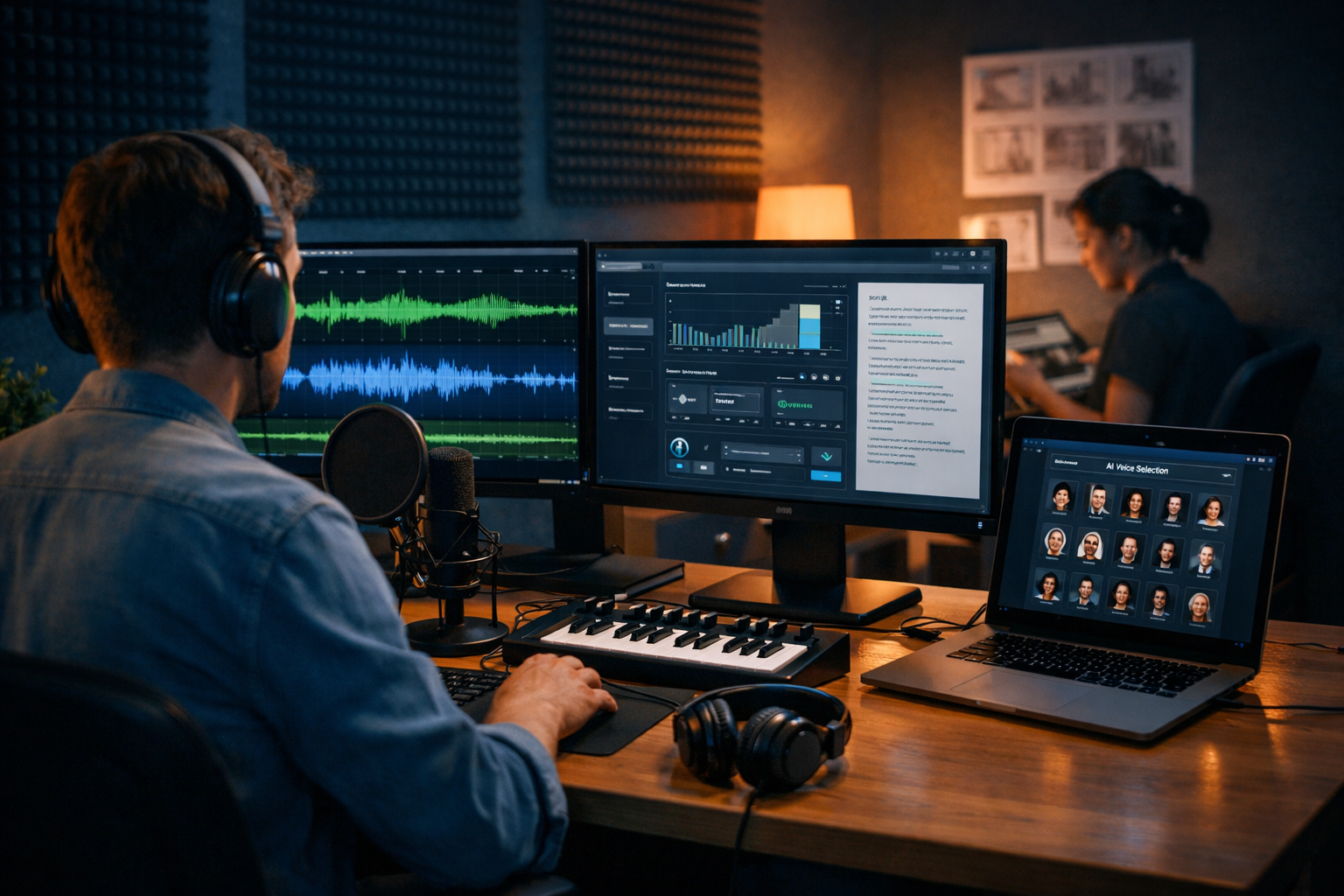
Spotify listeners are already in “audio mode” — commuting, working, training, or cooking — which makes audio ads uniquely powerful when they sound natural, relevant, and clear. This guide shows exactly how to create AI audio ads for Spotify, from scripting and voice selection to music, loudness, exports, and compliance. You’ll also see practical prompt examples and a simple workflow you can run end-to-end with our AI content tools.
Why AI audio ads work on Spotify (when done properly)
Spotify is an attention-light environment: people rarely stare at a screen, so your message must be understood in seconds. AI helps you iterate faster — different hooks, different offers, different voice styles — without booking studio time for every variation.
The key is to combine speed with good audio craft: a tight script, a credible voice, clean mixing, and an unmistakable call-to-action (CTA). AI gives you the production advantage; your strategy delivers results.
Before you generate anything: define the ad objective and audience
Start with one clear objective. Spotify ads can drive brand recall, website traffic, app installs, and offers — but each requires different copy and pacing. Decide what success looks like before you write a single line.
- Objective: awareness, consideration, conversions, or retargeting.
- Primary action: “Visit the site”, “Download the app”, “Use code…”, “Book a demo”.
- Audience context: gym, commute, focus playlists, evening chill — match tone to context.
- Offer: one offer only (trial, discount, free delivery, consultation).
- Landing page readiness: ensure the URL and page message match the audio ad.
Tip: if you’re unsure, run two variants — one “brand story” and one “direct response” — and let performance decide.
Spotify audio ad basics: formats, timing, and what listeners actually hear
Spotify commonly serves audio ads in 15–30 seconds (often 30s). Some campaigns may allow longer, but shorter spots typically require sharper writing and a simpler CTA.
Practical creative guidelines that consistently help:
- Hook in the first 2–3 seconds: ask a question, state a benefit, or create curiosity.
- One message: don’t list every feature; choose one primary benefit.
- Say the brand name early: ideally in the first sentence.
- Repeat the CTA: once mid-way or near the end, and once at the end.
- Use natural speech: audio ads should sound like a person, not a billboard.
Spotify often pairs audio with a companion banner. Even if your audio is the star, align the spoken CTA with what the listener sees (same offer, same wording).
Step-by-step: how to create AI audio ads for Spotify
Step 1: Write a Spotify-ready script with AI text generation
Start by generating 3–5 script options, not one. Your first draft is rarely the best in audio — rhythm matters, and you’ll often discover a stronger hook after hearing it spoken.
Use your AI text generator to produce scripts in different angles: problem/solution, testimonial, offer-led, curiosity-led, and “day in the life”. With Gen AI Last you can quickly create ad copy alongside supporting assets using our AI content tools.
Prompt example (30-second Spotify ad script):
“Write 5 variations of a 30-second Spotify audio ad script for [brand], targeting [audience]. Goal: [objective]. Include: brand name in first sentence, one key benefit, one proof point, and a clear CTA spoken twice. Use conversational British English. Keep it ~70–85 words. End with a short, memorable tagline.”
Word count cheat sheet: most voices speak ~2.5 words/second. For 30 seconds, aim for ~70–85 words (depending on pace and pauses). If you include a legal disclaimer, reduce the main copy accordingly.
Step 2: Choose the right AI voice (and direct it like a producer)
An AI voice can sound studio-quality, but performance direction matters. Think in terms of casting: you’re choosing a voice that matches the product category and the listener’s moment.
- Trust & finance: calm, confident, slower pace, fewer “hype” words.
- Fitness & lifestyle: upbeat, energetic, crisp delivery, stronger emphasis on benefits.
- B2B services: professional, friendly, minimal slang, clear articulation of outcomes.
- Local services: warm and human, approachable, simple phrases, direct CTA.
When generating the voice-over, provide performance notes (tone, pace, pauses). If your tool supports it, request two takes: one “natural” and one slightly more energetic. That gives you options during editing.
Performance direction example: “Sound like a friendly radio presenter. Medium pace. Smile in the voice. Add a short pause after the first sentence and before the CTA. Emphasise the words ‘free trial’ and ‘today’.”
Step 3: Add music and sound design (subtle beats, not clutter)
Background music should support clarity, not compete with the voice. For Spotify, a simple bed (light beat or ambient) works well. Avoid sudden volume spikes and overly busy frequencies around the voice (typically 1–4 kHz).
With Gen AI Last, you can generate background music and voice-over in the same platform, then audition combinations quickly. If you’re on a lean budget, this is where AI saves the most time.
- Match mood to audience context: focus playlists = minimal, calm; workout = punchy and bright.
- Use a short “sting”: a gentle rise before the CTA can improve recall.
- Leave space: reduce music intensity during the CTA line.
Step 4: Edit for pacing, clarity, and “one breath” structure
Even if the AI voice-over is clean, you still need to edit like an audio producer. The goal is effortless comprehension.
- Trim dead air: keep small pauses for meaning, but remove awkward gaps.
- Front-load meaning: put your strongest benefit early.
- Check pronunciation: especially brand names, URLs, and promo codes.
- Make the CTA “speakable”: use a short URL or a simple action (“Search for…”, “Visit…”, “Use code…”).
- Use the listener test: play it once while doing something else; if you miss the offer, rewrite.
A practical trick: remove 10–15% of words from your first script. Shorter audio often feels more premium and more confident.
Step 5: Mix and master for ad loudness (so it sounds “Spotify-ready”)
Spotify playback is loudness-normalised, and ad platforms typically require specific loudness and peak limits. While requirements can vary by region and campaign type, aim for safe, industry-standard delivery:
- Consistent loudness: avoid huge jumps between voice and music.
- No clipping: keep true peaks under control (leave headroom).
- Clear voice presence: gentle compression on voice can help intelligibility.
- Low-end discipline: too much bass can sound muddy on earbuds.
If you don’t have a dedicated audio engineer, keep it simple: voice slightly louder than music, music ducked under speech, and a limiter to prevent peaks. Then test on phone speakers and cheap earbuds.
Step 6: Export in the right file format and keep a clean naming system
Spotify ad managers and partners may specify accepted formats (often WAV or high-quality MP3) and exact durations. Always read the current spec in your ad account before exporting. Then keep a naming system so you can compare variants later.
- File name example: brand_objective_audience_length_voice_offer_take1.wav
- Create versions: 15s and 30s cuts, plus a “no-music” voice-only version.
- Keep project notes: which hook, which offer, which CTA wording.
Spotify AI audio ad templates you can copy
Below are three proven structures. Use them as starting points and tailor to your brand voice.
Template 1: Problem → Relief → Offer (30 seconds)
Structure: relatable problem, quick solution, proof, CTA.
- “Ever feel [problem]?”
- “With [brand], you can [benefit] in [timeframe].”
- “Join [proof point].”
- “Visit [short URL] to get [offer].”
- Repeat CTA + tagline.
Template 2: Social proof / testimonial style
Structure: one person, one moment, one outcome.
“I tried [brand] because [trigger]. Within [time], I noticed [result]. If you want [benefit], try [brand] today. Go to [short URL] — that’s [short URL] — and get [offer].”
Template 3: Curiosity hook → Reveal
Structure: pattern break, curiosity, reveal, CTA.
“Quick question: what if you could [bold promise] without [common pain]? That’s exactly what [brand] does. Get started today at [short URL]. Visit [short URL] now.”
Compliance and trust: what to check before you submit
Spotify and ad platforms generally require ads to be accurate, non-misleading, and respectful of listeners. Requirements vary by market and category, so treat this as a checklist, not legal advice.
- Claims: ensure you can substantiate performance claims (pricing, results, “#1”, etc.).
- Restricted categories: finance, health, alcohol, gambling and political messaging may need extra approvals.
- Clear offer terms: if it’s a trial, say how long; if it’s a discount, say any key conditions.
- Audio quality: no distortion, no harsh sibilance, no unintelligible CTA.
- Brand safety: avoid shock tactics; aim for clarity and relevance.
If you use AI voice generation, keep your output original and aligned with your brand. Avoid implying endorsements you don’t have, and don’t mimic real people without permission.
A fast Gen AI Last workflow: script → voice → music → variations
If you want a repeatable system for producing Spotify-ready creatives, use this simple pipeline inside Gen AI Last:
- Generate 5 scripts with different hooks and CTAs using AI text generation.
- Create 2 voice options per script (e.g., warm conversational vs energetic).
- Generate 2 music beds (minimal + upbeat) and test under the voice.
- Export 15s + 30s cuts and label clearly for testing.
- Build companion assets (optional): social visuals or short video versions using AI image/video tools.
Because Gen AI Last includes text, image, audio, and video generation in every plan, it’s practical for small teams that need to ship creatives weekly without juggling multiple subscriptions. You can view pricing from $10/month and scale only when performance justifies it.
Testing strategy: how to improve Spotify audio ad performance
Most campaigns fail because they test too many variables at once. Keep it simple and learn quickly.
- Test one change at a time: hook, offer, or voice style — not all three.
- Rotate 3–4 creatives: prevent fatigue, especially on narrow audiences.
- Track outcomes that match your objective: CTR for traffic, conversion rate for sales, lift studies for awareness (if available).
- Listen for clarity issues: if people click but don’t convert, your CTA/landing page may be misaligned.
Creative iteration is where AI shines: you can keep the targeting stable while refreshing the message until you find the best-performing angle.
Common mistakes when creating AI audio ads for Spotify
- Too many features: listeners remember one promise, not five.
- Weak CTA: “Learn more” is vague; “Start your free trial today” is clear.
- Overly robotic delivery: add pauses, contractions, and natural phrasing.
- Music too loud: if the CTA competes with the beat, you lose conversions.
- No mobile testing: most listeners are on earbuds or phone speakers.
- Not enough variants: you need options to learn what works.
Frequently asked questions
How long should a Spotify audio ad be?
Many advertisers use 30 seconds as a standard, with 15-second cut-downs for retargeting or tighter offers. The best length depends on how much explanation your product needs and how simple your CTA is.
Can I use AI voice-overs for Spotify ads?
In many cases, yes — as long as your ad meets platform policies, avoids misleading claims, and doesn’t impersonate real people without permission. Always check the latest Spotify Ads policies and any regional requirements.
What’s the best CTA for Spotify audio ads?
The best CTA is the one listeners can remember on a single listen: a short URL, “Search for [brand]”, or a simple offer such as “Start your free trial today”. Repeat it and keep it consistent with your companion banner.
Create your first Spotify-ready AI audio ad today
To create AI audio ads for Spotify that actually perform, focus on the fundamentals: one clear message, a natural voice, subtle music, and a CTA listeners can act on immediately. Then iterate quickly with variants and testing.
If you want an all-in-one workflow — scripts, voice-overs, background music, plus companion images and videos — try Gen AI Last. You can start creating for free and move to full access when you’re ready.
Ready to Create with Generative AI?
Join thousands of creators using Gen AI Last to generate text, images, audio, and video — all from one platform. Start your 7-day free trial today.
Start Free — Try 7 DaysQuick Links
Create AI content from $10/month
View Plans