How to Create AI Audio Ads for Spotify (Step-by-Step)
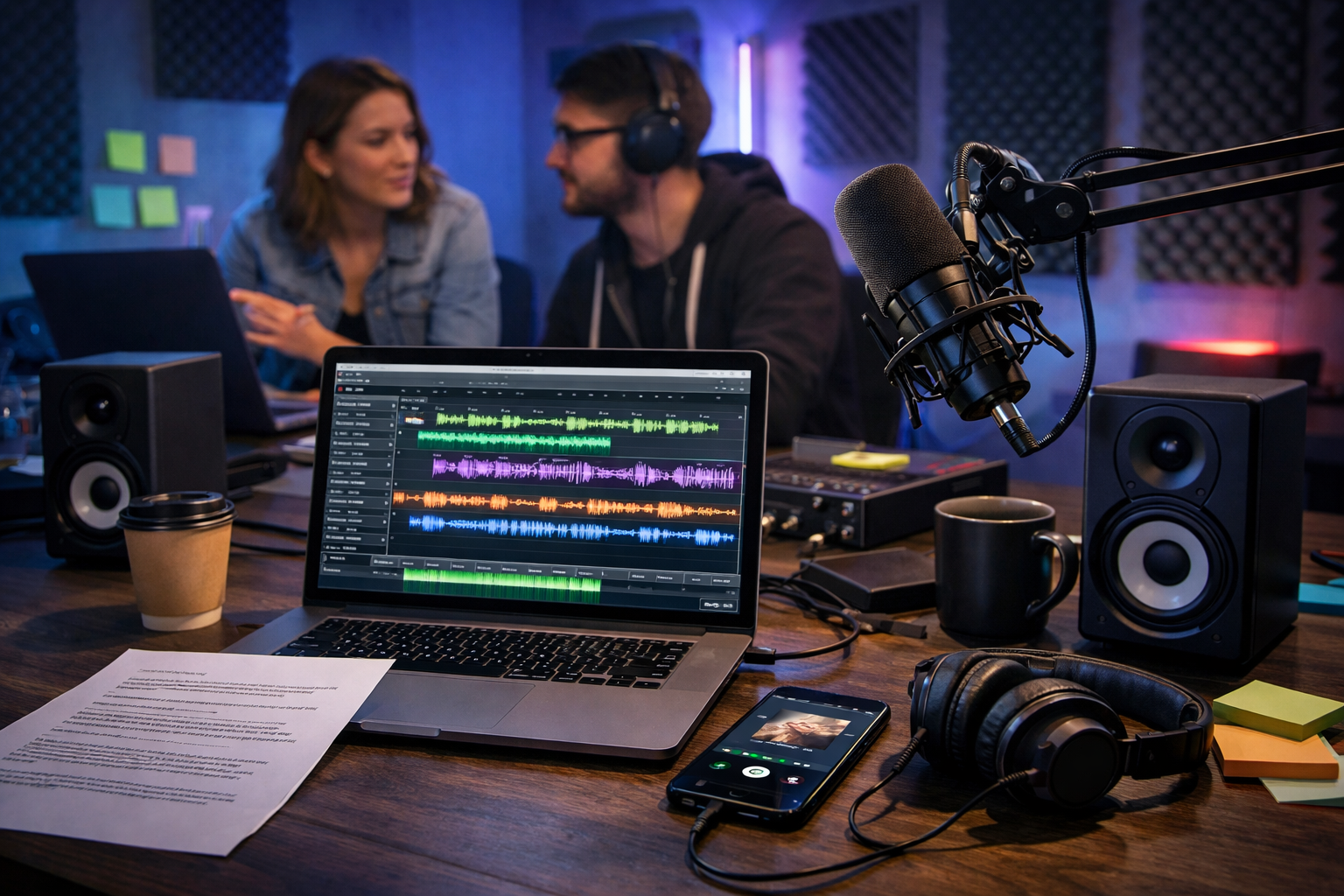
Spotify audio ads can be incredibly effective, but writing and producing them the traditional way can be slow and expensive. With AI, you can generate a strong script, record a natural-sounding voiceover, and produce multiple variations for testing—without a studio booking. This guide shows exactly how to create AI audio ads for Spotify that meet common ad specs, sound professional, and convert.
What makes a Spotify audio ad work?
Spotify listeners are usually doing something else (commuting, working, exercising), so your message must be clear, paced well, and memorable. Unlike display ads, you cannot rely on visuals to explain the offer—your words, voice, and sound design do the heavy lifting.
Strong Spotify audio ads typically share four traits:
- They open with a hook in the first 1–2 seconds (a question, benefit, or relatable moment).
- They deliver one core message (not five) and one clear call-to-action.
- They sound like a human conversation, not a corporate brochure.
- They match the listener’s context (mood, activity, location, device) as closely as possible.
Before you start: confirm format and creative requirements
Spotify ad requirements can vary by market and campaign type, and they change over time. Before production, confirm your current specs inside Spotify Ads Manager or with your account rep. As a practical baseline, plan for 15 or 30 seconds, with a clean voiceover and optional music bed at a low level.
A few safe production principles that keep you out of trouble:
- Leave a little space at the end for the CTA to land (avoid rushing the final sentence).
- Avoid loud, distracting music—Spotify listeners already value audio quality.
- Only use music you have the rights to (or AI-generated background music you can legally use).
- Be careful with regulated claims (health, finance, alcohol, etc.). Keep claims specific and verifiable.
A practical workflow: script → voice → mix → variations
Gen AI Last is built for this end-to-end process: you can generate ad scripts with AI text, create voiceovers and background music with AI audio, and produce supporting visuals or videos for companion formats—all in one place. You can explore our AI content tools and keep everything in a single workflow rather than juggling multiple subscriptions.
Step 1: Define one audience, one offer, one action
Audio ads fail most often because they try to do too much. Write down these three items before you prompt any AI:
- Audience: Who exactly is listening? (e.g., “London commuters who listen to productivity podcasts”.)
- Offer: What is the single benefit or deal? (e.g., “20% off first order”.)
- Action: What do you want them to do next? (e.g., “Download the app and use code MOVE20”.)
If you cannot say all three in one sentence, simplify until you can.
Step 2: Generate a Spotify-ready script with AI (and keep it human)
Use AI text generation to draft multiple scripts quickly, then choose the best structure. For Spotify, you want natural spoken language: shorter sentences, contractions, and words you can say smoothly.
Here is a high-performing prompt you can paste into Gen AI Last’s AI Text Generation:
- Prompt: “Write 5 Spotify audio ad scripts (30 seconds) for [brand/product]. Audience: [audience]. Goal: [conversion goal]. Offer: [offer]. Tone: warm, confident, conversational. Include: hook in first line, one key benefit, social proof or credibility line, and a clear CTA. Keep to ~75–85 words. Avoid jargon. Provide 2 versions with a question hook, 2 with a story hook, 1 with a bold claim (verifiable).”
Aim for approximate word counts: around 35–45 words for 15 seconds, and 75–90 words for 30 seconds (depending on pace and pauses). Once you have drafts, read them out loud. If you stumble, rewrite that line.
Step 3: Choose an ad structure that fits audio
If you are unsure how to structure your ad, start with one of these proven templates:
- Problem → Promise → Proof → CTA: “Still doing X? Here’s Y… Trusted by… Try it today.”
- Story → Turn → Offer → CTA: A quick relatable moment, then your solution and the next step.
- List → Benefit → CTA: Three short benefits, then one action.
Step 4: Turn the script into a natural AI voiceover
In Gen AI Last’s AI Audio Generation, paste your final script and select a voice that matches your brand. For Spotify, clarity beats “radio announcer energy”. A grounded, friendly delivery often converts better than an overly hyped tone.
Practical settings and direction to include (even if your tool uses different labels):
- Pace: medium, with intentional pauses before the offer and CTA.
- Emphasis: highlight the offer and the brand name once each (avoid repeating your name three times).
- Pronunciation notes: specify unusual brand names, app names, or URLs.
- Multiple takes: generate 2–3 reads (calm, upbeat, more serious) to test performance.
If your CTA includes a code, slow down slightly on the code and repeat it once, but only if it still fits your time limit.
Step 5: Add background music (carefully) and keep the mix clean
Spotify listeners notice poor audio. A subtle music bed can lift production value, but it should never compete with the voice. With Gen AI Last, you can generate background music that fits the vibe and avoids licensing headaches.
Simple mixing checklist:
- Keep music low under speech; reduce it further during the CTA.
- Avoid harsh highs and heavy bass that masks consonants (clarity matters on cheap earbuds).
- Use short fades at the start and end to prevent abrupt cut-offs.
- Do a “phone test”: play it through your phone speaker and confirm every word is understandable.
Two ready-to-use AI Spotify ad script examples
Use these as a starting point, then customise to your product, audience, and compliance needs.
Example 1 (30 seconds): e-commerce offer
Script: “Quick question—when did you last upgrade the basics you wear every day? At [Brand], we make premium tees that feel softer, fit better, and last longer—without the luxury markup. Thousands of customers have switched for a reason. Right now, get 20% off your first order. Just visit [website] and use code FIRST20 at checkout. That’s [website], code FIRST20—upgrade your everyday.”
Example 2 (15 seconds): app download
Script: “If your to-do list is running your day, try [App]. In two minutes, you’ll organise tasks, set reminders, and actually switch off after work. Download [App] now and get your first week free.”
How to create variations for testing (without starting from scratch)
The biggest advantage of AI is iteration speed. Instead of making one “perfect” ad, make 6–10 strong variations and test. Keep one variable different per version so you can learn what drives results.
High-impact variables to test:
- Hook: question vs. statement vs. micro-story.
- Offer framing: “20% off” vs. “save £10” vs. “free trial”.
- Voice: different genders/accents/energy levels (keep brand consistency).
- CTA: “Download now” vs. “Try it free” vs. “Search for [brand]”.
- Length: 15s vs. 30s for the same concept.
With Gen AI Last, you can generate these script variants in minutes, then produce matching voiceovers without booking new sessions—particularly useful for small teams working to tight budgets. If you want full access across text, audio, images, and video, view pricing from $10/month.
Spotify-specific tips: targeting, context, and compliance
Spotify ad performance is not only about the creative; relevance matters. Even the best script will struggle if you target too broadly.
Match the message to the listener’s moment
Think in “listener moments”. A workout playlist listener may respond to energy and speed; a late-night chill playlist listener may respond to calm and comfort. Create separate ads for different contexts rather than forcing one generic message.
- Commuting: convenience, time-saving, local relevance.
- Working/focus: productivity, simplicity, fewer distractions.
- Fitness: performance, motivation, quick wins.
- Relaxation: comfort, self-care, ease.
Keep claims clean and measurable
AI can generate bold claims that sound good but are risky. If you cannot prove it, do not say it. Replace “the best in the UK” with something defensible like “rated 4.7 by over 2,000 customers” (if true) or “trusted by teams at…” (if permitted and accurate).
Common mistakes when making AI audio ads (and how to fix them)
- Overstuffed scripts: If you have more than one main benefit, cut to the strongest and move the rest to your landing page.
- Robotic delivery: Add contractions, simplify long sentences, and include stage directions like “(smile)” or “(pause)” before generating the voiceover.
- Hard-to-follow URLs: Use short URLs or “search for [brand]” when possible. If you must use a URL, keep it short and say it clearly.
- Music too loud: Your voice must be dominant. If you have to choose, go drier and clearer rather than “cooler” and muddier.
- No testing plan: Launching one ad is guessing. Launching several controlled variations is learning.
End-to-end creation plan (you can follow today)
If you want a simple, repeatable process, use this:
- Write your audience + offer + action in one sentence.
- Generate 5 script options (15s or 30s) with AI text.
- Pick 2 winners, then create 3 hook variants for each (total 6 scripts).
- Generate 2 voice reads per script (total 12 audio files).
- Add subtle background music to half of them (A/B music vs. no music).
- Confirm duration and clarity with a phone speaker test.
- Upload to Spotify Ads Manager, run for long enough to exit the “random noise” zone, then iterate based on results.
How Gen AI Last helps you produce Spotify ads faster
Most teams waste time moving between copy tools, voice tools, music libraries, and creative platforms. Gen AI Last brings the workflow together: generate the script (AI Text), create the voiceover and background track (AI Audio), and if you’re running companion creative, generate matching visuals (AI Image) or short video cut-downs (AI Video) for consistent branding across placements.
If you want to test this workflow without friction, you can start creating for free and build your first batch of Spotify-ready ad variations today.
FAQ: how to create AI audio ads for Spotify
How long should a Spotify audio ad be?
Most campaigns use 15 or 30 seconds. Shorter is often better for a single clear message, but 30 seconds can work well when you need a quick story plus an offer. Always confirm current requirements in Spotify Ads Manager for your market.
Can AI voiceovers sound professional enough for Spotify?
Yes—if the script is written for spoken delivery and you choose a clear, natural voice. Generate multiple reads, keep pacing comfortable, and avoid overly “announcer” copy. A clean mix matters as much as the voice.
Do I need music in my Spotify ad?
Not always. Many high-performing ads are voice-only. If you add music, keep it subtle and ensure you have rights to use it (or generate background music you can legally use).
What should my call-to-action be?
Make it easy: “Download the app”, “Try it free”, or “Search for [brand]”. If you use a promo code, say it slowly and clearly, and keep it short.
Final checklist before you publish
- One message, one offer, one CTA.
- Hook lands in the first 2 seconds.
- Ad fits your intended duration when read aloud.
- All claims are accurate and compliant.
- Voice is clear on phone speaker and cheap earbuds.
- You have at least 4–6 variations ready to test.
Once you have a repeatable system, Spotify audio ads become less about “one perfect idea” and more about fast learning. Generate scripts, produce clean audio, test systematically, and iterate. That is where AI—especially an all-in-one platform like Gen AI Last—delivers a real advantage.
Ready to Create with Generative AI?
Join thousands of creators using Gen AI Last to generate text, images, audio, and video — all from one platform. Start your 7-day free trial today.
Start Free — Try 7 DaysQuick Links
Create AI content from $10/month
View Plans