How to Create AI Podcast Episodes: A Step-by-Step Guide
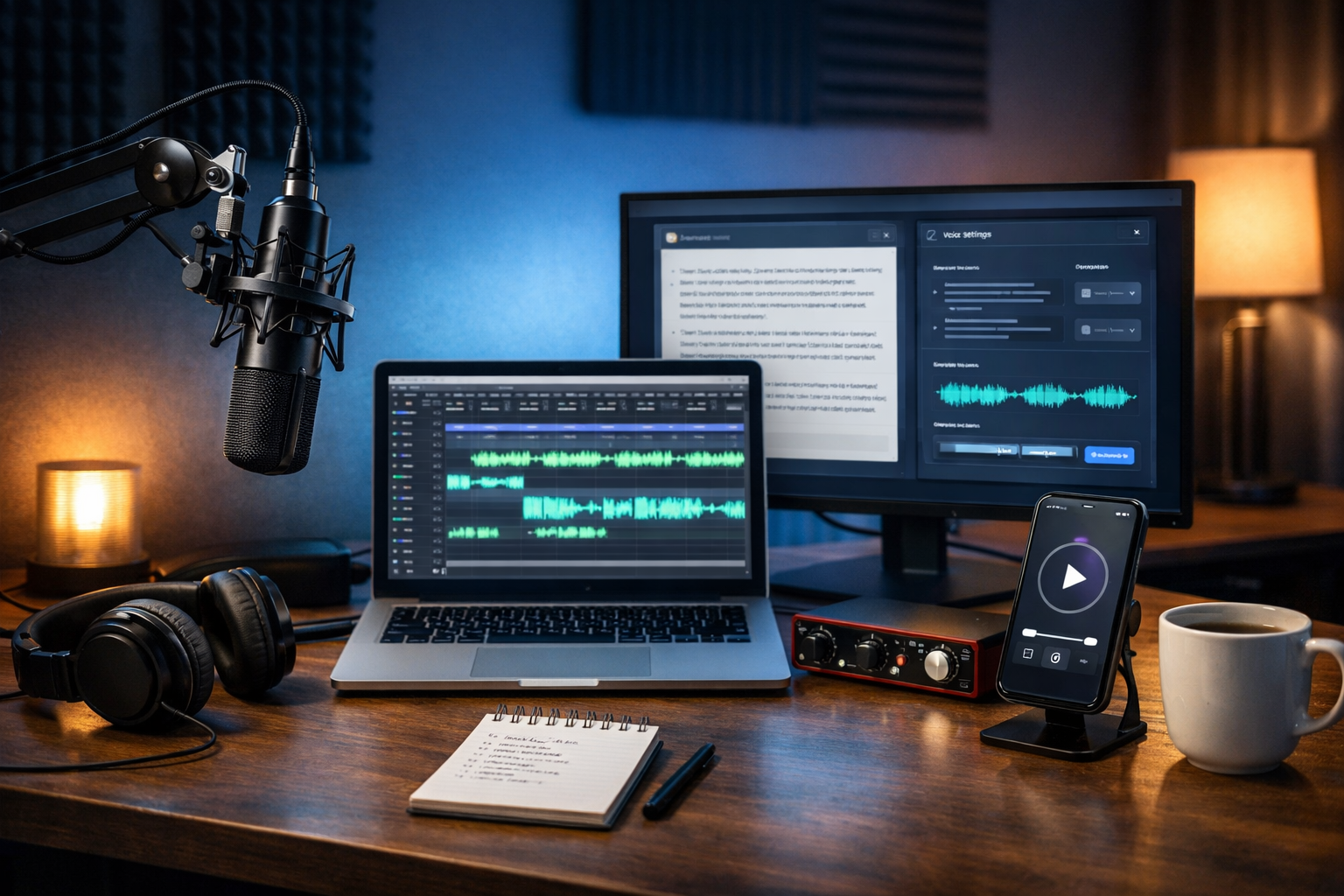
If you’ve ever wanted to launch a podcast but got stuck on scripting, recording, editing, or finding the time, AI can remove most of the friction. In this guide, you’ll learn how to create AI podcast episodes end-to-end—choosing a format, generating a strong script, producing high-quality voice audio, adding music, and publishing consistently—using one affordable platform.
What “AI podcast episodes” actually means (and what it doesn’t)
An “AI podcast episode” usually combines several AI-assisted steps rather than being entirely automated. In practice, AI helps you:
- Generate episode ideas, titles, hooks, and outlines.
- Draft scripts, interview questions, and show notes.
- Create voice narration (voice-over) without a microphone session.
- Produce background music stings or ambience.
- Create cover art, audiograms, and promo visuals.
- Turn episodes into blog posts, emails, and social copy.
What AI typically doesn’t replace is judgement: your point of view, your brand voice, and the final editorial decisions. The best AI podcasts still have a clear audience, a consistent format, and a human-led quality check.
Why AI is a game-changer for podcasters (especially small teams)
Traditional podcast production can take 6–12 hours per episode once you include planning, recording, editing, writing show notes, designing artwork, and promotion. AI compresses that workflow dramatically—without needing a full studio or a big budget.
Gen AI Last is useful here because it’s an all-in-one platform: you can generate scripts (text), cover art and promo creatives (images), narration and music (audio), and short promo clips (video) from simple prompts. You also get full access across features from a single plan, which is ideal for startups and small teams. Explore our AI content tools to see what’s included.
Step 1: Choose a repeatable episode format (so AI can help more)
AI works best when you give it constraints. Before you generate anything, decide your show’s “template”. Here are reliable formats that suit AI-assisted production:
- Solo explainers (8–15 minutes): one topic, clear structure, easy to narrate with AI voice.
- News and commentary: recurring sections like “3 headlines + what it means”.
- Q&A episodes: answer 5–8 questions from customers/users.
- Case study breakdowns: “the problem, the approach, the result, lessons”.
- Interview-style (AI-host + real guest audio): AI generates questions and segments; you record only the guest.
Tip: keep your first season simple. A consistent 10–12 minute episode published weekly will outperform an inconsistent, over-produced show.
Step 2: Define your audience, promise, and episode “win”
Before scripting, write three lines that guide every AI prompt:
- Audience: who is this for (job role, level, industry)?
- Promise: what will they be able to do after listening?
- Win: what should they think/feel/decide at the end?
Example: “This episode is for early-stage SaaS founders. They’ll learn a 5-step process to plan and produce AI podcast episodes in under 2 hours. They’ll leave with a publish-ready checklist.”
Step 3: Generate strong episode ideas (that are actually searchable)
Podcast discovery still relies heavily on titles, descriptions, and cross-channel content. Aim for topics that map to real searches and recurring pain points.
Prompt you can adapt in Gen AI Last (AI Text Generation):
“Generate 20 podcast episode ideas for [AUDIENCE] about [NICHE]. Each idea must include: (1) a benefit-driven title, (2) a one-sentence hook, (3) 3 segment bullets, (4) 3 SEO keywords for the title/description.”
Then shortlist ideas using two filters:
- Specificity: “AI podcast editing workflow for beginners” beats “AI and podcasts”.
- Outcome: “publish in 60 minutes” beats “a guide to…”.
Step 4: Create an outline that sounds like audio (not a blog post)
Audio needs signposting and rhythm. A good outline includes a cold open, a clear roadmap, and regular resets (“here’s what we’ve covered”).
Suggested 10–12 minute outline:
- Cold open (10–20 seconds): the problem + why it matters.
- Intro (20–30 seconds): who you are + what they’ll learn.
- Main points (3 sections): each with a quick example.
- Common mistakes (1 minute): what to avoid.
- Recap + action step (30 seconds): one thing to do today.
- Call to action (10 seconds): subscribe / download / link.
When you ask AI to outline, specify duration. That forces tighter writing and fewer tangents.
Step 5: Write an AI podcast script that sounds human
The biggest giveaway of an AI-written podcast is overly formal phrasing and long, nested sentences. Your goal is conversational clarity.
Script prompt (copy/paste and tailor):
“Write a podcast script for a [DURATION]-minute solo episode titled ‘[TITLE]’ for [AUDIENCE]. Tone: clear, friendly, confident; British English. Include: (1) a 15-second cold open, (2) a short intro, (3) three main sections with practical examples, (4) 5 short ‘breathing pauses’ marked [PAUSE], (5) a recap and one action step, (6) a 10-second closing CTA. Use short sentences, contractions, and occasional rhetorical questions. Avoid buzzwords and filler.”
After generation, do a quick human edit:
- Read it aloud: if you run out of breath, shorten the sentence.
- Add small “human” cues: “Here’s the thing…”, “Quick example.”
- Delete repetition: AI often re-states the same idea twice.
- Fact-check: names, dates, and claims.
Step 6: Generate AI voice audio (and make it sound natural)
With AI Audio Generation in Gen AI Last, you can turn your script into narration without recording a traditional voice track. To get a professional result, treat it like directing a voice artist.
How to direct the read:
- Pace: aim for roughly 130–160 words per minute. If your audio feels rushed, trim the script.
- Pronunciation notes: spell tricky brand names phonetically in brackets.
- Intent: add short stage directions like [smile], [serious], [excited] sparingly.
- Pauses: include [PAUSE] markers to avoid a monotone flow.
Quality checklist for AI narration:
- No odd emphasis on the wrong word.
- Numbers read correctly (e.g., “ten to fifteen” rather than “one-zero to one-five”).
- Consistent energy across sections.
- Clean start and end (no clipped consonants).
If a line sounds off, don’t regenerate the entire episode. Regenerate just that paragraph, then stitch it into the timeline during editing.
Step 7: Add music and structure (intro, outro, and transitions)
Music is optional, but light branding goes a long way. Use AI Audio Generation to create:
- Intro sting: 6–10 seconds.
- Outro sting: 8–12 seconds (slightly longer for your CTA).
- Segment bumpers: 2–4 seconds for section breaks.
Keep music low under speech and avoid busy melodies that compete with the voice. As a rule, if you can clearly hum the music while someone is talking, it’s probably too prominent.
Step 8: Edit like a producer (even if you’re not one)
You don’t need perfection; you need consistency and clarity. Whether you use a DAW or a simple editor, apply a repeatable “minimum viable polish” process:
- Trim dead space: remove long pauses and awkward gaps.
- Level the voice: aim for steady loudness so listeners don’t keep adjusting volume.
- Light noise control: if you use real recordings (guest audio), reduce background noise gently to avoid artefacts.
- Fade music properly: short fades prevent harsh cut-ins.
- Final listen at 1.2x: problems stand out faster.
Practical tip: keep a saved preset or checklist for every episode. AI accelerates creation, but templates are what make it sustainable.
Step 9: Create cover art and episode visuals with AI images
Podcasts are marketed visually: cover art, episode tiles, guest quotes, and thumbnails for YouTube. Gen AI Last’s AI Image Generation can produce on-brand assets quickly.
Cover art prompt example:
“Create a photorealistic podcast cover image concept for a show about [TOPIC]. Mood: modern, confident, minimal. Include a studio microphone, headphones, and subtle soundwave shapes. Colour palette: [COLOURS]. Leave empty space for title (no text). 1:1 aspect ratio.”
Even if you later add typography in a design tool, starting with strong AI-generated visuals speeds up branding for new shows.
Step 10: Turn one episode into a full content pack (the unfair advantage)
The fastest way to grow a podcast is to repurpose every episode into multiple formats. With Gen AI Last, you can generate the whole content pack from the same source idea:
- Show notes: summary, key bullets, links, timestamps.
- Blog post: expand the script into an SEO article.
- Email newsletter: “3 takeaways + listen link”.
- Social captions: 5–10 posts across LinkedIn/X/Instagram.
- Audiograms/reels: short promo clips with captions (AI Video Generation).
This is where an all-in-one platform matters: you’re not juggling five subscriptions and moving files between tools. If you want everything (text, images, audio, and video) under one plan, view pricing from $10/month.
Step 11: Publish and optimise for discovery (titles, descriptions, and consistency)
Publishing is more than uploading an MP3. Treat each episode like a searchable asset:
- Title: lead with the outcome. “How to Create AI Podcast Episodes in Under 2 Hours” is clearer than “AI Podcasting Tips”.
- Description: 2–3 short paragraphs + bullets. Include who it’s for and what they’ll learn.
- Keywords: naturally mention your topic phrases (don’t stuff).
- Release schedule: pick a cadence you can sustain for 8–12 weeks.
If your host supports it, add chapters/timestamps. Listeners love jumping to sections, and it makes your content feel more premium.
A practical workflow: create an AI podcast episode in 60–120 minutes
Here’s a realistic workflow you can repeat weekly:
- 10 minutes: choose topic + define audience/promise/win.
- 15 minutes: generate outline + script in Gen AI Last (edit as you read aloud).
- 10 minutes: generate AI narration (fix any mispronunciations by regenerating sections).
- 15–30 minutes: quick edit, music stings, level audio, export.
- 15 minutes: generate show notes + social copy + episode image.
- 5 minutes: upload, schedule, publish.
Once you’ve done this three times, you’ll have a template that makes future episodes significantly faster.
Common mistakes when creating AI podcast episodes (and how to avoid them)
- Sounding robotic: fix with shorter sentences, intentional pauses, and light emotional direction.
- No point of view: add your opinion, a real example, or a lesson learned. AI can draft; you provide the stance.
- Overlong episodes: keep early episodes tight; listeners are busy.
- Inconsistent branding: use the same intro/outro, cover style, and recurring segments.
- Skipping repurposing: most growth comes from clips, posts, and searchable write-ups.
Ethics and transparency: should you disclose AI?
If you’re using an AI voice as the host, disclosure is usually the safest and most audience-friendly approach. A simple line in the description is enough: “This episode is narrated using an AI-generated voice.” If you use AI only for drafting and you heavily edit the script, disclosure is optional—but still consider transparency if it affects audience trust.
Also avoid generating content that sounds like a real person without permission. Build a recognisable brand voice that’s clearly yours.
Ready to create your first AI podcast episode?
The simplest path is: pick a repeatable format, generate a conversational script, produce clean narration, add light music branding, and publish on a schedule. With Gen AI Last, you can handle scripts, audio, visuals, and promo content in one place—without enterprise pricing.
If you want to test the workflow today, start creating for free and build your first episode draft from a single prompt.
Ready to Create with Generative AI?
Join thousands of creators using Gen AI Last to generate text, images, audio, and video — all from one platform. Start your 7-day free trial today.
Start Free — Try 7 DaysQuick Links
Create AI content from $10/month
View Plans