How to Create AI Podcast Episodes (Step-by-Step Guide)
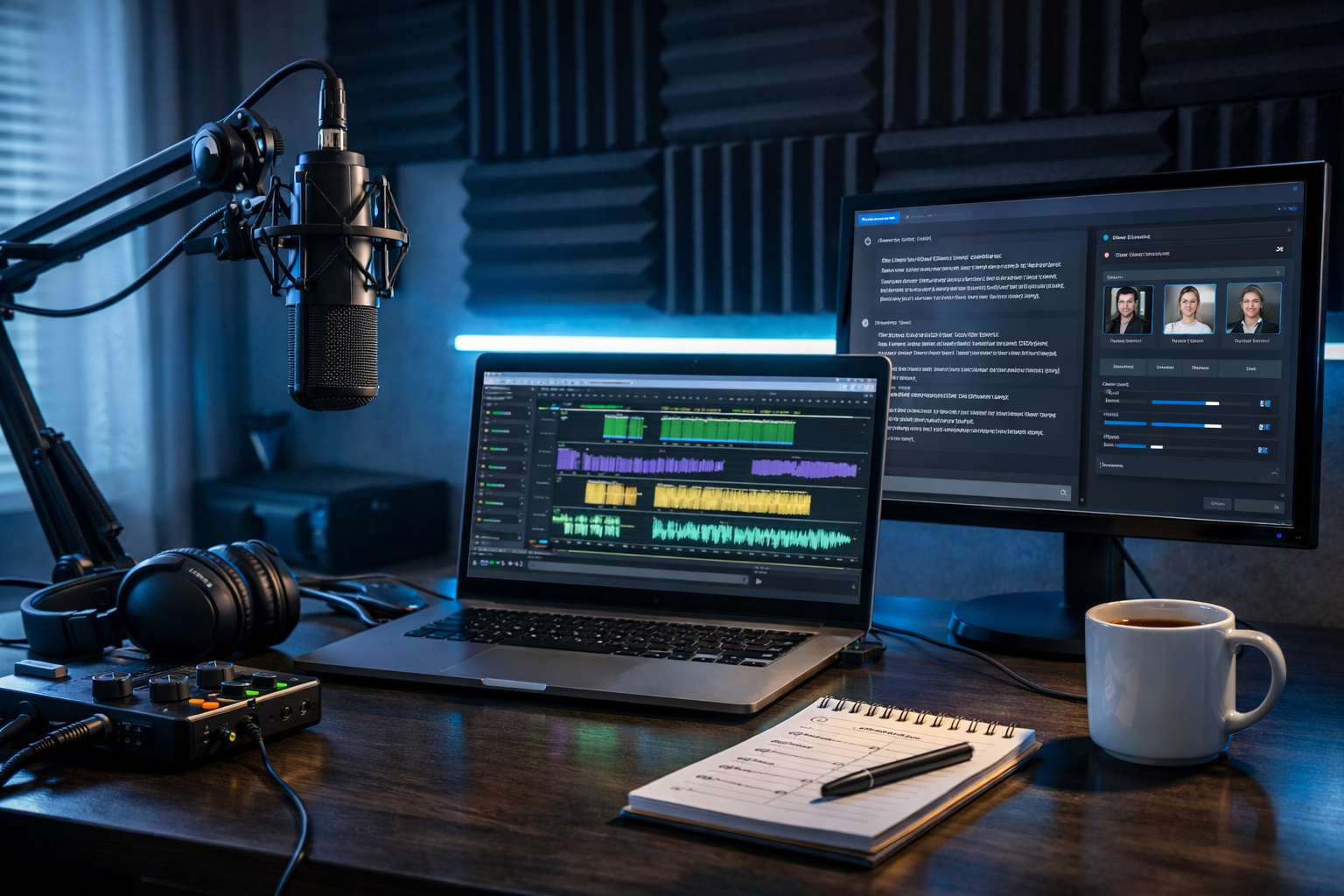
Creating a podcast used to mean long writing sessions, expensive studio time, and hours of editing. Today, AI can help you plan, script, voice, score, and polish episodes in a fraction of the time—without sacrificing quality. This guide shows exactly how to create AI podcast episodes end-to-end, with practical prompts, production checklists, and a repeatable workflow you can run weekly.
What counts as an “AI podcast episode”?
An AI podcast episode is any episode where artificial intelligence supports one or more production steps. That could be:
- Generating episode ideas and outlines
- Writing a script or interview questions
- Creating voice-overs (either fully synthetic or cloned voices where permitted)
- Producing intro/outro music and sound beds
- Editing, cleaning and levelling audio
- Creating titles, descriptions, show notes and social clips
The best results come from treating AI like a production assistant: you set the direction, verify facts, and apply your brand voice—AI accelerates the execution.
Why use AI to create podcast episodes?
- Speed: go from idea to publish in hours, not days.
- Consistency: keep a regular release schedule with less burnout.
- Lower cost: reduce reliance on studios, voice talent and editors (especially at the start).
- Repurposing: turn one episode into blogs, emails, and social posts quickly.
- Accessibility: generate transcripts, summaries, and multiple language versions.
If you’re a startup, freelancer, or small team, an all-in-one platform matters. With our AI content tools, you can generate the script, audio voice-over, cover visuals, and even promo video assets from one workflow—starting from $10/month.
Step 1: Define your podcast format and constraints
Before you prompt anything, lock the basics. AI performs best when you give it clear boundaries.
- Audience: Who is this for? What do they already know?
- Positioning: What’s the unique angle (industry niche, tone, depth)?
- Format: Solo, co-hosted, interview, narrative, Q&A, news roundup.
- Length: 8–12 mins (snackable), 20–30 mins (standard), 45–60 mins (deep dives).
- Cadence: weekly, fortnightly, monthly.
- Brand voice: professional, conversational, witty, calm, investigative.
Tip: Create a one-page “show bible” and reuse it in your prompts so your episodes stay consistent.
Step 2: Generate episode ideas that will actually rank and get listens
Most podcasts fail from vague topics. Instead, build topics around searchable questions and a clear promise (“what the listener will be able to do”). Use AI text generation to produce topic clusters and pick winners.
Idea prompt (copy/paste):
“You are a podcast producer. My show is about [niche]. My audience is [role/level]. Generate 25 episode ideas built around ‘how to’ queries and common pain points. For each idea, provide a working title, the listener outcome, and 3 bullet talking points. Keep the tone [tone].”
Then pick 3–5 that:
- Solve a specific problem (not a broad theme)
- Can be explained with a framework or steps
- Match your product/service or expertise (for credibility)
Step 3: Outline the episode like a producer (not like a blog)
Podcast listeners need structure: signposting, mini-summaries, and clear transitions. A strong outline also prevents AI-generated scripts from rambling.
Outline template:
- Hook (0:00–0:30): outcome + tension (what goes wrong if you don’t do this)
- Credibility (0:30–1:00): why you/your show can help
- Roadmap (1:00–1:20): “Here are the 3 steps…”
- Main content (1:20–end): steps, examples, pitfalls, quick recap
- Call to action (final 20–40s): subscribe, download, sign-up, next episode tease
Outline prompt: “Create a timed outline for a [X]-minute episode titled ‘[title]’. Use the hook/credibility/roadmap format. Include transitions and 2 listener examples. Avoid filler.”
Step 4: Write a natural script with AI (and make it sound human)
AI can draft a script quickly, but you’ll get the best audio if you optimise the writing for speaking:
- Use shorter sentences and contractions (it’s, you’ll, we’re)
- Add signposts (“First…”, “Next…”, “Here’s the key…”)
- Include breaths/pauses where emphasis matters
- Avoid lists longer than 5 items without examples
- Replace jargon with plain English, or define it once
Script prompt (high quality):
“Write a podcast script in British English for a [X]-minute solo episode. Audience: [who]. Tone: [tone]. Use this outline: [paste]. Requirements: conversational, no fluff, include 2 real-world examples, include a 20-second intro and 20-second outro, and add stage directions in brackets like [pause] [smile] [emphasise]. Provide a final ‘recording copy’ version only.”
If you’ll use AI voice-over, ask for simpler sentence structure and fewer tongue-twisters. If you’ll record your own voice, add personal stories and opinions (your “E-E-A-T layer”) so the episode feels genuinely yours.
Step 5: Fact-check and add your experience (E-E-A-T)
AI can hallucinate details—especially stats, legal claims, or product capabilities. Before you generate audio:
- Verify facts: numbers, dates, medical/financial advice, platform policies.
- Add proof: mention what you tested, what worked, what failed, and what you’d do differently.
- Update for 2026: tools and features change quickly—keep references general unless you’re sure.
A simple rule: anything you wouldn’t confidently say on a stage, don’t publish without checking.
Step 6: Generate voice-over audio (AI audio creation)
To create AI podcast episodes, the biggest time-saver is AI narration. With Gen AI Last’s AI Audio Generation, you can turn your script into podcast-ready voice-over, plus optional background music.
Voice-over checklist:
- Voice style: friendly, authoritative, energetic, calm.
- Pace: slightly slower than you think (podcasts are often listened to while multitasking).
- Pronunciations: provide spellings for names, acronyms, and brands.
- Pauses: add [pause] markers in your script where needed.
Practical technique: Generate audio in sections (intro, segment 1, segment 2, outro). This makes it easier to re-record only what changes.
Step 7: Add intro/outro music and subtle sound design
Music helps your podcast feel “real”, but it must not compete with speech. Use short musical stings (3–8 seconds) and a low-volume bed only when it adds energy.
Background music prompt idea: “Create a 7-second intro sting: modern, upbeat, tech-inspired, light percussion, no vocals, clean ending. Also create a 10-second outro version with a slightly stronger finish.”
Keep it consistent across episodes to build brand recognition.
Step 8: Edit, clean, and master your episode
Even AI audio benefits from polishing. Your goals are clarity, consistent loudness, and a professional finish.
- Remove mistakes: awkward phrasing, repeated sentences, long silences.
- Noise control: reduce hiss/room tone if you recorded any human audio.
- EQ: reduce muddiness, add presence for intelligibility.
- Compression: even out volume between words and sentences.
- Loudness target: aim for typical podcast loudness (commonly around -16 LUFS stereo; check your host’s guidance).
If you’re producing a lot of episodes, save a mastering preset and apply it every time for consistent sound.
Step 9: Create show notes, titles, and SEO-friendly descriptions
Podcast platforms function like search engines. The right metadata helps you get discovered—and gives you assets you can reuse on your website.
Title rules: lead with the outcome and include the core keyword naturally. Examples:
- “How to Create AI Podcast Episodes: A Repeatable Weekly Workflow”
- “AI Podcast Production for Beginners: Script, Voice, Edit, Publish”
Description prompt: “Write a podcast episode description (150–250 words) that includes: a 2-sentence hook, 5 bullet takeaways, and a short call to action. Use British English. Include the phrase ‘how to create AI podcast episodes’ once, naturally.”
With Gen AI Last, you can generate these assets alongside the script using the same prompt context in our AI content tools.
Step 10: Design cover art and promo visuals with AI image generation
Your podcast cover is your billboard. Use a consistent template and change only the episode number or main topic visual (if you’re doing per-episode artwork).
- Use high contrast: readable at thumbnail size.
- Single focal point: face, mic, icon, or product.
- Brand palette: repeat the same 2–3 colours.
You can generate supporting assets too: audiogram backgrounds, social banners, episode quote cards, and newsletter headers.
Step 11: Turn the episode into video clips (optional, but powerful)
Short-form video is one of the fastest ways to grow a podcast. Even if your show is audio-first, you can create simple visuals: waveform animations, captions, and b-roll.
- Pick 3 moments: strong opinion, practical tip, short story.
- Keep clips short: 20–45 seconds tends to perform well.
- Add captions: many people watch muted.
Gen AI Last’s AI Video Generation makes it easier to create promo reels and simple explainers that match your episode’s theme—useful for LinkedIn, Instagram, TikTok, and YouTube Shorts.
Step 12: Publish, schedule, and build a repeatable pipeline
A reliable production system beats inspiration. Here’s a simple weekly pipeline you can reuse:
- Monday: choose topic + outline (30–45 mins)
- Tuesday: script + fact-check + polish (60–90 mins)
- Wednesday: generate/record voice + edit/master (60–120 mins)
- Thursday: show notes + visuals + clips (45–90 mins)
- Friday: schedule + distribute + engage (20–40 mins)
Because all plans include text, image, audio, and video generation, you can run most of this inside one platform. If you want to keep costs predictable, view pricing from $10/month.
Practical example: A 12-minute AI episode workflow
Topic: “How to create AI podcast episodes for a SaaS startup”
- Outline: Hook (the cost of inconsistent publishing) → 3-step workflow (topic → script → audio) → examples (founder-led show, customer education series) → recap
- Script: 1,600–1,900 spoken words, with stage directions like [pause] and [emphasise]
- Audio: generate voice-over in 4 segments (intro, step 1–2, step 3, outro)
- Editing: apply consistent mastering preset, add 5–7 second intro sting
- Assets: episode description + 5 bullet takeaways + 3 short clip scripts for social
The key is modularity: when you’re iterating, you only replace the section that changed.
Common mistakes when creating AI podcast episodes (and how to avoid them)
- Publishing unedited AI scripts: fix repetitive phrasing and add your opinion.
- Overusing background music: keep it subtle; speech comes first.
- Ignoring legal/ethical boundaries: don’t impersonate real people; disclose AI use if required by your platform or local guidance.
- Inconsistent release schedule: batch-produce 2–4 episodes ahead.
- Weak hooks: open with the outcome and what listeners will learn in minutes.
Frequently asked questions
Can I make a podcast without recording my own voice?
Yes. You can generate narration using AI audio tools. For best results, write a script that’s designed for speech, then edit and master the audio to a consistent loudness.
Will AI podcasts sound robotic?
They can if the script is too formal or the pacing is unnatural. Use conversational phrasing, add pauses, and generate audio in sections so you can fine-tune delivery.
How long should my AI-generated episode be?
Match length to the promise. If the topic is tactical, 8–15 minutes can outperform long episodes. For deep dives or interviews, 20–40 minutes is common.
Start creating your first AI podcast episode
To create AI podcast episodes reliably, you need a clear format, a speaking-friendly script, and a repeatable production pipeline. Gen AI Last brings text, audio, image, and video generation together so you can produce the episode plus all the promotional assets in one place—without enterprise pricing.
start creating for free and build your first episode using the prompts and checklists above.
Ready to Create with Generative AI?
Join thousands of creators using Gen AI Last to generate text, images, audio, and video — all from one platform. Start your 7-day free trial today.
Start Free — Try 7 DaysQuick Links
Create AI content from $10/month
View Plans