How to Create AI Podcast Episodes: A Practical Workflow
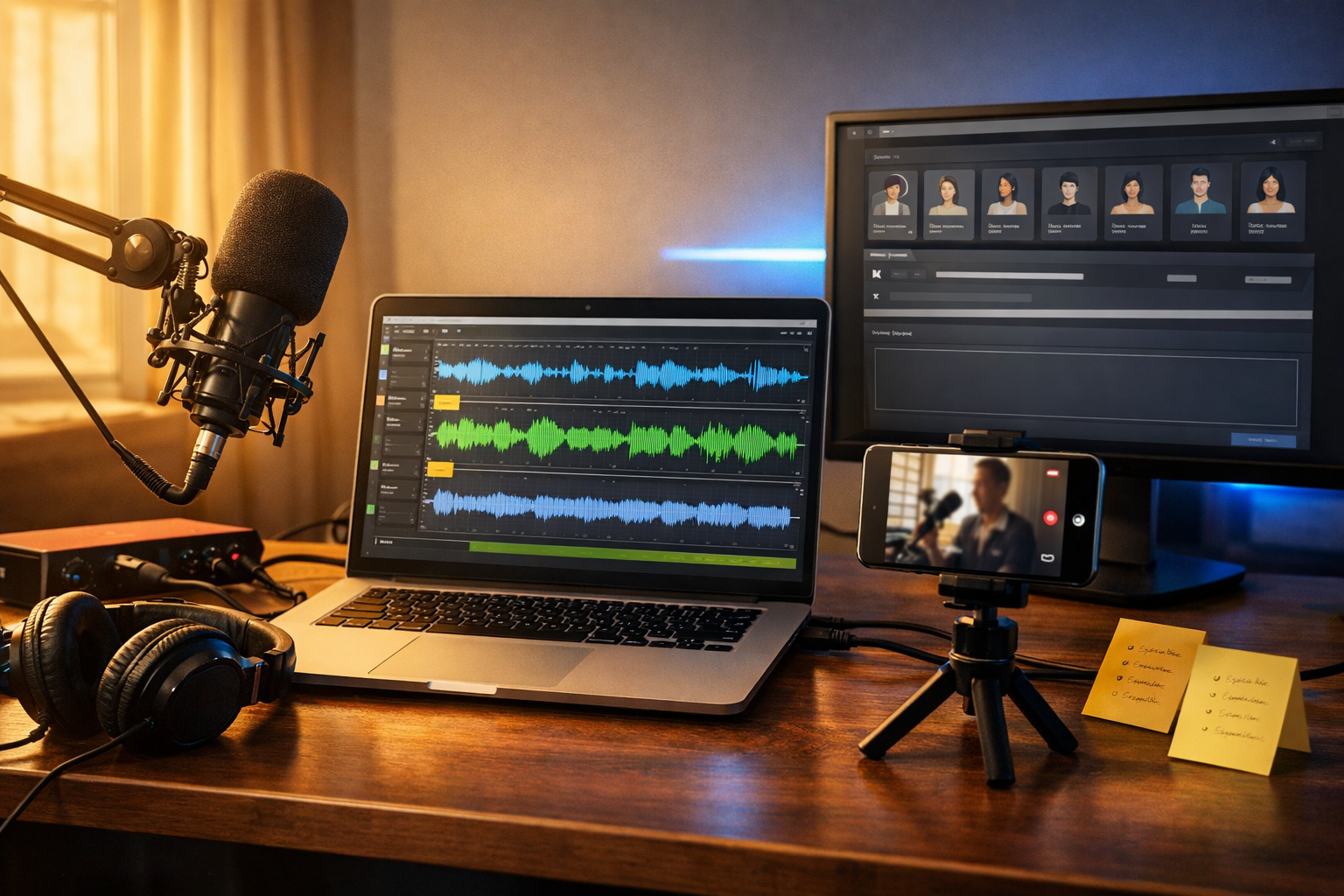
Learning how to create AI podcast episodes can cut production time from days to hours—without sacrificing clarity, consistency, or brand voice. With the right workflow, you can go from a rough idea to a polished episode by using AI to plan the structure, draft a script, generate narration, add music, and produce promotional assets. This guide walks you through a practical, repeatable process using Gen AI Last as an all-in-one toolkit.
What “AI podcast episodes” actually means (and what it doesn’t)
An AI podcast episode is any episode where artificial intelligence meaningfully supports creation—most commonly through scripting, voice generation, editing assistance, and repurposing content into show notes and social clips. This doesn’t mean your podcast must be fully automated or “fake”. Many of the best AI-assisted podcasts are still guided by a human host, a clear editorial perspective, and strong fact-checking.
To keep quality high (and protect trust), treat AI as a production partner: it speeds up repetitive tasks and helps you iterate, while you remain responsible for accuracy, tone, and final approval.
Why AI is a game-changer for podcasters and small teams
If you’re a startup, freelancer, educator, or small marketing team, podcasting often fails for one reason: it’s time-consuming. AI helps you produce consistently by reducing friction at every stage.
- Faster ideation and episode planning (no more blank-page syndrome).
- More consistent scripting and structure across episodes.
- High-quality narration without booking voice talent for every update.
- Easy repurposing into blogs, emails, and social posts.
- Lower cost: with Gen AI Last, you get text, image, audio, and video tools from one plan.
If your goal is to publish weekly (or even twice weekly), a reliable AI workflow can be the difference between launching and quitting.
Step 1: Define your podcast format and “episode template”
Before generating anything, lock in a format you can repeat. A template helps AI outputs stay consistent and reduces editing later.
Choose a format that suits AI production
- Solo narrative: Great for AI voice and scripted delivery (e.g., “5-minute marketing lessons”).
- Interview-style: AI can help with research and questions; you still record the guest audio.
- Co-host debate: Harder to fake authentically; better if you have real hosts but use AI for planning and editing support.
- News/updates: Perfect for AI—short, frequent, structured.
Build a simple episode template
Here’s a strong starting structure (20–30 minutes):
- Hook (20–40s): The big promise and what listeners will learn.
- Intro (30–60s): Who you are, who the show is for.
- Main segments (3–5): Each with a clear takeaway.
- Example / mini case study: Makes the episode memorable.
- Recap: 3 key points.
- Call-to-action: Subscribe, download, or visit your site.
Save this template as a prompt you reuse. Consistency is a bigger growth lever than “perfect” audio.
Step 2: Generate episode ideas that match your audience and SEO
Podcasts are increasingly discovered through search—on Google, YouTube, Spotify, and Apple Podcasts. So when you learn how to create AI podcast episodes, think like an SEO editor: pick topics that match real questions.
Use Gen AI Last’s text generation to create a list of topic ideas based on:
- Customer support tickets and FAQs
- Sales objections (“Is this worth it?” “How long does it take?”)
- Competitor podcast titles (identify gaps)
- Your product categories and use-cases
Example prompt you can paste into Gen AI Last (Text): “Suggest 25 podcast episode titles for [industry] aimed at [audience]. Make them SEO-friendly, include long-tail questions, and group into 5 series themes.”
Once you have themes, you can batch-produce episodes (more on batching below).
Step 3: Create a research brief and outline (so the script isn’t generic)
AI scripts sound bland when the input is bland. The fix is to feed AI a strong brief: your point of view, real examples, and constraints.
Your 10-minute research brief checklist
- Target listener: job role, skill level, pain points
- Single promise: what they can do after listening
- 3–5 key points: the “spine” of the episode
- 1–2 real examples: a project, a mistake, a before/after
- Do/don’t list: what you recommend vs what to avoid
- CTA: what the listener should do next
Then ask Gen AI Last to generate a tight outline that matches your episode template. If you want your show to feel human, include your personal experience (“we tested this”, “a client did this”, “here’s the result”).
Step 4: Write (or co-write) the script with AI
A script doesn’t have to be word-for-word—unless you’re using AI voice. But even for human hosts, a script improves pacing and reduces “um” and waffle.
Two scripting approaches
- Full script: Best for AI narration, news updates, compliance-heavy topics.
- Bullet script: Best for real hosts, interviews, and more natural delivery.
Example prompt (Text): “Write a 1,600–2,000 word podcast script using this outline. Use short sentences, clear transitions, and a friendly expert tone. Include one mini case study and a recap of 3 key points. Avoid filler.”
After the first draft, do a quick “human pass”: add a personal anecdote, remove repetitive lines, and ensure claims are accurate. If you mention stats, verify them or keep statements non-numeric unless sourced.
If you want to explore everything Gen AI Last can do across script + assets, you can access our AI content tools from one place.
Step 5: Generate AI voice narration (and make it sound natural)
This is the core of how to create AI podcast episodes quickly: turn your approved script into narration using Gen AI Last’s AI audio generation. The aim is to produce speech that’s clear, paced, and emotionally appropriate—without sounding robotic.
Voice selection tips
- Match the topic: Calm for education, energetic for marketing, warm for storytelling.
- Consistency matters: Use the same voice across episodes so the show feels familiar.
- Test on mobile: Most listeners use earbuds; sibilance and harsh tones stand out.
Script formatting that improves AI delivery
- Use shorter paragraphs (2–3 sentences).
- Add natural pauses with punctuation and line breaks.
- Write numbers the way you want them spoken (e.g., “ten” instead of “10” if needed).
- Spell out acronyms on first mention (“search engine optimisation, or SEO”).
For the best results, generate audio in sections (intro, segment 1, segment 2, outro). This makes it easier to re-record a single part if you tweak a line later.
Step 6: Add music, transitions, and basic sound design
Sound design is what turns “AI narration” into a real podcast. Keep it subtle: your voice should always be the focus.
What to include
- Intro music: 5–10 seconds is enough.
- Outro music: 10–15 seconds to support your CTA.
- Segment stings: optional; use sparingly for long episodes.
- Room tone: a very subtle bed can help AI narration feel less “dry”, but don’t overdo it.
Gen AI Last can also support background audio generation, helping you create royalty-safe music beds that match your brand. Keep music at a low level under speech and fade it down during important points.
Step 7: Edit and master the audio for podcast platforms
Editing AI narration is usually simpler than editing human recordings, but you still need a clean master. The basics matter more than fancy plugins.
A practical editing checklist
- Remove obvious glitches: mispronunciations, repeated words, odd pauses.
- Balance levels: keep voice consistent across segments.
- EQ lightly: reduce muddiness, add a touch of clarity if needed.
- Compression gently: improves intelligibility on mobile.
- Limiter on the master: prevents peaks from clipping.
- Export settings: follow your host’s recommendations (commonly MP3, 128–192 kbps).
If you’re new, keep a “standard chain” and reuse it each episode. Consistency is your secret weapon.
Step 8: Create show notes, chapters, and SEO-friendly titles
Show notes are where AI gives you a major distribution advantage. Well-structured notes help Google understand your episode and help listeners decide to press play.
What great show notes include
- A clear summary (3–5 lines)
- Bulleted key takeaways
- Timestamps / chapters
- Links mentioned
- A short CTA
Example prompt (Text): “Turn this script into podcast show notes. Include an SEO-friendly summary, 8 bullet takeaways, and 6 timestamp chapters with short titles.”
Also generate 5–10 alternative episode titles. Choose one that is specific and matches search intent (for example, “How to create AI podcast episodes for a weekly marketing show” is better than “AI Podcasting Tips”).
Step 9: Build the cover art and promo assets (without a designer)
Visuals matter even for audio: cover art influences clicks, and social graphics drive discovery. With Gen AI Last’s image generation, you can create consistent promotional visuals that match your brand style.
Assets to generate for each episode
- Episode square image (for social posts)
- YouTube thumbnail (even if the video is static)
- Quote cards (1–3 per episode)
- A simple banner for your website or email
Keep a consistent colour palette and recurring visual motif (microphone, waveform, studio desk, etc.). The goal is recognisability.
Step 10: Repurpose into video clips and marketing content
One of the smartest reasons to learn how to create AI podcast episodes is repurposing. A single episode can become multiple pieces of content across channels—without needing a full creative team.
High-impact repurposing ideas
- Short-form video: Turn key moments into 15–45s reels using AI video generation.
- Blog post: Convert the script into an SEO article and add examples and screenshots.
- Email newsletter: “3 lessons from this week’s episode” with a link.
- LinkedIn carousel concept: 5-slide summary with one actionable tip per slide.
Because Gen AI Last includes text, image, audio, and video tools in one platform, you can keep the entire workflow in a single place rather than juggling multiple subscriptions.
A batch-production workflow (publish weekly with less stress)
Batching is the easiest way to stay consistent. Instead of producing one episode end-to-end, produce multiple episodes in stages.
- Day 1: Generate 10 topic ideas and pick 4.
- Day 2: Create briefs and outlines for all 4.
- Day 3: Write and approve scripts.
- Day 4: Generate AI narration + music beds.
- Day 5: Edit, master, export, and schedule.
This approach reduces context switching, and you develop a “house style” that makes your show sound professional quickly.
Quality, ethics, and trust: best practices for AI-generated podcasts
Using AI doesn’t remove your responsibility to be accurate and transparent. If your podcast provides advice (business, health, finance), apply extra care.
- Fact-check claims: especially statistics and legal/medical statements.
- Be clear about the format: if you use AI narration, consider disclosing it in your show notes.
- Avoid impersonation: only use voices you have the right to use.
- Maintain editorial judgement: don’t publish unreviewed scripts.
Trust is the asset that makes a podcast grow. Use AI to increase consistency and quality—not to cut corners on integrity.
Common mistakes when creating AI podcast episodes (and how to fix them)
- Mistake: Publishing a generic AI script. Fix: Add personal examples, a strong opinion, and a clear listener promise.
- Mistake: One long audio generation with no sections. Fix: Generate segment-by-segment for easier rework.
- Mistake: Music that competes with the voice. Fix: Lower levels, duck music under speech, shorten intros.
- Mistake: No show notes strategy. Fix: Use AI to create chapters, summaries, and keyword-focused descriptions.
- Mistake: Inconsistent branding. Fix: Use a repeatable cover/promo style and a stable voice identity.
Getting started with Gen AI Last (all-in-one, affordable)
If you want to create AI podcast episodes without stitching together multiple tools, Gen AI Last gives you text, audio, image, and video generation in one platform—useful for scripting, narration, cover art, and promo clips. For startups and small teams, the biggest benefit is speed and predictable cost.
You can view pricing from $10/month to access the full suite, or start creating for free to test your first episode workflow.
Quick checklist: how to create AI podcast episodes end-to-end
- Pick a repeatable format and episode template.
- Generate topic ideas aligned with audience questions.
- Write a research brief with your POV and examples.
- Draft and refine the script using AI text generation.
- Generate narration with AI audio in sections.
- Add subtle music and transitions.
- Edit, master, and export for your host.
- Generate show notes, chapters, and SEO titles.
- Create cover art and promo graphics.
- Repurpose into video clips, blogs, and emails.
Once you’ve done this once, repeat it as a system. That’s the real advantage of AI podcasting: not just faster episodes, but a production pipeline you can sustain.
Ready to Create with Generative AI?
Join thousands of creators using Gen AI Last to generate text, images, audio, and video — all from one platform. Start your 7-day free trial today.
Start Free — Try 7 DaysQuick Links
Create AI content from $10/month
View Plans