How to Create AI Podcast Episodes: A Step-by-Step Guide
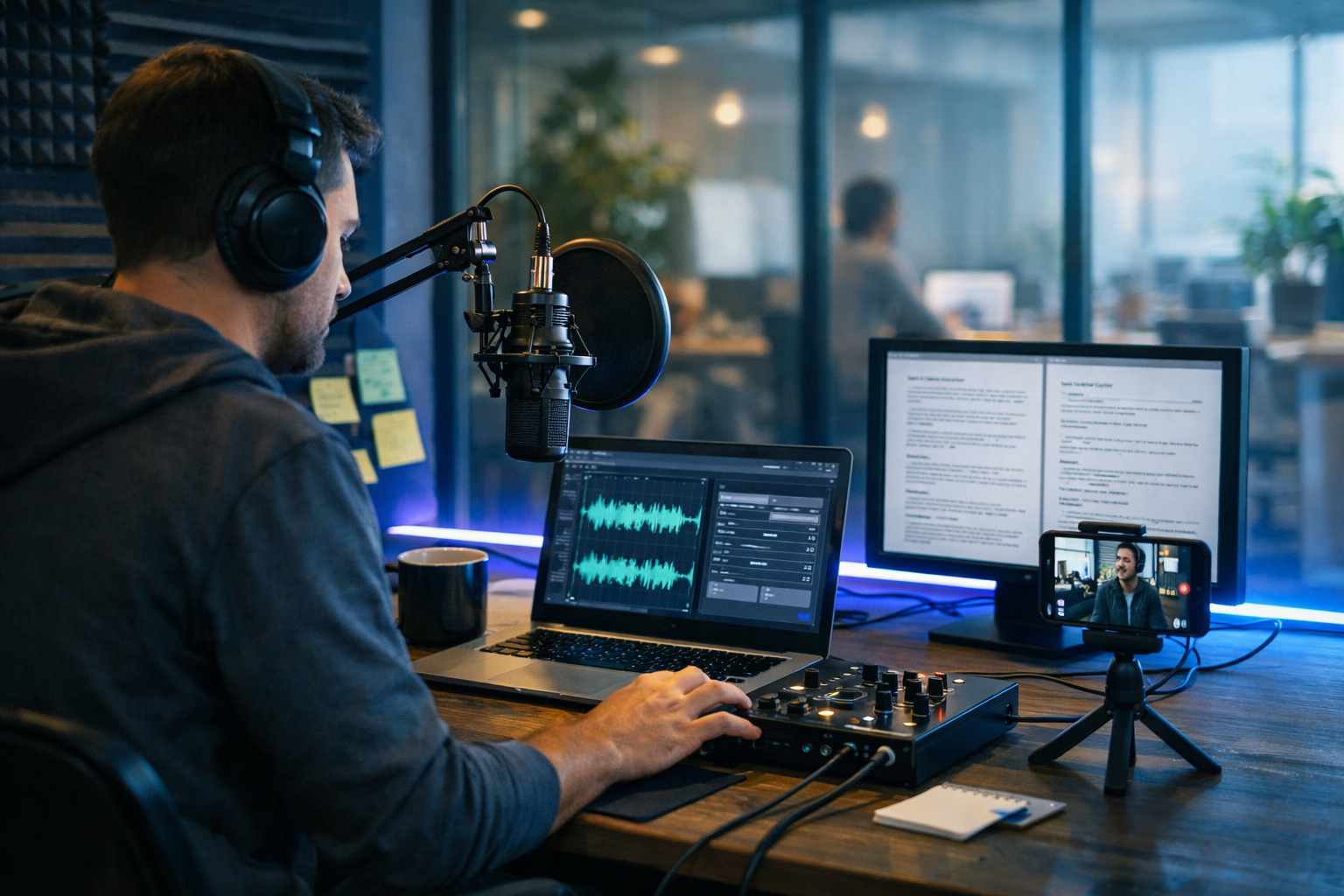
Creating a podcast used to mean booking studios, hiring voice talent, and spending hours editing. Today, you can produce polished episodes faster by using AI for planning, scripting, narration, and repurposing—without sacrificing quality. This guide shows you exactly how to create AI podcast episodes end to end, with prompts, a repeatable workflow, and practical tips to keep your show sounding human and trustworthy.
What “AI podcast episodes” actually means (and what listeners expect)
An AI podcast episode is any episode where AI helps with one or more production steps: topic research, script writing, voice-over generation, background music, editing support, show notes, and promotional assets. It does not mean “robotic audio” or low-effort content. Listeners still expect:
- A clear point of view and consistent format
- Accurate information and sensible pacing
- Natural-sounding narration and good audio levels
- Ethical disclosure if you use synthetic voices (recommended)
With an all-in-one platform like our AI content tools, you can create the script, generate the voice audio, make cover art, and even produce short video clips to promote the episode—without juggling multiple subscriptions.
The fastest workflow to create AI podcast episodes (overview)
Here’s the repeatable process used by many small teams:
- Define the episode goal (who it’s for, what they’ll learn)
- Choose a format (solo monologue, interview-style, news roundup, storytelling)
- Generate an outline with segments and timings
- Write the script (hook, body, transitions, CTA)
- Create narration with AI audio (and optional character voices)
- Add music and sound design (intro sting, beds, transitions)
- Quality check for pacing, pronunciation, facts, and levels
- Publish + repurpose into show notes, clips, and social posts
Step 1: Pick a podcast format AI can execute consistently
AI performs best when you give it repeatable structures. Choose one of these formats (or combine them):
- 5–8 minute “single idea” episodes: one insight, a quick example, one action step
- 10–15 minute tutorials: problem → steps → pitfalls → checklist
- Weekly roundup: 3–5 headlines with your commentary
- Q&A: answer one listener question per episode
- Story-based: a narrative arc with tension and resolution
If you’re building a brand for a product or agency, tutorial and Q&A formats tend to convert well because they naturally lead to resources and calls to action.
Step 2: Generate an episode outline (with timings)
Before you script anything, outline the segments and approximate time per segment. Timings help AI maintain pacing and prevent rambling.
Outline prompt you can use:
“Create a podcast episode outline on: [topic]. Audience: [who]. Duration: 10 minutes. Style: clear, practical, friendly. Include: hook (30s), 3 main sections (2–3 mins each), 2 transitions, 1 example, common mistakes, and a closing CTA. Add estimated timings per segment and 3 possible episode titles.”
In Gen AI Last, you can do this quickly using AI text generation and then reuse the structure as a template for every episode.
Step 3: Write a script that sounds natural (not “AI-ish”)
The script is the difference between a professional episode and something that feels autogenerated. Aim for spoken language: shorter sentences, contractions, occasional rhetorical questions, and clear signposting (“First… next… finally…”).
A proven AI podcast script structure
- Cold open (10–20s): a punchy promise or surprising stat
- Intro (20–40s): who you are + why this matters now
- Main content: 3 points with mini examples
- Pitfalls: what most people get wrong
- Action steps: 1–3 things to do today
- CTA: subscribe, download, book, or try your tool
Script prompt for a 10-minute episode
“Write a 10-minute podcast script on: [topic]. Use British English. Host voice: confident, warm, no hype. Use short paragraphs for breathing. Include cues in brackets for emphasis and pauses (e.g., [pause], [smile], [slow]). Avoid clichés and avoid repeating points. Add one real-world example and one short checklist near the end.”
Once the draft is generated, do a quick human edit for: accuracy, brand voice, and anything that could be misunderstood. If you cite figures, confirm them before publishing.
Step 4: Create the AI narration (voice-over) that sounds professional
AI audio can produce clean narration quickly, but you’ll get better results if you prepare the script for speech. A few practical rules:
- Write for breath: break long sentences into two
- Spell out tricky words: e.g., “SQL” as “sequel” or “S-Q-L”
- Add pronunciation notes: especially for names and brands
- Use stage directions: [pause], [emphasis], [faster], [slower]
With Gen AI Last’s AI Audio Generation, you can turn your script into narration, create alternate takes for the hook, and generate short segments (intro/outro) separately to keep editing simple.
Pro tip: record “humanising” elements
If you’re comfortable, consider recording just 20–40 seconds yourself (a personal story, a quick intro, or the closing). Blending a small human section with AI narration can increase trust while still saving hours.
Step 5: Add background music and simple sound design
Music is optional, but light sound design can make AI podcast episodes feel less flat. Keep it subtle: your voice should always be the focus.
- Intro sting: 4–8 seconds
- Low music bed: only under intros or transitions
- Transition swoosh: between segments (use sparingly)
- Outro: 6–12 seconds under your CTA
Gen AI Last can generate background music and audio elements, helping you keep the entire production in one place rather than bouncing between multiple tools.
Step 6: Quality control checklist (the difference between “made” and “published”)
Before you publish, run this fast QA pass. It prevents 90% of listener drop-offs and negative reviews.
- Pacing: remove repeated phrases, tighten long intros
- Pronunciation: fix brand names, acronyms, and guest names
- Levels: voice consistent; music not competing with speech
- Silences: natural pauses, not awkward gaps
- Facts: verify claims, avoid overconfident statements
- Compliance: ensure you have rights to any non-AI audio you use
If your show covers sensitive topics (health, finance, legal), add a short disclaimer and be careful about presenting AI-generated material as professional advice.
Step 7: Create cover art and promo assets (images + video)
Even if your main product is audio, discovery is visual. Strong cover art and consistent social assets help your podcast look credible.
- Podcast cover art: simple, high contrast, recognisable at thumbnail size
- Episode artwork: optional, but good for shareability
- Audiograms: short waveform clips for social
- Vertical reels: 15–45 seconds with your best moment
Using Gen AI Last, you can generate marketing visuals with AI Image Generation and turn key moments into short promotional clips with AI Video Generation—ideal for TikTok, Instagram Reels, and YouTube Shorts.
Step 8: Write show notes that rank (SEO for podcasts)
Show notes are your SEO engine. Many podcasts miss this and rely only on platform discovery. Good show notes should include:
- A keyword-led title (natural, not spammy)
- A 150–200 word summary with the main keyword once
- Bullets of takeaways (easy to skim)
- Timestamps (better UX, more trust)
- Links to resources mentioned
You can generate show notes quickly with AI text generation, then lightly edit to ensure accuracy and add links relevant to your brand.
Practical examples: prompts for different AI podcast episode types
Example 1: Tutorial episode prompt (B2B)
“Create a 12-minute podcast script teaching [skill] for [audience]. Include: 3-step framework, one case study, and a ‘do this today’ checklist. Keep language plain, British English, and avoid buzzwords. End with a 10-second CTA to subscribe and download a free template.”
Example 2: Storytelling episode prompt (brand building)
“Write a story-driven 8-minute episode about [challenge]. Use a narrative arc: setup → tension → turning point → lesson. Add scene-setting details for audio. Keep the narrator reflective and practical. Include one clear takeaway and one question for listeners to think about.”
Example 3: Roundup episode prompt (weekly cadence)
“Create a weekly roundup podcast script: 5 news items about [industry]. For each item: 20-second context, 30-second opinion, 10-second ‘what to do next’. Include a consistent intro and outro template so I can reuse it every week.”
Common mistakes when learning how to create AI podcast episodes
- Overlong scripts: AI drafts tend to expand—trim aggressively.
- No point of view: summarising the internet isn’t a show. Add your angle.
- Unedited AI voice: fix awkward pronunciations and add natural pauses.
- Too much music: it dates quickly and hurts clarity if too loud.
- Skipping show notes: you miss organic search traffic.
- Inconsistent publishing: choose a cadence you can maintain.
A simple production plan for small teams (1–2 hours per episode)
If you’re a founder, marketer, or solo creator, here’s a realistic plan:
- 15 mins: topic selection + outline
- 25 mins: generate script + human edit
- 15 mins: generate AI narration (split into segments)
- 20 mins: add music, transitions, quick QA
- 20 mins: show notes + 3 social posts + one short clip
The advantage of Gen AI Last is cost and simplicity: instead of paying separate tools for writing, voice, images, and promo video, you get full access across formats in one subscription. If you want to keep spend predictable, view pricing from $10/month.
Ethics, disclosure, and trust (E-E-A-T for AI podcasts)
If you use a synthetic voice, consider mentioning it briefly in the description or intro—especially if your audience values authenticity. Also:
- Don’t impersonate real people without permission.
- Double-check claims, particularly in YMYL niches (finance, health).
- Add sources in show notes when you quote studies or statistics.
- Maintain editorial control: AI assists; you remain responsible.
Frequently asked questions
Can I create a podcast entirely with AI?
Yes—script, narration, music, cover art, and promo clips can all be AI-assisted. The best results come from combining AI speed with human judgement: editing for clarity, verifying facts, and shaping a distinct voice.
How do I stop AI narration from sounding robotic?
Write for speech, add pauses, vary sentence length, and regenerate small sections when a line sounds off. Keep a consistent host voice and avoid overly formal phrasing.
What’s the easiest way to repurpose an AI podcast episode?
Turn the script into show notes, extract 3 quotable takeaways for social posts, and create one 20–40 second clip for short-form video. An all-in-one toolset makes this much quicker.
Start creating your first AI podcast episode
If you want a streamlined workflow—script to voice to visuals—Gen AI Last is built for creators and small teams who need professional output without the agency price tag. Use our AI content tools to generate the episode script, produce AI audio narration, create cover art, and make promotional video clips in one place.
When you’re ready to test your workflow, start creating for free and build a repeatable template for your next 10 episodes.
Ready to Create with Generative AI?
Join thousands of creators using Gen AI Last to generate text, images, audio, and video — all from one platform. Start your 7-day free trial today.
Start Free — Try 7 DaysQuick Links
Create AI content from $10/month
View Plans