How to Create AI Podcast Episodes: A Step-by-Step Guide
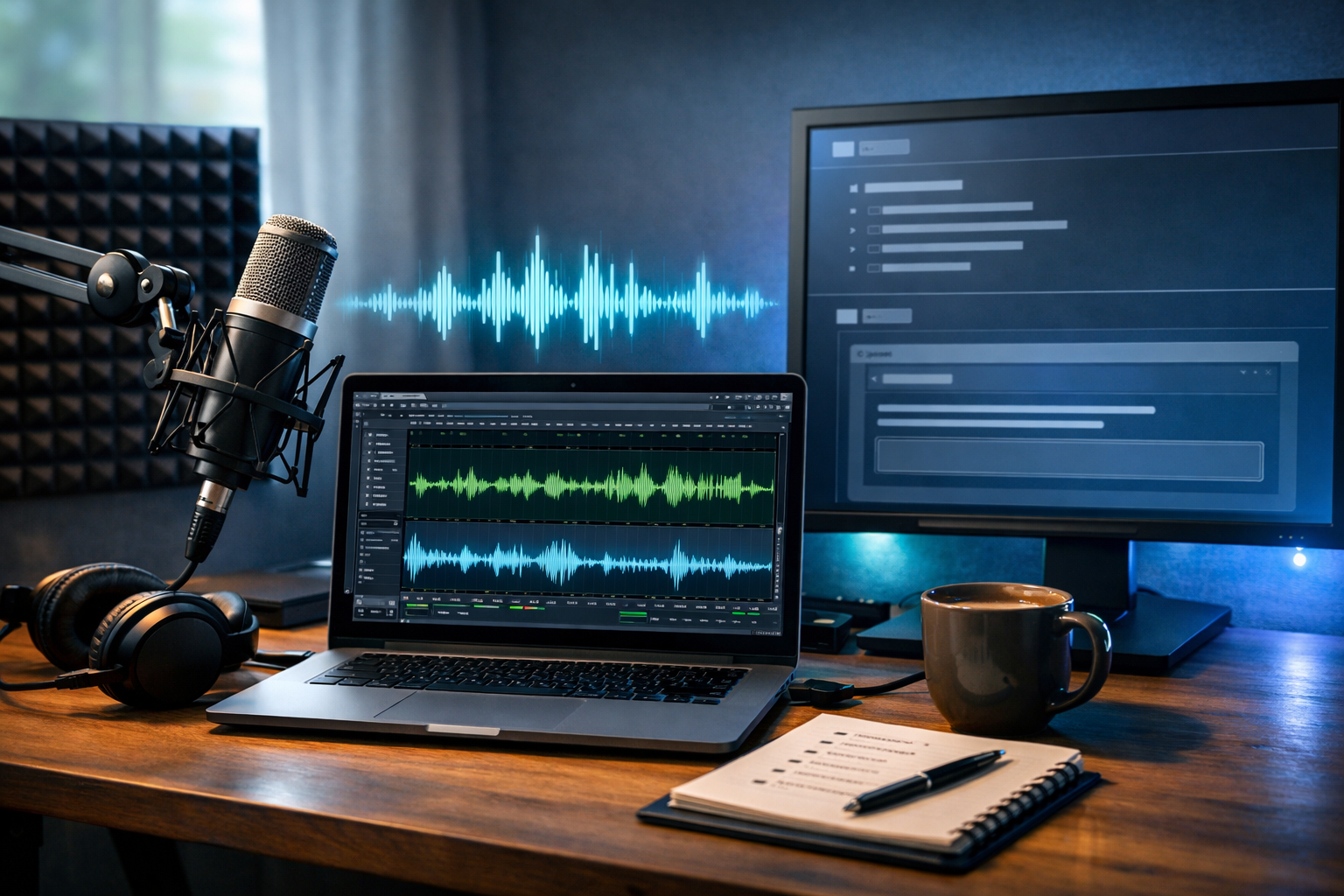
Knowing how to create AI podcast episodes means you can move from idea to publishable audio in hours, not days—without sacrificing clarity, consistency, or brand voice. With the right workflow, AI can help you research topics, draft a strong script, generate narration, add music and polish, then repurpose the episode into show notes and social clips.
What “AI podcast episodes” actually means (and what it doesn’t)
An AI podcast episode is an episode where AI assists with one or more parts of production—commonly topic ideation, scripting, voice-over generation, editing support, music generation, and repurposing. It doesn’t have to be a fully synthetic show. Many creators use AI to speed up the workflow while keeping a human host, real interviews, or a human-led editorial review.
The best results come from treating AI like a production team: it can draft, generate and iterate quickly, but you remain the editor-in-chief. That means verifying claims, avoiding over-promises, and ensuring your audience hears something genuinely useful.
Why use AI for podcast production?
AI can remove the bottlenecks that slow podcasts down—blank-page scripting, inconsistent tone, time-consuming narration takes, and repetitive tasks like writing show notes. For startups and small teams, it can also reduce costs by bundling multiple content formats in one workflow.
- Faster planning: generate episode angles, titles, and segment structures in minutes.
- More consistent output: maintain a repeatable format across seasons.
- Scalable localisation: create versions for different regions or audience segments.
- Repurposing built-in: turn an episode into blog posts, emails, and social snippets.
With our AI content tools, you can generate text, audio, images, and video in one place—useful when you want your podcast to power your entire marketing pipeline.
Step 1: Define the episode goal and audience (the 5-minute brief)
Before prompting any AI tool, define a simple episode brief. This keeps outputs focused and prevents generic scripts.
- Audience: Who is the episode for (job role, experience level, pain points)?
- Outcome: What should listeners be able to do by the end?
- Length: 8–12 minutes (quick tips), 20–30 minutes (deep dive), 45+ minutes (interview).
- Format: Solo monologue, co-host chat, interview, narrative, or Q&A.
- CTA: Subscribe, visit a page, download a resource, or reply with questions.
Example brief: “Audience: early-stage founders. Outcome: understand a repeatable workflow for creating AI podcast episodes. Length: 15 minutes. Format: solo with 3 segments + outro CTA to try Gen AI Last.”
Step 2: Use AI to generate episode ideas that fit your niche
AI is excellent at ideation, but it needs boundaries: your niche, your point of view, and your audience’s real problems. Ask for a batch of ideas, then shortlist the ones that match your goals.
Prompt you can use: “Generate 20 podcast episode ideas for [audience] about [topic]. Each idea must include: a hook, 3 key takeaways, and one counterintuitive insight. Keep titles under 60 characters.”
Selection tip: pick ideas that are specific and action-based (e.g., “A 30-minute workflow to ship weekly episodes”), not broad (e.g., “All about AI”). Specificity is what earns listens—and search traffic from show notes.
Step 3: Build a strong outline (your episode’s spine)
A good outline makes the script easier to write, the delivery easier to record, and the edit significantly faster. Use AI to propose a structure, then edit it to match your voice and time limit.
- Hook (0:00–0:30): the problem, why it matters, what they’ll get.
- Credibility (0:30–1:00): a quick reason to trust you (experience, results, insight).
- Core segments: 3–5 sections with clear transitions.
- Examples: one short case study or scenario per segment.
- Recap + CTA: reinforce key points; tell them the next step.
If you plan to publish episode transcripts or blog-style show notes, outlines also help you create SEO-friendly headings later.
Step 4: Write an AI-assisted script that sounds human
This is where many AI podcast attempts fail: the script reads like an article. Spoken audio needs shorter sentences, clear signposting, and intentional pacing. Use AI text generation to draft, then revise for speech.
Prompt framework:
- “Write a conversational podcast script in British English.”
- “Use short paragraphs, natural transitions, and rhetorical questions.”
- “Include stage directions: [pause], [emphasis], [smile].”
- “Avoid clichés and filler. No ‘in today’s fast-paced world’.”
- “Add 2 practical examples and a 30-second recap.”
Make it sound more like you: Replace generic verbs (“utilise”) with your natural words (“use”). Add your own tiny details (a mistake you made, a lesson learned, a real constraint like “I only had two hours to record”). These details create trust and improve listener retention.
With our AI content tools, you can draft multiple script variants quickly: one “short” version for a 10-minute episode, and one “deep dive” for longer formats.
Step 5: Fact-check and add E-E-A-T signals
AI can confidently include inaccuracies, especially with stats and tool capabilities. Before you generate the final audio, do a fast editorial pass:
- Verify claims: stats, legal/medical/financial advice, platform policies.
- Replace vague assertions: “Many experts say…” becomes “In our experience working with small teams…”
- Add sources (in show notes): link to reputable references when you cite data.
- Clarify limitations: where AI outputs can be wrong or need review.
This is also where you add your unique perspective: what you tried, what worked, and what you’d do differently next time.
Step 6: Generate the voice (AI narration) with the right settings
AI audio generation can turn your final script into clean narration. To avoid a robotic feel, focus on pacing, pronunciation, and emotional tone.
Practical narration tips
- Shorten sentences: if you can’t say it in one breath, rewrite it.
- Add cues: [pause] after key points; [slow down] before steps.
- Spell out tricky terms: acronyms, product names, and URLs.
- Choose a consistent voice: keep the same voice across episodes for brand recognition.
- Generate in sections: intro, segment 1, segment 2… This makes revisions painless.
Gen AI Last includes AI audio generation for voice-overs and podcast-style narration, making it straightforward to create episodes even if you don’t have a treated recording space or a confident on-mic voice.
Step 7: Add intro/outro music and light sound design
Music and minimal sound design can make AI podcast episodes feel more “produced”, but too much can distract from clarity. Aim for simple, consistent elements:
- Intro sting: 5–8 seconds.
- Outro bed: 8–12 seconds under your CTA.
- Optional transitions: a subtle riser between segments (use sparingly).
When generating background music, keep it low and uncluttered, and ensure you have the right usage permissions for your distribution platforms.
Step 8: Polish the audio (minimum viable mastering)
Even AI-generated narration benefits from basic polishing so it sits at a comfortable level and sounds consistent across devices.
A simple checklist
- Level consistency: avoid volume jumps between sections.
- Noise and artefacts: listen for glitches or odd breaths and regenerate small parts if needed.
- EQ/light compression: keep speech present and easy to understand.
- Silence trimming: remove awkward gaps; keep intentional pauses.
Tip: always listen once on headphones and once through phone speakers before publishing. If the words are clear on a phone, you’re in good shape.
Step 9: Create show notes, transcript, and SEO assets with AI
If you want your podcast to attract organic traffic, your episode page matters. Use AI text generation to turn the script (or transcript) into structured show notes that answer search queries like “how to create AI podcast episodes”.
What to generate for each episode
- SEO title + meta description for your website episode page.
- Timestamped outline (helps skimmers and improves engagement).
- Key takeaways (3–7 bullets).
- Pull quotes for social posts.
- Email newsletter announcing the episode.
This is where an all-in-one platform helps: draft the written assets in the same place you generate the audio, using our AI content tools.
Step 10: Generate supporting visuals and promo clips (optional, high impact)
Podcasts grow faster when they’re visible on social platforms. AI can help you create consistent, on-brand promotional assets—even if you don’t have a designer or editor.
Assets worth creating
- Episode cover image: consistent layout, episode title variation, your brand colours.
- Audiogram-style video: waveform + captions + hook (15–30 seconds).
- Short reels: 2–3 clips per episode, each with one clear takeaway.
Gen AI Last supports AI image and AI video generation alongside audio, so your episode can become a full campaign: cover art, social graphics, and short clips built from the same core script.
A repeatable workflow: create an AI podcast episode in under 2 hours
Here’s a practical timeline for a solo, scripted episode (10–15 minutes). You can adapt it for longer deep dives.
- 10 minutes: write the episode brief + choose title angle.
- 20 minutes: generate and edit the outline.
- 25 minutes: draft script with AI + humanise it (read aloud once).
- 20 minutes: generate AI narration in sections and fix pronunciations.
- 15 minutes: add intro/outro music and do a quick polish.
- 20 minutes: generate show notes, social posts, and an email.
If you’re publishing weekly, this kind of system is what keeps quality high while preventing burnout.
Common mistakes when creating AI podcast episodes (and how to avoid them)
- Publishing unedited scripts: always do a “spoken” rewrite and remove long sentences.
- Overusing jargon: define terms once, then speak simply.
- Generic hooks: open with a specific promise and a clear outcome.
- No examples: include at least two real scenarios (even small ones).
- Inconsistent voice: maintain one narrator style and a stable episode structure.
- Skipping compliance: avoid misleading claims; add disclaimers where necessary.
Cost: what you need to start (and why all-in-one matters)
You can create AI podcast episodes with minimal equipment because the narration can be generated and the assets can be produced digitally. The main costs are usually software subscriptions spread across multiple tools—writing, audio, visuals, and video.
Gen AI Last keeps it simple with one platform for text, image, audio, and video generation—ideal for startups and small teams watching budgets. You can view pricing from $10/month and get full access to all content types across plans.
Quick-start prompts you can copy
Use these to speed up your next episode creation session.
1) Outline prompt
“Create a 15-minute podcast outline for [audience] on ‘[episode topic]’. Include: hook, 3 main segments, transitions, 2 examples, recap, and CTA. British English. Conversational.”
2) Script prompt
“Write a full podcast script from this outline: [paste outline]. Use short sentences and natural speech. Add [pause] cues. Avoid clichés. Include one moment of personal insight and one actionable checklist.”
3) Show notes prompt
“Turn this script into SEO-friendly show notes targeting ‘how to create AI podcast episodes’. Include a summary, timestamps, key takeaways, and a short FAQ.”
Final checklist before you publish
- Does the intro state a clear promise in the first 20–30 seconds?
- Are there at least 2 concrete examples listeners can copy?
- Have you checked any facts, stats, and platform claims?
- Is the audio comfortable on phone speakers?
- Do the show notes include the primary keyword naturally?
- Do you have a clear CTA (subscribe, site visit, or next episode)?
Create your first AI podcast episode with Gen AI Last
If you want a streamlined way to plan, script, narrate, and promote episodes without juggling multiple subscriptions, Gen AI Last brings it together: AI text for scripts and show notes, AI audio for narration and music, plus AI images and videos for promotion.
You can start creating for free, build your first episode workflow, and scale it into a weekly publishing system once you’ve found your format.
Ready to Create with Generative AI?
Join thousands of creators using Gen AI Last to generate text, images, audio, and video — all from one platform. Start your 7-day free trial today.
Start Free — Try 7 DaysQuick Links
Create AI content from $10/month
View Plans