How to Create AI Product Demo Videos That Convert
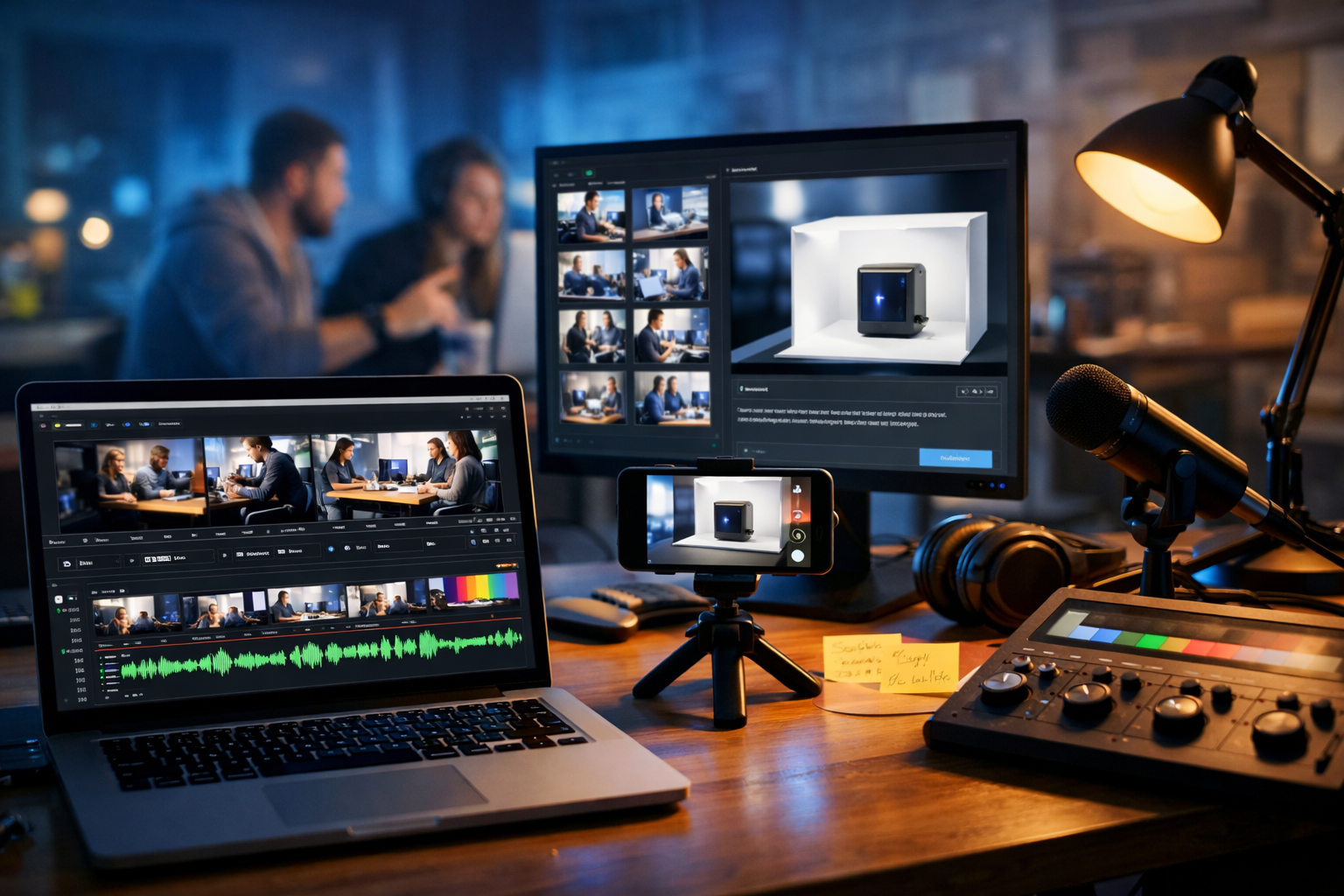
If you’re trying to sell a product in 2026, a clear demo video often beats a long landing page. The challenge is speed and cost: scripting, visuals, screen recordings, voice-over, edits, and multiple versions for each channel. This guide shows exactly how to create AI product demo videos with a repeatable workflow—using AI to move faster without losing clarity, accuracy, or brand trust.
What counts as an AI product demo video (and why it works)
An AI product demo video is any demo that uses artificial intelligence for one or more production steps—scriptwriting, storyboard generation, image creation, voice-over, music, captions, or even full video generation. Done well, AI doesn’t replace product knowledge; it accelerates production so you can iterate quickly and create variants for different audiences.
Demo videos work because they reduce uncertainty. Viewers can see how the product solves a problem, what it looks like, and what “success” feels like after purchase. For SaaS and digital products especially, a strong demo answers three questions quickly:
- What problem does this solve for me?
- How does it work in real life?
- Why should I trust it (and you) enough to try or buy?
Before you generate anything: define your demo’s goal and audience
The fastest way to waste time is to “make a demo video” without specifying the outcome. Decide your primary goal, then build the story around it.
- Top-of-funnel demo: spark interest and show the core promise in 30–60 seconds.
- Conversion demo: remove purchase objections in 60–120 seconds (pricing, setup, integrations, support).
- Onboarding demo: teach first success in 2–5 minutes with clear steps.
- Sales enablement demo: handle common stakeholder concerns (security, compliance, ROI) in a modular format.
Next, define the viewer. A founder, marketer, IT manager, and end-user need different language and proof. AI can help you draft versions quickly, but you still need to pick a “default viewer” to keep the video focused.
The proven structure for product demo videos (use this template)
Most high-performing demos follow a simple narrative arc. You can use this as a script skeleton and generate faster with AI.
- Hook (0–5s): name the painful problem and the promised outcome.
- Context (5–15s): who it’s for and when they need it.
- Show the “magic moment” (15–40s): the one feature that makes them say, “I want that.”
- Walkthrough (40–90s): 3–5 steps, no more. Focus on results, not every menu.
- Proof (optional, 60–110s): stats, testimonial snippets, before/after, or quick case result.
- Objection handling (optional, 90–120s): price, setup time, security, support.
- CTA (final 5–10s): a single next step (start trial, book a call, download, etc.).
Your AI workflow should support this structure end-to-end: text for scripts, images for scenes, audio for voice-over and music, and video generation/assembly for the final edit. Gen AI Last is built for this kind of integrated production—text, image, audio, and video in one place. Explore our AI content tools to see what you can generate from a single brief.
Step-by-step: how to create AI product demo videos (complete workflow)
Step 1: Write a strong creative brief (10 minutes that saves hours)
AI outputs depend on inputs. A short creative brief ensures your demo doesn’t become generic.
- Product: what it is, how it’s used, and the key differentiator.
- Audience: role, industry, skill level, and objections.
- Core promise: “Get X result without Y pain.”
- Must-show features: limit to 3–5.
- Evidence: metrics, customer quotes, awards, integrations.
- Brand voice: confident, friendly, technical, playful, etc.
- Format constraints: 16:9 YouTube, 9:16 Reels, no audio autoplay, etc.
If you’re producing multiple demos (e.g., for different industries), keep one “master brief” and duplicate it for each segment. That’s where AI becomes a multiplier.
Step 2: Generate the script (then tighten it like a human editor)
Use AI text generation to draft a script with time stamps and on-screen direction. In Gen AI Last, you can generate scripts, narration, CTA copy, and multiple versions (short, long, technical) without jumping between tools.
Practical script prompt example:
“Write a 75-second product demo script for [product] aimed at [audience]. Structure: hook, context, 3-step walkthrough, proof, CTA. Include voice-over lines and matching on-screen visual cues. Tone: [brand voice]. Avoid buzzwords. Highlight [feature 1], [feature 2], [feature 3]. CTA: [action].”
Edit checklist (do this even if the AI draft is good):
- Remove vague claims (“best”, “revolutionary”) unless you can prove them.
- Replace feature descriptions with outcomes (“cut reporting time from hours to minutes”).
- Keep sentences short for voice-over—aim for natural speech.
- Ensure every line matches what you can actually show on screen.
- Check compliance: pricing, guarantees, medical/financial claims, GDPR statements.
Step 3: Build a storyboard and shot list (so production stays simple)
A storyboard is your “map”: scene-by-scene visuals aligned to the script. For AI product demos, your visuals typically fall into three buckets:
- Screen captures: real product UI (best for trust and accuracy).
- AI-generated scenes: contextual b-roll (teams, devices, environments) and abstract feature visuals.
- Motion graphics: simple callouts, highlights, arrows, step numbers.
If your product changes often, keep the demo modular. Record stable “core” screens (login, dashboard, key workflow) and overlay AI-generated b-roll and callouts so the video remains relevant longer.
Step 4: Create demo visuals with AI images (b-roll that matches your brand)
AI image generation is ideal for scenes you can’t easily film: industry-specific environments, remote teams, product-in-use contexts, or stylised backgrounds that make your demo feel premium.
What to generate: opening hook visuals, cutaway b-roll between UI steps, hero shots for thumbnails, and consistent background plates for motion graphics.
Prompt pattern that works: subject + setting + camera angle + lighting + brand palette + realism constraints.
- Example: “Photorealistic SaaS demo b-roll: marketer in a home office reviewing analytics on a laptop, shallow depth of field, soft natural light, modern desk, muted blue and charcoal palette, 16:9, no text, no logos.”
Tip: keep a small “visual style guide” for prompts (lighting, palette, lens feel, environments). Consistency matters more than hyper-realism.
Step 5: Generate voice-over and audio (clarity beats drama)
Voice-over can make or break a demo. AI audio generation helps you ship faster, especially for frequent product updates, A/B tests, and multilingual versions. In Gen AI Last, you can generate narration and supporting audio, then pair it with your video.
Voice-over best practices:
- Speak slightly slower than you think. Leave space for the viewer to follow the UI.
- Use concrete verbs: “Connect”, “Import”, “Generate”, “Share”.
- Avoid reading UI labels word-for-word; describe intent and outcome.
- Keep background music subtle and low—product demos are information-first.
Quick workflow tip: generate two voice-over takes: one “neutral and clear” for most use cases, and one “energetic” for social. Swap the audio track and keep the same visual edit.
Step 6: Generate or assemble the video (choose the right approach)
There are two common approaches when people talk about “AI product demo videos”. Pick based on how UI-accurate you need to be.
- Hybrid demo (recommended for most products): real screen recordings + AI b-roll + AI voice-over + AI-generated music. This maximises trust because the product shown is real.
- Fully AI-generated demo: best for concept videos, pre-launch waitlists, or when filming is impossible. Use it carefully and avoid implying the UI is final if it isn’t.
Gen AI Last supports video generation for marketing videos, product demos, social reels, and explainer-style content—use it to build scenes quickly, then refine the final cut with your preferred editing workflow. If budget is a concern, it helps that all features are included in one plan; you can view pricing from $10/month.
Step 7: Add on-screen text, callouts, and captions (for silent viewing)
Many viewers will watch your demo with the sound off (especially on social). Captions and callouts make the video usable in any context and improve accessibility.
- Captions: include punctuation and speaker intent; avoid wall-of-text subtitles.
- Callouts: highlight the one UI element that matters in each moment (button, menu, result).
- Step labels: keep to “Step 1/2/3” rather than long sentences.
- Design: high contrast, large enough for mobile, consistent placement.
Avoid clutter: if everything is highlighted, nothing is.
Step 8: Export multiple versions (one edit, many placements)
The smartest teams create a “master demo” and then produce derivatives. Your aim is to reuse assets: the same script, the same screen recordings, and the same b-roll—reordered and resized.
- Website hero demo: 45–90 seconds, straight to value, minimal intro.
- Sales deck embed: 60–120 seconds, includes proof and objections.
- YouTube demo: 2–5 minutes, more instructional, chaptered.
- Social cutdowns: 15–30 seconds, bold hook, captions, faster pacing.
- Feature clips: 10–20 seconds each, one feature per clip.
A complete example: turning one workflow into three demo videos
Imagine you’re launching a tool that turns meeting notes into tasks and updates your project board automatically. Here’s how you’d create AI product demo videos for three audiences without starting from scratch:
- Master script (90s): show “record meeting → summarise → convert to tasks → sync to board → share update”.
- Marketing version (45s): hook on “stop losing action items”, show the magic moment (tasks created), quick proof, CTA.
- Team lead version (75s): add permissions, audit trail, and how it reduces follow-up time.
With Gen AI Last, you can generate the variations of the script (AI Text), create consistent b-roll scenes of modern teams collaborating (AI Image), produce clean voice-over takes (AI Audio), and generate/assemble the final videos (AI Video) while keeping the creative direction consistent across outputs.
Quality control: keep AI demos accurate, credible, and compliant
The biggest risk with AI-assisted demos isn’t “the AI replaced our editor”—it’s that the demo becomes inaccurate or overpromising. Use a simple QA pass before publishing.
- Accuracy check: every on-screen claim must be demonstrably true in the product.
- UI parity: if screens are recorded, confirm the UI matches the current build.
- Brand safety: no competitor logos, no unlicensed imagery, no misleading visuals.
- Regulatory: be cautious with health, finance, security, and performance guarantees.
- Accessibility: captions, readable contrast, avoid flashing.
If you use AI-generated “concept screens”, label them internally and never imply they’re real recordings. In most cases, the hybrid approach (real UI + AI b-roll) is the safest and highest-converting route.
Optimise for SEO and discoverability (yes, videos can rank)
If your keyword is “how to create AI product demo videos”, your video and the page hosting it should reinforce the same intent. Here’s what to do:
- Title: include the core phrase and a benefit (e.g., “How to Create AI Product Demo Videos (Fast Workflow)”).
- Description: add a short summary, key steps, and a clear CTA.
- Transcript: publish the transcript on the page for indexable text and accessibility.
- Chapters: use time-stamped sections for YouTube and longer demos.
- Thumbnail: show the product UI clearly; avoid tiny text.
- Schema (advanced): use VideoObject schema on your landing page if applicable.
A strong SEO play is to pair your demo with a supporting blog post or use-case page. You can generate that supporting content quickly with our AI content tools, keeping messaging consistent across video, page copy, and follow-up emails.
Common mistakes when creating AI product demo videos (and how to fix them)
- Mistake: Feature dumping.
Fix: pick one primary workflow and show it end-to-end; save secondary features for separate clips. - Mistake: Generic AI script tone.
Fix: feed the AI your brand voice, customer language, and real objections; then edit ruthlessly. - Mistake: Too much b-roll, not enough product.
Fix: the product should be on screen most of the time in a demo; use b-roll as transitions. - Mistake: No “proof” moment.
Fix: add one concrete metric, quick customer result, or mini case scenario. - Mistake: One size fits all.
Fix: produce 2–3 versions for different audiences and channels; AI makes this affordable.
A simple production checklist you can reuse
- Define viewer + one goal + one CTA.
- Write script with on-screen directions and time targets.
- Storyboard: scene list + required assets (screens, b-roll, graphics).
- Generate b-roll images (consistent style) and any supporting visuals.
- Generate voice-over + background audio; confirm pronunciation.
- Assemble video; add callouts + captions.
- QA: accuracy, accessibility, compliance.
- Export versions for 16:9, 1:1, and 9:16.
- Publish with transcript and track performance (retention, CTR, conversions).
Create your first AI demo video with Gen AI Last
If you want a single, affordable platform to create scripts, visuals, voice-overs, and demo videos from one brief, Gen AI Last is designed for exactly that. It’s especially useful for startups and small teams who need to ship content fast, update it often, and stay consistent across channels.
You can start creating for free, then scale up when you’re ready—without juggling multiple subscriptions. When you do, you’ll get full access to text, image, audio, and video generation from $10/month.
Next step: take your existing landing page copy, turn it into a 60–90 second script, storyboard 8–10 scenes, and generate the missing assets. Within a day, you can have a credible demo video you can iterate weekly.
FAQs: how to create AI product demo videos
How long should an AI product demo video be?
For conversion-focused pages, 45–90 seconds is a strong baseline. For onboarding or YouTube explainers, 2–5 minutes works if you use chapters and a clear step-by-step flow.
Is a fully AI-generated demo trustworthy?
It can be, but viewers trust real UI footage more. A hybrid demo—real screen recordings plus AI-generated b-roll, voice-over, and music—usually converts better and reduces the risk of misrepresentation.
What’s the fastest way to make multiple versions?
Create one master script and asset library, then generate variants: shorter scripts, different hooks, and new voice-over takes. Keep the same core screen recordings and swap the intro, captions, and pacing for each channel.
Can I use AI to create demo videos on a small budget?
Yes. AI reduces the need for expensive filming, voice talent, and repeated manual edits. With Gen AI Last, all creation tools (text, image, audio, video) are included in one plan, making it practical for lean teams to produce consistent demos.
Ready to Create with Generative AI?
Join thousands of creators using Gen AI Last to generate text, images, audio, and video — all from one platform. Start your 7-day free trial today.
Start Free — Try 7 DaysQuick Links
Create AI content from $10/month
View Plans