How to Create AI Product Demo Videos That Convert
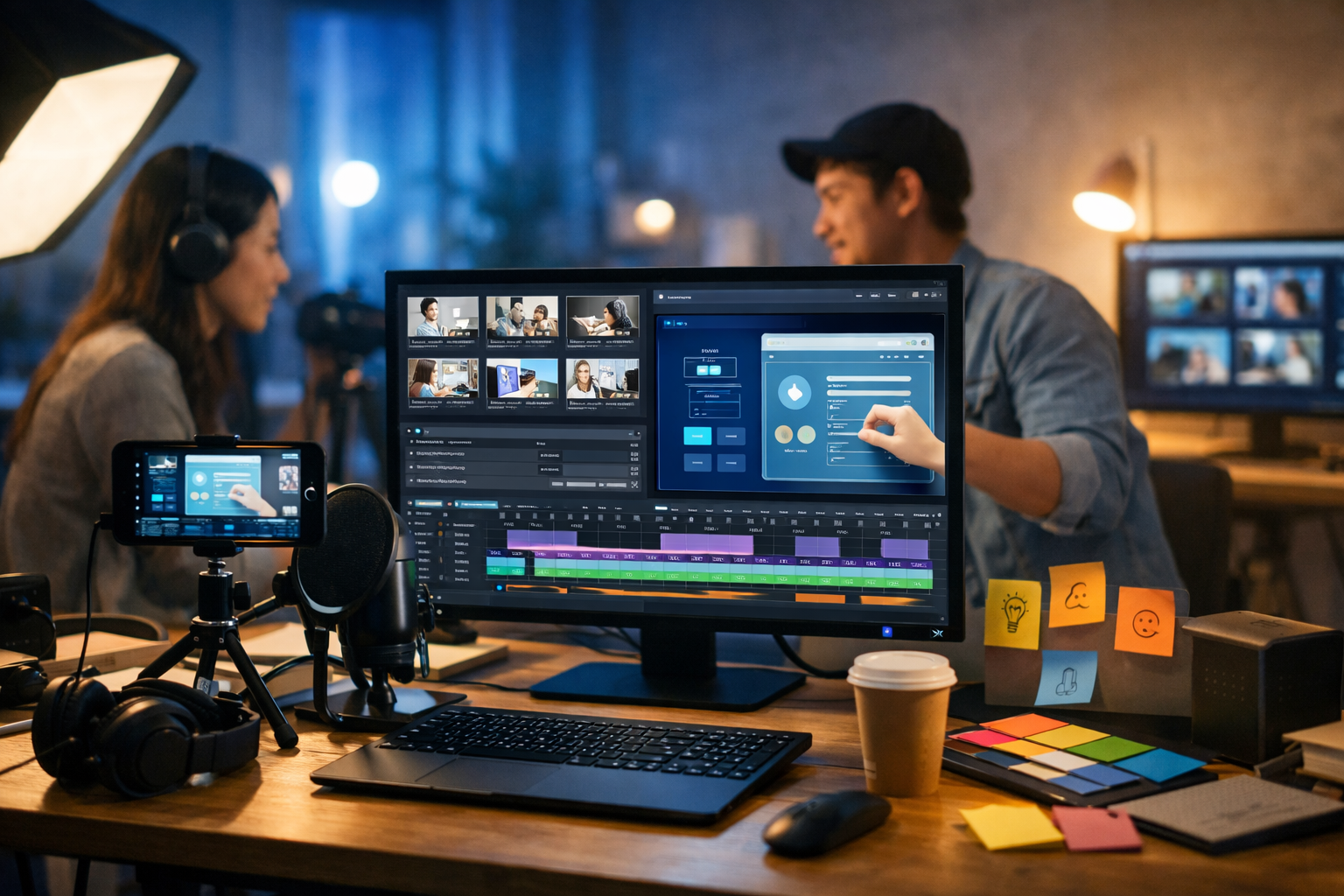
If you’re wondering how to create AI product demo videos that look professional, explain your value fast, and actually drive conversions, the winning approach is simple: start with a clear story, generate your assets with AI, then edit for clarity and pace. This guide shows a practical end-to-end workflow you can use for SaaS, apps, e-commerce, and B2B tools—without a full video crew.
What makes an AI product demo video effective?
A product demo video isn’t a feature tour. It’s a guided before-and-after that helps viewers quickly answer three questions: “Is this for me?”, “Will it work?”, and “What should I do next?”. AI helps you produce the pieces faster (script, visuals, voice-over, cutdowns), but strategy still matters.
- Lead with the outcome (time saved, revenue gained, fewer errors), not the interface.
- Show the product solving one high-value problem end-to-end.
- Keep it short: 45–90 seconds for top-of-funnel; 2–4 minutes for sales enablement.
- Use clear structure: problem → promise → proof → steps → call to action.
- Design for silent viewing: on-screen callouts, captions, and crisp visuals.
Choose the right demo style (with examples)
Before you generate anything, decide the format. Your format determines the script shape, visuals, and pacing.
- Screen-record demo (best for SaaS/apps): Record real usage, then enhance with AI voice-over, captions, and supporting visuals. Example: “Create a project, assign tasks, export a report—done in 60 seconds.”
- Explainer-style demo (best for complex tools): Mix product UI with animated scenes, icons, and text overlays. Example: Security software that shows threat detection, alerts, and remediation.
- UGC-style demo (best for DTC/e-commerce): Human-led narration, product close-ups, lifestyle shots, fast cuts. Example: “Here’s how I set it up in 3 minutes.”
- Sales demo snippet (best for outbound): 20–40 seconds focused on one pain point and one proof point. Example: “Stop chasing invoices—auto-reminders and one-click payments.”
With Gen AI Last you can keep all supporting asset creation in one place: script text, imagery, voice-over audio, and video generation via our AI content tools.
Step-by-step: how to create AI product demo videos
Step 1: Define one viewer, one job-to-be-done, one CTA
The fastest way to ruin a demo is trying to show everything. Pick a single viewer type and a single “job” they want done. Then pick one call to action.
- Viewer: who is this for (role, industry, skill level)?
- Job: what must they accomplish (in plain language)?
- CTA: free trial, book a demo, install app, add to basket.
Example: Viewer = operations manager at a small warehouse. Job = “create picking lists without spreadsheet chaos”. CTA = “Start a free trial”.
Step 2: Write a tight demo script (AI-assisted, human-edited)
A strong script is short, concrete, and visual. Use AI text generation to draft quickly, then edit for specificity and honesty. Aim for 120–180 words per minute of voice-over.
Recommended structure (60–90 seconds):
- Hook (0–5s): The pain + promised outcome.
- Context (5–15s): Who it’s for and what it replaces.
- Demo steps (15–60s): 3–5 steps, each with a visible action.
- Proof (60–80s): metric, testimonial snippet, or believable claim.
- CTA (final 5–10s): one clear next step.
Mini script example (SaaS):
“Still building weekly reports by hand? With AcmeDash, you can generate a client-ready report in under a minute. Choose your data source, pick a template, and set your brand colours. Now add the key KPIs—revenue, churn, and pipeline—and preview instantly. When you’re ready, schedule it to send every Monday. No spreadsheets, no copy-paste, no missed numbers. Start your free trial and send your first automated report today.”
Tip: when using AI to draft, feed it real product details (feature names, workflows, limits). Generic scripts sound like generic products.
Step 3: Create a shot list and storyboard in minutes
A shot list prevents rambling timelines. Match every sentence to a visual. If you can’t show it, rewrite it.
- On-screen action: what the viewer sees (click, drag, filter, export).
- Overlay: short caption or callout (5–8 words).
- B-roll: optional cutaways (team collaborating, product in use).
- Duration: 2–5 seconds per beat for social; 5–8 seconds for longer demos.
Gen AI Last can support this step by generating clean storyboard frames and background visuals with AI image generation, keeping your style consistent across scenes.
Step 4: Generate or capture visuals (UI, product shots, b-roll)
Most demos blend “real product” footage with supporting visuals. Choose the mix that fits your product.
- For SaaS: record your screen at 1080p/4K, zoom to key areas, hide sensitive data with anonymised samples.
- For mobile apps: capture device recordings, then frame them in a clean device mock-up.
- For physical products: use AI-generated lifestyle b-roll plus real close-ups where trust matters (materials, finish, size).
Practical visual tips:
- Increase cursor size and add click highlights for clarity.
- Use consistent margins and safe areas for captions (especially for Reels/TikTok).
- Prefer readable UI: fewer zooms, slower pans, larger font size in your app when possible.
Step 5: Generate professional voice-overs and audio
Audio quality is the fastest signal of professionalism. With AI audio generation you can create clear narration in the tone you want (friendly, authoritative, energetic) and iterate without re-recording.
- Narration: keep sentences short; remove filler; pronounce product terms consistently.
- Background music: subtle, low volume, matched to your brand (tech, upbeat, calm).
- Sound effects: light clicks/wooshes can help pacing, but don’t overdo it.
If you’re creating multiple versions (different industries, different personas), AI voice-over is ideal—swap the script, keep the visuals, and export new variants quickly.
Step 6: Assemble the video with AI video generation and smart editing
AI video generation is most useful for turning a script + storyboard into a polished sequence with consistent pacing, transitions, and scenes. Then you refine with simple edit rules:
- Cut ruthlessly: remove any hesitation, loading time, or repetitive clicking.
- One idea per shot: if a scene needs two captions, it’s two scenes.
- Show, then tell: let the action begin, then add narration/caption.
- Use patterns: same caption style, same highlight colour, same transition type.
- Keep motion purposeful: gentle zooms to guide attention, not to look “dynamic”.
With Gen AI Last, you can generate your demo video, update the script, regenerate voice-over, and iterate your cutdowns without jumping between multiple subscriptions—plans include text, images, audio, and video from view pricing from $10/month.
Step 7: Add captions, callouts, and accessibility essentials
Many viewers watch without sound. Captions also improve comprehension for technical demos and non-native speakers.
- Captions: concise, edited (not verbatim), timed to the beat.
- Callouts: highlight key UI areas with subtle outlines or blur the rest.
- Contrast: ensure text is readable on light/dark screens.
- Safe areas: avoid platform UI overlays (especially on mobile).
Step 8: Export in the right sizes (and make cutdowns)
Don’t produce one video and hope it works everywhere. Build a “demo pack” that matches the channel.
- Website hero demo: 16:9, 60–120s, clear CTA at end.
- LinkedIn: 1:1 or 4:5, 30–60s, strong caption text on-screen.
- TikTok/Reels/Shorts: 9:16, 15–45s, hook in first 2 seconds.
- Sales enablement: 2–4 minutes, deeper workflow, use chapters.
A practical workflow is: create one “master” demo, then create 3–5 cutdowns by changing the hook, removing steps, and swapping the CTA. AI makes this fast because your script and voice-over can be regenerated for each version.
High-converting hooks you can copy
Your hook should name the pain and promise a specific outcome. Here are templates that work well for product demos:
- “Stop doing [painful task] the hard way—here’s how to [outcome] in [time].”
- “If you’re [persona], this is the fastest way to [job] without [common frustration].”
- “In the next 60 seconds, you’ll see how to go from [before] to [after].”
- “We built [product] because [pain] was costing teams [money/time/risk].”
Common mistakes when creating AI product demo videos
AI speeds up creation, but it can also amplify weak positioning. Avoid these issues:
- Too many features: viewers remember outcomes, not menus.
- Generic claims: “easy” and “powerful” are meaningless without proof.
- Unclear next step: you must say and show the CTA.
- Overproduced motion: excessive transitions make demos feel untrustworthy.
- Mismatched audio: robotic cadence, poor mixing, music too loud.
- No context: show who it’s for and when to use it.
A repeatable prompt pack (scripts, scenes, and voice)
Use these prompts inside Gen AI Last to generate consistent assets quickly. Replace the brackets with your details.
1) Script prompt
“Write a [60/90/120]-second product demo video script for [product]. Audience: [persona]. Goal: [CTA]. Show one workflow: [workflow steps]. Include a hook, 3–5 demo steps, one proof point, and a direct CTA. Use short spoken sentences and on-screen caption suggestions for each section.”
2) Storyboard prompt
“Turn this script into a shot list with timestamps. For each shot: describe on-screen action, overlay caption (max 7 words), and any b-roll suggestions. Prioritise clarity and keep total length under [time].”
3) Voice-over prompt
“Generate a voice-over for this script in a [tone] style. Pace: [slow/medium/fast]. Pronunciation notes: [terms]. Target duration: [time].”
How to measure performance (and iterate fast)
A demo video is a growth asset. Treat it like one: measure, learn, improve. Track these metrics by channel:
- Hook retention: % still watching at 3 seconds (short-form) or 10 seconds (long-form).
- Completion rate: are people reaching your proof + CTA?
- Click-through rate: from landing page or ad to trial/demo.
- Conversion rate: trial start, demo booked, purchase.
- Drop-off moments: where do viewers leave? That’s where clarity is missing.
Iteration ideas that often lift results quickly:
- Swap the first 5 seconds: pain-first vs outcome-first.
- Reduce steps from 5 to 3 and add a single proof point earlier.
- Create a version per industry with industry-specific language and examples.
- Test voice styles: calm/expert vs energetic/creator.
One-tool workflow: create the whole demo with Gen AI Last
If you’re a startup or small team, the biggest bottleneck is tool sprawl: one tool for scripts, another for images, another for voice, another for video. Gen AI Last brings these together so you can go from prompt to publishable demo faster:
- AI Text Generation: demo scripts, hook variants, landing page copy, captions.
- AI Image Generation: storyboard frames, b-roll style scenes, product backdrops, thumbnails.
- AI Audio Generation: voice-overs, narration variations, background music.
- AI Video Generation: assemble product demo videos, explainer sequences, and social cutdowns.
You can explore everything via our AI content tools, and if you want to build your first demo today, start creating for free.
Quick checklist: publish-ready AI demo video
- Hook states the pain and outcome within 5 seconds.
- One workflow, 3–5 clear steps, no filler.
- Readable UI and obvious focus (highlights/callouts).
- Captions for silent viewing and accessibility.
- Clean voice-over mix; music supports, doesn’t compete.
- CTA is visible and spoken; end screen has next step.
- Exported in at least 16:9 and 9:16, with cutdowns.
FAQ: how to create AI product demo videos
How long should an AI product demo video be?
For most landing pages and ads, 45–90 seconds is ideal. For sales enablement, 2–4 minutes works if it’s structured and chaptered. Start short, then create a longer version for prospects who want detail.
Can AI product demo videos replace real screen recordings?
For SaaS, real screen recordings build trust because viewers see the genuine UI. AI is best used to enhance: add captions, create b-roll, generate voice-over, and build variations quickly.
What’s the fastest way to make multiple demo variations?
Keep the core visuals and regenerate the hook, proof point, and CTA for each audience. For example, build versions for “agency”, “in-house marketer”, and “founder”, each with their language and outcomes.
How do I keep AI-generated demos on-brand?
Use the same colour palette, typography, caption style, and tone of voice across all outputs. Maintain a shared prompt template that includes brand adjectives (e.g., “calm, premium, minimal”) and visual rules (e.g., “soft shadows, clean gradients, no clutter”).
Next step: Draft your script, generate your storyboard and voice-over, then assemble your first version end-to-end. With Gen AI Last, you can create the whole demo workflow in one place and scale it into a library of channel-ready cutdowns.
Ready to Create with Generative AI?
Join thousands of creators using Gen AI Last to generate text, images, audio, and video — all from one platform. Start your 7-day free trial today.
Start Free — Try 7 DaysQuick Links
Create AI content from $10/month
View Plans