How to create faceless YouTube videos with AI (step-by-step)
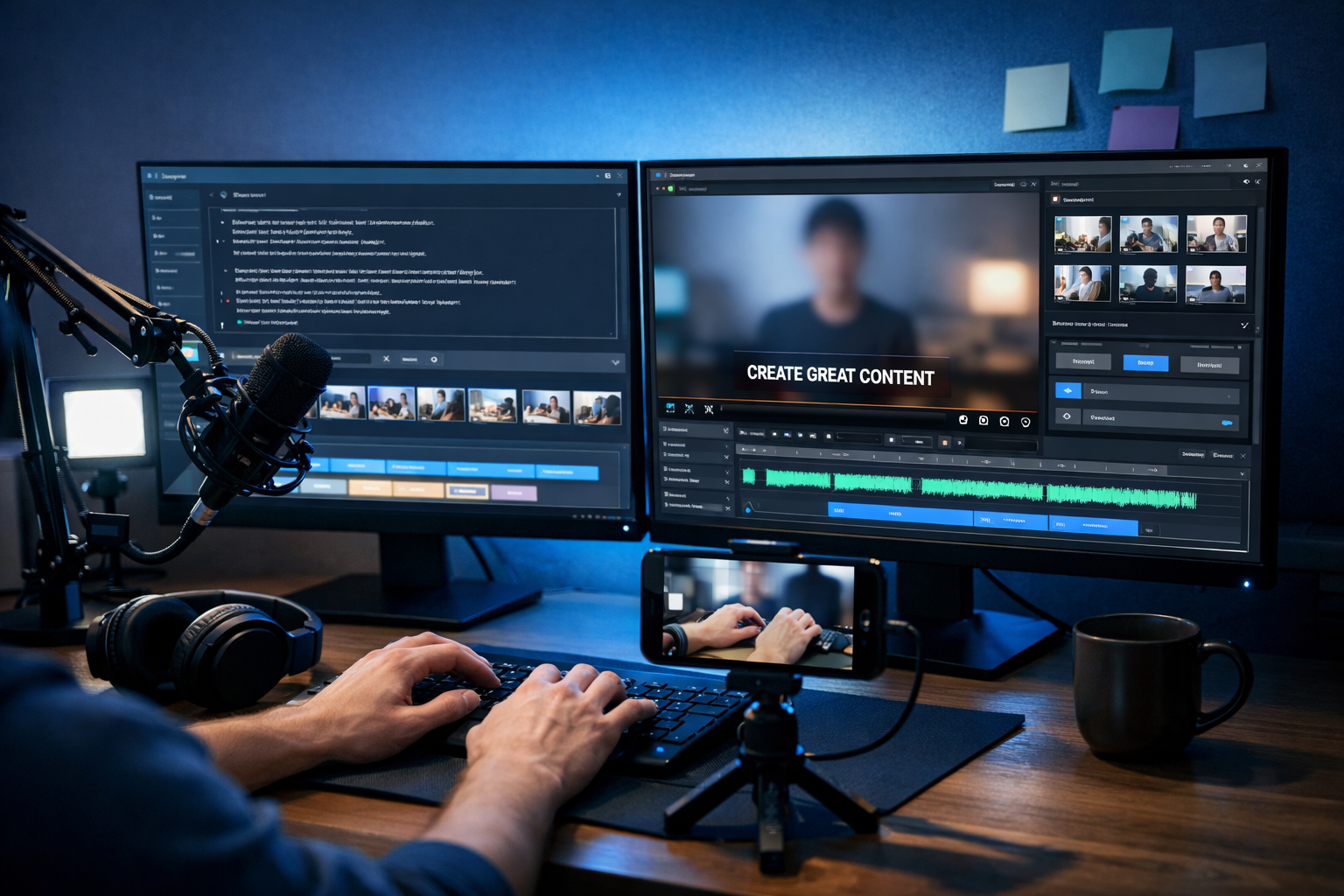
Faceless YouTube channels are booming because you can publish consistently without being on camera—ideal if you’re camera-shy, short on time, or building a brand that isn’t tied to one personality. With modern AI, you can go from idea to script, voice-over, visuals and a finished video in a repeatable workflow. This guide shows exactly how to create faceless YouTube videos with AI, step by step, using a quality-first approach that avoids spammy “automation” pitfalls.
What counts as a “faceless” YouTube video?
A faceless video is any YouTube video where your face is not the main on-screen element. That doesn’t mean it’s low effort; the best faceless channels are tightly produced and genuinely helpful. Common formats include:
- Voice-over + b-roll (stock footage, screen recordings, product clips)
- Animated explainers (icons, charts, motion graphics)
- Screen tutorials (software walkthroughs, coding, design)
- Text-on-screen list videos (done well with pacing and visuals)
- Audio-first content (podcast-style with visualisers)
AI helps you create all of these faster—especially scripting, narration, and assembling visuals—while you still control the niche, research, accuracy and final polish.
Why use AI for faceless YouTube videos?
AI is most valuable when it removes repetitive work without sacrificing quality. For faceless channels, AI can speed up:
- Topic ideation and keyword-led outlines
- Script drafting in a consistent tone and structure
- Voice-over creation when you don’t want to record your own
- Visual generation for custom scenes, thumbnails and cutaways
- Video assembly for explainers, reels and demos
With Gen AI Last, you can generate text, images, audio and video in one place—useful for small teams who want a streamlined pipeline. Explore our AI content tools to see how each step fits together.
Step 1: Pick a faceless-friendly niche (and validate it)
Faceless channels work best when the value is in the information, visuals, or demonstration—not personality. Choose a niche where viewers will happily watch b-roll, animations or screen recordings.
High-performing faceless niches (that suit AI workflows)
- How-to & software tutorials: screen recording + voice-over + captions
- Personal finance basics: explainers, charts, case studies (be careful with compliance)
- Productivity & study: frameworks, routines, tool walkthroughs
- History & biography: narration + archival-style visuals (use licensed media or AI-generated art)
- Business & marketing: breakdowns, strategies, real examples
- Meditation/sleep: AI music, ambience, minimal visuals (high competition)
Validation checklist
- Search YouTube for your topic and check whether channels are actively publishing and getting recent views.
- Look for repeatable formats (series, templates, “X explained”, “Top 5…”).
- Check advertiser friendliness (avoid risky claims, sensitive content, or medical/financial advice without expertise).
- Make sure you can source visuals legally (stock libraries, your own screen recordings, or original AI images).
AI can brainstorm niches, but your edge comes from picking a topic you can research properly and improve over time.
Step 2: Build a repeatable content plan (titles, hooks, series)
Faceless channels grow faster when videos feel connected. Plan content as a series where each upload naturally leads to the next.
A simple 3-bucket plan
- Search-led videos: “How to…”, “Best…”, “Beginner’s guide…” (steady long-tail traffic)
- Suggested-led videos: follow-up topics that the algorithm recommends next
- Authority videos: deeper explainers that earn watch time and subscribers
Use AI text generation to draft 30–50 title ideas quickly, then shortlist the ones with clear intent and a strong promise.
Step 3: Write an AI-assisted script that sounds human
A faceless video lives or dies by pacing and clarity. AI can draft fast, but you must steer it with structure, research and a clear voice.
A proven faceless script structure (6–10 minutes)
- Hook (0–10s): problem + outcome (“In 7 minutes you’ll be able to…”)
- Credibility (10–20s): why this works (data point, quick proof, or what you’ll cover)
- Steps (core): 3–7 clear sections with examples
- Common mistakes: address what viewers typically get wrong
- Recap + CTA: summarise and invite to subscribe/next video
Example prompt for Gen AI Last (script)
Use something like this in Gen AI Last’s AI Text Generation:
- “Write a 900–1,200 word YouTube script for a faceless voice-over video. Topic: {topic}. Audience: beginners. Tone: calm, practical, British English. Include a 10-second hook, step-by-step sections, 3 real-world examples, and a short recap. Add on-screen visual cues in [brackets] for each section.”
Then edit for accuracy and add your unique angle: personal experience (even without showing your face), original examples, and niche-specific tips.
Step 4: Generate a natural voice-over (without sounding robotic)
If you don’t want to record your voice, AI Audio Generation can create narration from your script. The key is writing for speech: shorter sentences, varied rhythm, and clear emphasis.
Voice-over best practices
- Use contractions: “you’ll”, “it’s”, “don’t” to sound conversational.
- Add pauses: insert “—” or line breaks where you want breathing room.
- Say numbers simply: “about ten per cent”, not “10.37%”.
- Avoid tongue-twisters: rewrite complex phrases.
Generate two takes (slightly different pacing) and choose the one that feels most human. If the platform allows, adjust speed and emphasis subtly rather than dramatically.
Step 5: Create visuals for a faceless video (b-roll, images, screen captures)
Faceless doesn’t mean “random stock footage”. Visuals should reinforce each line of narration. Aim for a mix of:
- Context b-roll: offices, devices, daily life scenes relevant to the topic
- Process visuals: screen recordings, step demonstrations, timelines
- Custom AI images: unique scenes you can’t easily find in stock
- Simple motion graphics: arrows, highlights, basic charts
Using AI Image Generation effectively
Generate images that match the exact point you’re making: “a dashboard showing rising retention”, “a creator editing captions”, “a minimalist checklist on a desk (no text)”. Keep a consistent look (lighting, lens, colour) so your video feels like a cohesive production.
Step 6: Assemble the video with AI (and still keep control)
AI Video Generation can accelerate assembly: combining scenes, transitions and pacing based on your script. The best results come when you provide a scene plan.
Create a scene-by-scene storyboard
Before generating the final video, map your script into scenes. Example:
- Scene 1 (0–10s): fast montage of YouTube analytics + editing timeline
- Scene 2: title card style visual (no logos) + topic statement
- Scene 3: step-by-step visuals (screen recording / icons / b-roll)
- Scene 4: “mistakes” section with contrasting visuals
- Scene 5: recap checklist visual
Then generate the video and do a human pass: tighten pauses, ensure visuals match the words, and remove any awkward cuts.
Step 7: Add captions and on-screen text (for retention)
Captions boost watch time—especially on mobile. Keep them clean and readable: large font, high contrast, minimal words per line. Even if your video is long-form, consider “emphasis captions” for key phrases rather than subtitling every word.
Caption rules that stop drop-offs
- Keep lines under 40 characters where possible
- Highlight keywords and numbers (sparingly)
- Change visuals every 4–8 seconds (or add movement)
Step 8: Create a clickable thumbnail (without clickbait)
A faceless channel often relies on strong thumbnails because there’s no recognisable face. Use AI images to create unique thumbnail scenes, then keep the design consistent across videos (same colour palette, same style of iconography).
If you use text in thumbnails, keep it to 2–4 words and make sure the image carries most of the meaning. (Your generated images should be text-free; add thumbnail text in your editor for crisp results.)
Step 9: SEO for faceless YouTube videos (titles, description, chapters)
YouTube SEO is about matching intent and maximising satisfaction signals (CTR, watch time, comments, likes). AI can draft your metadata, but you should refine it to be precise and honest.
Title formula
- Outcome + timeframe: “Learn X in 10 Minutes”
- Beginner clarity: “for Absolute Beginners”
- Specific angle: “without showing your face”
Description checklist
- First 2 lines: restate the promise and the main keyword naturally.
- Add a short outline of what’s covered.
- Include chapters/time stamps (improves user experience).
- Add a relevant link and a simple call to action.
When you’re ready to scale, Gen AI Last can support the full publishing workflow—from scripts and descriptions to thumbnails and video scenes—without juggling multiple subscriptions. You can view pricing from $10/month for full access to text, image, audio and video generation.
Step 10: Stay within YouTube policies and avoid “AI spam” signals
AI is a tool, not a shortcut around value. If your content is repetitive, inaccurate, or stitched together without a real point, it’s unlikely to perform—and may risk demonetisation.
Quality safeguards (non-negotiables)
- Fact-check: especially for finance, health, legal, news, or safety topics.
- Add originality: your framework, your examples, your testing, your comparisons.
- Avoid reused visuals: build a recognisable style with custom images and purposeful b-roll.
- Use licensed assets: don’t scrape clips you don’t own or can’t use.
- Prioritise viewer experience: clear audio, consistent pacing, clean captions.
A practical workflow you can copy (60–120 minutes per video)
Here’s a realistic process for a 6–8 minute faceless video:
- 10 min: pick a search-led topic and outline key points
- 20–30 min: draft and edit the script with AI Text Generation
- 10–15 min: generate voice-over with AI Audio Generation, choose best take
- 15–30 min: gather visuals (screen recording + AI images + b-roll list)
- 15–30 min: assemble with AI Video Generation, then manual polish
- 10 min: thumbnail + title + description + chapters
As you build templates, the time drops significantly—especially if you standardise intros, lower-thirds, caption styles and scene pacing.
Faceless video ideas (that work well with AI)
- “X tools compared” with screen recordings and a scoring rubric
- “Beginner roadmap” with a timeline graphic and weekly milestones
- “Case study breakdown” using anonymised numbers and a clear narrative
- “5 mistakes to avoid” with contrasting visuals and quick fixes
- “Explained simply” series: one concept per video, consistent format
Frequently asked questions
Can you monetise faceless YouTube videos made with AI?
Yes, but monetisation depends on originality and value. Build distinct scripts, use properly licensed or original visuals, and avoid repetitive, mass-produced uploads that feel templated or misleading.
Is an AI voice-over acceptable on YouTube?
Generally, yes—provided the content is high quality and follows YouTube’s policies. Aim for natural pacing, clear pronunciation, and strong audio mixing so it doesn’t sound synthetic or fatiguing.
What’s the easiest faceless format for beginners?
Tutorial-style videos: screen recording + AI-assisted script + AI voice-over. The visuals are naturally aligned with the narration, and you can produce consistently without needing complex animation.
Create your first faceless AI video with Gen AI Last
If you want a single, affordable platform to produce scripts, narration, custom visuals and video drafts, Gen AI Last is designed for exactly that. You can iterate quickly, keep a consistent style across your channel, and scale up without adding extra tools.
When you’re ready, start creating for free and build a complete faceless video workflow—from prompt to publish—in one place.
Ready to Create with Generative AI?
Join thousands of creators using Gen AI Last to generate text, images, audio, and video — all from one platform. Start your 7-day free trial today.
Start Free — Try 7 DaysQuick Links
Create AI content from $10/month
View Plans