How to Create Faceless YouTube Videos with AI
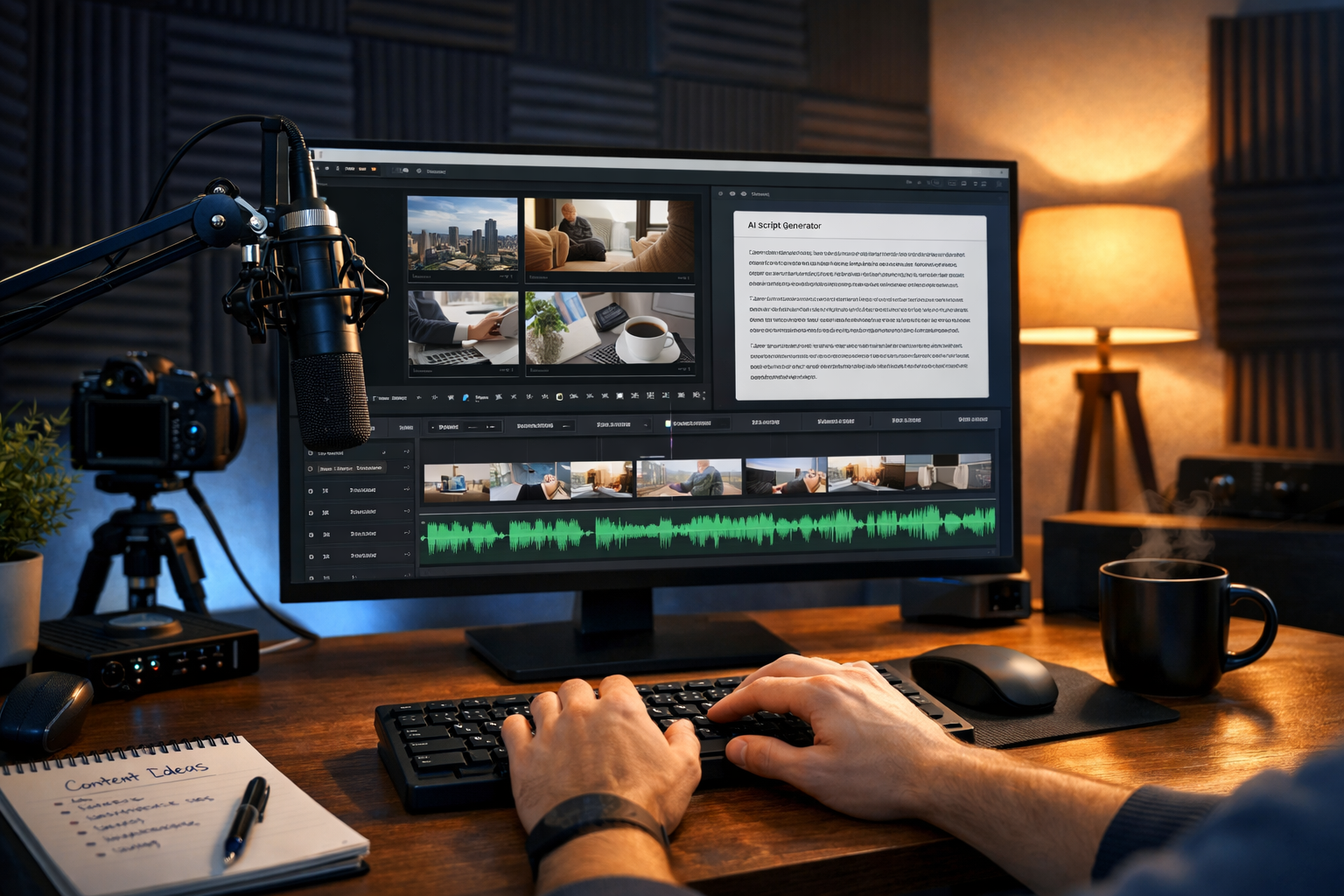
Faceless YouTube channels are exploding in popularity. From motivational videos and finance explainers to travel compilations and storytelling channels, creators are building profitable audiences without ever showing their face. If you’ve wondered how to create faceless YouTube videos with AI, the good news is that it’s now easier — and more affordable — than ever. With the right workflow and AI tools, you can generate scripts, voiceovers, visuals and complete videos in hours rather than weeks.
What Are Faceless YouTube Videos?
Faceless YouTube videos are videos where the creator never appears on camera. Instead, content is delivered through voiceovers, animations, stock footage, screen recordings, AI-generated visuals, or slideshow-style presentations.
Common examples include:
- Top 10 countdown videos
- Motivational compilations
- Finance and investing explainers
- Tech tutorials with screen recordings
- Storytelling and documentary-style content
- Relaxation or meditation videos
The appeal is obvious: you don’t need expensive cameras, studio lighting, or on-camera confidence. With AI, you can automate much of the production process.
Why Use AI to Create Faceless YouTube Videos?
AI dramatically reduces the time and cost involved in content production. Instead of hiring scriptwriters, voice actors, editors and designers, you can use an all-in-one platform like our AI content tools to handle everything in one place.
Key advantages include:
- Speed: Generate scripts in minutes.
- Consistency: Maintain tone and style across videos.
- Cost efficiency: Avoid freelancer fees.
- Scalability: Produce multiple videos per week.
- Creative flexibility: Test different niches quickly.
Now let’s break down the complete step-by-step process.
Step 1: Choose a Profitable Niche
Before creating anything, define your niche. Successful faceless channels typically focus on high-demand topics with strong search volume and advertiser interest.
Examples of profitable niches:
- Personal finance and investing
- Self-improvement and productivity
- AI and technology news
- Luxury lifestyle and travel
- Health and fitness tips
Use keyword research tools to identify search demand. Focus on topics with consistent interest rather than short-lived trends.
Step 2: Generate a High-Quality Script with AI
The script is the backbone of your video. Even the best visuals cannot save weak storytelling. With AI text generation, you can create structured, engaging scripts tailored to your audience.
For example, you might prompt:
- “Write a 1,200-word YouTube script on the top 5 investing mistakes beginners make.”
- “Create a motivational storytelling script with a strong hook and call to action.”
Using AI ensures:
- Clear structure (hook, main points, conclusion)
- Optimised pacing for voiceover
- Natural conversational tone
- SEO-friendly phrasing
Always review and refine the output to maintain originality and accuracy. Adding examples, statistics or short stories will improve audience retention.
Step 3: Create AI Voiceovers
Professional narration dramatically increases credibility. AI audio generation allows you to convert your script into natural-sounding voiceovers without recording your own voice.
When creating voiceovers:
- Choose a voice that matches your niche (authoritative for finance, calm for meditation).
- Adjust pacing and emphasis for clarity.
- Break long scripts into smaller sections for smoother delivery.
You can also generate background music to enhance mood. For example, subtle ambient tracks work well for documentary-style videos.
Step 4: Generate Visuals and B-Roll with AI
Faceless videos rely heavily on visuals to maintain viewer engagement. AI image and video generation tools can create:
- Custom illustrations
- Animated backgrounds
- Product mock-ups
- Conceptual visuals (e.g., financial growth charts)
For example, if your video discusses “financial freedom”, you could generate visuals of rising charts, modern home offices, or digital dashboards.
Using AI visuals gives your channel a unique style rather than relying entirely on overused stock footage.
Step 5: Assemble the Video with AI Video Generation
AI video tools can combine script, visuals and voiceover into a cohesive video automatically. This reduces manual editing time significantly.
The process typically includes:
- Uploading or pasting your script.
- Adding AI-generated voiceover.
- Selecting visuals or generating them automatically.
- Applying transitions, captions and background music.
Platforms like Gen AI Last streamline this entire workflow — from script to finished video — within one dashboard.
Step 6: Optimise for YouTube SEO
Creating the video is only half the work. To rank on YouTube, you need strong optimisation.
Focus on:
- Keyword-rich titles: Include your primary keyword naturally.
- Compelling thumbnails: Use high-contrast visuals and minimal text.
- Detailed descriptions: Summarise the video and include related keywords.
- Timestamps: Improve user experience and retention.
- Strong hooks: Capture attention in the first 10 seconds.
AI text tools can also generate optimised titles, tags and descriptions to save time.
Example Workflow: From Idea to Published Video
Here’s a practical example of how a beginner could create a finance video:
- Research: Identify “How to save your first £10,000” as a target topic.
- Script: Generate a structured 1,500-word script using AI text generation.
- Voiceover: Convert the script into a professional British-accent narration.
- Visuals: Create animated charts and money-related visuals.
- Video Assembly: Combine assets into a polished 8–10 minute video.
- SEO: Generate title, description and tags optimised for YouTube search.
Total production time can be reduced to a few hours instead of several days.
How Much Does It Cost?
Traditional video production can cost hundreds per video. With AI, you can access text, image, audio and video generation from one platform. You can view pricing from $10/month, making it ideal for startups, side hustlers and small teams.
This low barrier to entry allows you to test multiple niches without heavy financial risk.
Common Mistakes to Avoid
- Using robotic or unnatural voiceovers.
- Overloading slides with too much text.
- Ignoring storytelling structure.
- Publishing inconsistently.
- Reusing copyrighted content without permission.
Quality and consistency are more important than volume.
Scaling a Faceless YouTube Channel
Once you establish a repeatable system, scaling becomes straightforward. You can:
- Batch-produce scripts weekly.
- Create series-based content.
- Repurpose videos into Shorts or Reels.
- Translate scripts into other languages using AI.
Because everything is digital and AI-powered, expansion is far easier than traditional filming.
Is Creating Faceless YouTube Videos with AI Worth It?
Absolutely — if you approach it strategically. AI does not replace creativity; it amplifies it. By combining strong ideas with efficient tools, you can compete with larger creators without appearing on camera.
If you’re ready to begin, you can start creating for free and experiment with scripts, visuals and voiceovers today.
Final Thoughts
Learning how to create faceless YouTube videos with AI opens the door to scalable online income, brand building and creative freedom. With AI text generation for scripts, AI audio for voiceovers, AI image tools for visuals and AI video creation for assembly, you can manage the entire production cycle from one platform.
The key is consistency, niche focus and continuous improvement. Start simple, refine your workflow, and publish regularly. With the right AI tools and strategy, your faceless YouTube channel can grow faster than you might expect.
Ready to Create with Generative AI?
Join thousands of creators using Gen AI Last to generate text, images, audio, and video — all from one platform. Start your 7-day free trial today.
Start Free — Try 7 DaysQuick Links
Create AI content from $10/month
View Plans