How to Create Marketing Videos Without a Camera Using AI
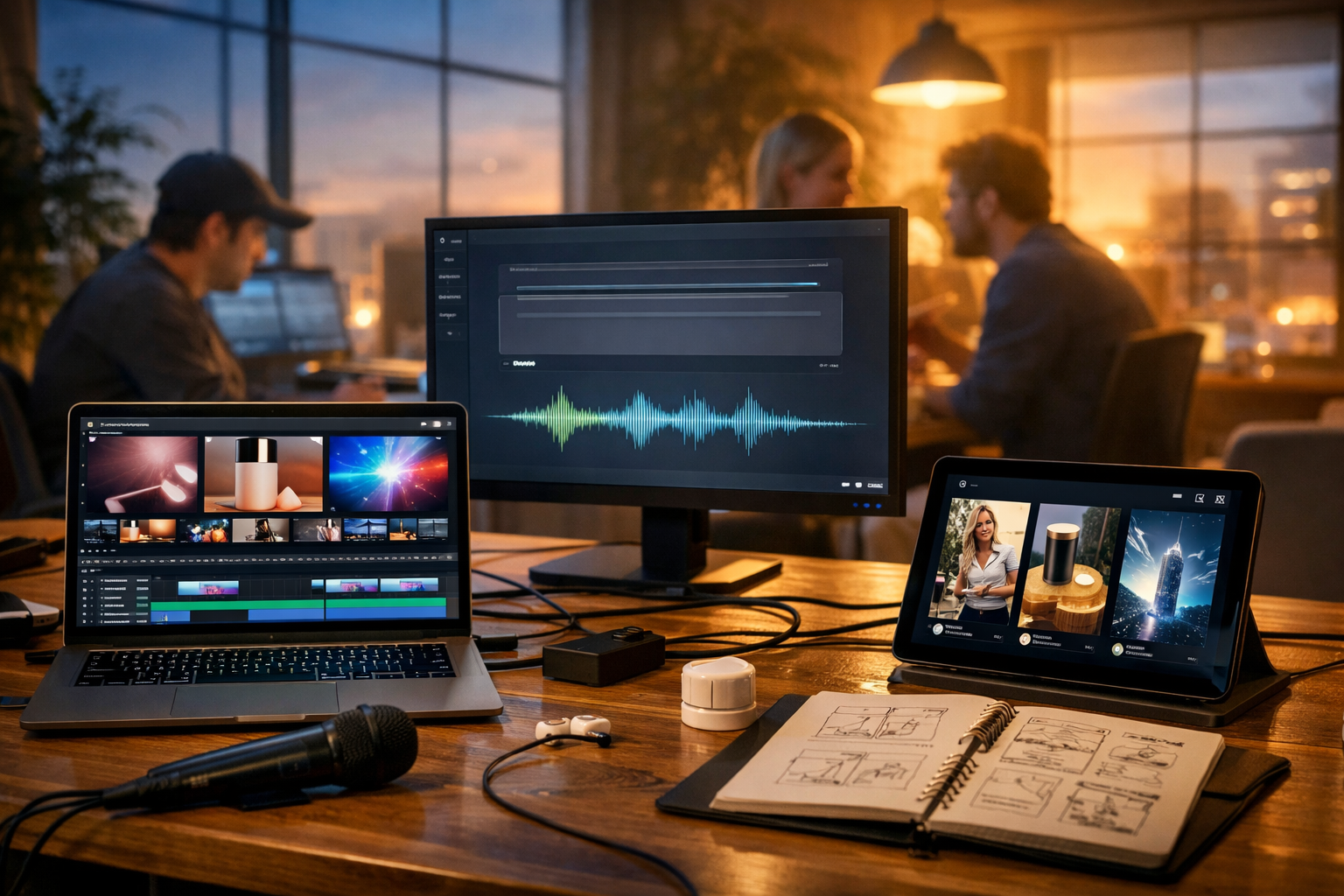
Creating marketing videos used to mean cameras, lights, talent, editing skills, and a sizeable budget. Today, you can produce polished promo videos, product demos, social reels, and explainer clips using AI—often without filming a single frame. This guide walks you through how to create marketing videos without a camera using AI, with a practical workflow you can repeat for ads, landing pages, email campaigns, and social media.
Why “camera-free” AI marketing videos are winning
Most small teams don’t fail at video because they lack ideas—they fail because production is slow. AI removes the bottlenecks: scripting, visuals, voice-over, and even first-pass editing. You can test multiple hooks, formats, and offers quickly, then double down on what performs.
- Speed: iterate variants in hours, not weeks.
- Cost control: avoid cameras, studio hire, actors, and reshoots.
- Consistency: maintain brand style across channels.
- Scalability: adapt the same concept into reels, shorts, 16:9 ads, and landing-page explainers.
What you can make with AI (without filming)
“No camera” doesn’t mean “no visual story”. It means your footage comes from AI-generated assets or existing brand materials. Popular camera-free marketing video types include:
- Faceless social reels: fast-paced tips, listicles, myth-busting, before/after.
- Product explainers: feature + benefit breakdowns with animated screenshots and visuals.
- UGC-style ads (without UGC filming): text-on-screen with lifestyle b-roll and voice-over.
- App/SaaS demos: screen captures + AI voice-over + callouts.
- Motion graphic promos: abstract backdrops, icons, and kinetic typography.
Gen AI Last supports the full workflow—text, images, audio, and video—so you can create cohesive campaigns in one place. Explore our AI content tools to see what you can generate for each stage.
The complete workflow: how to create marketing videos without a camera using AI
Use this repeatable 8-step system. It’s designed for marketers and founders who need output that performs, not “cool demos”.
1) Define one goal, one audience, one action
Camera-free videos work best when the message is simple. Before you prompt any tool, answer:
- Goal: awareness, leads, trials, bookings, or sales?
- Audience: who is it for, and what do they already believe?
- Action: what should they do next (click, sign up, buy, book)?
If you try to fit five features into 20 seconds, AI won’t save the outcome. Pick one primary promise and build around it.
2) Generate a script that matches the platform
Your script is the performance. Strong camera-free videos rely on: a scroll-stopping hook, a clear problem, proof, and a crisp CTA. With Gen AI Last’s AI Text Generation, you can generate multiple scripts quickly (e.g., 15s, 30s, 60s) and choose the best.
Prompt example (copy and adapt):
“Write 5 punchy 20-second TikTok/Reels scripts for [product] targeting [audience]. Use a strong hook in the first 2 seconds, simple language, and end with a direct CTA to [action]. Include on-screen text suggestions and a voice-over version.”
Pro tip: Ask for three hook styles: curiosity (“Most people do X wrong…”), results (“Get Y in Z minutes…”), and contrarian (“Stop doing X—do this instead”). Then A/B test.
3) Turn the script into a shot list (even without a camera)
A “shot list” is simply a visual plan: what viewers see while the voice-over speaks. This keeps your video from feeling like random AI visuals stitched together.
What to include per scene: duration (seconds), visual type, on-screen text, and purpose (hook/proof/feature/CTA).
- Scene 1 (0–2s): pattern interrupt visual + bold on-screen claim.
- Scene 2 (2–7s): problem visual (frustration, clutter, wasted time).
- Scene 3 (7–15s): “how it works” steps or benefit visuals.
- Scene 4 (15–20s): proof (numbers, testimonials summary, trust markers).
- Scene 5 (20s): CTA screen.
4) Create your visuals: AI images, AI b-roll, and brand assets
There are three reliable ways to build “footage” without filming:
- AI-generated images (then animate with motion/zoom): great for lifestyle scenes, conceptual visuals, and product mockups.
- AI-generated video clips: short b-roll, abstract backgrounds, scene transitions.
- Your existing assets: screenshots, UI captures, product photos, logos, brand colours.
With Gen AI Last’s AI Image Generation, generate consistent lifestyle visuals that match your audience and brand tone (e.g., “minimal home office”, “busy café entrepreneur”, “warehouse operations team”). Use AI Video Generation for short sequences that feel like b-roll, such as hands typing, product close-ups, or abstract tech motion backgrounds.
Visual prompt example:
“Photorealistic b-roll of a small business owner working late on a laptop in a warm-lit home office, shallow depth of field, modern desk, subtle neon accent light, cinematic, 16:9.”
Consistency tip: Keep a “prompt style guide”: camera angle, lighting, colour palette, and descriptors you reuse across videos. This improves brand coherence and reduces the ‘random AI’ feel.
5) Generate a natural voice-over (or multiple voices for testing)
Voice-over is where camera-free videos become persuasive. Gen AI Last’s AI Audio Generation can create narration that matches your tone: friendly, authoritative, energetic, calm, or premium.
- Keep sentences short (aim for 8–12 words).
- Write for speech (contractions, simple words, rhythm).
- Emphasise outcomes (“save 5 hours a week”) over features.
Voice-over prompt example:
“Create a clear, upbeat British English voice-over reading this script. Pace: medium-fast for a 20-second reel. Add natural pauses after each sentence.”
Optional: Add low-volume background music to increase perceived production quality, but keep it subtle so the message stays clear.
6) Assemble the video: structure, pacing, and on-screen text
Camera-free videos live or die by pacing. A simple rule: new visual information every 1–2 seconds for short-form. Combine visuals with readable on-screen text (captions) so your video works on mute.
- Hook first: show the outcome or pain immediately.
- One idea per scene: don’t cram multiple claims into one shot.
- Use pattern interrupts: quick zooms, cuts, and visual switches.
- CTA clarity: one action, one place (e.g., “Start your free trial”).
Gen AI Last’s all-in-one approach means you can generate the script, visuals, voice, and video clips under one roof, reducing tool-hopping and version confusion—especially helpful for small teams.
7) Create variations for testing (the real advantage of AI)
The fastest path to results is not perfection—it’s controlled iteration. For each concept, build 3–5 variants where you change only one element at a time:
- Hook variant: curiosity vs. outcome vs. contrarian.
- Visual style: lifestyle photorealism vs. minimal motion graphics.
- Voice: calm premium vs. energetic founder tone.
- Offer framing: “save time” vs. “avoid mistakes” vs. “earn more”.
Because all plans include full access to text, image, audio, and video generation, you can run these variations without juggling subscriptions. You can view pricing from $10/month and choose the plan that fits your output needs.
8) Export for each platform (and don’t forget repurposing)
One “master” video should become multiple deliverables:
- 9:16 for TikTok, Reels, Shorts
- 1:1 for feed placements
- 16:9 for YouTube, landing pages, presentations
Then repurpose the same script into an email, a landing-page section, and a carousel post. Gen AI Last makes this easy because your text assets (hooks, CTAs, feature bullets) are already generated and can be reformatted quickly.
Practical examples: three camera-free video concepts you can deploy today
Example 1: The “before/after” problem-solution reel (20 seconds)
Best for: productivity tools, marketing services, operations software, templates.
- Hook: “If your [task] takes longer than 10 minutes, watch this.”
- Before visuals: messy inbox, scattered sticky notes, chaotic calendar (AI visuals).
- After visuals: clean dashboard, automated workflow, “done” checkmarks (AI visuals).
- CTA: “Try it today—link in bio.”
Why it works: the viewer instantly understands the transformation, even without a human on camera.
Example 2: The “3 mistakes” myth-buster (30 seconds)
Best for: consultants, agencies, courses, SaaS, financial and professional services.
- Hook: “Stop doing this if you want better [result].”
- Structure: Mistake #1, #2, #3 with punchy text overlays.
- Visuals: simple icon-based scenes + abstract motion backgrounds (AI video clips).
- CTA: “Want the checklist? Download it.”
Why it works: it creates authority and gives immediate value, which improves retention.
Example 3: The “feature-to-benefit” mini explainer (45–60 seconds)
Best for: products with a learning curve (apps, platforms, subscriptions).
- Hook: “Here’s how to get [outcome] without [pain].”
- Step visuals: screenshots or UI mockups + AI b-roll.
- Proof: one metric or customer quote (keep it specific and honest).
- CTA: “Start free and build your first [thing] today.”
Why it works: it reduces uncertainty by showing the process rather than just making claims.
Quality checklist: make AI videos feel human (and trustworthy)
AI helps you produce faster, but you still need good marketing judgement. Use this checklist before you publish:
- Does the hook match the content? Avoid bait-and-switch.
- Is the claim specific? Replace “boost results” with “save 2 hours per week”.
- Are visuals consistent? Same style, lighting, and “world”.
- Is the voice-over natural? Add pauses; remove tongue-twisters.
- Are captions readable on mobile? Large font, high contrast, minimal lines.
- Is the CTA unmissable? One action only.
Common mistakes (and how to avoid them)
Most underperforming AI marketing videos fail for predictable reasons:
- Too generic: If it could fit any brand, it will convert like any brand (poorly). Add a concrete audience, pain, and outcome.
- No proof: Include at least one trust element—numbers, process clarity, or a real testimonial (only if genuine).
- Visual mismatch: Don’t show luxury imagery for a budget offer or corporate visuals for a casual brand.
- Overlong intros: Start with the point; you can introduce the brand after attention is earned.
- Feature dumping: Pick one “hero benefit” and support it with one or two features.
A simple 60-minute starter plan for your first camera-free video
If you want a practical way to begin today, follow this quick schedule:
- 10 mins: define goal, audience, and CTA.
- 15 mins: generate 5 script variants and pick the best hook.
- 15 mins: create 6–10 visuals (AI images or short b-roll clips) based on a shot list.
- 10 mins: generate voice-over + optional background music.
- 10 mins: assemble, add captions, and export 9:16.
When you’re ready, you can start creating for free and build your first end-to-end AI video using one platform instead of four.
Why Gen AI Last is a practical choice for small teams
Many creators stitch together separate tools for scripts, images, voice, and video. That can work, but it often adds friction: inconsistent styles, repeated prompting, and files scattered across services. Gen AI Last is designed as an all-in-one AI content creation platform, so your marketing video workflow stays connected—script to visuals to voice-over to final video.
- AI Text Generation: hooks, scripts, CTAs, ad copy, email follow-ups.
- AI Image Generation: lifestyle visuals, banners, social graphics, product-style scenes.
- AI Video Generation: marketing clips, explainers, product demos, reels.
- AI Audio Generation: voice-overs, narration, background music.
And because every plan includes full access to text, image, audio, and video generation starting at $10/month, it’s built for startups and small teams that need consistent output without enterprise overhead. You can view pricing from $10/month to compare monthly, 6-month, and annual options.
FAQs: creating marketing videos without a camera using AI
Do camera-free AI videos actually convert?
Yes—when they’re built around a clear offer, strong hook, and proof. Many high-performing ads rely on text overlays, b-roll, and voice-over rather than a presenter. The key is message clarity and pacing.
What length should my AI marketing video be?
For cold audiences, start with 15–30 seconds for reels/shorts. For warmer audiences (retargeting, landing pages), 45–90 seconds can work well if you show the process and reduce doubt.
How do I keep my brand consistent across AI visuals?
Reuse a consistent prompt template (lighting, lens, colour palette, setting), keep a small set of brand-approved scene types, and avoid mixing radically different styles in the same video.
Next step: build your first repeatable AI video system
Once you’ve made one camera-free video, the advantage compounds: you’ll have reusable prompts, a shot-list template, and voice-over settings that speed up every future campaign. If you want to create marketing videos without a camera using AI in a streamlined workflow, explore our AI content tools and start creating for free.
Ready to Create with Generative AI?
Join thousands of creators using Gen AI Last to generate text, images, audio, and video — all from one platform. Start your 7-day free trial today.
Start Free — Try 7 DaysQuick Links
Create AI content from $10/month
View Plans