How to create marketing videos without a camera using AI
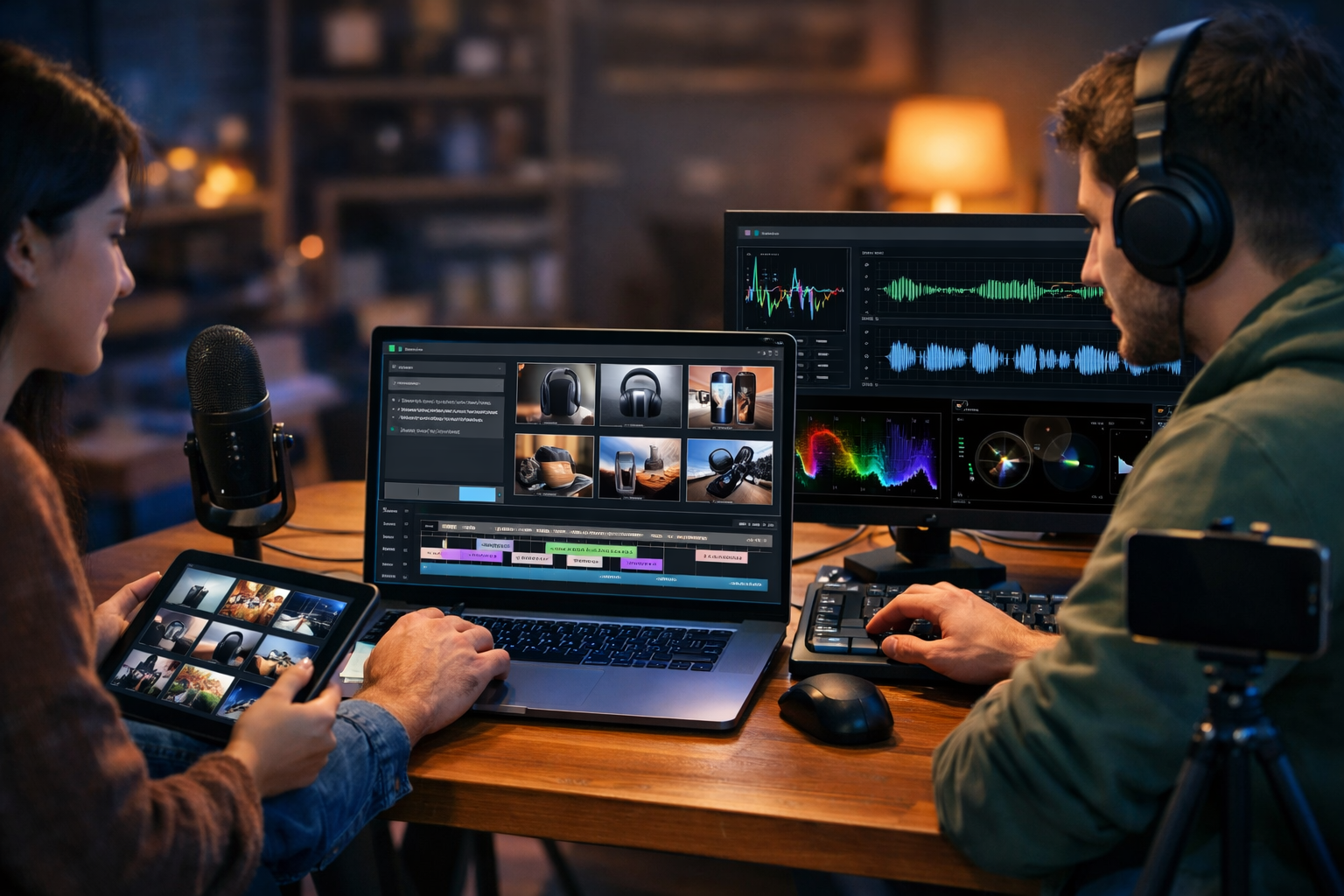
You don’t need a DSLR, studio lights, or on-camera confidence to publish high-performing video ads. If you can describe what you want in plain English, you can now create marketing videos without a camera using AI—complete with script, visuals, voice-over, captions, and multiple formats for TikTok, Reels, YouTube Shorts, and landing pages.
Why camera-free marketing videos work (and when they don’t)
“No-camera” videos—often called faceless videos—can convert extremely well because the message is clearer, faster, and easier to produce at scale. Instead of worrying about lighting, locations, and reshoots, you focus on the fundamentals: a strong hook, a clear problem, proof, and a simple call to action.
They work especially well for:
- SaaS and apps (screen-based demos and animations)
- E-commerce (product visuals, UGC-style edits, before/after)
- Service businesses (explainers, testimonials, offers)
- Education and coaching (slides + narration)
They can be less suitable when trust depends heavily on seeing a real person (e.g., high-touch consulting, medical services) or when authenticity is central to the brand. In those cases, a hybrid approach works: AI-assisted scripts and editing, plus occasional real footage—still far less filming than traditional workflows.
What you can generate with AI (and what still needs human judgement)
Modern AI tools can produce nearly every component of a marketing video. The key is knowing which parts you should still review carefully.
- AI can generate: scripts, hooks, headlines, scene outlines, shot lists, on-screen text, product visuals, background images, animated sequences, voice-over, music beds, and multiple variants.
- You should still validate: accuracy of claims, brand tone, legal compliance (rights, disclosures), pricing details, and whether the final video truly matches your audience’s pain points.
With an all-in-one platform like Gen AI Last, you can keep the entire workflow in one place: generate the script with AI text, create visuals with AI image, build the video with AI video, and add narration or music with AI audio. Explore our AI content tools to see what’s included.
The simplest camera-free AI video workflow (end-to-end)
Below is a practical, repeatable workflow you can use to create marketing videos without a camera using AI. It’s designed for speed and consistency—ideal for startups and small teams publishing weekly (or daily) content.
Step 1: Pick one clear goal and one platform
Videos fail most often because they try to do too much. Decide the objective first, then tailor the creative to a single platform format.
- Goal examples: drive trial sign-ups, sell a product bundle, book calls, recover abandoned carts, increase watch time for retargeting.
- Platform examples: TikTok/Reels (9:16, fast hooks), YouTube (16:9, longer explanations), LinkedIn (clear subtitles, credibility).
Tip: start with 9:16 short-form because it forces clarity and can be repurposed everywhere.
Step 2: Generate a proven script structure with AI text
Good camera-free videos are script-first. Use an AI text generator to produce a tight narrative and punchy on-screen lines.
High-converting short-form structure (20–35 seconds):
- Hook (0–2s): a surprising claim or relatable pain
- Problem (2–7s): what the viewer struggles with
- Mechanism (7–20s): how your solution works (simple)
- Proof (20–28s): results, stats, testimonial snippet
- CTA (last 3–5s): one action, one benefit
Example prompt for Gen AI Last (script + on-screen text):
“Write a 30-second TikTok script for [product] targeting [audience]. Use Hook–Problem–Mechanism–Proof–CTA. Provide: (1) voice-over script, (2) on-screen text per scene, (3) suggested b-roll ideas, (4) 3 alternative hooks. Tone: confident, simple, UK English.”
Once you have a draft, edit it like a marketer: remove anything vague, cut filler words, and ensure the hook speaks to a specific situation (not a generic “Are you tired of…?”).
Step 3: Turn the script into a storyboard (scenes you can generate)
A storyboard prevents random visuals. Break the script into 6–10 short scenes. Each scene should have:
- One idea (no more)
- One visual concept (e.g., “dashboard close-up”, “before/after”, “animated icons”)
- One on-screen line (ideally 3–7 words)
Storyboard example (SaaS time-tracking app):
- Scene 1: chaotic tabs + notifications — “Your day disappears fast.”
- Scene 2: simple timer UI — “Track work in 1 click.”
- Scene 3: weekly report chart — “See where time really goes.”
- Scene 4: invoice preview — “Bill clients accurately.”
- Scene 5: testimonial card — “Saved 5 hours/week.”
- Scene 6: CTA screen — “Try it free today.”
Step 4: Create visuals with AI image generation (or product mockups)
If you’re not filming, your visuals need to carry the story. AI image generation can create: lifestyle scenes, product-in-context shots, abstract backgrounds, or stylised illustrations that match your brand.
Tips for brand-consistent AI visuals:
- Specify a consistent style: “photorealistic”, “clean studio lighting”, “soft natural light”, “modern minimal”.
- Keep characters consistent: describe age range, clothing, setting, and mood across scenes.
- Leave space for captions: “negative space on the left for on-screen text”.
- Use variations: generate 4–8 options per key scene, then choose the most on-brand.
Example image prompt (e-commerce skincare): “Photorealistic product shot of a minimalist skincare bottle on a bathroom shelf, soft morning light, water droplets, clean neutral palette, shallow depth of field, negative space for captions, 9:16.”
With Gen AI Last you can generate these marketing visuals and then reuse them as thumbnails, ad creatives, landing page banners, and social posts—keeping visual consistency across channels.
Step 5: Build the marketing video with AI video generation
Now you combine the storyboard, visuals, and pacing into a finished video. AI video generation helps you assemble scenes, add motion, transitions, and format-specific timing without needing traditional filming.
Practical editing rules for higher retention:
- Change something every 1–2 seconds: crop, zoom, new shot, or new text.
- Keep text large: one line, high contrast, safe margins for UI overlays.
- Front-load the benefit: say the payoff early; details later.
- Use pattern interrupts: quick cut to chart, testimonial, or “before/after”.
If you’re creating both paid ads and organic content, make two versions: an “ad edit” (clear CTA, proof) and a “native edit” (more educational, less sales-heavy). Often the native edit performs better even in paid placements.
Step 6: Add a natural voice-over and background music with AI audio
Voice-over is optional, but it boosts clarity and conversion for most offers. AI audio can generate narration in a consistent tone, plus background music beds that fit your brand.
Voice-over best practices:
- Write for speech: short sentences, contractions, simple words.
- Match tone to market: calm and credible for B2B; energetic for consumer offers.
- Pause for emphasis: include beat markers like “(pause)” in the script.
- Mix levels: keep music lower than the voice so it never competes.
You can also generate alternate voice-overs for A/B tests (e.g., warmer vs more direct delivery) while keeping visuals the same.
Step 7: Export in multiple sizes and write platform-specific captions
One script can become a full content pack. Create a 9:16 version for Shorts/Reels/TikTok and a 1:1 or 16:9 version for feeds, websites, and YouTube. Then use AI text generation to write captions and CTAs that match each platform’s style.
- TikTok/Reels caption: short, curiosity-driven, with a single CTA
- LinkedIn caption: context + credibility + soft CTA
- YouTube description: keyword-focused, includes links and chapters if longer
Three camera-free video formats that reliably convert
If you’re unsure where to start, pick one of these formats and publish 10 variations. You’ll learn faster than trying to invent a new style each time.
1) Problem–solution explainer (best for services and SaaS)
Use simple animated scenes, dashboards, or iconography. Keep it concrete: one problem, one promise, one proof point.
- Hook: “If your proposals keep getting ignored, do this instead.”
- Proof: “Cut follow-ups by 40% in two weeks.”
- CTA: “Download the template.”
2) Product-in-context montage (best for e-commerce)
Generate lifestyle images, create quick cuts, and overlay benefits and social proof. Add sound design (clicks, swooshes) for energy.
- 3–6 scenes showing use cases
- Overlay: materials, guarantees, delivery times
- Finish with offer and urgency (if genuine)
3) “Listicle” tips video (best for top-of-funnel growth)
These are easy to produce and highly shareable. Use AI to create a tight list and visuals that illustrate each point.
Example: “3 mistakes killing your landing page conversions” with 3 scenes + a quick fix in each.
Prompt library: copy/paste prompts to create videos faster
Use these prompts inside Gen AI Last and replace the brackets with your details.
Prompt A: Generate a full video plan (script + scenes + assets)
“Create a camera-free marketing video plan for [offer] aimed at [audience] for [platform] (length [seconds]). Output: (1) hook options x5, (2) final voice-over script, (3) storyboard with 8 scenes, (4) on-screen text per scene, (5) suggested AI image prompts per scene, (6) CTA options x3. Tone: [tone]. UK English.”
Prompt B: Create 10 variants for A/B testing
“Using this core message: [paste], write 10 short-form ad scripts with different hooks and angles: price, speed, social proof, fear of loss, convenience, quality, comparison, ‘myth vs truth’, founder story (faceless), and FAQ. Keep each to 25–35 seconds.”
Prompt C: Turn a blog post into a video series
“Summarise this article into 7 standalone 20-second scripts for Reels. Each should have a unique hook, one actionable tip, and a CTA to read more. Provide on-screen text and suggested visuals.”
Quality, compliance, and trust: what to check before publishing
AI speeds up production, but you’re still responsible for what you publish. Use this checklist before launching a campaign.
- Accuracy: verify stats, pricing, guarantees, and claims.
- Proof: if you mention results, ensure you can substantiate them.
- Disclosures: label partnerships/ads where required.
- Brand safety: avoid sensitive claims (health/finance) unless reviewed.
- Visual consistency: ensure AI-generated people/images don’t imply endorsements.
For regulated industries, run scripts past a compliance reviewer and keep a record of sources for any factual claims.
A realistic weekly production plan for small teams
Consistency wins. Here’s a simple cadence that keeps output high without burning out.
- Monday: research 5 angles (pain points, objections, competitor gaps)
- Tuesday: generate 5 scripts + storyboards
- Wednesday: generate visuals + voice-over; assemble videos
- Thursday: publish 3 videos; schedule 2 for weekend
- Friday: review metrics; create 3 new variations from the best performer
Because Gen AI Last includes text, image, video, and audio in one subscription, this workflow is achievable without stacking multiple tools. If you’re budgeting, view pricing from $10/month to see how it fits a startup content plan.
Common mistakes when making AI marketing videos (and how to fix them)
- Mistake: generic hooks. Fix: write hooks for a specific moment (e.g., “When your Shopify ROAS drops after iOS updates…”).
- Mistake: too much text on screen. Fix: one idea per scene; enlarge font; cut words.
- Mistake: no proof. Fix: add a testimonial line, number, demo snippet, or guarantee.
- Mistake: mismatched visuals. Fix: storyboard first; generate visuals that illustrate the line being said.
- Mistake: weak CTA. Fix: one action + one benefit (“Start a free trial to get your first report in 5 minutes”).
Putting it together: a complete example (30-second faceless ad)
Here’s a ready-to-use example you can adapt. Imagine you’re promoting a B2B email template pack.
Voice-over: “If prospects keep ghosting after your first email, it’s not your offer—it’s your follow-up. Use a 3-step sequence: a simple reminder, a value add, then a clean ‘close the loop’ message. We turned this into plug-and-play templates you can copy today. Teams using it are getting replies in days, not weeks. Want them? Download the pack and send your next follow-up in five minutes.”
Scenes:
- Inbox with unread thread — “Prospects ghosting?”
- Checklist animation — “3-step follow-up”
- Template cards fanning out — “Copy/paste templates”
- Calendar shrinking — “Replies in days”
- Download screen — “Get the pack”
Create your first camera-free marketing video today
To create marketing videos without a camera using AI, you need a repeatable system: script → storyboard → visuals → video assembly → voice-over → platform variants. With Gen AI Last, you can generate the text, images, audio, and video in one place—ideal for small teams that need professional output on a tight budget.
If you want to test the workflow quickly, start creating for free, build one 30-second video, then publish three variations with different hooks. Within a week, you’ll know which angles your market responds to—and you’ll have a scalable process to keep shipping content without ever picking up a camera.
Ready to Create with Generative AI?
Join thousands of creators using Gen AI Last to generate text, images, audio, and video — all from one platform. Start your 7-day free trial today.
Start Free — Try 7 DaysQuick Links
Create AI content from $10/month
View Plans