How to Create Marketing Videos Without a Camera Using AI
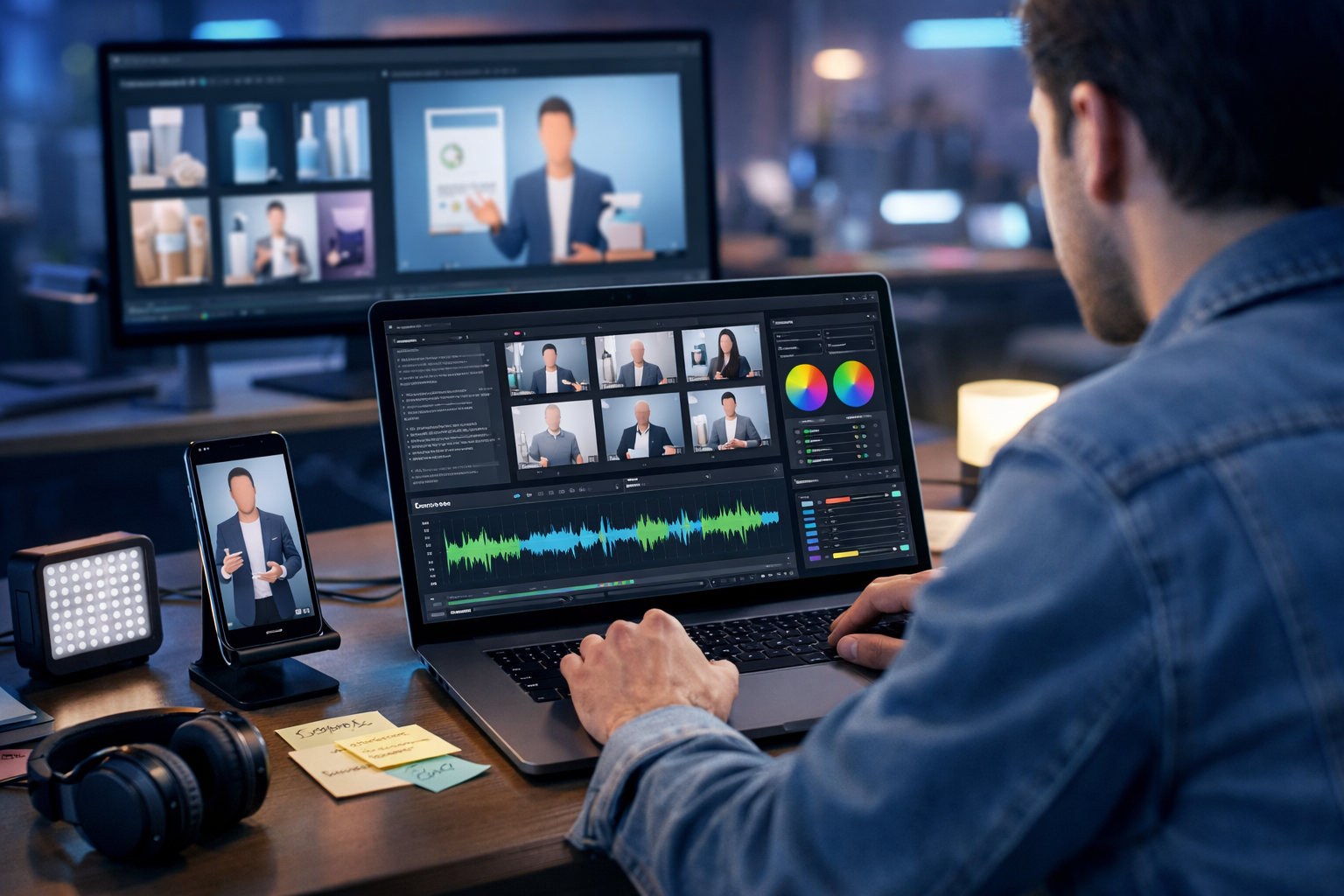
If you need more marketing videos but don’t have a camera, studio time, or on-screen talent, AI can fill the gap. Today you can generate scripts, visuals, voice-overs, music and finished edits from a simple brief—ideal for startups and small teams that need consistent content across ads, landing pages and social platforms.
What “marketing videos without a camera” actually means
Creating marketing videos without a camera doesn’t mean “no visuals”. It means you’re not filming new footage. Instead, you use AI and existing assets to build video from:
- AI-generated images and scenes (product visuals, lifestyle frames, backgrounds).
- AI-generated video clips (animated sequences, stylised b-roll).
- Screen recordings and app demos (recorded once, repurposed many times).
- Text overlays, motion graphics, icons and kinetic typography.
- AI voice-over and music to make it feel “produced”.
The result: high-frequency video production for social reels, paid ads, product explainers and onboarding videos—without a DSLR, lighting kit, or camera confidence.
Why AI is perfect for small teams creating video at scale
For most businesses, the bottlenecks are time, cost and consistency. AI tackles all three by turning a single marketing idea into multiple video variants—different lengths, hooks, formats and audiences—without reshoots.
- Speed: script → storyboard → voice-over → edit in hours, not weeks.
- Cost control: no crew, travel, talent or studio hire.
- Consistency: repeatable brand tone, colours and messaging.
- Experimentation: A/B test multiple hooks and CTAs quickly.
With Gen AI Last you can do the whole workflow in one place—text, images, audio and video—using our AI content tools rather than stitching together several subscriptions.
The complete workflow: how to create marketing videos without a camera using AI
Below is a practical, repeatable process you can use for ads, product videos, social reels and explainer content. Treat it like a template: swap the offer, audience and platform, then generate new versions.
Step 1: Start with a video brief (30 minutes that saves days)
Before you generate anything, define five essentials. This keeps AI outputs focused and makes your edits fast.
- Goal: awareness, leads, trials, purchases, retention.
- Audience: who it’s for and what they care about.
- Offer: the single thing you want them to do.
- Proof: reviews, numbers, demos, guarantees.
- Platform: TikTok/IG Reels, YouTube Shorts, LinkedIn, website.
Example brief (SaaS): “Drive free trials for our invoice automation tool. Audience: freelancers who hate admin. Offer: 14-day trial. Proof: ‘Save 5 hours a week’. Platform: 30-second vertical reel.”
Step 2: Generate a high-retention script with AI (hook → value → proof → CTA)
Most marketing videos fail because they start too slowly. Use AI text generation to create multiple hooks and keep the core structure tight:
- Hook (0–3s): pain point or surprising claim.
- Value (3–15s): what it does, for whom, why it’s different.
- Proof (15–25s): outcomes, demo steps, testimonial snippets.
- CTA (last 3–5s): clear next action and urgency.
Prompt you can copy into Gen AI Last (script generator):
“Write a 30-second vertical marketing video script for [product]. Audience: [audience]. Goal: [goal]. Include 5 alternative hooks, a simple 3-step ‘how it works’, one proof point, and a direct CTA. Tone: confident, friendly, not hypey. British English.”
Generate 3–5 scripts, then pick the best hook and tighten the rest. This is where you’ll win or lose performance.
Step 3: Turn the script into a storyboard and shot list (no camera required)
Even if you’re not filming, you still need a “shot plan”. It tells you what visuals to create for each line.
- Split the script into 6–10 beats (each beat = one scene).
- Assign a visual type to each beat: AI image, AI video clip, screen recording, icons/typography.
- Add on-screen text for scrollers (short phrases, not paragraphs).
- Note any brand requirements (colours, product angles, backgrounds).
Example storyboard (invoice tool): Hook = messy spreadsheet visual. Value = animated “auto-categorise invoices”. Proof = “Save 5 hours/week” kinetic text. CTA = clean dashboard + “Start free trial”.
Step 4: Create visuals with AI image generation (product, lifestyle and backgrounds)
AI images are the fastest way to build a “filmed” look without filming. Use them for:
- Product shots: packaging, devices, UI-on-device mock-ups.
- Lifestyle scenes: your audience using the product in context.
- Problem scenes: messy desk, overflowing inbox, chaotic calendar.
- Background plates: clean gradients, office scenes, minimal desks.
Practical tip: generate a consistent set by reusing the same style descriptors (lens, lighting, colour palette) across prompts. This makes your video feel cohesive rather than “random AI”.
Image prompt template:
“Photorealistic scene of [audience] in [setting] using [product concept], [lighting], shallow depth of field, realistic hands and devices, modern colour palette, 16:9, no text, no logos.”
Step 5: Generate AI video clips (b-roll, animations, transitions)
If your platform supports AI video generation, you can create short clips that function like b-roll—perfect for filling the timeline and keeping attention. Use AI video for:
- Animated product explainers (simple scenes that show “before/after”).
- Abstract motion backgrounds for text overlays.
- Stylised sequences when realism isn’t necessary (tech, finance, education).
- Loopable clips for ads (3–5 seconds repeating).
Prompt idea for AI video:
“Create a 5-second clip: close-up of a laptop dashboard switching from ‘manual invoices’ to ‘automated categorised invoices’, smooth camera pan, modern UI style, cool blue lighting, cinematic depth of field, no readable text.”
In Gen AI Last, you can keep this workflow centralised—generate your visuals, then move straight into video creation without juggling multiple tools.
Step 6: Add voice-over with AI audio generation (and make it sound human)
Voice-over is the difference between a slideshow and a marketing video. AI narration is ideal when you don’t have a spokesperson or a quiet recording space.
- Choose a voice that fits your brand (warm, authoritative, upbeat).
- Control pacing by shortening sentences and avoiding tongue-twisters.
- Write for speaking, not reading: contractions, simple words, active verbs.
- Add pauses after key claims to improve comprehension.
Voice-over script tweak: swap “Our solution facilitates invoice automation” for “It automates your invoices—so you’re done in minutes.”
You can also generate background music beds with AI audio to add energy—just keep it low so the voice stays clear.
Step 7: Assemble the edit (structure, timing, captions, branding)
Whether you assemble inside an AI video tool or export assets to your editor, the same rules apply.
- Cut ruthlessly: remove any line that doesn’t add clarity or persuasion.
- Use pattern breaks: swap visuals every 1–2 seconds for short-form.
- Captions are non-negotiable: many viewers watch muted.
- Brand lightly: consistent colours and fonts, but don’t plaster logos.
- One CTA: don’t split attention across multiple actions.
Timing guide: For a 30-second reel, aim for ~70–90 words of narration. For a 15-second ad, aim for ~40–55 words.
Step 8: Create multiple versions (platform formats and A/B tests)
The biggest advantage of AI is iteration. From one concept, generate variants that suit different placements.
- Hook variants: 3–5 openings with the same middle and CTA.
- Length variants: 6s bumper, 15s, 30s, 60s.
- Format variants: 9:16 (Shorts/Reels), 1:1 (feed), 16:9 (YouTube/website).
- Audience variants: freelancers vs small agencies; beginners vs power users.
Because Gen AI Last includes text, image, audio and video in every plan, this kind of testing is viable even on a small budget—view pricing from $10/month.
5 camera-free marketing video types that work (with examples)
1) The “problem → solution → proof” vertical reel
Best for: paid social and organic short-form. Use AI visuals to show the pain, then the transformation.
- Visuals: AI lifestyle frames, UI mock-ups, kinetic text.
- Audio: AI voice-over + subtle music bed.
- CTA: “Start your free trial” / “Get the template”.
2) Product demo without filming (screen capture + AI overlays)
Best for: SaaS, apps, tools. Record your screen once (no camera), then use AI to generate a script, captions, and supporting b-roll.
- Structure: show outcome first, then the 3 steps to get it.
- Pro tip: zoom in on clicks and key UI states to reduce cognitive load.
3) Testimonial-style video (without recording customers)
Best for: credibility. Turn written reviews into a narrated montage with AI-generated scenes of your audience.
- Visuals: AI images representing the customer context (home office, shop counter).
- On-screen text: short quote fragments (no full paragraphs).
- Ethics: don’t invent reviews—use real testimonials with permission.
4) Explainer video with icons, motion backgrounds and narration
Best for: services, complex products, B2B. AI can produce the script and a matching set of visuals quickly.
- Structure: what it is → who it’s for → how it works → results → CTA.
- Keep it simple: one idea per scene.
5) Offer announcement / seasonal promo (fast and effective)
Best for: ecommerce and launches. Use AI product visuals, bold typography and a clear deadline.
- Visuals: product hero shots, colour blocks, simple transitions.
- Audio: upbeat music + short voice line.
- CTA: “Shop now” / “Ends Sunday” / “Limited stock”.
Common mistakes (and how to avoid them)
AI makes production easier, but the fundamentals still matter. These are the most common reasons camera-free videos underperform:
- Too much text on screen: keep overlays punchy (3–7 words).
- No clear CTA: tell people exactly what to do next.
- Generic visuals: include specific context—your customer’s environment, use case, device.
- Inconsistent style: reuse prompt style terms so scenes match.
- Unnatural narration: write conversationally and slow the pace.
A ready-to-use prompt pack for Gen AI Last
Use these prompts as starting points, then refine with your product details and brand voice.
Prompt 1: Video script (short-form ad)
“Create a 15-second marketing video script for [product]. Audience: [audience]. One problem, one solution, one proof point, one CTA. Provide 5 hook options. Use British English and short sentences for voice-over.”
Prompt 2: Storyboard and asset list
“Turn this script into a storyboard with 8 scenes. For each scene: describe the visual (AI image, AI video clip, screen recording, or typography), on-screen text (max 6 words), and suggested duration. Script: [paste].”
Prompt 3: AI image set (consistent style)
“Generate 6 AI image prompts for this video. Keep a consistent photorealistic style: modern home office, soft natural light, neutral palette with one accent colour [colour]. Include hands using a laptop/phone. No text or logos. Scenes should match these storyboard beats: [paste beats].”
Prompt 4: Voice-over optimisation
“Rewrite this script for natural voice-over. Reduce jargon, improve rhythm, add small pauses, keep within [X] words. Script: [paste].”
Practical checklist before you publish
- Does the hook make sense with the sound off?
- Is the benefit stated in the first 5 seconds?
- Is there one main message (not three)?
- Do captions match the voice-over accurately?
- Are visuals specific to your audience and product category?
- Is the CTA visible and spoken?
- Have you exported the right format (9:16, 1:1, 16:9) for the platform?
How Gen AI Last makes camera-free video production simpler
Most teams get stuck jumping between separate tools for scripting, images, voice and video. Gen AI Last is designed as an all-in-one platform: generate your script with AI text, produce matching visuals with AI image generation, add narration and music using AI audio, and bring it together with AI video generation—without paying extra for “video-only” plans.
If you want to test the workflow quickly, use our AI content tools to create a script and storyboard first, then build out the visuals and voice-over. When you’re ready to scale, view pricing from $10/month for full access to text, image, audio and video generation.
Final thoughts: camera-free doesn’t mean creativity-free
Learning how to create marketing videos without a camera using AI is less about “tricks” and more about having a repeatable system: a strong brief, a punchy script, a clear storyboard, consistent visuals, and polished audio. Start with one product or offer, produce 3–5 hook variants, and iterate based on performance. When you’re ready to build your first set of camera-free ads, you can start creating for free and publish your first AI-assisted video this week.
Ready to Create with Generative AI?
Join thousands of creators using Gen AI Last to generate text, images, audio, and video — all from one platform. Start your 7-day free trial today.
Start Free — Try 7 DaysQuick Links
Create AI content from $10/month
View Plans