How to Create Marketing Videos Without a Camera Using AI
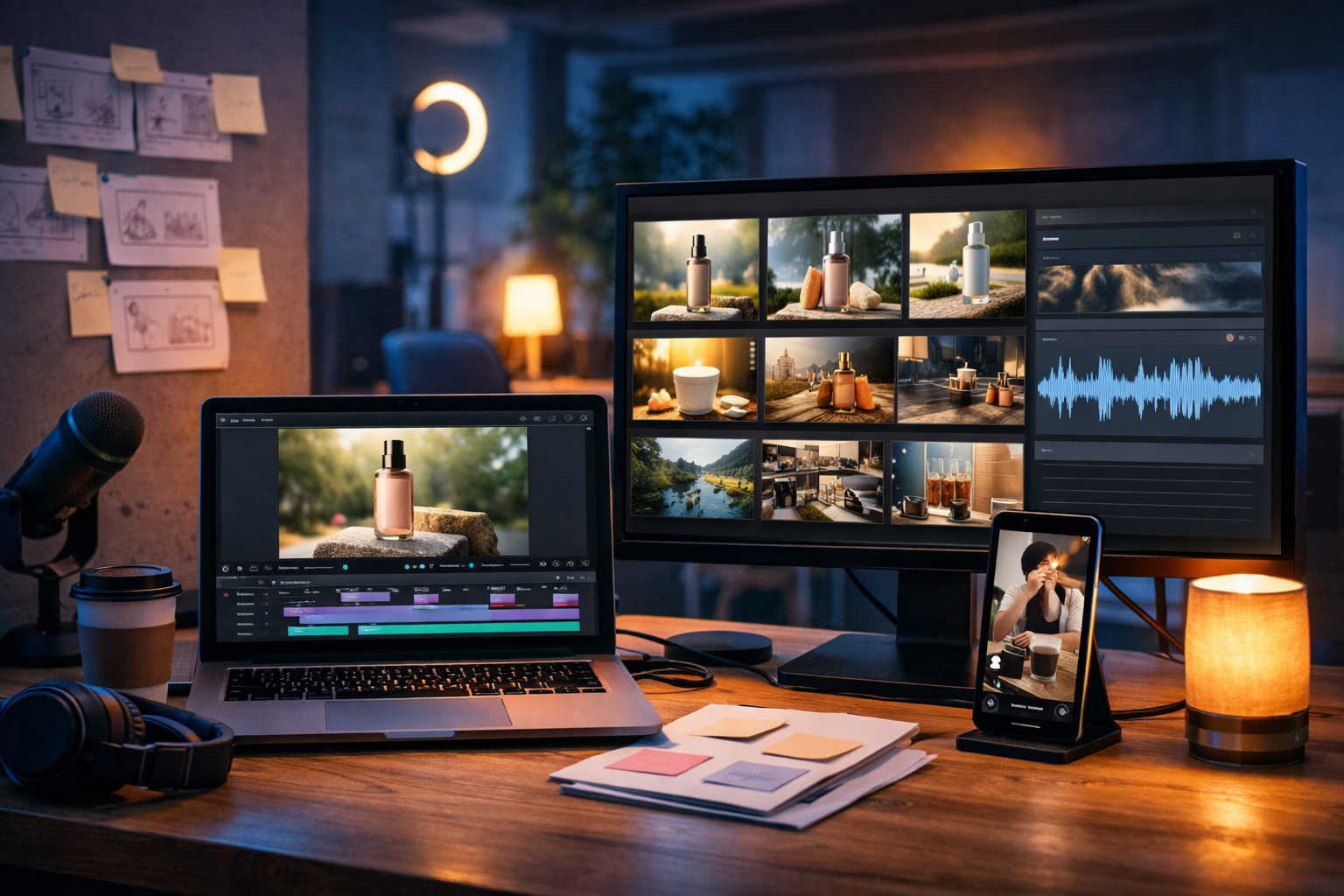
If you’re wondering how to create marketing videos without a camera using AI, the good news is you no longer need a studio, actors, or expensive kit to ship professional video ads, product demos and social reels. With the right AI workflow, you can generate the script, visuals, voice-over, music and final edit from simple prompts—then publish in hours, not weeks.
Why camera-free AI marketing videos work (and when they don’t)
Camera-free videos aren’t a “shortcut”; they’re a production model. For many brands, especially startups and small teams, AI video creation removes the biggest blockers: time, cost, on-camera confidence, and consistent output.
- They’re ideal for explainer videos, app walkthroughs, product feature highlights, UGC-style faceless ads, animated promos, and educational reels.
- They’re less suitable when you need real human proof (e.g., founder trust videos, testimonials, live events) or where regulatory compliance requires recorded evidence.
- They work best when your message is clear, your visuals are consistent, and you optimise for the platform (TikTok/Reels vs YouTube vs LinkedIn).
The key is treating AI like a production team: plan, generate, refine, assemble, and measure. Gen AI Last supports this end-to-end workflow with our AI content tools for text, images, audio, and video—on one platform.
The camera-free AI video stack: what you actually need
To create marketing videos without filming, you’ll typically combine four building blocks:
- Script + structure: the hook, problem, solution, proof, and call-to-action.
- Visuals: AI-generated images, motion graphics, stock-style b-roll, product renders, or UI mock-ups.
- Audio: AI voice-over, background music, and simple sound design.
- Editing: assembling scenes, timing captions, adding branding, and exporting in the right aspect ratio.
The advantage of an all-in-one platform is consistency: your script, visual style and audio tone align because they’re created from the same set of prompts and brand cues.
Step-by-step: how to create marketing videos without a camera using AI
Use the following workflow to build a repeatable video system you can run weekly (or daily) without burning out.
1) Start with the outcome: one video, one job
Before you generate anything, decide what the video must achieve. A strong camera-free video is focused.
- Awareness: introduce the category problem and your unique angle.
- Consideration: explain features, show how it works, compare options.
- Conversion: offer, urgency, social proof, clear CTA.
Tip: pick one KPI—CTR, sign-ups, demo requests, or watch time—and optimise the creative accordingly.
2) Generate a script that matches the platform
Most AI videos fail because the script is vague. Ask for a script with specific timing, scene notes, and on-screen text. In Gen AI Last’s AI Text Generation, prompt for a platform-native structure.
Example prompt (30-second Reels/TikTok ad): “Write a 30-second faceless video ad script for [product]. Audience: [who]. Goal: [sign-ups]. Format: hook in first 2 seconds, 6–8 short scenes, on-screen text per scene, voice-over lines, and a clear CTA. Tone: confident, friendly, UK English. Include 2 proof points.”
You’ll get a script you can translate directly into a shot list—except your “shots” will be AI visuals, UI screens, and animated text.
3) Turn the script into a storyboard and asset list
Storyboarding is what makes camera-free content feel intentional. Create a simple table (even in your notes) with: Scene number, duration, visual, on-screen text, voice-over, and transition.
- Scene 1 (0–2s): pattern interrupt hook
- Scenes 2–5: problem → solution → how it works
- Scene 6: proof (numbers, testimonial snippet, logos—without claiming false endorsements)
- Scene 7–8: offer + CTA
From this, list the assets you need: background visuals, product mock-ups, icons, a “hero” image, b-roll style clips, and any UI screens.
4) Create visuals with AI image generation (consistent style matters)
AI visuals are your “footage”. The trick is consistency: same lighting, same colour palette, similar framing, and a coherent brand style across scenes.
In Gen AI Last, use AI Image Generation to create:
- Product visuals: lifestyle product shots, pack shots, feature callouts.
- Concept b-roll: office scenes, customer scenarios, abstract tech backgrounds.
- Ad frames: hero frames designed for the opening hook.
Example prompt (lifestyle scene): “Photorealistic 16:9 image of a small business owner using a laptop at a coffee shop, modern UK setting, soft natural light, shallow depth of field, neutral tones with subtle teal accents, focus on hands and screen glow, no text, no logos.”
Practical tip: generate 6–10 options for your first 2 seconds. The hook frame is doing the heavy lifting, so choose the most visually distinct image.
5) Convert visuals into video scenes using AI video generation
Now you’ll animate your story. AI video generation can create short clips from prompts and/or image-to-video style motion, giving you b-roll-like movement without filming.
Plan to build in short bursts:
- 2–4 second clips for fast-paced Reels/Shorts.
- 4–8 second clips for explainers or YouTube pre-roll.
- Use simple motion (slow push-in, parallax, gentle pan) to avoid uncanny movement.
Example prompt (AI b-roll clip): “Create a 5-second photorealistic clip of a modern agency desk with a laptop showing a video timeline and colourful thumbnails, cool blue tech lighting with neon accents, slow cinematic push-in, shallow depth of field, no readable text or logos.”
If you’re demonstrating a digital product, consider mixing AI clips with screen recordings or static UI mock-ups. You still avoid using a camera, but the video gains credibility with real interface moments.
6) Produce a natural voice-over with AI audio generation
Voice-over makes faceless videos feel human. With AI Audio Generation, you can create narration in a consistent tone, re-record lines quickly, and localise for different markets without re-shooting anything.
- Keep sentences short (8–12 words) for better pacing.
- Write how people speak: contractions, plain English, active voice.
- Leave space for on-screen text and breathing room between claims.
Example voice-over direction: “Warm, confident, not salesy. Medium pace. Emphasise the hook and the key benefit. UK English.”
Add background music quietly underneath to lift retention. Choose simple, non-distracting tracks that don’t fight the narration.
7) Assemble the edit: pacing, captions, and brand consistency
Your edit is where the “AI parts” become a real marketing asset. Whether you assemble inside your preferred editor or via an AI workflow, focus on these fundamentals:
- Hook fast: deliver the promise in 1–2 seconds.
- One idea per scene: avoid dense frames.
- Captions: always add them for social. Match the voice-over, don’t summarise vaguely.
- Visual hierarchy: big headline text + simple supporting graphic.
- Brand kit: consistent colours, font style, and framing.
A practical rule: if you remove the audio, the video should still make sense from captions and visuals. If you remove the captions, the voice-over should still tell a complete story.
8) Export multiple versions (this is where ROI comes from)
Camera-free production shines when you create variations quickly. Export:
- 9:16 for TikTok, Reels, Shorts
- 1:1 for feeds
- 16:9 for YouTube and landing pages
Then test 3–5 hook variations (same body, different opening). This is often the biggest lever for lowering CPM and improving CTR.
3 proven camera-free AI video templates you can copy
Use these structures as plug-and-play formats. Swap the niche and benefits, keep the pacing.
Template 1: Problem → solution → proof (30 seconds)
- Hook (0–2s): “Still doing [painful task] the hard way?”
- Problem (2–8s): Show consequences (time, cost, stress).
- Solution (8–18s): Introduce product and main benefit.
- How it works (18–24s): 3 steps on screen.
- Proof + CTA (24–30s): Metric/testimonial + “Try it today”.
Visual approach: AI b-roll of work scenarios + AI product hero frames + bold captions.
Template 2: Feature breakdown (45–60 seconds)
- Intro: who it’s for and what it replaces
- Feature 1: show benefit + example
- Feature 2: show benefit + example
- Feature 3: show benefit + example
- Wrap: pricing/next step CTA
Visual approach: AI-generated mock-ups, icons, animated callouts, and simple motion backgrounds.
Template 3: “3 mistakes” educational reel (20–30 seconds)
- Hook: “3 mistakes killing your [result]…”
- Mistake #1 + quick fix
- Mistake #2 + quick fix
- Mistake #3 + quick fix
- CTA: “If you want the template, try…”
Visual approach: clean typography-led frames + AI background clips. This format builds trust quickly and is easy to produce at scale.
Quality, compliance and trust: avoid common AI video pitfalls
AI can generate almost anything, but marketing requires accuracy and trust. Keep these guardrails:
- Don’t invent claims. If you cite numbers (time saved, results), ensure they’re true and verifiable.
- Avoid fake endorsements. Don’t imply partnerships or use lookalike branding.
- Keep visuals realistic. Overly surreal motion can hurt credibility for direct response ads.
- Respect privacy and IP. Don’t generate recognisable individuals or branded assets without permission.
A practical QA checklist before publishing: verify every claim, watch with sound off, check captions for errors, confirm CTA matches the landing page, and export in the platform’s recommended specs.
A repeatable 60-minute workflow for weekly video output
Here’s a realistic schedule for a single 20–40 second social video once you’ve done it a few times:
- 10 min: generate 3 hooks + choose one
- 10 min: generate script + storyboard (6–8 scenes)
- 15 min: generate 6–10 AI images and 2–4 short AI clips
- 10 min: create voice-over + music bed
- 15 min: assemble, captions, export 9:16 + 1:1
If you’re producing for a small team, create a shared prompt library (hooks, brand style, common objections) so anyone can generate on-brand assets quickly.
How Gen AI Last makes camera-free marketing video creation affordable
Most businesses don’t fail at video because of creativity—they fail because the process is fragmented across tools. Gen AI Last combines:
- AI Text Generation for scripts, hooks, CTAs, captions, email follow-ups and landing page copy.
- AI Image Generation for consistent ad creatives, product visuals and scene backgrounds.
- AI Video Generation for clips, explainer-style visuals and promotional edits.
- AI Audio Generation for voice-overs, narration and background music.
And it’s priced for real-world teams: view pricing from $10/month with full access across text, image, audio, and video—ideal if you’re replacing agencies or piecing together multiple subscriptions.
FAQ: creating marketing videos without filming
Can AI videos replace filming entirely?
For many marketing use cases—ads, explainers, feature promos, educational reels—yes. For trust-heavy assets (founder messages, testimonials, events), a hybrid approach works best: AI for most content, filming for a few key moments.
How do I make AI videos look less “AI”?
Use realistic motion (slow pans), keep scenes simple, match colour grading across clips, and rely on strong captions and clear voice-over. Consistency beats complexity.
What’s the fastest way to improve performance?
Test multiple hooks. Keep everything else identical and change only the first 2 seconds. The winning hook often doubles results without any other edits.
Get started: your first camera-free AI marketing video today
If you can describe your offer in one sentence, you can create a marketing video without touching a camera. Start with a simple script prompt, generate a set of consistent visuals, add an AI voice-over, and export variations for each platform. When you’re ready to put the workflow on rails, use our AI content tools to create everything in one place.
Want to test it now? start creating for free and build your first faceless marketing video from a single prompt.
Ready to Create with Generative AI?
Join thousands of creators using Gen AI Last to generate text, images, audio, and video — all from one platform. Start your 7-day free trial today.
Start Free — Try 7 DaysQuick Links
Create AI content from $10/month
View Plans