How to Create Marketing Videos Without a Camera Using AI
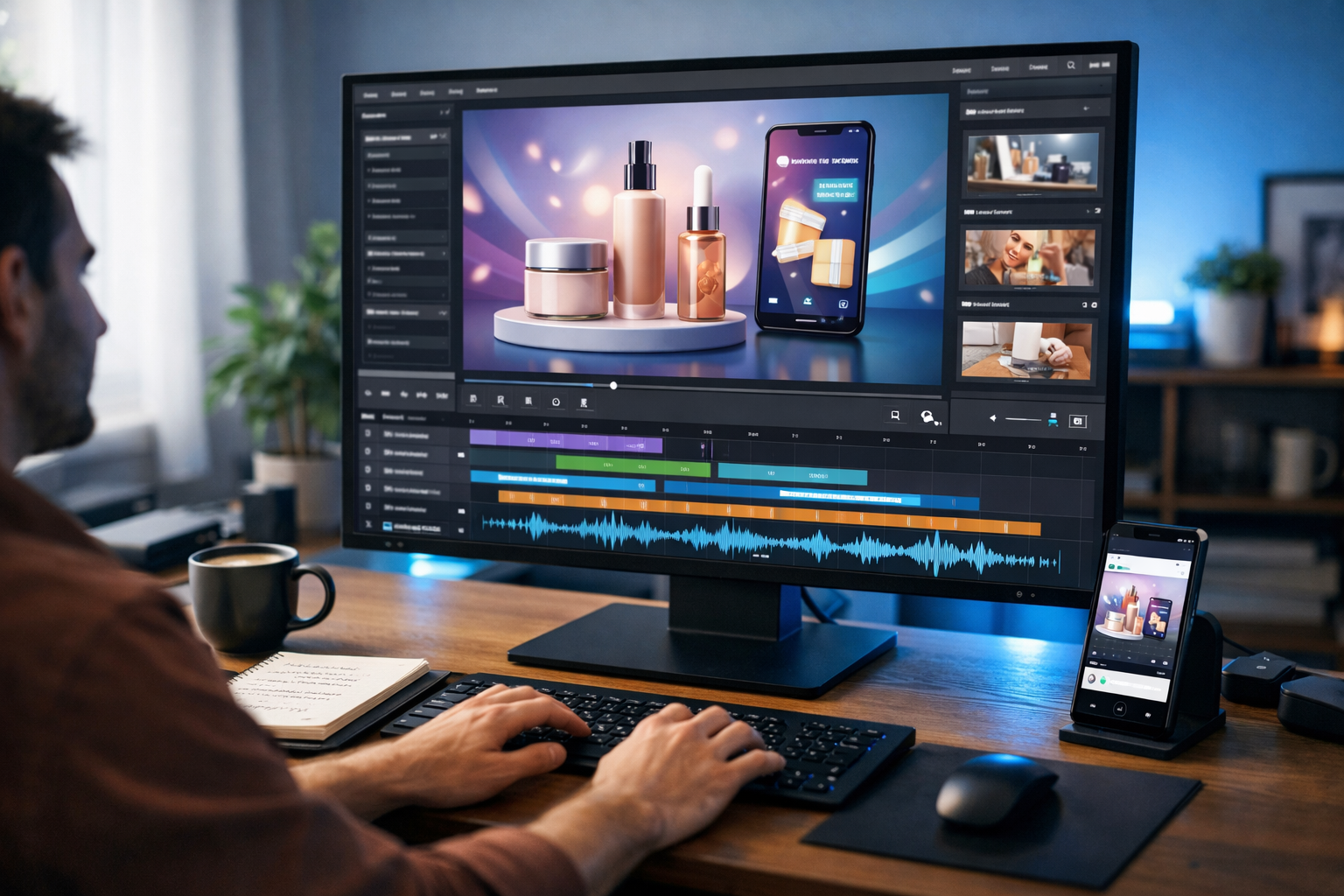
If you’ve ever wondered how to create marketing videos without a camera using AI, the good news is this: you no longer need expensive equipment, actors, or a production crew. Today’s AI tools allow startups, freelancers and small teams to produce professional-quality marketing videos using nothing more than a laptop and a clear idea. In this guide, we’ll show you exactly how to do it step by step.
Why You No Longer Need a Camera for Marketing Videos
Traditional video production used to require cameras, lighting kits, microphones, editing software and significant technical skill. For many small businesses, this created a barrier to entry. AI has completely changed that landscape.
With AI-powered platforms such as our AI content tools, you can generate scripts, visuals, voice-overs and complete videos from simple text prompts. Instead of filming footage, you describe what you want. The AI creates the assets for you.
This approach is faster, more affordable and often more scalable than traditional filming. It is particularly powerful for:
- Startups without production budgets
- E-commerce brands needing frequent product videos
- Coaches and consultants who prefer not to appear on camera
- Agencies producing high volumes of client content
Types of Marketing Videos You Can Create with AI
Before diving into the process, it helps to understand what’s possible. You can create:
- Product demo videos with animated product visuals
- Explainer videos using AI-generated graphics and voice narration
- Social media reels with dynamic captions and stock-style visuals
- Testimonial-style videos using AI voice-overs and branded imagery
- Ad creatives for Facebook, Instagram, TikTok and YouTube
All of these can be produced without ever switching on a physical camera.
Step 1: Generate a High-Converting Script with AI
Every effective marketing video starts with a strong script. AI text generation tools can create compelling scripts in minutes.
For example, you might prompt:
“Write a 60-second promotional video script for a sustainable skincare brand targeting women aged 25–40. Include a hook, benefits, social proof and a call to action.”
The AI will structure your script with:
- An attention-grabbing opening
- Clear benefit-driven messaging
- Emotional triggers
- A persuasive closing CTA
Using Gen AI Last, you can refine tone (professional, friendly, bold), adjust length, and optimise messaging for different platforms. This ensures your video content aligns with your brand voice before visuals are even created.
Step 2: Create Visuals Without Filming
Now comes the part where most people assume a camera is required. It isn’t.
AI image generation tools can create:
- Product mock-ups
- Lifestyle scenes
- Background environments
- Branded illustrations
- Animated-style graphics
For instance, if you sell coffee beans, you could generate:
- A warm kitchen scene at golden hour
- A close-up of coffee being poured
- A cosy home office with a steaming mug
These images can then be sequenced into a video timeline. With AI video generation, static images can be animated with subtle motion effects, zooms and transitions to create a polished final result.
Step 3: Add AI-Generated Voice-Overs
A professional voice-over used to mean hiring voice talent and booking studio time. Today, AI audio generation allows you to produce natural-sounding narration instantly.
You simply paste your script into the platform and select:
- Voice gender
- Accent (British, American, Australian, etc.)
- Tone (energetic, calm, authoritative)
- Pacing
The AI generates studio-quality narration without background noise. You can also create background music or subtle ambient sound to enhance emotional impact.
Step 4: Assemble the Video with AI Editing
Once you have script, visuals and voice-over, AI video tools help assemble everything automatically.
Modern AI platforms can:
- Synchronise visuals to narration
- Add animated captions
- Insert smooth transitions
- Optimise aspect ratios for social media
- Export in multiple formats
This drastically reduces editing time. Instead of hours in complex software, you refine and adjust within minutes.
Step 5: Optimise for Different Platforms
A single AI-generated marketing video can be repurposed across platforms:
- 16:9 for YouTube
- 1:1 for Instagram feed
- 9:16 for Reels and TikTok
- Short cutdowns for paid ads
Because everything is digitally generated, resizing and reformatting requires no re-shooting. This gives small businesses the power of a full production team without the overhead.
Practical Example: Creating a Product Launch Video
Let’s walk through a real-world example.
Scenario: A startup launching a productivity app.
- Script: Generate a 90-second explainer video script highlighting pain points (disorganisation), benefits (task automation), and a free trial offer.
- Visuals: Create clean, modern interface mock-ups and lifestyle scenes of remote workers using laptops in co-working spaces.
- Voice-over: Select a confident British voice with upbeat pacing.
- Assembly: Combine scenes with animated UI transitions and bold captions.
- Distribution: Export versions for LinkedIn ads, YouTube and landing pages.
Total production time: potentially under two hours. No filming required.
Cost Comparison: AI vs Traditional Production
Traditional video production can cost:
- £500–£3,000+ for a short promotional video
- Equipment rental fees
- Editing and post-production costs
With Gen AI Last, you get full access to text, image, audio and video generation from just view pricing from $10/month. This makes professional marketing video production accessible to nearly any business.
Best Practices for Creating High-Impact AI Marketing Videos
AI is powerful, but strategy still matters. Follow these principles:
- Start with a clear objective: Brand awareness, lead generation or direct sales.
- Keep it concise: 30–90 seconds is ideal for most platforms.
- Focus on benefits, not features: Show transformation.
- Use captions: Many users watch without sound.
- Test variations: Create multiple hooks and compare performance.
AI makes it easy to generate multiple versions quickly, allowing data-driven optimisation.
Common Mistakes to Avoid
- Overloading with information: Keep messaging focused.
- Ignoring branding: Maintain consistent colours and tone.
- Using generic prompts: Be specific to get stronger AI outputs.
- Skipping strategy: A good video still needs clear positioning.
Why Gen AI Last Is Ideal for Camera-Free Video Creation
Gen AI Last is designed as an all-in-one AI content platform. Instead of juggling separate tools for scriptwriting, image creation, voice generation and editing, everything is integrated.
You can:
- Generate persuasive marketing scripts
- Create branded visuals
- Produce professional voice-overs
- Assemble complete marketing videos
All without technical complexity. For startups and small teams, this unified approach saves time, reduces costs and streamlines workflows.
Getting Started Today
If you’ve been postponing video marketing because you lack equipment or confidence on camera, AI removes those obstacles entirely.
You can start by:
- Choosing one product or service to promote
- Generating a short script
- Creating matching visuals
- Adding AI narration
- Publishing to one platform
Within a single afternoon, you could have your first AI-powered marketing video live.
Ready to see how simple it is? You can start creating for free and produce professional marketing videos without ever touching a camera.
Now that you understand how to create marketing videos without a camera using AI, the only question is how quickly you’ll put it into action. With the right prompts, clear messaging and the power of AI, professional video marketing is no longer limited to big brands with big budgets.
The future of marketing content is accessible, scalable and AI-driven — and it starts with your next video.
Ready to Create with Generative AI?
Join thousands of creators using Gen AI Last to generate text, images, audio, and video — all from one platform. Start your 7-day free trial today.
Start Free — Try 7 DaysQuick Links
Create AI content from $10/month
View Plans