How to Create Marketing Videos Without Hiring Actors Using AI
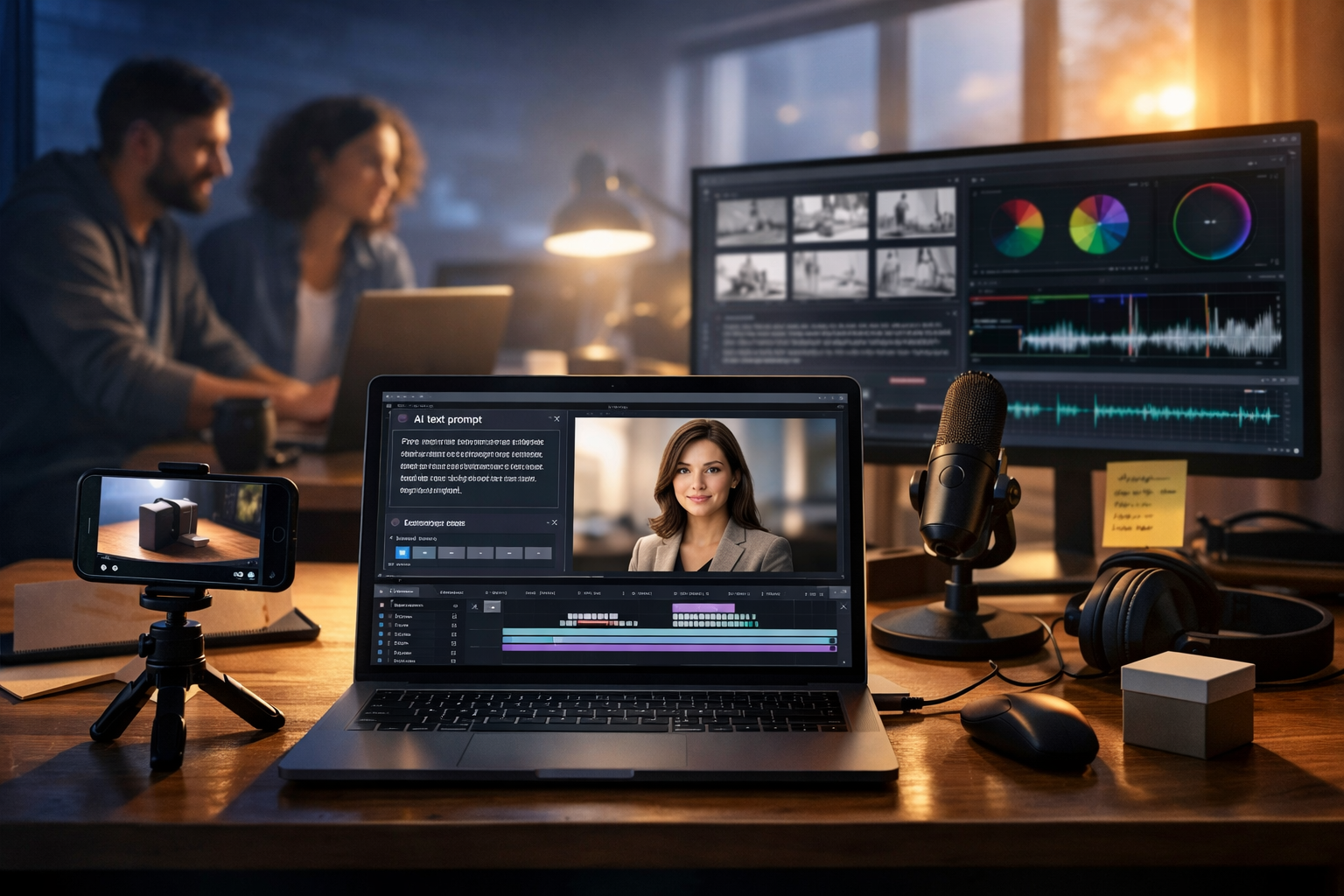
You don’t need to hire actors, book a studio, or spend weeks coordinating shoots to produce polished marketing videos. With AI, you can generate the script, visuals, voice-over, and even short video sequences from a single prompt—then assemble them into ads, product demos, social reels, and explainers that look professional and convert.
Why brands are replacing actors with AI (and when you shouldn’t)
Hiring actors can be brilliant for brand storytelling, but it’s also expensive and slow: casting, contracts, reshoots, scheduling, location fees, and post-production quickly add up. AI flips that model. Instead of organising a production, you design one—using prompts, templates, and iterative testing.
AI-driven, actor-free videos work especially well for:
- Product explainers and demos (especially screen-record style or UI walkthroughs)
- Paid ads for testing multiple hooks, angles, and offers quickly
- Social reels and short-form content with strong captions and punchy pacing
- E-commerce product videos using generated scenes plus real product cutaways
- Internal training and onboarding videos where clarity matters more than “celebrity” presence
When you may still want real humans: highly regulated claims (e.g., medical), sensitive topics requiring trust-building, or campaigns where authenticity depends on real people (UGC-style testimonials). Even then, AI can still support the workflow by generating scripts, storyboards, and alternate edits.
The actor-free AI video workflow (end to end)
To create marketing videos without hiring actors using AI, think in four layers: message, visuals, audio, and assembly. Gen AI Last brings these together in one place—text, images, audio, and video generation—so you can move quickly without juggling multiple subscriptions. Explore our AI content tools to see what you can create from a single prompt.
Step 1: Define one goal and one viewer action
Before you generate anything, decide what the video is for. A good brief is one sentence:
- Goal: what should the viewer understand or feel?
- Action: what should they do next (sign up, book a call, try a demo, buy now)?
Example brief: “Convince busy founders to start a free trial by showing how they can generate a week of content in 10 minutes.”
Step 2: Generate a script built for video (not for reading)
Video scripts need rhythm, clarity, and visual cues. The simplest structure that performs consistently is:
- Hook (0–3s): call out the problem or curiosity gap
- Value (3–20s): show the mechanism or the “how”
- Proof (optional): stats, outcomes, or quick demo
- CTA (last 3–5s): one action, one link
Prompt example for AI text generation (adapt to your product):
Prompt: “Write a 30-second video ad script for [product] targeting [audience]. Use a punchy hook, show the main benefit in simple language, include 3 on-screen visual cues in brackets, and end with a single CTA to [action]. Tone: confident, friendly, British English. Avoid hype.”
Create at least 5 variations of the hook. Your hook is the biggest driver of watch-through rate, and AI makes A/B testing practical.
Step 3: Turn the script into a shot list and storyboard
You don’t need actors if your video is designed around:
- Product UI (screen captures, animated UI frames, feature highlights)
- Abstract visuals (icons, shapes, kinetic typography style—without needing filmed people)
- Generated scenes (workspaces, devices, product-in-use vignettes)
- B-roll alternatives (hands on keyboard, phone scrolling, close-ups of objects, environment shots)
A practical storyboard format is a table with: timestamp, voice line, on-screen text, visual, notes. Your visuals can be fully generated, or a mix of generated scenes plus real product screenshots.
Step 4: Create visuals with AI images (and make them consistent)
AI images are perfect for establishing shots, background plates, and scene transitions—without booking locations. To keep consistency across frames, use a repeatable “style bible” in your prompts:
- Camera: 35mm or 50mm, shallow depth of field, photorealistic
- Lighting: soft natural light or cool tech ambience (choose one per campaign)
- Palette: specify 2–3 brand colours
- Setting: home office / agency / co-working / studio (match your audience)
Example image prompt for a product demo intro scene:
Prompt: “Photorealistic modern home office desk, laptop open with a generic video editing timeline (no readable text), smartphone on tripod, soft morning window light, neutral palette with subtle teal accents, shallow depth of field, 16:9 wide.”
In Gen AI Last you can generate multiple options quickly, pick the best, then create variants for different angles (wide, close-up, over-the-shoulder) while keeping the style consistent.
Step 5: Generate video clips from prompts (no on-camera talent)
AI video generation is ideal for short, impactful clips: animated scene openers, product “mood” shots, and transitions that would otherwise require filming. Keep clips short (3–6 seconds) and plan to stitch them together with a tight edit.
Tips for better AI video outputs:
- Describe motion: “slow push-in”, “gentle pan”, “hand places phone on desk”
- Keep scenes simple: one main subject, uncluttered background
- Use continuity: reuse the same setting and lighting descriptors
- Plan around imperfections: cut faster, use overlays, and keep focus on the message
Example AI video prompt:
Prompt: “A modern co-working desk scene, laptop with a generic content dashboard, soft cool-blue tech lighting with warm rim light, camera slow push-in, shallow depth of field, photorealistic, 16:9.”
Step 6: Create a natural voice-over (without hiring voice talent)
Voice-over is the fastest way to add “human presence” without an actor on screen. AI audio generation lets you produce clean narration in minutes, then iterate if you change the script (which happens often during editing).
Voice-over best practices for marketing videos:
- Write for speaking: short sentences, active voice, fewer commas
- Mark emphasis: bold key words in your working script to guide pacing
- Match tone to funnel stage: calm for explainers, energetic for ads
- Leave room for visuals: don’t narrate every on-screen detail
If your brand serves multiple regions, AI makes localisation easy: generate alternate voice-overs for UK vs US phrasing, or simplify language for international audiences.
Step 7: Add background music and sound design
Good music makes AI visuals feel more “real” and intentional. Use background music to control energy: lighter for tutorials, punchier for ads. Keep it subtle—voice clarity always wins.
A simple mix rule for short-form videos: narration first, music second, sound effects third. Duck (lower) music by a few dB under voice and keep transitions tight.
Step 8: Assemble the edit for performance (not perfection)
Without actors, your edit becomes the “performance”. Focus on pacing, clarity, and visual reinforcement. Use:
- Fast cuts: change shot every 1–2 seconds for ads
- Pattern interrupts: zooms, angle swaps, quick overlays
- Captions: many viewers watch muted
- On-screen keywords: echo the voice-over, don’t duplicate it
Export in multiple aspect ratios: 9:16 for Reels/TikTok, 1:1 for feeds, 16:9 for YouTube and landing pages. Build once, repurpose everywhere.
3 proven formats for actor-free marketing videos
1) “Problem → demo → result” product video
This is the highest-clarity format and works especially well for SaaS and apps.
- Visuals: UI walkthrough, feature highlights, before/after comparison
- Audio: calm, confident voice-over + subtle music
- CTA: “Start free” or “Try it now”
Use AI text generation to produce multiple versions: one for founders, one for marketers, one for agencies. Then keep the visuals mostly the same and swap the script.
2) Kinetic typography + AI b-roll
If you’re worried about AI visuals feeling uncanny, lean into design: bold captions, animated keywords, and abstract scene cutaways (desks, devices, environments). No faces needed.
- Best for: paid social testing, announcements, offers
- Key: 1 idea per scene, strong hook text
- Length: 10–20 seconds
3) AI “mini-explainer” with narrated steps
This format is ideal for educating prospects without filming anyone.
- State the promise: “Here’s how to…”
- Show three steps with simple visuals
- Finish with the next action
AI makes it easy to refresh these monthly: update a feature, change a price point, or tailor to a new niche—without re-shooting.
A practical prompt pack you can copy
Use these as starting points inside Gen AI Last and adapt the bracketed parts.
Script prompt (30-second ad)
Prompt: “Write a 30-second marketing video script for [product] aimed at [audience]. Include: 3-second hook, 2 benefits, one proof point, and a clear CTA to [action]. Add on-screen text suggestions per scene. British English. Keep it punchy.”
Storyboard prompt
Prompt: “Turn this script into a storyboard with 8 scenes. For each scene include: timestamp, voice-over line, on-screen text (max 6 words), and recommended visual (AI b-roll or UI). Script: [paste].”
AI image prompt (b-roll still)
Prompt: “Photorealistic close-up of hands using a smartphone to review a short video ad, modern desk, soft natural light, shallow depth of field, neutral colours with [brand accent colour], 16:9 wide, no text, no logos.”
AI video prompt (scene opener)
Prompt: “Photorealistic modern agency workspace, laptop with a generic content calendar UI (no readable text), camera slow pan left to right, cool blue lighting with subtle neon accents, cinematic depth of field, 16:9.”
Voice-over prompt (tone control)
Prompt: “Create a clear, friendly British voice-over reading this script with upbeat pacing and natural pauses. Avoid sounding robotic. Script: [paste].”
Quality checklist: make AI videos look intentional
Actor-free doesn’t mean low-quality. Run this checklist before publishing:
- Hook clarity: can someone understand the promise in 3 seconds?
- Single message: is there one main takeaway, not five?
- Audio level: voice is crisp; music is lower; no harsh peaks
- Visual consistency: similar colour and lighting across scenes
- Captions: accurate, readable, not blocking key UI elements
- CTA: one action, repeated visually and verbally
Legal and ethical notes (important for brand safety)
When you create marketing videos without hiring actors using AI, you also reduce the complexity of model releases and talent contracts. But you still need to be careful:
- Don’t impersonate real people (avoid lookalikes or celebrity references).
- Avoid misleading claims: if you show results, ensure you can substantiate them.
- Use brand-safe assets: keep visuals generic where needed (no recognisable logos in backgrounds).
- Disclose where appropriate: some platforms and regions may require disclosure for synthetic media in certain contexts.
If you’re in a regulated industry, get internal review before launching ads.
Why Gen AI Last is ideal for actor-free video production
Most teams struggle because video creation gets fragmented: one tool for scripts, another for visuals, another for voice, another for video generation. Gen AI Last streamlines the process with an all-in-one platform—AI text, image, audio, and video generation—so your creative concept stays consistent across every asset.
And it’s built for small teams: all features are available from view pricing from $10/month, making it realistic to test multiple video angles every month without blowing your budget.
A simple 60-minute production plan (your first video)
If you want a fast start, follow this one-hour sprint:
- 0–10 mins: write 5 hooks + 1 final script
- 10–25 mins: storyboard into 8 scenes
- 25–40 mins: generate 6–10 visuals (images or short clips)
- 40–50 mins: generate voice-over + background music
- 50–60 mins: assemble, caption, export 9:16 and 16:9
Once you’ve built the first version, duplicate it and swap just the hook, offer, or audience angle. That’s where AI gives you a genuine marketing advantage: volume plus iteration.
Next steps: create your first actor-free campaign
Start with one product, one audience, and three hooks. Generate your script, visuals, voice-over, and clips in Gen AI Last, then publish and measure performance. When you find a winning angle, expand it into a series: onboarding video, FAQ explainer, feature highlights, and retargeting ads—without ever booking a shoot.
Ready to build? Use start creating for free and experiment with short 10–20 second videos first. You’ll learn faster, iterate more, and ship consistently—no actors required.
Ready to Create with Generative AI?
Join thousands of creators using Gen AI Last to generate text, images, audio, and video — all from one platform. Start your 7-day free trial today.
Start Free — Try 7 DaysQuick Links
Create AI content from $10/month
View Plans