How to create marketing videos without hiring actors using AI
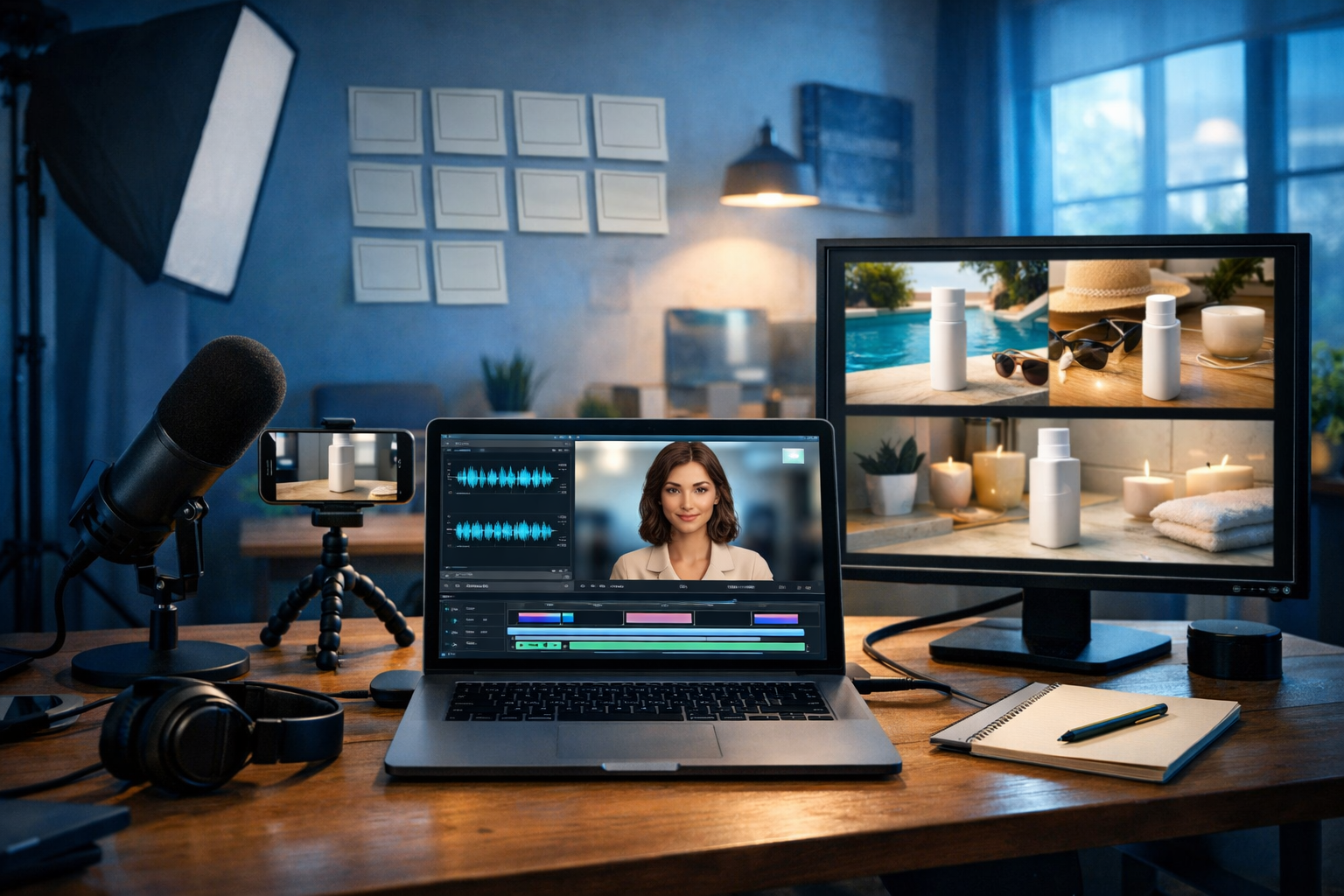
If you’ve ever priced up a marketing video—actors, location, kit, retakes and post-production—you’ll know why most startups and small teams publish far fewer videos than they should. The good news: you can now create marketing videos without hiring actors using AI, producing polished product demos, explainer clips and social reels from simple prompts—fast, consistent and on budget.
Why teams are replacing actors with AI for marketing videos
For many brands, actors solve a specific problem: they provide a human presence to deliver a message. But actors also introduce cost, scheduling complexity and brand risk (availability, performance consistency, usage rights). AI changes the equation by letting you produce the “human” element via synthetic voice, AI-generated visuals, and (where suitable) AI video sequences that illustrate benefits without relying on a filmed spokesperson.
This approach is especially effective for:
- SaaS and app walkthroughs (screen-based storytelling)
- E-commerce product explainers (features, comparisons, use-cases)
- Service businesses (process, outcomes, testimonials as text overlays/graphics)
- B2B marketing (problem/solution narratives, data visualisation)
- International campaigns (multi-language voice-overs without re-shoots)
With an all-in-one platform like our AI content tools, you can generate the script, visuals, voice-over and video assets in one workflow—reducing handoffs and keeping the brand message consistent.
What “without hiring actors” looks like in practice
Creating marketing videos without actors doesn’t mean creating videos without humans anywhere in the process. It means you don’t need to book on-camera talent. Instead, you can choose formats that perform well on modern platforms:
- Voice-over + motion graphics: clean, scalable, great for explainers.
- Product visuals + captions: ideal for e-commerce and short-form.
- Screen recordings + AI narration: perfect for SaaS, onboarding and demos.
- AI-generated scenes: lifestyle visuals that would be expensive to shoot.
- Text-first videos: punchy hooks and benefit-driven captions for social feeds.
The key is to design your video around clarity and conversion—not around the presence of a presenter.
Step-by-step: how to create marketing videos without hiring actors using AI
Below is a practical workflow you can repeat for ads, product demos, explainers and social reels. You can run each stage inside Gen AI Last: text for scripting, images for visuals, audio for voice and music, and video for assembly and output.
1) Start with a single objective (one video = one job)
Actor-led videos often try to do too much because you “paid for the shoot”. AI makes iteration cheap—so focus each video on a single outcome:
- Get a click (paid social ad)
- Get a signup (landing page explainer)
- Reduce churn (feature walkthrough)
- Increase AOV (bundle/upsell video)
Write down: audience, promise, proof, and the next step (CTA). This becomes your script skeleton.
2) Generate a conversion-focused script (and keep it short)
Use AI text generation to draft multiple versions quickly: one for 15 seconds, one for 30 seconds, and one for 60–90 seconds. Short wins on social; longer works for product pages and YouTube-style explainers.
Example prompt for Gen AI Last (Text): “Write a 30-second marketing video script for [product]. Audience: [who]. Pain point: [pain]. Offer: [offer]. Tone: confident and friendly. Structure: hook, problem, solution, proof, CTA. Add on-screen text cues per line.”
Aim for:
- Hook in the first 2 seconds (a bold claim, surprising stat, or clear pain point)
- One main benefit (not ten features)
- Proof (numbers, testimonial snippet, before/after)
- Clear CTA (“Start a free trial”, “Get a quote”, “Shop the bundle”)
3) Storyboard with scenes that don’t require a person on camera
A storyboard is simply a list of scenes. Without actors, you’ll rely on product shots, UI shots, abstract visuals, icons, and text overlays. Keep your scenes simple and readable on mobile.
Storyboard template (30 seconds):
- 0–2s: Hook text + bold visual (problem scenario or striking product shot)
- 2–8s: Pain point illustrated (messy spreadsheet, slow workflow, product frustration)
- 8–18s: Solution (your product in action: UI, demo, key feature)
- 18–25s: Proof (metric, review line, before/after graphic)
- 25–30s: CTA (offer + next step)
This is where AI shines: you can generate consistent visuals for each scene without organising a shoot.
4) Create visuals with AI image generation (product, lifestyle, backgrounds)
If you don’t have a library of brand photography, AI image generation can fill the gap: lifestyle scenes, abstract backgrounds, concept visuals, and even “product-in-situation” images (where appropriate and accurate).
Practical ways to use AI images in marketing videos without actors:
- Background plates: modern office desk, warehouse, kitchen, gym—matched to your audience.
- Problem visuals: “overwhelmed inbox”, “cluttered desk”, “late deliveries” style imagery.
- Feature callouts: clean product hero images for overlays and captions.
- Consistency packs: generate 10–20 variations in the same style for cohesive campaigns.
Example prompt for Gen AI Last (Images): “Photorealistic scene of [product/category] on a minimalist desk in a bright home office, soft natural light, shallow depth of field, neutral colour palette, 16:9, no text, no logos.”
Tip: Keep a “style spec” in your brand notes—lighting (warm/cool), lens feel (cinematic/clean), colour palette, and props—to make every image feel like the same campaign.
5) Generate the voice-over with AI audio (consistent, scalable, multilingual)
A strong voice-over replaces the need for a presenter. AI audio generation lets you choose a voice style that fits your brand (e.g., upbeat retail, calm professional, authoritative B2B), then reuse it across dozens of videos for consistency.
Guidelines for natural-sounding AI voice-overs:
- Write for the ear: short sentences, contractions, simple words.
- Add direction: pace, emphasis, and pauses (e.g., “pause”, “smile in voice”).
- Match tone to platform: faster for TikTok/Reels, calmer for product pages.
- Keep the CTA crisp: one action, one destination.
You can also generate background music beds for mood and pacing—just keep them subtle so your narration stays clear.
6) Build the video with AI video generation (scenes, timing, captions)
Now combine your assets: scene visuals, voice-over, music, and on-screen text. AI video generation helps you turn the storyboard into a coherent sequence without traditional editing overhead.
Best practices for actor-free videos that still feel “human”:
- Use motion deliberately: gentle pans/zooms, quick cuts on beats, transitions that support understanding.
- Caption for silent viewing: many viewers watch without sound.
- Show the “moment of value” early: don’t bury the product.
- Design for mobile first: big text, simple layouts, high contrast.
Once you have a baseline version, create variants: different hooks, different CTAs, different first scenes. AI makes A/B testing realistic for small teams.
7) Add credibility without filming testimonials
One reason brands use actors is to create trust. You can build trust without on-camera people by using verifiable proof points:
- Real customer quotes (with permission) displayed as on-screen text
- Case study stats (e.g., “Cut reporting time by 43% in 30 days”)
- Before/after visuals (clean comparisons, not misleading claims)
- Process transparency (show how it works step-by-step)
- Certifications/standards (only if true—avoid generic badge clutter)
If you do use AI-generated human imagery, keep it clearly illustrative. For claims, always rely on real data you can stand behind.
Formats you can create without actors (with example use-cases)
1) Product demo video (SaaS or app)
Structure: hook → quick outcome → 3-step walkthrough → CTA. Use screen captures or UI-style visuals, with an AI voice-over explaining what’s happening.
Example: A project management tool: “Plan in minutes, not meetings.” Scene shows a board filling automatically, then a calendar view, then an export/report.
2) Social proof reel (no talking head needed)
Structure: bold headline + rotating customer quotes + a single offer. Pair with subtle music and punchy captions.
Example: A skincare brand: before/after-style routine timeline (morning/night), with real review snippets and a “Shop the set” CTA.
3) Explainer video (problem/solution)
Use simple scenes: the problem visualised, then your solution, then a “how it works” 3 steps. AI-generated images can provide consistent illustrations across the full narrative.
4) Offer-led ad (15 seconds)
Keep it direct: one offer, one benefit, one CTA. Use high-contrast product visuals and large captions. AI voice-over is optional; captions alone can work.
A repeatable prompt pack you can copy
Use these as starting points inside Gen AI Last and tailor to your brand.
Script prompt (30 seconds)
“Create a 30-second marketing video script for [product]. Target audience: [role/segment]. Primary pain: [pain]. Core benefit: [benefit]. Proof: [metric/review]. Tone: [tone]. Include on-screen captions (max 6 words per line) and a strong CTA. Provide 3 alternative hooks.”
Storyboard prompt
“Turn this script into an 8-scene storyboard. For each scene: visual description, on-screen text, duration, and suggested transition. Avoid showing an on-camera actor.”
Image prompt (scene backgrounds)
“Photorealistic [setting] representing [pain/benefit], modern, minimal, cinematic lighting, shallow depth of field, 16:9, no text, no logos, brand colours: [colours]. Include props: [props].”
Voice-over prompt
“Generate a voice-over reading this script with [tone], [pace], clear pronunciation, natural pauses after sentences, friendly but confident delivery.”
Quality control: how to avoid “cheap AI video” vibes
AI makes production easier, but audiences still judge quality quickly. Use this checklist before publishing:
- Brand consistency: same colours, fonts, and visual style across scenes.
- Legibility: captions readable on a phone at arm’s length.
- Audio balance: voice sits clearly above music; no harsh sibilance.
- Truthfulness: don’t imply capabilities you can’t deliver; avoid misleading before/after.
- Trim the fat: remove any line that doesn’t support the objective.
If something feels off, it usually comes down to pacing (too slow), clutter (too many elements), or unclear message (too many features). Simplify and re-export.
Legal and ethical basics (quick, practical guidance)
When you create marketing videos without hiring actors using AI, keep these points in mind:
- Use real claims: only state metrics you can evidence.
- Avoid impersonation: don’t clone or mimic real people without explicit rights/permission.
- Respect trademarks: don’t include competitor logos or brand marks in generated visuals.
- Be transparent when needed: if your industry requires disclosures, follow local guidance.
If you’re unsure, consult legal advice—especially for regulated sectors (finance, health, children’s products).
A simple production plan for small teams (1–2 hours per video)
Here’s a realistic schedule you can repeat weekly:
- 15 mins: define objective + write 3 hooks (AI text).
- 20 mins: script + storyboard (AI text).
- 20 mins: generate 6–10 visuals (AI images).
- 10 mins: voice-over + music bed (AI audio).
- 20–40 mins: assemble and export variants (AI video).
Once you have a repeatable template, you can scale to multiple products, audiences and regions—without ever booking a studio.
Why Gen AI Last is built for actor-free video marketing
Most teams get stuck stitching together four separate tools—one for scripts, one for visuals, one for voice, one for video editing. Gen AI Last keeps everything in one place: generate the text, create images, produce the audio, and output your video without jumping between subscriptions.
If you want to explore the full workflow, you can use our AI content tools and scale up when you’re ready. All plans include full access to text, image, audio, and video generation—view pricing from $10/month.
Frequently asked questions
Will videos without actors convert as well?
Yes—often better—when the message is clearer and the first seconds are designed for mobile. Many high-performing ads rely on captions, product visuals and voice-over rather than a talking head.
Do I need expensive equipment at all?
Not necessarily. If you do include real product footage, a modern smartphone and decent lighting can be enough. For fully AI-led videos, you can create assets from prompts and focus on the story and offer.
How do I create multiple versions quickly?
Generate alternative hooks, swap the first scene, and test different CTAs. Keep the middle scenes the same so you can isolate what drives performance.
Next steps: create your first actor-free marketing video today
Pick one product or one offer, write a 30-second script with three hook options, generate 6–8 supporting visuals, then add a clean voice-over and captions. Publish two variants and let real results guide your next iteration. When you’re ready to start, start creating for free and build an entire video pipeline without hiring actors.
Ready to Create with Generative AI?
Join thousands of creators using Gen AI Last to generate text, images, audio, and video — all from one platform. Start your 7-day free trial today.
Start Free — Try 7 DaysQuick Links
Create AI content from $10/month
View Plans