How to Create Marketing Videos Without Hiring Actors Using AI
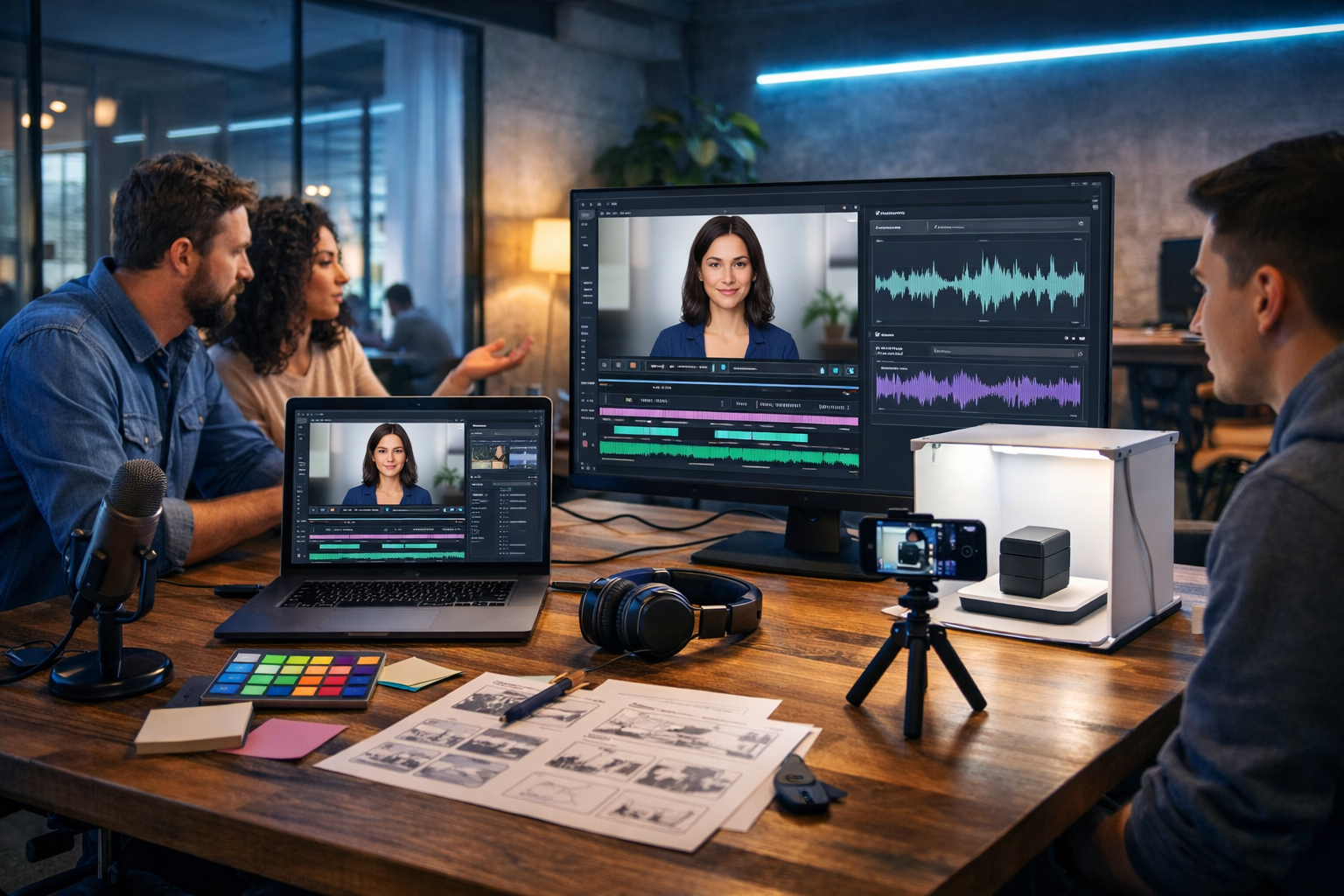
If you need marketing videos but don’t have the budget (or time) to hire actors, a studio, and a production crew, AI can replace most of the traditional workflow—script, visuals, voice-over, and even “on-screen talent”. The key is building a repeatable process that keeps your videos authentic, brand-safe, and conversion-focused rather than looking like generic automation.
Why create marketing videos without hiring actors?
Hiring actors can be brilliant for brand campaigns, but it’s often overkill for the videos most startups and small teams actually need: product demos, onboarding explainers, feature updates, paid social creatives, and short reels. AI-led production lets you publish more frequently, test more angles, and localise faster—without waiting on casting, contracts, reshoots, or studio availability.
- Lower cost: no talent fees, studio hire, makeup, travel, or per-day rates.
- Faster turnaround: go from idea to publishable video in hours, not weeks.
- Consistent output: build a library of videos that match your brand style.
- Easier testing: create multiple hooks, thumbnails, and variants for ads.
- Global reach: generate voice-overs and versions for different audiences.
What “using AI” actually means (and what it doesn’t)
Creating marketing videos without actors using AI doesn’t mean pressing one button and getting a perfect ad every time. It means using AI tools across four core tasks—writing, visuals, voice, and video assembly—then applying human judgement to ensure clarity, compliance, and credibility.
With Gen AI Last, you can handle the whole workflow in one place: text generation for scripts and captions, image generation for scenes and graphics, audio generation for voice-overs and music, and video generation for marketing videos, demos, reels, and explainers. Explore our AI content tools to see what’s included.
The 7-step workflow: create marketing videos without actors using AI
Step 1: Pick one goal and one viewer action
Actor-led videos can rely on charisma; AI-led videos need structure. Before you write a script, decide what the video is meant to do and what the viewer should do next.
- Goal examples: generate demo bookings, drive free trials, announce a feature, reduce support tickets, increase add-to-cart rate.
- Single action: “Start free trial”, “Book a demo”, “Download the template”, “Watch the full walkthrough”.
When you keep the objective narrow, AI outputs become more coherent and the final edit is easier.
Step 2: Write a conversion-focused script (AI text generation)
A strong script is the biggest quality multiplier—especially when you’re not using actors. Use AI text generation to create multiple script options quickly, then select the best structure.
Practical script formula (works for ads, reels, explainers):
- Hook (0–3s): call out a pain or promise a result.
- Problem (3–8s): describe the cost of doing nothing.
- Solution (8–20s): show how your product fixes it.
- Proof (optional): metric, quote, demo snippet, or use case.
- CTA (final 2–5s): one clear next step.
Example prompt you can use in Gen AI Last (script): “Write a 35-second marketing video script for [product] aimed at [audience]. Tone: confident and clear. Include a 2-second hook, 3 benefits, one proof point, and end with a direct CTA to [action]. Provide on-screen text suggestions per scene.”
Generate 3–5 variants and keep the best hook from each. The hook is where most performance gains come from.
Step 3: Turn the script into a simple storyboard
You don’t need a full production storyboard. You need a shot list that tells you what viewers should see while they hear the narration. This is how you replace actors: you show product, outcomes, UI, and visual metaphors.
- Scene type: product UI, before/after, animated icon, lifestyle B-roll, infographic, testimonial quote card.
- Duration: 2–5 seconds per beat for short-form; 5–10 for explainers.
- On-screen text: short phrases, not full sentences.
- Visual purpose: demonstrate, clarify, or build trust.
If you sell software, prioritise screen recordings and UI mock-ups; if you sell a physical product, prioritise product close-ups, use-case scenes, and benefit call-outs.
Step 4: Create visuals without filming people (AI image generation)
Actors are often used to create relatability. You can achieve the same effect with AI-generated lifestyle scenes that show context—hands using a product, a desk setup, a co-working environment—without needing a real person on camera or a full photoshoot.
What to generate:
- Background scenes for your brand (office, home workspace, retail setting).
- Product “hero” images and variations for different angles.
- Abstract visuals to represent problems (messy inbox, chaotic calendar, rising costs).
- Icon-style graphics or simple 3D objects for explainers.
Prompt tip: keep the same camera style and lighting across scenes so the video looks consistent. Specify: lens, depth of field, colour palette, and environment.
Example prompt (visual scene): “Photorealistic 16:9 shot of a modern home office desk with a laptop showing a dashboard UI (no readable text), soft natural window light, neutral brand colours, shallow depth of field, product packaging beside the laptop, clean minimalist aesthetic.”
Step 5: Add a professional voice-over (AI audio generation)
Voice is where AI-made videos either feel polished or cheap. A good voice-over replaces the need for an on-camera presenter and makes even simple visuals feel like a complete production.
- Match voice to brand: warm and friendly for consumer, crisp and authoritative for B2B.
- Optimise pacing: short-form needs tighter delivery; explainers need breathing room.
- Pronunciation list: provide brand and product names phonetically if needed.
- Background music: subtle, not competing with narration.
In Gen AI Last, you can generate narration and background audio, then align it to your scenes in your video workflow. If your audience is global, create multiple versions with different accents or languages for higher conversion.
Step 6: Assemble the video (AI video generation)
Once you have your script, visuals, and voice, video generation becomes a structured assembly job: match each scene to a line, add captions, and apply simple motion. You don’t need a complex edit to win—clarity beats effects.
Checklist for a “no-actor” marketing video that performs:
- Captions on by default: most people watch muted, especially on social.
- Fast first 2 seconds: show the outcome or product immediately.
- Use pattern breaks: swap scenes every 2–4 seconds for short-form.
- Show proof visually: quick metric card, star rating graphic, or short testimonial quote.
- End screen CTA: one message, one action, one URL direction.
If you need to produce a lot of variations quickly, the all-in-one approach matters. With Gen AI Last you can generate scripts, images, audio, and videos in a single platform—ideal for rapid iteration and small-team marketing. To keep costs predictable, view pricing from $10/month.
Step 7: Create 5–10 variants and test (the real advantage of AI)
The biggest win isn’t that AI is “cheaper than actors”. It’s that you can test more creative angles with less friction. Instead of debating a script for two weeks, publish several versions and let performance data decide.
High-impact variants to test:
- Hooks: pain-based, curiosity-based, outcome-based, contrarian (“Stop doing X”).
- Lengths: 15s, 30s, 45s, 60s.
- First frame: product screen vs. bold benefit card vs. before/after.
- Voice style: upbeat vs. calm, different accents, male/female voices.
- CTA: “Start free trial” vs. “Watch demo” vs. “Get templates”.
Three proven video types you can make without actors
1) Product demo video (short-form + landing page version)
Use screen recordings, UI mock-ups, and benefit overlays. The narration replaces the presenter, and quick zooms or highlight boxes replace pointing gestures.
- Best for: SaaS, apps, tools, marketplaces.
- Structure: problem → 3-step demo → outcome → CTA.
- Pro tip: show the “before” state for 2 seconds, then the “after” state for 2 seconds.
2) Explainer video (simple scenes + strong narration)
Explainers don’t need actors; they need clarity. Use AI-generated scenes, icons, and short text overlays to visualise concepts your product simplifies.
- Best for: new categories, complex services, B2B workflows.
- Structure: “What it is” → “How it works” → “Why it matters” → CTA.
- Pro tip: keep on-screen text to 5–7 words per beat.
3) Social proof video (quote cards + voice + product shots)
If you can’t film customers, you can still build trust with visually appealing testimonial quote cards (with permission), paired with product visuals and a voice-over that frames the outcome.
- Best for: ecommerce, subscriptions, B2B tools with strong reviews.
- Structure: customer pain → quote → result → CTA.
- Pro tip: include one specific metric if you have it (“cut reporting time by 40%”).
How to avoid the “AI video” look (and keep trust high)
Viewers don’t mind AI-assisted creation; they mind low-effort, inconsistent, or misleading content. Use these guardrails to stay professional and credible.
- Prioritise real product visuals: use genuine screenshots/screen recordings where possible.
- Stay consistent: same colour palette, typography style, and pacing across scenes.
- Don’t overpromise: keep claims accurate and verifiable.
- Use clean audio: natural pacing, minimal background noise, music mixed low.
- Keep faces optional: hands, silhouettes, or abstract scenes can be enough.
- Respect rights and privacy: don’t mimic real people without permission; avoid brand trademarks in generated scenes.
A practical example: a 30-second AI-made ad without actors
Here’s a simple template you can replicate for almost any product. Replace the bracketed text with your details and generate the assets in Gen AI Last.
- Scene 1 (0–2s): Bold visual of the problem (chaotic inbox / messy spreadsheet). On-screen text: “Still doing [painful task] manually?”
- Scene 2 (2–6s): Product UI or product hero shot. VO: “Meet [Product], the fastest way to [outcome].”
- Scene 3 (6–16s): Three quick beats showing features (each 3 seconds). On-screen text: “Auto-organise”, “One-click reports”, “Share in seconds”.
- Scene 4 (16–24s): Proof card (metric/review). VO: “Teams save [X hours] every week.”
- Scene 5 (24–30s): CTA screen with product visual. VO: “Try it free today—get started in 2 minutes.”
Once you’ve built this once, you can spin out variants by swapping hooks, proof points, and the three feature beats—without changing the overall structure.
Tools you need (and how Gen AI Last keeps it simple)
Many teams stitch together separate tools for scripts, images, voice, and video—then lose time exporting, reformatting, and managing brand consistency. Gen AI Last is designed to reduce that friction by giving you one place to generate:
- AI Text: scripts, hooks, ad copy, captions, email follow-ups.
- AI Images: marketing visuals, product scenes, banners, social graphics.
- AI Audio: voice-overs, narration, background music.
- AI Video: reels, explainer videos, product demos, marketing creatives.
This matters if you’re a startup or small team: every plan includes full access to text, image, audio, and video generation, starting at $10/month. If you want to try the workflow first, start creating for free.
FAQ: creating marketing videos without actors using AI
Is it legal to make marketing videos with AI instead of actors?
In many cases, yes—but you must avoid using someone’s likeness, voice, or copyrighted elements without permission. Stick to original assets, your own product visuals, and compliant music/voice generation. If you work in regulated industries, add an internal review step.
Will AI videos reduce trust compared to real people?
Not if you prioritise clarity, real product proof, and consistent branding. For many formats (demos, explainers, onboarding), viewers care more about understanding the value than seeing a presenter.
What length performs best for AI-made marketing videos?
For paid social and reels, 15–35 seconds is a strong starting point. For landing pages, 45–90 seconds often works well if you show the product clearly and keep the pacing tight. Test multiple versions—AI makes that practical.
Start building your no-actor video pipeline
To create marketing videos without hiring actors using AI, focus on a repeatable pipeline: write a tight script, storyboard the visuals, generate consistent scenes, add a clean voice-over, and publish multiple variants. When you treat video like an iterative system—rather than a one-off production—AI becomes a real growth advantage.
Ready to produce your first set of videos? Explore our AI content tools and build scripts, visuals, voice-overs, and videos in one place.
Ready to Create with Generative AI?
Join thousands of creators using Gen AI Last to generate text, images, audio, and video — all from one platform. Start your 7-day free trial today.
Start Free — Try 7 DaysQuick Links
Create AI content from $10/month
View Plans