How to Create Marketing Videos Without Hiring Actors Using AI
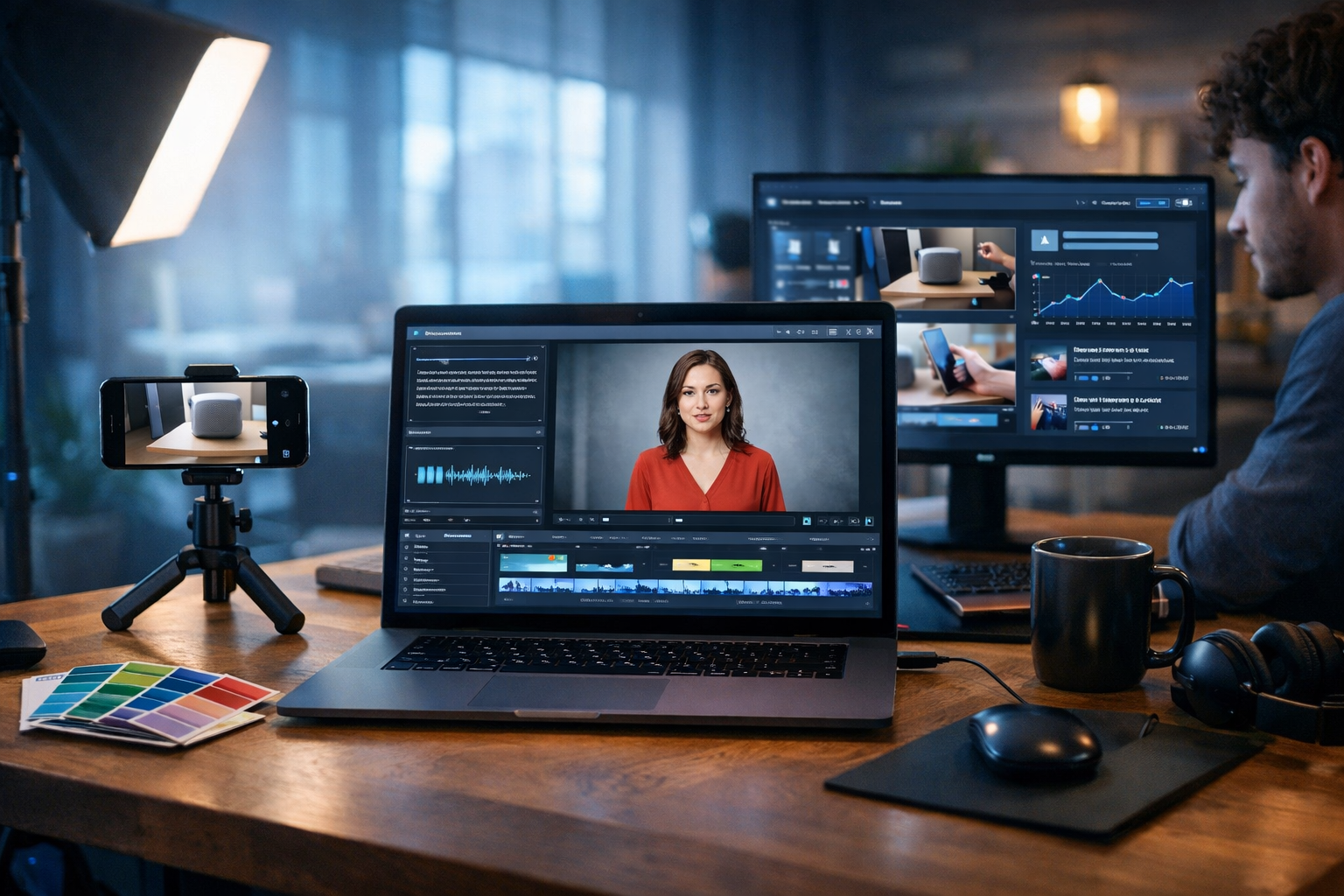
If you think great marketing videos require actors, a studio, and a production crew, AI has changed the rules. Today you can plan, script, generate visuals, add voice-over, and produce short-form ads or explainers using simple prompts—often in hours, not weeks. This guide shows how to create marketing videos without hiring actors using AI, using a practical workflow you can run in-house with Gen AI Last.
Why create marketing videos without actors?
Hiring actors makes sense for some brands, but it’s not essential for most day-to-day marketing content. AI-led production is especially effective for SaaS, e-commerce, local services, coaches, and B2B brands that need consistent output across multiple channels.
- Speed: ship product updates, promotions, and seasonal campaigns quickly.
- Cost control: avoid talent fees, location hire, travel, and reshoots.
- Consistency: keep the same “presenter” voice and style across dozens of assets.
- Scalability: produce variations for audiences, platforms, and A/B tests.
- Global reach: create localised versions without booking multilingual actors.
With an all-in-one platform like our AI content tools, you can generate the script, visuals, video, and audio in one place—ideal for startups and small teams.
What “no actors” actually means (and what works best)
“Without actors” doesn’t mean your videos feel robotic or empty. It means you replace on-camera talent with formats that convert just as well, including:
- Animated explainers (iconography, motion graphics, text overlays)
- Product demos (screen recordings + AI voice-over)
- UGC-style visuals made from AI-generated images and b-roll
- AI voice narration over stock-like or generated scenes
- Text-led reels with dynamic captions and a strong hook
For most marketing goals—click-throughs, sign-ups, store visits—clarity and relevance outperform cinematic production. Your “actor” is the message.
The AI workflow: from idea to finished video
Use this repeatable process to produce marketing videos without hiring actors. It’s designed for short-form social ads (15–45 seconds) and simple explainers (60–90 seconds).
Step 1: Choose one objective and one audience
Actor-free videos work best when the goal is specific. Don’t try to cover everything in one clip. Pick a single action you want viewers to take (click, sign up, book, buy) and a single audience segment.
- Objective: Drive free trials for a project management SaaS
- Audience: Small agencies juggling multiple clients
- Offer: “Start free” or “Book a demo”
This clarity makes every prompt you write more effective—script, visuals, and voice.
Step 2: Write the script with AI Text Generation
A strong script is the foundation of conversion. In Gen AI Last, use AI Text Generation to produce multiple script options in different styles (direct response, educational, problem/solution, testimonial-style).
Practical prompt example (30-second ad script):
“Write a 30-second marketing video script for [product]. Audience: [who]. Tone: confident and friendly. Structure: hook (0–3s), problem (3–10s), solution (10–22s), proof (22–26s), CTA (26–30s). Include on-screen text suggestions and b-roll ideas. Avoid jargon.”
Tip: Generate 5–10 hooks first, then choose the best one before generating the full script. Hooks are the lever that increases watch time.
- Hook formula: “If you’re [pain], stop doing [common mistake].”
- Hook formula: “3 ways to get [result] without [undesirable thing].”
- Hook formula: “Most people waste money on [x]. Do this instead.”
Step 3: Build a shot list and storyboard (no camera crew needed)
Actor-free videos still need structure. Convert your script into a scene-by-scene plan: what the viewer sees, what they hear, and what appears as on-screen text. This prevents “random montage” syndrome.
Storyboard template:
- Scene (1–2 seconds)
- Visual (AI image, UI demo, b-roll concept)
- On-screen text (max 6–10 words)
- Voice line (one idea)
- Transition (cut, zoom, swipe, match cut)
You can generate the shot list using AI Text Generation by pasting your script and asking for “8 scenes with b-roll suggestions and caption text”.
Step 4: Generate visuals with AI Image Generation
When you’re not hiring actors, your visuals do more work. Gen AI Last’s AI Image Generation is ideal for creating consistent marketing scenes (office setups, lifestyle shots, abstract tech visuals, product use cases) without organising a shoot.
What to generate for marketing videos:
- B-roll frames: hands on a laptop, team collaborating, delivery arriving, product on a clean surface.
- Concept visuals: “before/after” mess vs organised workflow, time-saving metaphors, security and trust imagery.
- Background plates: gradients, desks, studios, shelves—useful for text-led reels.
Image prompt example (for SaaS productivity ad):
“Photorealistic modern home office, laptop open with a project dashboard (generic shapes, no logos), sticky notes, coffee cup, soft natural light, shallow depth of field, 16:9 wide. Mood: calm and organised. No readable text.”
Consistency tip: Reuse a small set of visual “rules” across generations: same lighting mood, lens style (e.g., 35mm), and colour palette. That makes AI visuals feel like a coherent brand rather than random stock.
Step 5: Produce the video with AI Video Generation
Now turn your storyboard into a sequence. With Gen AI Last AI Video Generation, you can create marketing videos, product demos, social reels, and explainer videos from prompts and assets—without filming actors.
Three proven video formats (no actors):
- Text-led reel: fast-paced captions + AI visuals + music + voice-over (optional).
- Demo-led video: screen recording clips + animated callouts + narration.
- Explainer montage: AI b-roll scenes + simple icon motion + a strong narrated script.
Video prompt example (15–20 seconds):
“Create a 20-second marketing reel in a clean modern style. Use quick cuts every 1–2 seconds. Show: overwhelmed desk scene, then organised dashboard, then ‘saved time’ concept visuals. Add smooth zoom transitions. Colour grade: cool, premium. End with a strong CTA frame.”
Editing guidance: Keep pacing tight. If a scene doesn’t add new information, remove it. Shorter is often better for performance.
Step 6: Add voice-over and music with AI Audio Generation
AI voice-over is the key to replacing actors in many marketing videos. A good narration track provides clarity, confidence, and direction—especially when you’re using abstract visuals.
Voice-over tips that lift conversions:
- Write for speaking: short sentences, natural rhythm, minimal commas.
- Match platform tone: TikTok/IG = conversational; LinkedIn = clearer and more measured.
- Emphasise outcomes: “Save 3 hours a week” beats “Improve efficiency”.
- Leave space for captions: don’t cram too many claims into 15 seconds.
Use Gen AI Last AI Audio Generation for voice-overs, narration, and background music that fits the mood. Keep music subtle under speech; clarity wins.
Step 7: Captions, compliance, and final polish
Most people watch with sound off. Even with excellent AI narration, captions are essential. Keep on-screen text punchy and readable: high contrast, large font, and safe margins for mobile UI overlays.
Quality checklist before publishing:
- Hook appears in first 1–2 seconds (visual + text).
- One key promise only (avoid stacking five claims).
- CTA is explicit (what to do next) and visible.
- Brand cues are consistent (palette, style, tone).
- Any claims are supportable (avoid risky “guaranteed” statements).
Examples: actor-free video concepts you can copy
Here are practical concepts you can adapt to your business. Each can be produced entirely with AI scripts, AI visuals, AI voice, and AI video generation.
Example 1: E-commerce product highlight (20 seconds)
- Hook: “Stop buying [category] that breaks in a month.”
- Visuals: AI product hero shots, close-up material textures, “before/after” durability metaphor.
- Voice-over: 3 benefits max + one proof point (reviews, guarantee, materials).
- CTA: “Shop now” / “Get yours today”.
Example 2: SaaS feature demo (45 seconds)
- Hook: “Still chasing approvals in five different tools?”
- Visuals: screen-recording style clips (or AI-simulated UI), zoom-ins, callouts.
- Voice-over: narrate what’s happening on screen; one benefit per scene.
- CTA: “Start a free trial” / “Book a demo”.
Example 3: Local service offer (15 seconds)
- Hook: “Need [service] this week?”
- Visuals: AI b-roll of a clean work van, tools laid out, tidy finished result, smiling customer (avoid real-person likenesses).
- Text overlays: service area + availability + key promise.
- CTA: “Request a quote today”.
How to keep AI videos looking professional (not “AI-ish”)
The difference between amateur and professional isn’t whether you used AI—it’s whether you applied brand discipline and editorial judgement.
- Use fewer, stronger scenes: 6 great shots beat 20 average ones.
- Prioritise readable captions: one line, one idea, high contrast.
- Keep transitions consistent: pick 1–2 types (cut + gentle zoom).
- Choose one voice style: don’t mix formal narration with slang captions.
- Build a reusable template: hook frame, 3 benefit frames, proof frame, CTA frame.
If your first outputs feel inconsistent, that’s normal. Save your best prompts and reuse them. AI production improves fast when you treat it like a system, not a one-off experiment.
Common mistakes (and quick fixes)
- Mistake: Too much information.
Fix: One promise, one offer, one CTA. - Mistake: Visuals don’t match the script.
Fix: Storyboard first; generate visuals per scene. - Mistake: Weak hook.
Fix: Generate 10 hooks with AI; test 3 versions. - Mistake: Flat voice-over.
Fix: Rewrite for speech; shorten sentences; add emphasis points. - Mistake: No proof.
Fix: Add one credible proof element: “Trusted by 2,000 teams”, “4.8★ average”, “30-day returns”.
A simple 1-hour production plan for small teams
If you want a repeatable cadence, try this weekly sprint to produce one video plus 2–3 variants.
- 10 minutes: Define offer + audience + platform.
- 10 minutes: Generate hooks and select the best.
- 15 minutes: Generate script + storyboard.
- 15 minutes: Generate visuals and assemble the video sequence.
- 10 minutes: Generate voice-over + music, add captions, export.
Because Gen AI Last combines text, image, video, and audio generation, you avoid tool-hopping and keep your workflow focused. If you’re budgeting, view pricing from $10/month to get full access across all creation types.
Ethics and brand safety: what to avoid
Creating marketing videos without hiring actors using AI is powerful, but you should keep content trustworthy and compliant.
- Avoid impersonation: don’t generate a real person’s likeness or voice without permission.
- Be careful with health/finance claims: stick to verifiable statements and include appropriate disclaimers where needed.
- Don’t fake testimonials: if you use reviews, quote real ones accurately.
- Use consistent disclosure policies: if your market expects it, label AI-generated content internally and follow platform guidance.
Get started: your first actor-free marketing video in Gen AI Last
To create your first video, start with one product, one problem, and a 20–30 second script. Generate 6–8 supporting visuals, add a clear AI voice-over, and keep captions simple. Then publish three variants with different hooks and measure performance.
When you’re ready, use start creating for free and build your workflow inside Gen AI Last—scripts with AI Text Generation, supporting scenes with AI Image Generation, assembly with AI Video Generation, and narration/music with AI Audio Generation. The goal isn’t to “replace actors” for the sake of it; it’s to produce more effective marketing, faster, with a budget that works for small teams.
Ready to Create with Generative AI?
Join thousands of creators using Gen AI Last to generate text, images, audio, and video — all from one platform. Start your 7-day free trial today.
Start Free — Try 7 DaysQuick Links
Create AI content from $10/month
View Plans