How to Create YouTube Thumbnails with AI
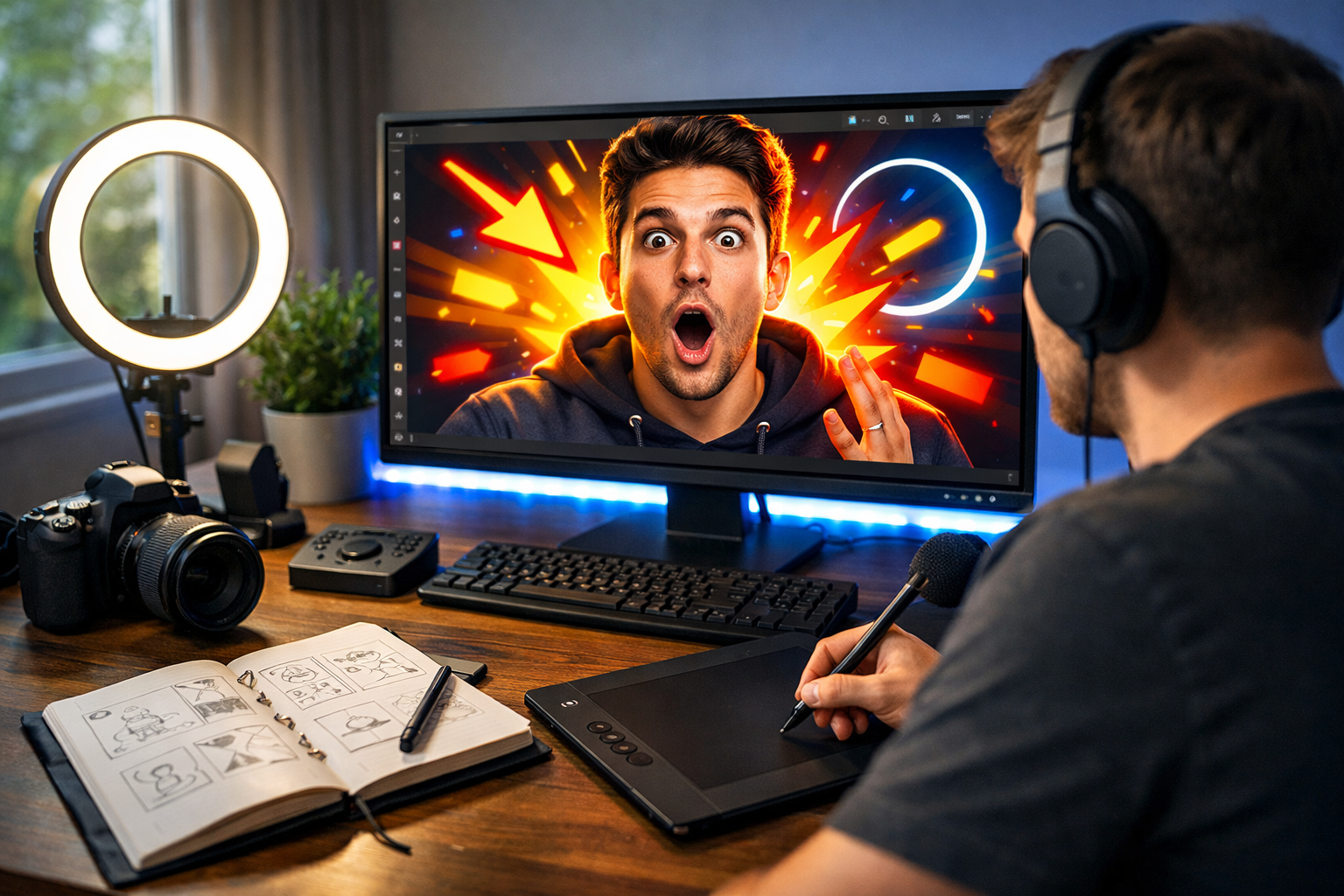
If you want more views on YouTube, your thumbnail matters more than almost anything else. Even the best video can be ignored if the thumbnail fails to grab attention. The good news? You no longer need advanced design skills or expensive software. In this guide, you’ll learn exactly how to create YouTube thumbnails with AI — quickly, affordably, and professionally.
Why YouTube Thumbnails Matter More Than Ever
YouTube is a visual search engine. Before viewers read your title, they see your thumbnail. It determines whether someone clicks — or scrolls past.
A high-performing thumbnail can:
- Increase click-through rate (CTR)
- Boost video impressions
- Strengthen brand recognition
- Improve overall channel growth
Professional YouTubers spend hours refining thumbnails. With AI image generation, you can achieve similar results in minutes.
What Makes a High-Converting Thumbnail?
Before using AI, you need to understand the fundamentals of effective thumbnail design. AI is powerful, but it works best when guided with clear direction.
1. Clear Focal Point
Your thumbnail should have one obvious subject — usually a face, product, or bold visual concept.
2. Strong Contrast
Bright colours against dark backgrounds (or vice versa) help your thumbnail stand out on mobile screens.
3. Emotion and Expression
Facial expressions increase engagement. Surprise, excitement, curiosity, and shock perform particularly well.
4. Simplicity
Avoid clutter. Mobile users make split-second decisions. Simpler designs convert better.
Once you understand these principles, AI becomes a powerful design assistant rather than a random image generator.
How to Create YouTube Thumbnails with AI (Step-by-Step)
Step 1: Define Your Video’s Core Idea
Ask yourself: what is the single most compelling moment or promise in this video?
For example:
- “I tested viral TikTok hacks for 7 days” → Focus on dramatic reaction.
- “How to save £1,000 fast” → Focus on money visual + strong emotion.
- “AI builds my website in 10 minutes” → Show AI interface + surprise.
Clarity at this stage improves your AI results dramatically.
Step 2: Generate a Thumbnail Concept with AI
Using our AI content tools, you can generate high-quality thumbnail visuals by describing exactly what you need.
Example prompt:
- “Close-up of a shocked young YouTuber holding a laptop, bright yellow background, dramatic lighting, high contrast, expressive face, cinematic detail, 16:9 format.”
Be specific about:
- Facial expression
- Lighting style (dramatic, soft, neon, natural)
- Colour scheme
- Camera angle (close-up works best)
- Background simplicity
AI thrives on detailed direction.
Step 3: Optimise for 16:9 and High Resolution
YouTube thumbnails should be 1280 x 720 pixels with a 16:9 aspect ratio. When generating images with AI, always specify “16:9 wide format” to avoid awkward cropping.
High resolution ensures your thumbnail looks sharp on larger screens and smart TVs.
Step 4: Enhance with Text (Optional)
Although AI can generate the main visual, you may want to add bold text separately using a design tool. Keep it short — 3 to 5 words maximum.
Examples:
- “This Actually Works?”
- “Big Mistake!”
- “£1,000 Saved”
Large fonts, bold colours, and high contrast perform best.
Step 5: Test Multiple Variations
One of the biggest advantages of AI is speed. Instead of designing one thumbnail, generate 5–10 variations in minutes.
Change:
- Background colours
- Facial expressions
- Camera zoom level
- Lighting intensity
Upload different versions and monitor CTR in YouTube Studio.
Best AI Prompts for YouTube Thumbnails
Here are proven prompt structures you can adapt:
- Reaction Style: “Extreme close-up of a surprised content creator, wide eyes, dramatic lighting, colourful blurred background, high contrast, cinematic, 16:9.”
- Tech Review: “Modern desk setup with glowing laptop screen, futuristic blue lighting, product in focus, shallow depth of field, professional studio look, 16:9.”
- Finance Topic: “Person holding cash with shocked expression, dark background with spotlight, bold contrast, vibrant colours, photorealistic, 16:9.”
- Fitness Niche: “Athletic person mid-workout, intense expression, dramatic gym lighting, high energy, cinematic detail, 16:9 wide.”
The more niche-specific your prompt, the better your thumbnail will perform.
How Gen AI Last Simplifies Thumbnail Creation
Creating thumbnails shouldn’t require multiple subscriptions or complex software. Gen AI Last combines image, text, audio, and video tools in one affordable platform.
With Gen AI Last, you can:
- Generate high-resolution thumbnail visuals
- Write optimised YouTube titles and descriptions
- Create video scripts with AI text tools
- Produce voice-overs and background audio
- Generate promotional social clips
Instead of juggling different platforms, everything is accessible in one dashboard. You can view pricing from $10/month, making it ideal for creators, startups, and small marketing teams.
Common Mistakes When Using AI for Thumbnails
Overcomplicated Prompts
If you overload your prompt with too many conflicting instructions, the result may look chaotic. Keep it clear and focused.
Too Many Visual Elements
Minimalism wins. Avoid cluttered backgrounds and multiple competing focal points.
Ignoring Branding
Use consistent colours, lighting styles, and composition across your channel. AI makes it easy to replicate a recognisable style.
Forgetting Mobile View
Most viewers are on mobile. Zoom out to ensure your thumbnail is readable and impactful at small sizes.
Advanced Strategy: Pair AI Thumbnails with AI Titles
A powerful thumbnail needs a complementary title. Curiosity gaps work best when both elements support each other.
Example:
- Thumbnail: shocked face holding phone
- Title: “I Tried This Viral App for 30 Days”
Using AI text generation, you can produce multiple headline options to test alongside different thumbnail versions.
How Often Should You Update Thumbnails?
If a video underperforms after a few weeks, redesigning the thumbnail can revive it. Many creators see immediate CTR improvement after updating visuals.
With AI, refreshing thumbnails takes minutes rather than hours.
Final Thoughts: AI Is Your Creative Advantage
Learning how to create YouTube thumbnails with AI gives you a serious competitive edge. You can test faster, iterate smarter, and produce professional-quality visuals without hiring a designer.
Whether you’re a solo creator, small business, or growing brand, AI-powered design tools streamline your entire workflow. From thumbnail visuals to scripts, titles, and promotional assets, everything can be created in one place.
If you’re ready to upgrade your content creation process, start creating for free and experience how AI can transform your YouTube growth strategy.
Your next viral video might begin with a smarter thumbnail.
Ready to Create with Generative AI?
Join thousands of creators using Gen AI Last to generate text, images, audio, and video — all from one platform. Start your 7-day free trial today.
Start Free — Try 7 DaysQuick Links
Create AI content from $10/month
View Plans