How to Generate AI Art for Commercial Use (Legally)
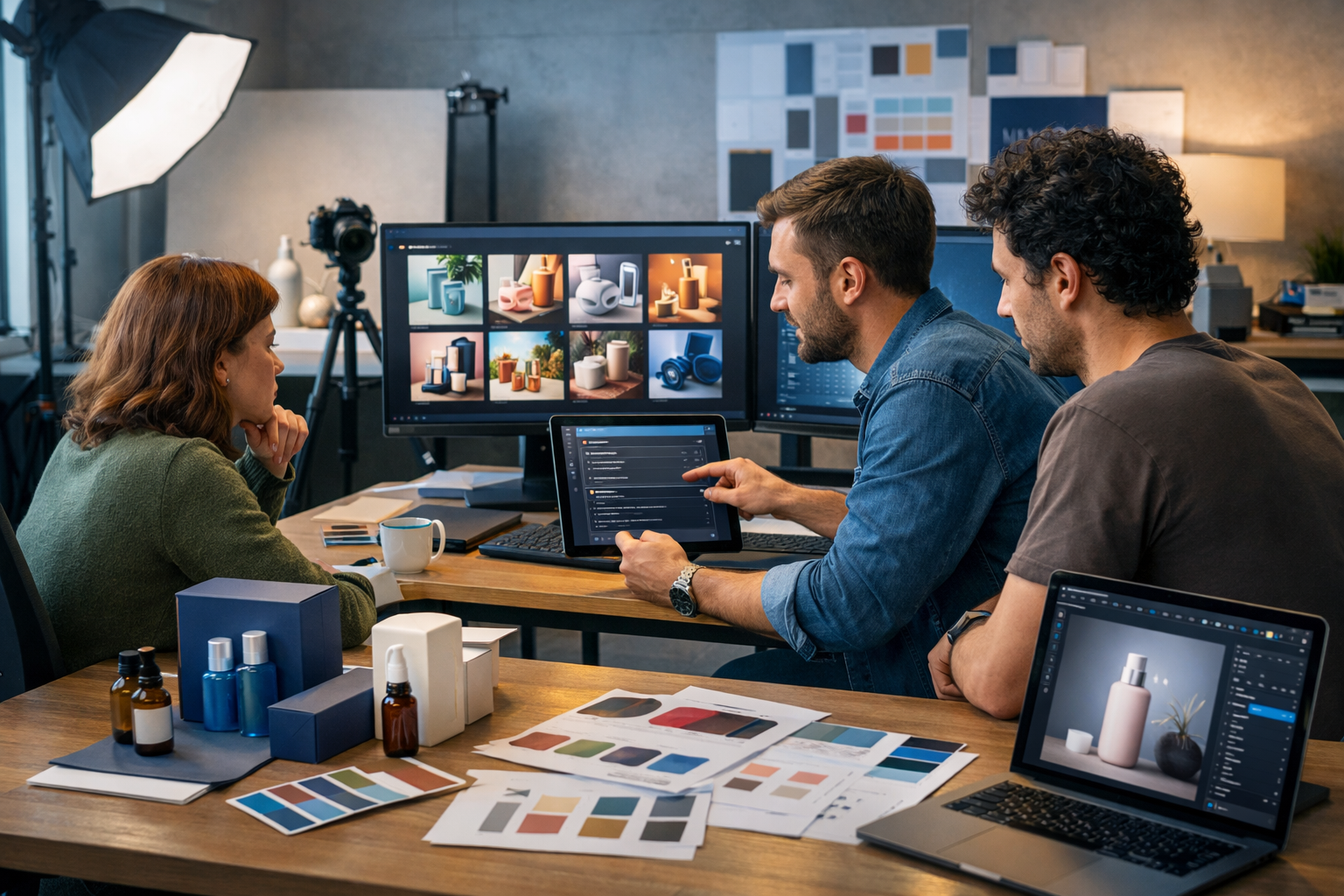
If you want to use AI-generated artwork in ads, packaging, websites, or products you sell, you need more than a nice image—you need the right to use it commercially. This guide explains how to generate AI art for commercial use with a repeatable workflow: choose the right tool, prompt for originality, avoid legal and brand pitfalls, and keep simple documentation clients can trust.
What “commercial use” means for AI art
Commercial use generally means you use the artwork in a way that supports a business, brand, or revenue—directly or indirectly. That includes selling prints, using images on product listings, running social ads, putting visuals on a website, adding illustrations to a paid course, or including artwork inside a client deliverable.
The key difference from “personal use” is risk: commercial work is more likely to be scrutinised (by clients, platforms, competitors, or rights holders). So your process should prioritise (1) tool licensing, (2) originality, (3) avoiding trademark/copyright pitfalls, and (4) traceable records.
The biggest misconception: “AI art is automatically copyright-free”
AI images are not automatically “free to use” just because they were generated by a model. Your right to use an image commercially comes primarily from the tool’s terms (your licence) plus how you create the asset (whether it infringes on someone else’s rights).
Also, copyright law varies by country and can be nuanced where AI-assisted works are concerned. Instead of relying on myths, use a practical approach: treat AI images like any other creative asset—check your licence, avoid copying protected material, and keep proof of your workflow.
A safe workflow: how to generate AI art for commercial use
Below is a straightforward process you can apply whether you’re creating visuals for your own business or delivering work to clients. Gen AI Last makes this easier by giving you one place to generate images (plus text, audio, and video) without juggling multiple subscriptions. You can explore our AI content tools to run this workflow end-to-end.
Step 1: Confirm the tool’s commercial licence (before you generate)
Your first check is simple: does your plan allow commercial use, and what are the restrictions? Look for answers to these questions in the platform’s terms:
- Do you own the outputs, or do you receive a commercial licence to use them?
- Are there limitations for regulated categories (e.g., medical claims) or sensitive content?
- Do you need to add attribution?
- Can you use outputs in client work, resale products, or print-on-demand?
- Are there restrictions on using real people, brands, or logos?
With Gen AI Last, all plans include access to image generation (plus text, audio, and video), which is particularly useful for small teams that need predictable costs—view pricing from $10/month.
Step 2: Start from a brand brief, not a random prompt
Commercial visuals succeed when they match brand identity and campaign goals. Before generating anything, write a compact brief:
- Purpose: social ad, hero banner, product mock-up, blog header, packaging illustration
- Audience: who you’re trying to reach and what they need to feel
- Brand constraints: colours, mood, photography style, do/don’t list
- Placement: where it appears and required aspect ratios
- Risk constraints: avoid celebrities, trademarks, distinctive characters, and “in the style of living artists”
If you struggle to turn your idea into a brief, use AI text generation to draft one first, then generate the images from that brief. Keeping the brief saved is part of your documentation later.
Step 3: Prompt for originality (and avoid “style copying”)
For commercial use, aim to generate original-looking work that doesn’t resemble a known brand or a specific artist’s recognisable signature. You can still be specific—just anchor your prompt to design attributes rather than names.
Better prompt ingredients: subject + environment + composition + lighting + colour palette + camera/lens (if photoreal) + materials + mood + usage context.
Avoid: “in the style of [living artist]”, “make it look like Disney/Marvel/Nike”, celebrity names, and branded products.
Prompt examples you can reuse (commercial-friendly)
Use these as templates and swap the specifics to match your brand.
- E-commerce hero image (photoreal): “Studio product photo of a minimalist reusable water bottle on a light stone surface, soft natural window light, subtle condensation, shallow depth of field, neutral background, clean premium feel, 16:9, ultra-detailed, realistic textures.”
- Website banner (illustration): “Modern flat illustration of a small team collaborating around a laptop and mood board, warm pastel palette, simple geometric shapes, gentle shadows, lots of negative space for a headline, 16:9.”
- Social ad (bold graphic): “High-contrast editorial collage aesthetic, cut-paper textures, vibrant teal and coral palette, centred subject with dynamic shapes framing the product, clean background, 1:1 square.”
- Food brand image (photoreal): “Top-down lifestyle scene of a breakfast bowl on a wooden table, soft morning light, natural crumbs and linen napkin, muted earthy tones, realistic food styling, no logos, 4:5.”
Step 4: Use negative prompts and constraints to prevent brand risk
Many infringements happen accidentally: a model might add a swoosh-like mark, mimic a famous character silhouette, or generate a recognisable product shape. Reduce the risk with explicit exclusions.
- Exclude logos and trademarks: “no logos, no brand names, no trademark symbols, no watermarks”.
- Avoid celebrity likeness: “not a real person, not a celebrity, generic features”.
- Avoid famous characters: “no recognisable characters from films, comics, games”.
- Keep packaging generic: “blank label, unbranded packaging, no readable text”.
For commercial assets, “no text” is often helpful, because AI text can be gibberish and can accidentally resemble a real brand name. Add your final copy later using your design tool.
Step 5: Generate variations and choose the least risky option
Don’t stop at the first decent image. Generate multiple variations and pick the one that is:
- Most aligned with your brief and brand
- Least similar to any recognisable existing artwork, character, or brand
- Cleanest technically (hands, typography, product geometry)
If you’re working with clients, provide 6–12 variations first, then refine 2–3 finalists. This keeps approval fast and reduces the chance you invest time polishing a risky direction.
Step 6: Edit and “human-finish” the asset
Commercial images usually need finishing—cropping, colour correction, cleanup, and consistent brand styling. Even light editing helps differentiate your output and can remove accidental elements (like pseudo-logos).
- Retouch: remove weird artefacts, fix edges, correct hands/faces where relevant
- Consistency: align contrast, saturation, and temperature to your brand palette
- Layout: add real typography and spacing using your design system
- Accessibility: ensure sufficient contrast for overlays and CTA buttons
Pro tip: generate images with extra “negative space” if you know you’ll add copy. This improves conversion in ads and landing pages.
Step 7: Document your commercial rights (simple “provenance pack”)
Platforms and clients rarely ask for documentation—until they do. Build a lightweight record for each asset:
- Tool and plan: note the platform used (e.g., Gen AI Last) and the date generated.
- Prompt + settings: save the prompt, aspect ratio, and key settings/variations.
- Source materials: if you used any uploaded images (e.g., a product photo), confirm you own them or have permission.
- Edits log: a quick note of what you changed (retouch, colour grade, typography added).
- Export details: final file names, sizes, and where they were used.
This “provenance pack” is often enough to reassure a client and helps you respond quickly if an ad platform flags an asset.
Legal and ethical pitfalls to avoid (practical checklist)
You’re not replacing legal advice here—you’re reducing obvious risk. Use this checklist before you publish or sell AI art.
- Don’t use trademarks: avoid brand names, logos, and distinctive trade dress in prompts and outputs.
- Avoid celebrity likeness: even “lookalikes” can create rights-of-publicity issues in some regions.
- Skip “style of” living artists: you can describe features (brushwork, palette, era) without naming people.
- Be careful with recognisable characters: “wizard boy with round glasses” may still invite trouble.
- Use your own inputs: if you upload photos, ensure you own them and have model/property releases where relevant.
- Don’t generate misleading imagery: for ads, avoid fake endorsements, fake certifications, or deceptive “before and after” visuals.
When in doubt, generate a safer alternative. Most marketing goals can be achieved with generic, high-quality visuals that don’t reference protected material.
How to create commercial-ready AI art that actually converts
Commercial use isn’t just about permission—it’s about performance. These practices make AI visuals more effective for real campaigns.
Design for placement first (ad sizes, banners, product pages)
Generate to the final format wherever possible. A beautiful 1:1 image can fail as a website hero if you need a 16:9 crop. Common sizes to plan for:
- Website hero: 16:9 or 21:9 with clear negative space
- Instagram feed: 1:1 or 4:5
- Stories/Reels: 9:16
- Marketplaces: often square with clean backgrounds
Build a consistent “visual system” with prompt blocks
Instead of writing new prompts from scratch, use repeatable blocks to keep outputs cohesive across a campaign:
- Brand palette block: “muted charcoal, warm beige, accent cobalt, low saturation”
- Lighting block: “soft natural light, gentle shadows, realistic reflections”
- Composition block: “centre-weighted, ample negative space above, rule of thirds”
- Texture block: “paper grain, subtle film noise, tactile materials”
This is how you make AI art feel like a brand system rather than random outputs.
Using Gen AI Last to produce a full commercial campaign
Commercial visuals rarely live alone. You typically need supporting copy, variations for multiple placements, and sometimes motion or voice. Gen AI Last helps you keep everything consistent because you can generate text, images, video, and audio in one platform.
Example workflow: launch a new product in a weekend
- Create the brief and messaging: use AI text generation to draft product positioning, key benefits, and ad headlines.
- Generate commercial-ready visuals: produce a hero banner, 4:5 social creatives, and clean product shots.
- Turn stills into motion: generate a short promo or explainer video for paid social.
- Add a voice-over: generate narration for the video or audio for a product demo.
- Package deliverables: export files and keep your prompts/settings in a simple documentation folder.
If you want to test this without a big commitment, you can start creating for free and then upgrade when you’re ready for ongoing campaigns.
FAQs: generating AI art for commercial use
Can I sell AI-generated art?
Often yes, if your tool’s terms allow commercial use and your output doesn’t infringe on others’ rights (e.g., trademarks, copyrighted characters, or unauthorised likeness). Always keep a record of your prompts and the platform used.
Is it safe to generate “in the style of” a famous artist?
It’s safer to describe the visual characteristics you want (medium, era, palette, composition) rather than naming a living artist or a brand. This reduces the chance your output resembles a specific protected body of work.
What if the AI output accidentally includes a logo or brand-like mark?
Don’t use it as-is. Regenerate with stricter exclusions (“no logos, no symbols”), or remove the mark during editing. For client work, document that you checked and corrected it.
Do I need model releases for AI-generated people?
If the person is entirely synthetic and not identifiable as a real individual, releases are typically less relevant. The bigger risk is generating a recognisable likeness of a real person. Avoid celebrity names and prompts that aim to replicate a specific individual.
Final checklist: ready to use this AI art commercially?
- You verified your platform’s commercial-use terms.
- Your prompt avoids artist names, brands, logos, and celebrity likeness.
- You generated multiple variations and selected the lowest-risk output.
- You edited/finished the image to fit your brand and removed odd artefacts.
- You saved a “provenance pack” (prompt, date, settings, edits, exports).
Follow this workflow and you’ll be able to generate AI art for commercial use with far more confidence—while producing better-looking, more consistent assets for real campaigns. When you’re ready to streamline the entire content pipeline (visuals, copy, voice, and video), explore our AI content tools and keep your budget predictable with view pricing from $10/month.
Ready to Create with Generative AI?
Join thousands of creators using Gen AI Last to generate text, images, audio, and video — all from one platform. Start your 7-day free trial today.
Start Free — Try 7 DaysQuick Links
Create AI content from $10/month
View Plans