How to Generate AI Art for Commercial Use (Step-by-Step)
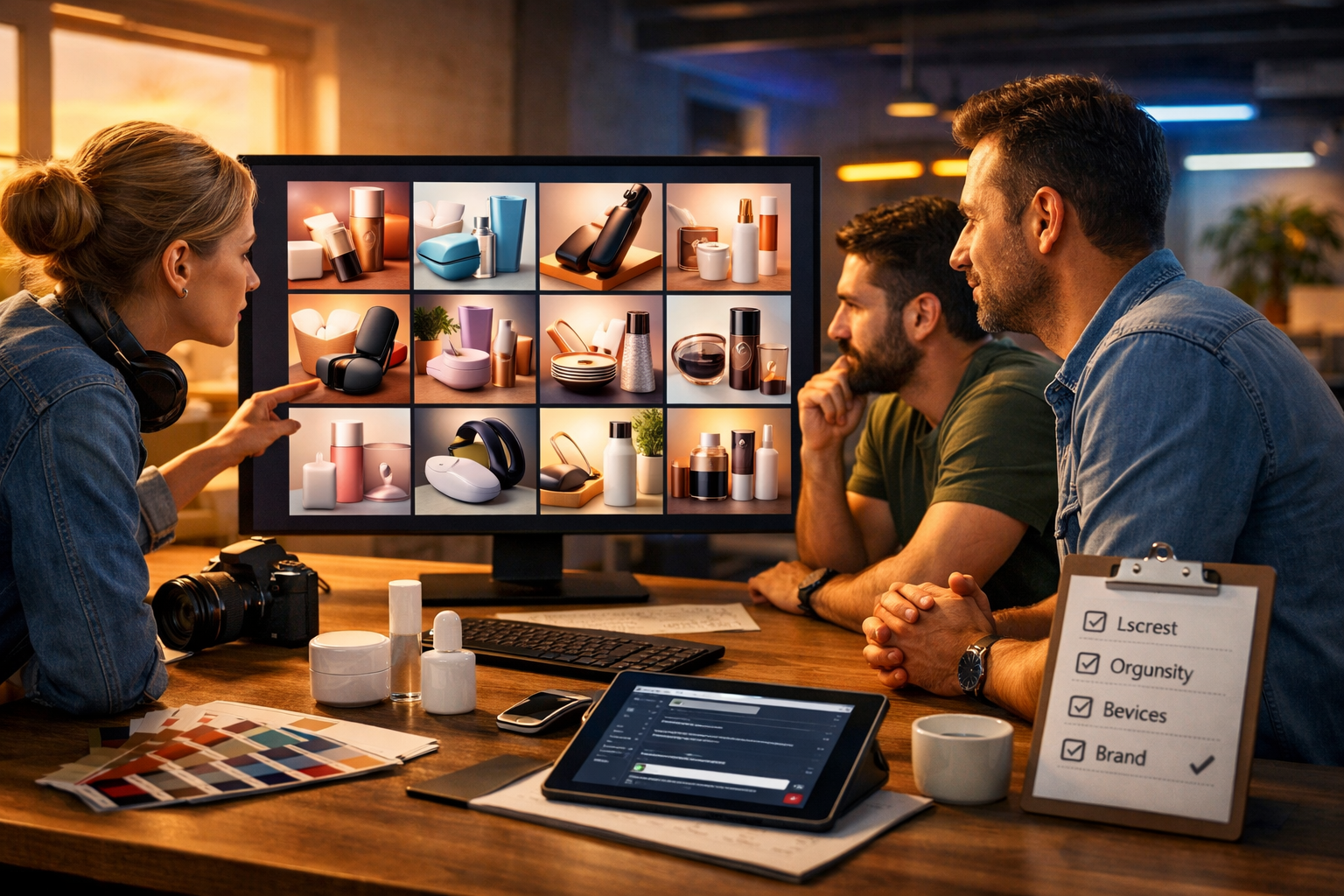
Knowing how to generate AI art for commercial use isn’t just about getting a beautiful image—it’s about producing visuals you can confidently use in ads, product pages, packaging, social media and client work without unpleasant surprises. This guide walks you through a reliable, repeatable workflow: choosing the right brief, writing prompts that reduce risk, checking rights and releases, and exporting commercial-ready assets using Gen AI Last.
What “commercial use” really means for AI art
Commercial use typically means you are using the image to promote, sell or monetise something. That includes paid ads, landing pages, e-commerce listings, printed marketing materials, app onboarding screens, client deliverables, YouTube thumbnails, and even book covers. The practical issue is not whether the art “looks original”, but whether you have the rights and permissions to use it for that purpose.
With AI image generation, rights depend on (1) the platform’s terms, (2) your inputs, (3) whether you’re imitating protected brand elements or identifiable people, and (4) local laws. This article gives best practices, but it’s not legal advice—when the stakes are high (major campaigns, packaging, high-budget client work), confirm with your legal counsel.
A safe, repeatable workflow: from brief to publish
If you want commercial-ready AI art, treat it like a production pipeline. Here’s the workflow most teams can adopt in under an hour, then repeat every time.
- Define the commercial context (where it will be used and what it must not include).
- Draft a prompt that describes your own concept (not someone else’s style or brand).
- Generate multiple options and iterate with controlled variations.
- Run a rights and risk checklist (brands, people, copyrighted characters, lookalike products).
- Upscale/export and document the prompt, date, and platform used.
- Deploy with consistent brand guidelines across image, text, video and audio.
Gen AI Last helps because you can handle the whole campaign in one place—image creation plus matching our AI content tools for ad copy, landing-page text, voice-overs and short promo videos.
Step 1: Start with a commercial brief (not a prompt)
A “commercial brief” prevents most problems before they happen. Write down these elements:
- Usage: paid social ad, website hero, Amazon listing, packaging, client pitch deck, etc.
- Audience: age range, region, cultural considerations, accessibility needs.
- Brand constraints: colour palette, tone, composition style (minimal, bold, editorial), do/don’t list.
- Hard exclusions: no logos, no celebrity likeness, no trademarked characters, no identifiable private locations, no unsafe claims.
- Technical: aspect ratio, required resolution, file format, background transparency needs.
This brief becomes the foundation for your prompt and also makes approvals easier if you work with clients or stakeholders.
Step 2: Know the main legal and brand risks (in plain English)
Most commercial-use issues fall into a few predictable categories. Avoiding them is usually about what you ask for and what you publish.
1) Trademarks and trade dress
Trademarks include names, logos and distinctive brand identifiers. “Trade dress” can include recognisable packaging shapes, label layouts and signature design cues. Even if your image is AI-generated, publishing a lookalike can cause headaches. For commercial art, keep products and packaging generic unless you own the brand.
2) Copyrighted characters and recognisable IP
Avoid prompting for famous characters, film stills, anime franchises, or “fan art” when the plan is commercial. “Inspired by” may still produce unmistakable similarity.
3) Living artists and “in the style of” prompts
Many teams choose a conservative policy: don’t request living artists’ styles for commercial outputs. Instead, define visual attributes (lighting, composition, colour, medium) and build a brand look that’s yours.
4) Likeness and model releases
If the AI art contains an identifiable person (especially if it resembles a real person), you may need consent depending on jurisdiction and usage. For ads, keep faces either non-identifiable, clearly fictional, or use assets with the right releases.
5) Deceptive claims and regulated industries
If you sell health, finance, supplements, or children’s products, be extra cautious: avoid visuals that imply outcomes you cannot substantiate. The “risk” isn’t only rights—it’s compliance and platform ad policies.
Step 3: Write prompts that are commercial-safe and brand-consistent
A commercial prompt should be specific about what you want and equally specific about what you want to avoid. You’re aiming for originality, clarity, and repeatability.
A commercial-safe prompt template
Use this structure when generating images in Gen AI Last:
- Subject: what’s the main thing in frame?
- Setting: where is it? (studio, kitchen, co-working space)
- Composition: close-up, flat lay, hero shot, rule-of-thirds, negative space for copy
- Lighting: soft natural light, cool tech, neon accents, golden hour
- Materials & details: textures, props, colour palette
- Quality: photorealistic, high detail, sharp focus
- Commercial exclusions: no logos, no brand names, no copyrighted characters, no watermarks, no signature
Three ready-to-use prompt examples (commercial)
Example 1: E-commerce hero image (generic product)
“Photorealistic 16:9 hero shot of a minimal matte-black reusable water bottle on a light stone countertop, soft natural window light, subtle reflections, neutral colour palette (charcoal, off-white, muted sage), shallow depth of field, clean background with negative space on the right for headline text, ultra-detailed, product photography style. No logos, no brand marks, no text, no watermark.”
Example 2: SaaS landing-page illustration (original concept)
“Clean modern 16:9 illustration of a small team in a co-working space collaborating around a large screen showing abstract dashboards and content blocks (not readable), calming blue and teal palette, simple geometric shapes, soft gradients, minimal line art, plenty of whitespace. No logos, no brand names, no copyrighted UI, no text.”
Example 3: Social ad background (seasonal campaign)
“Photorealistic 16:9 flat lay of winter skincare items in generic unlabelled packaging on a frosted glass surface, cool blue lighting with warm highlights, pine sprigs and subtle snow texture, premium editorial styling, high resolution, crisp details. No logos, no labels, no text, no watermark.”
Step 4: Generate variations and iterate like a creative director
For commercial use, your first result is rarely the final. Generate a set, choose a direction, then tighten it. A practical iteration loop:
- Round 1 (breadth): 8–12 generations with slightly different compositions and lighting.
- Round 2 (focus): pick 2–3 and refine props, camera angle, and negative space.
- Round 3 (brand): align palette, background texture, and “feel” with your brand guidelines.
Tip: if you’re building a campaign, generate a consistent set: hero image, two supporting images, and one background texture. You can then use Gen AI Last text generation to match headlines, captions and email copy to the same creative concept—without switching tools.
Step 5: Run a commercial-use checklist before you publish
This is the step most people skip, and it’s the one that protects you. Review every final image with a “zoom-in” mindset.
- Logos/marks: check clothing, devices, packaging, background signage.
- Accidental text: AI often creates pseudo-words that can resemble brand names—remove or regenerate.
- Recognisable characters: no famous mascots, superheroes, or franchise elements.
- Faces: are they identifiable or resembling a real person? If yes, reconsider for ads.
- Products: avoid distinctive silhouettes strongly associated with a brand.
- Sensitive content: medical, financial, political imagery—confirm compliance and ad policies.
- Consistency: colours and mood match your brand and campaign messaging.
If anything feels “too close” to an existing brand or IP, regenerate with more generic descriptors and stronger exclusions.
Step 6: Document your generation process (simple but powerful)
For client work and internal governance, keep a lightweight record:
- Tool used (Gen AI Last), date, and project name.
- Final prompt and negative constraints (your “no logos / no text” rules).
- Where the image is used (ad set, landing page URL, packaging proof).
- Any edits made after generation (cropping, retouching, background removal).
This helps if you need to answer a platform review, client question, or future audit.
Step 7: Export and prepare assets for real-world marketing
Commercial art needs to look good everywhere—mobile feeds, high-resolution screens, print. Build a simple export standard:
- Resolution: aim for high-res outputs for hero images; keep a web-optimised copy for speed.
- Aspect ratios: generate or crop to 16:9 (site headers, YouTube), 1:1 (feeds), 4:5 (Instagram), 9:16 (stories/reels).
- File types: JPEG for photos, PNG when you need transparency, WebP for performance where supported.
- Safe space: leave negative space for overlays so you’re not forced to cover key details with copy.
Once your visuals are ready, you can generate the supporting creative stack in minutes: captions, hooks, product descriptions, and email sequences using our AI content tools. If you want the full toolkit (image + text + audio + video) without piecing together subscriptions, you can view pricing from $10/month.
How Gen AI Last supports commercial AI art workflows
Commercial creatives rarely live as a single image. They become campaigns. Gen AI Last is designed for that reality:
- AI Image Generation: create marketing visuals, social graphics, banners and product-style images from prompts.
- AI Text Generation: instantly draft ad variations, landing page sections, product descriptions and email campaigns that match the visual concept.
- AI Video Generation: turn the same creative direction into short promo clips, reels, explainers and product demos.
- AI Audio Generation: add voice-overs, narration, podcast audio or background music to complete the campaign.
For startups and small teams, the biggest advantage is speed: you can go from idea → visuals → copy → video/audio assets in one platform, on a budget that stays predictable.
Practical use cases (and exactly how to prompt them)
Use case 1: Paid social ads for a new product launch
Goal: scroll-stopping visuals that don’t resemble a competitor’s brand. Generate three backgrounds with consistent lighting and palette, leaving space for headlines.
Prompt idea: “Photorealistic 4:5 lifestyle scene of generic unlabelled product packaging on a tidy bathroom shelf, soft morning light, muted pastel palette, minimal props, negative space at top for copy, high detail. No logos, no text, no watermark.”
Then use Gen AI Last text generation to create 10 hooks and 5 primary-text variations aligned to the same concept (calm, minimal, premium).
Use case 2: Website hero images for a service business
Goal: professional, non-generic visuals that match your positioning. Avoid “stock-photo sameness” by defining environment details and camera style.
Prompt idea: “Photorealistic 16:9 modern agency office, diverse team collaborating around a laptop and sketches, shallow depth of field, warm practical lighting with cool monitor glow, candid documentary feel, clean surfaces, no screens with readable content. No logos, no text, no watermark.”
Use case 3: YouTube thumbnail concepts (without IP risk)
Goal: bold, high-contrast imagery with space for your own typography later—without using celebrity likeness or copyrighted characters.
Prompt idea: “High-contrast photorealistic 16:9 close-up of hands holding a tablet displaying abstract colourful art thumbnails (no readable text), dramatic neon rim lighting, dark background, cinematic look, sharp focus, negative space on left for title overlay. No logos, no text, no watermark.”
Common mistakes to avoid when generating AI art for commercial use
- Using brand names in prompts: it increases the chance of generating trademark-like elements.
- Relying on “in the style of”: better to describe composition, lighting and materials.
- Forgetting the zoom test: tiny background details can create real-world problems (logos, signage, pseudo-text).
- Publishing identifiable faces in ads without considering consent and likeness rights.
- No documentation: if a client asks “where did this come from?”, you should be able to answer quickly.
FAQ: how to generate AI art for commercial use
Can I sell AI-generated art?
Often yes, but it depends on the platform’s terms and your compliance with laws around copyright, trademarks and likeness. Use original concepts, avoid protected IP, and keep records of how the work was generated.
Is it safe to use AI art in paid ads?
It can be, if you avoid trademarks, copyrighted characters and misleading claims, and if the image meets the ad platform’s policies. Always do a final review at 200–400% zoom and regenerate anything questionable.
Do I need to credit the AI tool?
Credits aren’t always required, but some organisations prefer transparency as a policy choice. For client work, agree expectations in writing.
What’s the fastest way to turn AI art into a full campaign?
Use a single platform to keep your creative direction consistent. With Gen AI Last, you can generate the image, then immediately produce matching ad copy, email sequences, voice-overs and short videos for the same offer.
Putting it all together
If you’re serious about how to generate AI art for commercial use, the winning approach is a disciplined workflow: start with a brief, write prompts that describe your own concept, iterate with intent, and run a rights-and-risk checklist before publishing. Then scale the asset into a complete set of campaign materials.
If you want to build that end-to-end pipeline without juggling multiple subscriptions, Gen AI Last gives you text, image, audio and video generation in one place. You can start creating for free and upgrade only when you’re ready to publish at scale.
Ready to Create with Generative AI?
Join thousands of creators using Gen AI Last to generate text, images, audio, and video — all from one platform. Start your 7-day free trial today.
Start Free — Try 7 DaysQuick Links
Create AI content from $10/month
View Plans