How to Generate AI Art for Commercial Use (Complete Guide)
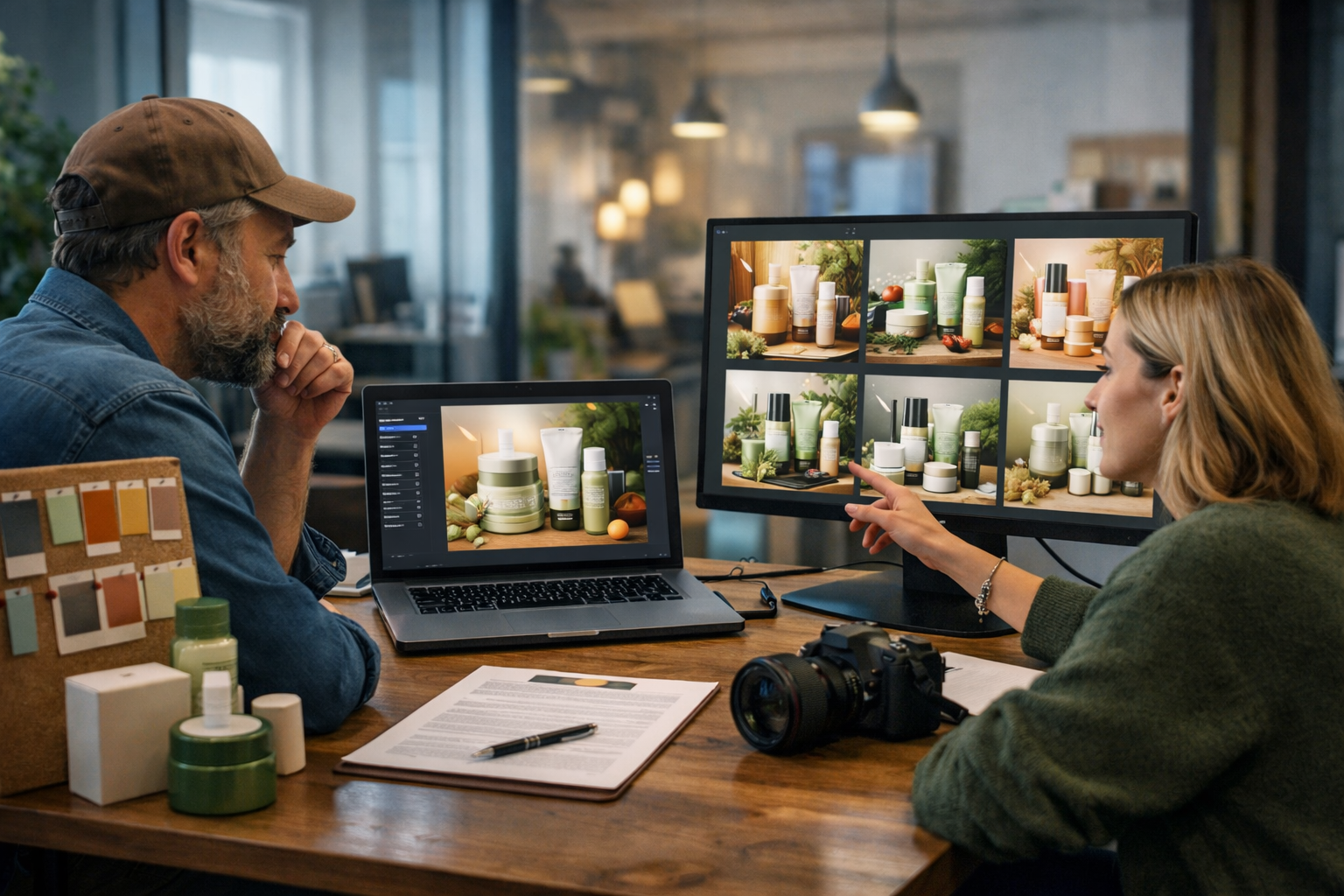
Knowing how to generate AI art for commercial use is no longer a “nice to have” skill—it’s a practical advantage for small teams that need high-quality visuals fast. But commercial use comes with extra responsibilities: you need the right licence terms, a repeatable workflow, and prompts that produce consistent, on-brand results without accidentally copying protected styles or including trademarks. This guide walks you through a safe, production-ready process you can use for marketing, product packaging, websites, and social campaigns.
What “commercial use” actually means for AI art
Commercial use generally means you’re using an image to promote, sell, or support a business activity. That includes paid ads, product listings, packaging, email campaigns, social posts for a brand, YouTube thumbnails for monetised channels, client work, and even internal decks if they support revenue-generating decisions.
In practice, the difference between personal use and commercial use is not the image itself—it’s the rights you have and the risk you’re prepared to manage. Your goal is to generate original-enough creative work, document how it was made, and ensure you’re not relying on restricted content (for example, copyrighted characters, brand logos, or a living artist’s distinctive style).
The commercial-use checklist (quick overview)
Before you publish or sell any AI-generated artwork, run through this checklist. It prevents most of the issues that cause takedowns, ad rejections, or client disputes.
- Confirm the platform’s terms allow commercial use for your plan and region.
- Avoid prompts that reference copyrighted characters, brand names, or famous IP.
- Avoid “in the style of [living artist]” and close replicas of recognisable artworks.
- Use original inputs (your own photos/sketches) where possible to reduce similarity risk.
- If people are recognisable, secure model releases (or generate non-identifiable faces).
- Keep records: prompts, settings, dates, and versions.
- Perform a final QA for trademarks, unintended text, and “too-close” resemblance.
Step 1: Start with the end use (and specify it in your creative brief)
Commercial AI art works best when you design backwards from where the image will live. A banner ad has different requirements than packaging artwork, and a mobile social post needs different composition than a hero image for a website.
Create a short creative brief with these fields:
- Use case: ad creative, product listing, blog header, app onboarding, poster, etc.
- Format: 16:9, 1:1, 4:5, A4, or print bleed requirements.
- Brand cues: palette, mood, materials, typography (added later), do’s/don’ts.
- Audience: who it’s for and what feeling it should create.
- Compliance: claims you can/can’t make, industry restrictions, required disclosures.
If you use Gen AI Last, you can generate the brief itself with AI Text Generation, then feed the key points straight into AI Image Generation. See our AI content tools for an all-in-one workflow.
Step 2: Understand licensing and usage rights (plain-English approach)
When people search “how to generate AI art for commercial use”, they often mean “Will I get sued?” The honest answer is: you can reduce risk a lot by following best practices, but you should still treat AI art like any other commercial asset—verify rights, avoid protected content, and document your process.
Here are the main licensing factors to check with any AI image tool:
- Commercial permission: does the provider allow business use for your subscription tier?
- Ownership language: do you own outputs, or do you receive a broad licence?
- Restrictions: are there limits on reselling, using in templates, or on-demand print?
- Indemnity: do they offer any legal protection? (Most tools don’t; plan accordingly.)
- Data policies: are your prompts/outputs stored or used for training?
If you’re a startup or small team, predictable costs matter as much as capabilities. Gen AI Last includes text, image, audio, and video generation in every plan—so you can keep all creative production under one roof. You can view pricing from $10/month.
Step 3: Choose a “safest-first” content strategy
There’s a practical hierarchy for safer commercial AI art. The more you rely on your own original inputs and clear, generic concepts, the less likely you are to create something that resembles protected work.
Lower-risk AI art (recommended for commercial use)
- Original product photography augmentation: generate backgrounds, props, or lifestyle scenes around your real product photo.
- Abstract and geometric visuals: gradients, shapes, textures, patterns, and brand colour compositions.
- Conceptual marketing scenes: non-identifiable people, generic settings, and custom colour grading.
- Custom icons/illustrations: built from a consistent prompt “recipe”.
Higher-risk AI art (avoid or use with extra caution)
- Famous characters, film stills, game assets, celebrity likenesses.
- “In the style of” a living artist or extremely distinctive style replication.
- Logos, product marks, sports team branding, and packaging that resembles known brands.
Step 4: Write prompts that are commercially safe and brand-consistent
A commercial prompt should do two jobs: (1) describe the image clearly enough to be repeatable, and (2) reduce unwanted elements that cause legal or brand issues (logos, watermarks, signature-like marks, and recognisable characters).
Use this prompt structure:
- Subject: what is the main focus?
- Context: where is it, and what is happening?
- Composition: camera angle, framing, negative space for copy.
- Style descriptors: photorealistic, editorial, minimal, cinematic lighting (avoid naming artists).
- Brand palette: specify colours and material finishes.
- Quality and technical: sharp focus, high detail, lens type, depth of field.
- Negative prompts: “no text, no logo, no watermark, no signature, no trademark”.
Example prompt (product lifestyle hero image)
Prompt: “Photorealistic lifestyle scene of a reusable stainless-steel water bottle on a wooden desk in a bright home office, soft natural window light, shallow depth of field, subtle condensation, minimal Scandinavian decor, neutral background with plenty of negative space on the right for headline copy, colour palette of deep teal and warm beige accents, 16:9 wide composition, high detail, clean and modern. No text, no logos, no watermark, no signature, no brand marks.”
Example prompt (abstract campaign background)
Prompt: “Abstract fluid gradient background with soft organic shapes, matte texture, gentle lighting, colour palette: charcoal, off-white, and coral accent, modern tech brand feel, 16:9 wide, high resolution, smooth transitions, subtle grain for depth. No text, no logo, no watermark.”
Step 5: Generate variations and lock a reusable “prompt recipe”
Commercial design rarely needs one perfect image—it needs a set of consistent images for ads, landing pages, thumbnails, and social posts. The trick is to create a prompt recipe you can reuse across formats and products.
A good recipe includes fixed elements (brand palette, lighting style, lens feel, background type) plus variable elements (product, scene, props, season).
- Fixed: “soft natural light, minimal modern studio, neutral backdrop, teal + beige palette, clean editorial photography”.
- Variable: “product: skincare jar / candle / coffee bag; props: towel / ceramic tray / beans; setting: bathroom / kitchen / coffee shop”.
If you’re building a marketing system, consider pairing AI Image Generation with AI Text Generation so each image ships with matching headlines, descriptions, and ad copy. Gen AI Last supports both in one place via our AI content tools.
Step 6: Avoid the most common commercial AI art mistakes
Most problems aren’t subtle. They’re basic issues that show up after an image goes live—when a client notices a strange logo-like mark, or an ad platform rejects the creative.
- Accidental logos and pseudo-text: AI loves inventing brand-like shapes on labels, clothing, and signage. Use negative prompts and manually retouch if needed.
- Trademarked shapes: even without text, some product silhouettes can be recognisable. Keep designs generic unless you own the IP.
- Too-close style imitation: don’t request a specific living artist’s style; use descriptive adjectives instead (e.g., “bold brush strokes, high-contrast colour blocking”).
- Using a recognisable person: if the face resembles a real individual, don’t use it commercially without the right permissions.
- Inconsistent assets: changing lighting and palette across a campaign reduces brand trust—lock the recipe early.
Step 7: Do a commercial readiness QA (10-minute review)
Before publishing, run a structured QA. This is especially important if you’re creating assets for clients or paid ads.
- Zoom to 200%: check for hidden words, signatures, watermark-like marks, and odd artefacts.
- Brand safety scan: ensure nothing could be interpreted as medical/financial claims if you’re not allowed to make them.
- Trademark check: remove accidental brand references (sports logos, recognisable UI, famous products).
- Human realism: hands, teeth, jewellery, and reflections—fix or regenerate if they look unnatural.
- Format fit: confirm safe margins for overlays (headlines, CTA buttons) across mobile and desktop.
- Uniqueness check: if it looks like an existing poster or iconic artwork, change composition and styling.
Step 8: Build a compliant asset pack (image + copy + video + audio)
Commercial campaigns perform best when images are part of a complete asset system. This is where an all-in-one platform saves significant time: you can generate the visuals, write the copy, create motion variants, and produce voice-overs without juggling multiple subscriptions.
Here’s a practical “asset pack” you can assemble quickly:
- Hero image: 16:9 banner for website/landing page.
- Ad variants: 1:1 and 4:5 crops with extra negative space for text overlays.
- Product listing image: clean background version plus one lifestyle shot.
- Short video: turn the concept into a 6–15 second social reel or product demo.
- Audio: voice-over for the reel, plus subtle background music if suitable.
- Copy set: headline options, captions, hooks, and email subject lines.
With Gen AI Last, you can create the image, then generate supporting captions and ad copy with AI Text Generation, followed by a short explainer or reel with AI Video Generation and voice-over using AI Audio Generation—all included from the same plan. If you want to test the workflow, start creating for free.
Practical commercial examples (with prompt templates)
Use these templates as starting points, then replace the variables in brackets.
Example 1: E-commerce product hero (photorealistic)
Prompt template: “Photorealistic hero shot of [PRODUCT] on [SURFACE] in a [SETTING], [LIGHTING], minimal props related to [USE CASE], premium editorial look, [COLOUR PALETTE], shallow depth of field, crisp detail, negative space for copy, 16:9 wide. No text, no logos, no watermark, no signature.”
Commercial tip: Keep labels blank and add your real label later in design software to avoid accidental pseudo-brands.
Example 2: SaaS landing page illustration (clean, brand-led)
Prompt template: “Minimal vector-style illustration of a small team collaborating around a laptop showing abstract dashboards (no readable text), flat shapes, soft shadows, [BRAND COLOURS], modern tech feel, plenty of whitespace, 16:9. No text, no logo, no watermark.”
Commercial tip: Ask for “abstract dashboards” rather than named software to avoid UI imitation.
Example 3: Social campaign set (consistent series)
Prompt template: “Series of 6 photorealistic images in the same style: [SUBJECT VARIATIONS]. Consistent lighting: [LIGHTING]. Consistent palette: [PALETTE]. Consistent lens feel: [LENS]. Background: [BACKGROUND TYPE] with negative space for text. 4:5 vertical composition. No text, no logos, no watermark.”
Commercial tip: Create the set first, then write captions and CTAs that match each image angle and intent.
Record-keeping: what to save for client work and audits
If you work with clients (or you’re building a brand that might be acquired), documentation becomes valuable. Save a simple “asset record” per image:
- Prompt and negative prompt
- Date, tool/version, and any settings you used
- Source inputs (your own photo/sketch if used)
- Where it was published (URL or campaign name)
- Any edits made afterwards (retouching, compositing, typography)
This won’t eliminate risk, but it demonstrates good-faith process and helps you reproduce or update assets later.
FAQ: how to generate AI art for commercial use
Can I sell AI-generated art?
Often yes, if your tool’s terms allow commercial use and you’re not using protected IP. For higher confidence, build original concepts, avoid artist-name prompts, and keep documentation of your creation process.
Do I need a model release if the image is AI-generated?
If the person is clearly fictional and not recognisable as a real individual, releases are typically less relevant. If an image resembles a specific person (especially a public figure), avoid using it commercially without proper permissions.
What about using AI art in paid ads?
Paid ads are stricter: platforms may reject images with misleading elements, medical claims, or suspicious “fake” branding. Stick to clean compositions, remove pseudo-text, and ensure your imagery matches what you’re selling.
A simple, repeatable workflow you can use today
To reliably generate AI art for commercial use, focus on repeatability and safety:
- Write a brief (use case, format, palette, mood).
- Create a prompt recipe with fixed brand elements + variable scene elements.
- Generate variations and select a consistent set.
- Run the 10-minute QA (logos, text, resemblance, artefacts, format fit).
- Package it with matching copy, short video, and voice-over for a complete campaign.
If you want to produce all of that without stacking multiple tools and costs, Gen AI Last combines AI image creation with text, video, and audio generation in one platform. You can view pricing from $10/month or start creating for free and build your first commercial-ready asset pack.
Ready to Create with Generative AI?
Join thousands of creators using Gen AI Last to generate text, images, audio, and video — all from one platform. Start your 7-day free trial today.
Start Free — Try 7 DaysQuick Links
Create AI content from $10/month
View Plans