How to Generate Commerically Safe AI Art (Step-by-Step)
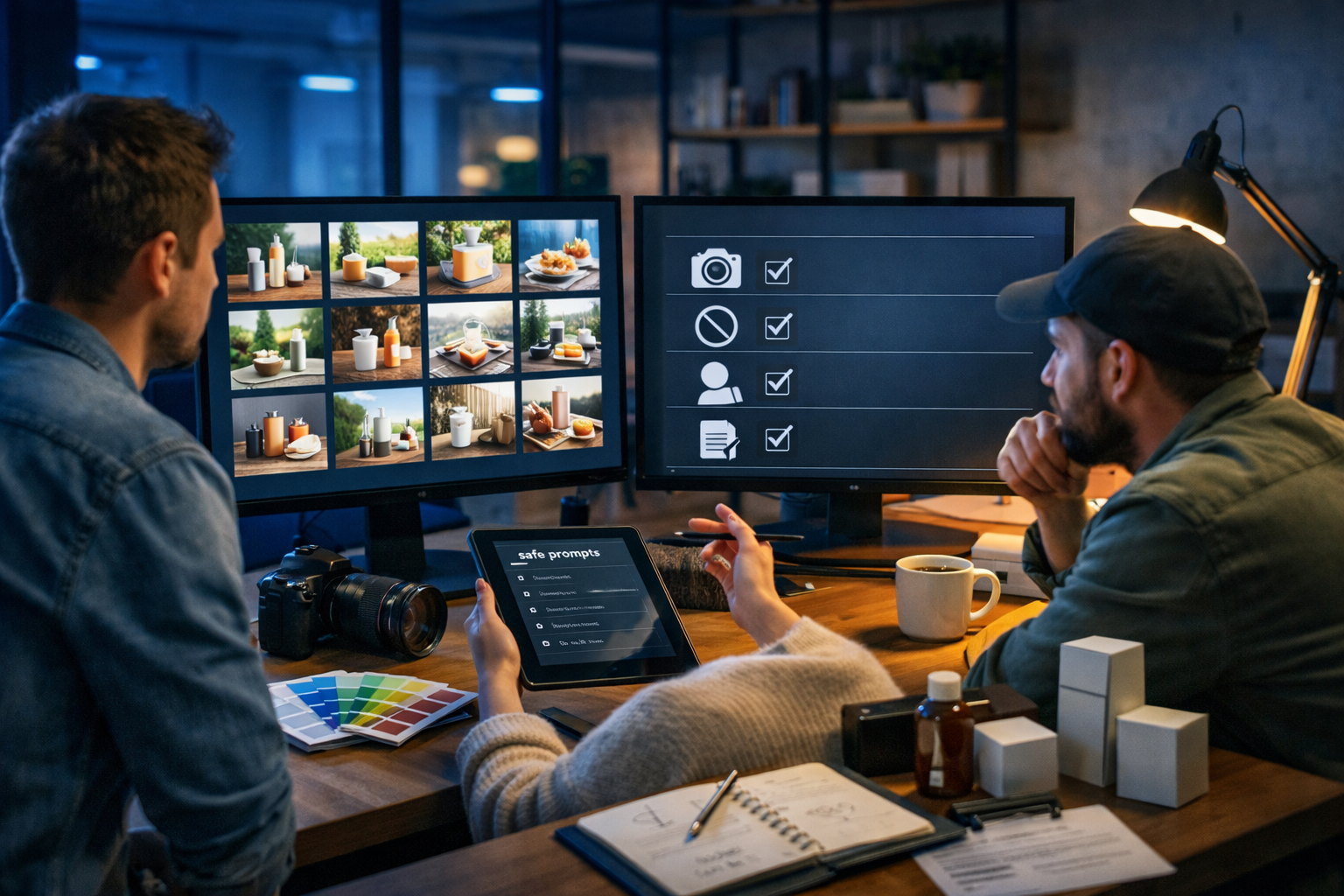
If you’re using AI images for ads, product pages, thumbnails, or client work, “looks good” isn’t enough—you need visuals that are commercially safe. That means reducing copyright, trade mark, and likeness risks, keeping your brand consistent, and documenting decisions so you can publish with confidence. Below is a practical, step-by-step workflow for how to generate commerically safe AI art—plus prompts, checks, and an approval process you can reuse.
What “commercially safe AI art” actually means
“Commercially safe” doesn’t mean “guaranteed risk-free”—no one can promise that. It means you’ve taken reasonable steps to avoid common legal and platform problems, and you can show your working if a client, marketplace, or social platform asks.
In practice, commercially safe AI art usually means:
- You’re not copying a living artist’s identifiable style, or using prompts like “in the style of [artist]”.
- You’re not including trade marks (logos, brand names, distinctive product shapes) or copyrighted characters.
- You’re not depicting recognisable real people without permission (including celebrities).
- You can explain your source inputs (prompts, reference assets, and any edits) and comply with the tool’s terms.
- You’ve checked output for hidden issues (background logos, lookalike characters, watermarks, signatures).
Before you generate: define your intended commercial use
Start by writing down where the image will be used and how long it needs to live. Risk tolerance changes depending on the context.
- Low risk / short life: a one-day social post, internal presentation, mood board (still keep it clean).
- Medium risk: blog headers, YouTube thumbnails, paid social ads.
- Higher risk: packaging, app UI, merchandise, book covers, large-scale OOH campaigns.
For higher-risk use, consider a stricter workflow: original photography references you own, more conservative prompts, and a clear audit trail.
Step 1: understand the three big risk areas (copyright, trade marks, likeness)
1) Copyright and “style cloning”
Copyright typically protects specific expressions (an artwork), not general ideas (e.g., “a futuristic city”). However, prompting for a specific artist’s style or generating images that are too close to identifiable works can create unnecessary risk and reputational issues.
Safer approach: describe the visual characteristics you want (lighting, palette, composition, medium) rather than naming artists.
2) Trade marks (logos, brand identifiers, product trade dress)
Trade marks can be triggered by visible logos, brand names, and even distinctive shapes/colourways strongly associated with a brand. AI images often “hallucinate” partial logos on clothing, signs, packaging, or devices.
Safer approach: explicitly exclude logos/brand marks in prompts and do a close-up review at 100% zoom before publishing.
3) Likeness and privacy (real people, celebrities, lookalikes)
Using a recognisable real person—especially a celebrity—can create right-of-publicity, privacy, or endorsement issues (varies by country). Even a “lookalike” can be a problem if the intent is to evoke a specific person.
Safer approach: use fictional people, generic descriptors, or your own model photography with releases if you need a specific face.
Step 2: build a “commercial-safe prompt” template
A repeatable prompt structure reduces mistakes and makes your outputs more consistent for brand use. Here’s a simple template you can copy:
- Subject: what the image is of (product, scene, person type).
- Setting: location and context (studio, café, office, outdoors).
- Style descriptors: photorealistic, editorial, minimal, cinematic lighting, etc. (avoid artist names).
- Composition: angle, lens feel, depth of field, negative space for copy.
- Constraints: “no logos, no brand names, no watermarks, no signatures, no copyrighted characters, no celebrities”.
Example prompt (product lifestyle): “Photorealistic lifestyle photo of a generic matte black insulated water bottle on a wooden desk in a bright home office, soft natural window light, shallow depth of field, clean modern aesthetic, plenty of negative space on the right for ad copy, 16:9 wide composition, high detail, realistic shadows. No logos, no brand names, no text, no watermarks, no signatures, no celebrity likeness.”
Step 3: use reference assets you own (and document them)
If your platform allows reference images, use assets you control: your own photography, purchased stock with commercial rights, or brand-owned design elements. This improves consistency and reduces the chance the model “borrows” recognisable cues from protected works.
Create a simple folder structure for each project:
- /01-brief (intended use, channels, dimensions)
- /02-reference (owned photos, licensed stock receipts)
- /03-prompts (prompt versions, dates)
- /04-outputs (shortlisted images)
- /05-edits (retouch files, exports)
Step 4: generate variations—then run a “rights & brand” visual inspection
Don’t publish the first output. Generate multiple variations and evaluate them like a marketer and a risk reviewer.
Use this inspection checklist at 100% zoom:
- Text/logos: any accidental lettering, badges, labels, UI elements, or pseudo-logos?
- Characters: does the subject resemble a famous character or franchise?
- Faces: does anyone look recognisable (celebrity, influencer, politician)?
- Signature/watermark: any artist-like signature marks?
- Trade dress: distinctive shoe stripes, phone shapes, luxury patterns, iconic silhouettes?
- Stock-photo tells: recognisable landmark art, branded packaging in the background?
Step 5: avoid these prompt patterns (common ways people accidentally create infringement)
If your goal is commercially safe AI art, avoid prompts that intentionally evoke protected IP or a living artist’s signature style.
- “in the style of [living artist]”
- “make it look like Disney/Pixar/Studio Ghibli/Marvel”
- “[celebrity name] holding my product”
- “Nike/Apple/Coca-Cola inspired ad poster” (use general descriptors instead)
Swap to: “whimsical hand-drawn animation feel”, “cinematic comic-book lighting”, “minimalist Swiss poster layout”, “premium beverage ad photography, high contrast, studio lighting”.
Step 6: create a “brand-safe” style guide for AI images
Commercial safety is also about consistency: a scattered visual identity can damage trust and performance. Write a one-page AI image style guide with:
- Colour palette (hex values for key colours)
- Lighting rules (soft daylight vs dramatic studio)
- Composition rules (negative space for headlines, product always centred, etc.)
- Do-not-use list (no logos, no text, no celebrity likeness, no “artist style” prompts)
You can store this guide and reuse it whenever you generate new marketing creatives using our AI content tools.
Step 7: pair images with compliant copy (and keep claims realistic)
An image can be “safe” but still cause problems if the surrounding copy implies endorsements or makes unsubstantiated product claims. When you generate captions, ads, and product descriptions, ensure you:
- Avoid “as seen with [celebrity]” or implied affiliation with brands you’re not partnered with.
- Use cautious language for benefits unless you have evidence (especially in health/finance niches).
- Match the image to the claim (no “stainless steel bottle” if the visual looks like plastic).
Gen AI Last makes this easier because you can generate the supporting marketing copy and variations alongside your visuals, keeping a consistent brand voice across assets.
Step 8: adapt your workflow for different commercial scenarios
E-commerce product imagery
If you sell physical goods, the safest approach is to use AI for lifestyle context rather than exact product replication—unless you can provide accurate references and are comfortable with the risk of minor inaccuracies.
- Use neutral, generic props (no branded laptops, no designer patterns).
- Leave space for your real product photo to be composited later (a hybrid workflow).
- Check that packaging doesn’t resemble a competitor’s trade dress.
Ads and social creatives
For paid ads, platforms may reject visuals containing misleading branding, questionable “before/after” implications, or unclear text overlays. Generate clean images first, then add copy in your design tool so you can control readability and claims.
Client work and agencies
Clients care about two things: can they use it, and can you prove you acted responsibly. Provide a short handover note:
- Intended usage and territories
- Prompt summary and constraints used (no artist names, no logos, no celebrities)
- Any reference assets supplied by the client (and confirmation they own rights)
- Your inspection checklist results
A practical “commercial safety” checklist you can reuse
Run through this before publishing or delivering files:
- Tool terms: confirm your plan allows commercial use and you’ve complied with policies.
- Prompt hygiene: no artist names, no brand names, no character/franchise references, no celebrity prompts.
- Output inspection: zoom in to spot micro-logos, hidden text, watermarks, signatures.
- Likeness check: faces are generic and not recognisable as real individuals.
- Trade mark check: remove or regenerate anything resembling a known logo or distinctive product.
- Documentation: save prompts, dates, and the final selected version.
- Final QA: confirm sizing, safe areas, and that your ad copy doesn’t imply endorsements.
Example: turning a risky brief into a commercially safer prompt
Risky brief: “Create an ad image like Apple, with an iPhone on a desk, and a person who looks like Timothée Chalamet.”
What’s wrong: brand association (Apple), trade marks (iPhone design cues), and celebrity likeness.
Commercially safer rewrite: “Photorealistic premium tech product hero shot of a generic modern smartphone on a minimalist desk in a bright studio, soft reflections, high contrast lighting, shallow depth of field, clean background with negative space for headline, 16:9 wide, editorial product photography. Include a non-recognisable adult model’s hands only (no face). No logos, no brand names, no text, no watermarks.”
How Gen AI Last supports a safer end-to-end content workflow
Commercially safe visuals rarely live alone. You typically need the matching caption, landing page copy, email creative, and sometimes a short promo video with a voice-over. Gen AI Last helps you keep everything consistent in one place:
- AI Image Generation: create multiple clean variations for ads, banners, and product lifestyle scenes.
- AI Text Generation: produce compliant copy variations (headlines, CTAs, product descriptions) without implying endorsements.
- AI Video Generation: turn your best visuals into product demos, social reels, and explainers.
- AI Audio Generation: add voice-overs or background music to match your brand tone.
If you’re a startup or small team, consolidating tools reduces cost and complexity. You can view pricing from $10/month for full access across text, images, audio, and video, or start creating for free to test your workflow.
Common questions about commercially safe AI art
Can I use AI art commercially if I paid for a subscription?
Payment alone doesn’t automatically grant commercial rights—what matters is the tool’s terms and how you used it. Always confirm commercial usage is permitted and follow policy restrictions (especially around protected IP and real-person likeness).
Is it enough to add “no copyright” or “original” in the prompt?
Not really. Those words don’t prevent the model from generating a problematic element. Concrete constraints (no logos, no celebrities, no text/watermarks) plus careful inspection is more reliable.
What if the AI generates a tiny logo in the background?
Treat it as a red flag. For commercial use, either regenerate the image with stricter constraints or edit it out carefully—then re-check the whole image at full zoom.
Final takeaway: a safe workflow beats a “perfect” prompt
Learning how to generate commerically safe AI art is less about discovering a secret prompt and more about adopting a disciplined process: define usage, avoid artist/brand/celebrity cues, generate variations, inspect outputs thoroughly, and document everything. When you combine that process with an all-in-one platform like our AI content tools, you can move faster without sacrificing brand trust or commercial readiness.
Ready to Create with Generative AI?
Join thousands of creators using Gen AI Last to generate text, images, audio, and video — all from one platform. Start your 7-day free trial today.
Start Free — Try 7 DaysQuick Links
Create AI content from $10/month
View Plans