How to Generate Commerically Safe AI Art (Step-by-Step)
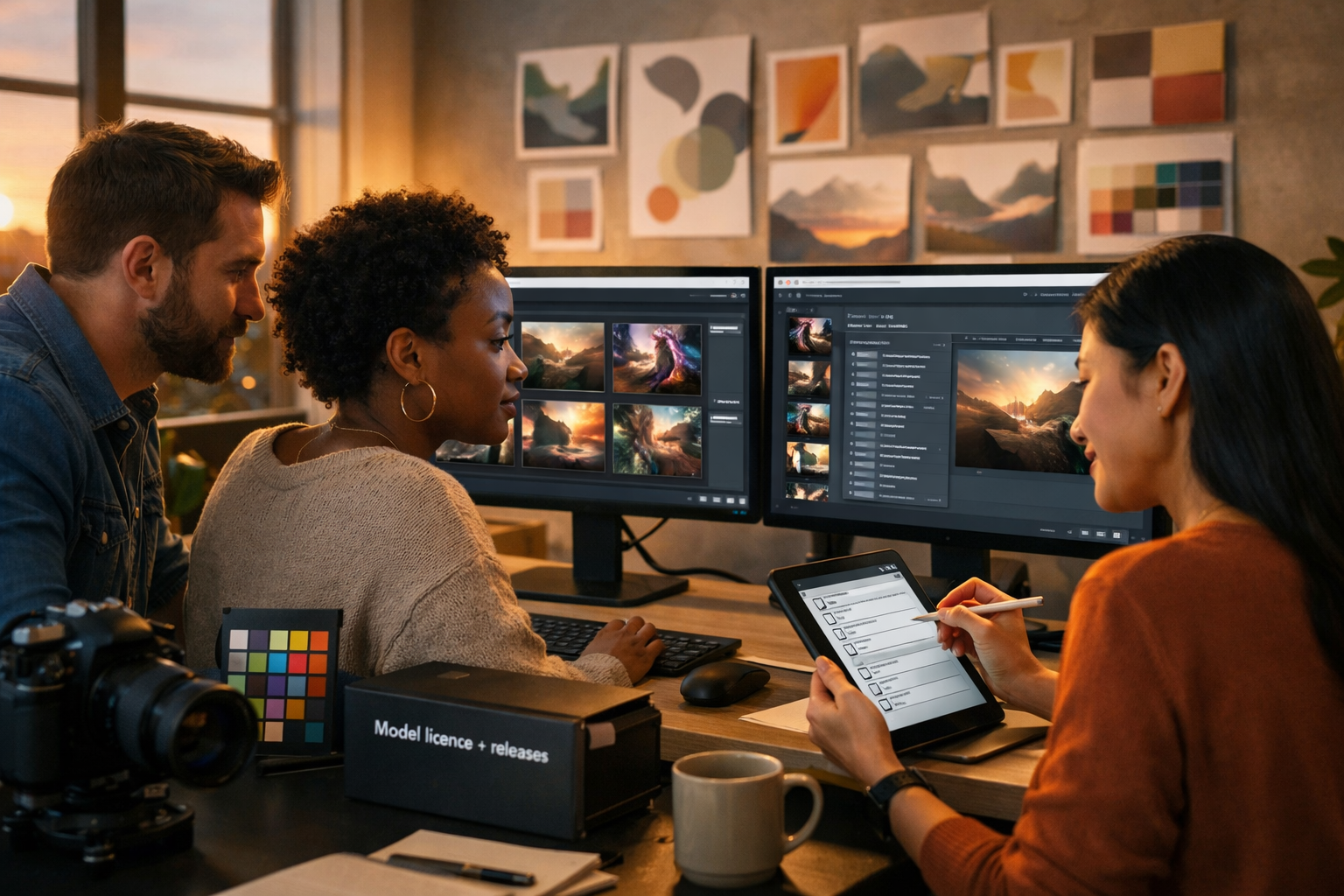
If you want to sell, advertise, or publish AI artwork, the real challenge is not getting a beautiful image—it’s proving you can use it commercially with confidence. This guide explains how to generate commerically safe AI art by choosing the right tools, avoiding trademark and copyright traps, documenting your process, and building a repeatable workflow you can use for client work, e-commerce, ads, and social campaigns.
What “commercially safe” AI art actually means
“Commercially safe” doesn’t mean “risk-free”. It means you have taken sensible, documented steps to reduce legal and brand risk before you publish or sell. In practice, commercially safe AI art usually aims to:
- Avoid infringing copyright (e.g., reproducing a recognisable copyrighted character or copying a living artist’s distinctive style in a misleading way).
- Avoid trademark issues (e.g., logos, brand names, product shapes, or packaging that is recognisably someone else’s brand).
- Respect rights of publicity and privacy (e.g., using a real person’s likeness without permission, especially for ads).
- Comply with the AI tool’s licence/terms (some models restrict commercial usage or require attribution).
- Be supportable with evidence (prompt history, source assets, releases, and an internal approval record).
Think of it like food safety: you follow best practice so you can confidently serve the product, and you keep records in case questions arise.
Before you generate: the 60-second safety checklist
Before writing a prompt, answer these questions. If any answer is “yes”, you need extra care.
- Is the image for an advert, packaging, app UI, or a paid campaign? Higher scrutiny; avoid grey areas.
- Will it depict a person who looks real? You may need a model release if it resembles an identifiable individual.
- Are you referencing a brand, celebrity, sports team, or fictional character? Avoid unless you have permission.
- Are you asking for “in the style of” a living artist or a known studio? This can create reputational and legal risk; use descriptive style instead.
- Are you using any input images? Ensure you own them or have a licence that allows derivative/commercial use.
Step 1: Use a platform with clear commercial usage terms
Commercial safety starts with the licence. If a tool’s terms are unclear, you can end up with a great asset you can’t confidently use in marketing or client deliverables.
Gen AI Last is designed for practical business use—text, images, audio, and video in one place—so you can build full campaigns from a single workflow. When you generate marketing visuals with our AI content tools, keep a habit of saving the prompt, settings, and output versions alongside the final file. That process discipline is a major part of being “commercially safe”.
Also consider your scale: for startups and small teams, the cost of rework (or taking down an ad) can be higher than the subscription itself. If you need predictable access across content types, view pricing from $10/month and standardise your content pipeline.
Step 2: Write prompts that avoid copyrighted and trademarked material
Most risky AI art starts with a risky prompt. If you ask for branded, famous, or highly recognisable IP, the model may produce something uncomfortably close to protected material.
Avoid these prompt patterns
- “Make a poster featuring [Marvel character / Disney princess / Pokémon]…”
- “Design a logo like [Nike / Apple]…”
- “A sneaker that looks like [famous model name]…”
- “In the style of [living artist / famous illustrator]…”
- “A bottle label with the words [brand name]…”
Use descriptive, non-infringing alternatives
Instead of naming IP, describe the qualities you want: composition, lighting, mood, camera type, colour palette, era, medium, and subject matter.
- Instead of: “in the style of Studio Ghibli”
Try: “whimsical hand-painted animation look, soft watercolour textures, warm pastel palette, gentle film grain, storybook atmosphere” - Instead of: “like the Starbucks logo”
Try: “minimal circular emblem, flat vector, two-tone palette, clean negative space, modern coffee brand identity” - Instead of: “a phone that looks like an iPhone”
Try: “sleek aluminium smartphone, rounded corners, edge-to-edge display, neutral studio product photography, no branding”
This approach yields original-looking work while reducing the chance of accidental imitation.
Step 3: Add “safety constraints” to your prompts
A simple way to reduce risk is to explicitly instruct the model to avoid protected elements. Include constraints such as:
- “No logos, no brand names, no recognisable trademarks”
- “No famous characters, no celebrity likeness”
- “Original design, not based on any existing franchise”
- “Generic packaging, invented product name, abstract iconography”
For commercial design tasks (ads, hero images, packaging mock-ups), constraints should be standard. Even if the model would usually behave, spelling it out makes your intent clear and often reduces unwanted artefacts.
Step 4: Be careful with people—likeness, releases, and realism
Images featuring people create two major risks: (1) they might resemble a real, identifiable person; (2) they might imply endorsement. For commercial use—especially in adverts—this matters a lot.
Practical rules for safer people images
- Avoid prompting for real people or celebrities (by name, role, or “looks like”).
- Prefer stylised people for ads if you don’t need photorealism (illustration, 3D, silhouette).
- If you use photorealistic faces, check the output doesn’t look like an actual person (run a human review and reverse image search if needed).
- Don’t use AI faces as “testimonials” or imply real customer stories.
- For high-stakes campaigns, use real photography with releases, or create characters that are clearly fictional/stylised.
If your brand needs voice and video too, keep the same standard across formats. For example, pairing an AI portrait with an AI voice-over can feel like a real person is endorsing a product. When generating voice-overs and marketing videos with the same platform, align the creative direction and compliance checks across assets so the campaign is consistent.
Step 5: Treat input images as licensed source material
If you use image-to-image, inpainting, or any workflow where you upload a reference photo, your commercial rights depend on that input. A safe rule: only use inputs you created, bought with the correct licence, or obtained with explicit permission for commercial derivatives.
Common safe sources include:
- Your own product photography (ideal for generating new backgrounds and variations).
- Brand-owned illustrations and icons created in-house.
- Stock assets with a licence that explicitly covers commercial and derivative use.
Common risky sources include screenshots, Pinterest images, random Google images, and competitor photos.
Step 6: Inspect the output for hidden problems
Even with safe prompts, AI images can accidentally include:
- Logo-like symbols on clothing or signage
- Fake text that resembles brand names
- Distinctive character silhouettes
- Famous product shapes (trade dress)
A fast review process (5 minutes per image)
- Zoom to 200–400% and scan clothing, signs, packaging, backgrounds.
- Check hands, faces, and labels (these areas often contain accidental “marks”).
- Ask: would a customer think this is affiliated with a real brand? If yes, regenerate.
- Run a quick reverse image search on the final candidate if it looks unusually specific.
- Save an approval note (even a simple internal checklist is helpful).
If you’re producing at scale, build this into your SOP so it happens every time—especially for paid ads and client deliverables.
Step 7: Document your “rights trail” (clients love this)
When someone asks, “Can we use this on packaging?” the best answer is a file that shows what you did and why it’s safe.
Create a lightweight “rights trail” for each key asset:
- Prompt and negative prompt (including your safety constraints)
- Generation date and tool/platform used
- Model/version and settings (if available)
- Any input assets + their licences or proof of ownership
- Output versions (keep earlier drafts in case questions arise)
- Review/approval note (who checked it, what was checked)
This is also where an all-in-one platform helps: when you generate the image, then generate supporting product copy, ad text, voice-over, or a short promo video, you can keep the campaign assets organised around the same creative brief rather than scattered tools and logins.
Step 8: Use AI art in real marketing scenarios (safe examples)
Here are commercially safer ways to use AI image generation for business without leaning on existing IP.
1) E-commerce lifestyle backgrounds (no brands)
If you sell a product, use your own product photo as the input, then generate multiple clean lifestyle settings: kitchen counters, minimal studio, outdoor picnic, etc. Avoid branded props (recognisable trainers, phones, cars) and keep packaging generic unless it’s your own.
2) Social campaign visuals with original motifs
Create a consistent visual system: your colour palette, your shapes, your textures, your lighting. The more you build a recognisable house style, the less you’ll be tempted to borrow from known franchises or artists.
3) Blog and landing page hero images
Generate abstract or conceptual imagery that communicates a topic—speed, security, growth, clarity—without any real-world brands. This is an ideal use case for AI because it’s hard to source specific conceptual stock.
A ready-to-use prompt template for commercially safer AI art
Copy, paste, then customise:
Prompt template: “Create an original [photorealistic/illustrated/3D] image of [subject] for a marketing campaign for a [industry] brand. Setting: [environment]. Composition: [camera angle], [lens], [depth of field]. Lighting: [soft natural / studio / neon accents]. Colour palette: [your palette]. Mood: [keywords]. Include: [key objects]. Exclude: logos, brand names, trademarks, recognisable products, famous characters, celebrity likeness. Make all text abstract and unreadable. High detail, clean background, commercial-ready.”
Generate variations by changing only one variable at a time (lighting, environment, angle). This makes it easier to reproduce winning results and to explain your process if needed.
How Gen AI Last helps you ship commercially safe campaigns faster
Commercial safety is easier when your workflow is consistent. Gen AI Last lets you create an entire campaign bundle from one brief:
- Generate the visual (hero image, ad creative, product scene) with safety constraints baked into your prompt.
- Generate supporting copy (headlines, product descriptions, email campaigns, social captions) aligned with the same claim boundaries and tone of voice.
- Create short promo videos (product demos, reels, explainers) using the same “no trademarks/no celebrity likeness” rules.
- Add audio (voice-overs, narration, background music) for multi-channel delivery.
If you’re building a repeatable content engine for a small team, consolidating tools reduces version chaos and helps you keep the documentation and approvals in one place. You can start creating for free and test a safety-first workflow on a single landing page or ad set before scaling.
FAQ: how to generate commerically safe AI art?
Can I sell AI art commercially?
Often yes, but it depends on the tool’s terms and whether your output infringes someone else’s rights. For safer commercial use, avoid trademarks, famous characters, celebrity likenesses, and “in the style of” living artists, and keep a documented rights trail.
Is “no logos” in the prompt enough?
It helps, but it’s not enough on its own. You still need to inspect the output carefully (zoom in), remove accidental marks, and avoid prompts that steer the model towards known IP in the first place.
What if the AI generates something that resembles a brand anyway?
Don’t use that version. Regenerate with stronger exclusions, simplify the scene, and remove branded-looking objects (trainers, electronics, signage). For high-visibility campaigns, do a reverse image search and keep an internal approval note.
Do I need a lawyer to use AI art in ads?
Not always, but legal review is sensible for high-budget campaigns, packaging, or anything likely to attract scrutiny. A safety-first workflow and clear documentation reduces the need for emergency legal clean-up later.
A simple workflow you can adopt today
- Choose a business-ready tool and confirm commercial usage terms.
- Write a descriptive prompt (no brands, no celebrities, no famous characters).
- Add explicit constraints: no logos/trademarks/text.
- Generate 10–20 variations; change one variable at a time.
- Inspect at high zoom; regenerate if anything looks branded or recognisable.
- Save your rights trail: prompt, settings, inputs, outputs, approvals.
- Reuse the same brief to produce copy, video, and audio assets consistently.
Once this becomes routine, “commercially safe” stops being stressful—it becomes a repeatable process. And that’s how you generate commerically safe AI art that you can actually publish, sell, and stand behind.
Ready to Create with Generative AI?
Join thousands of creators using Gen AI Last to generate text, images, audio, and video — all from one platform. Start your 7-day free trial today.
Start Free — Try 7 DaysQuick Links
Create AI content from $10/month
View Plans