How to Generate Commerically Safe AI Images (Step-by-Step)
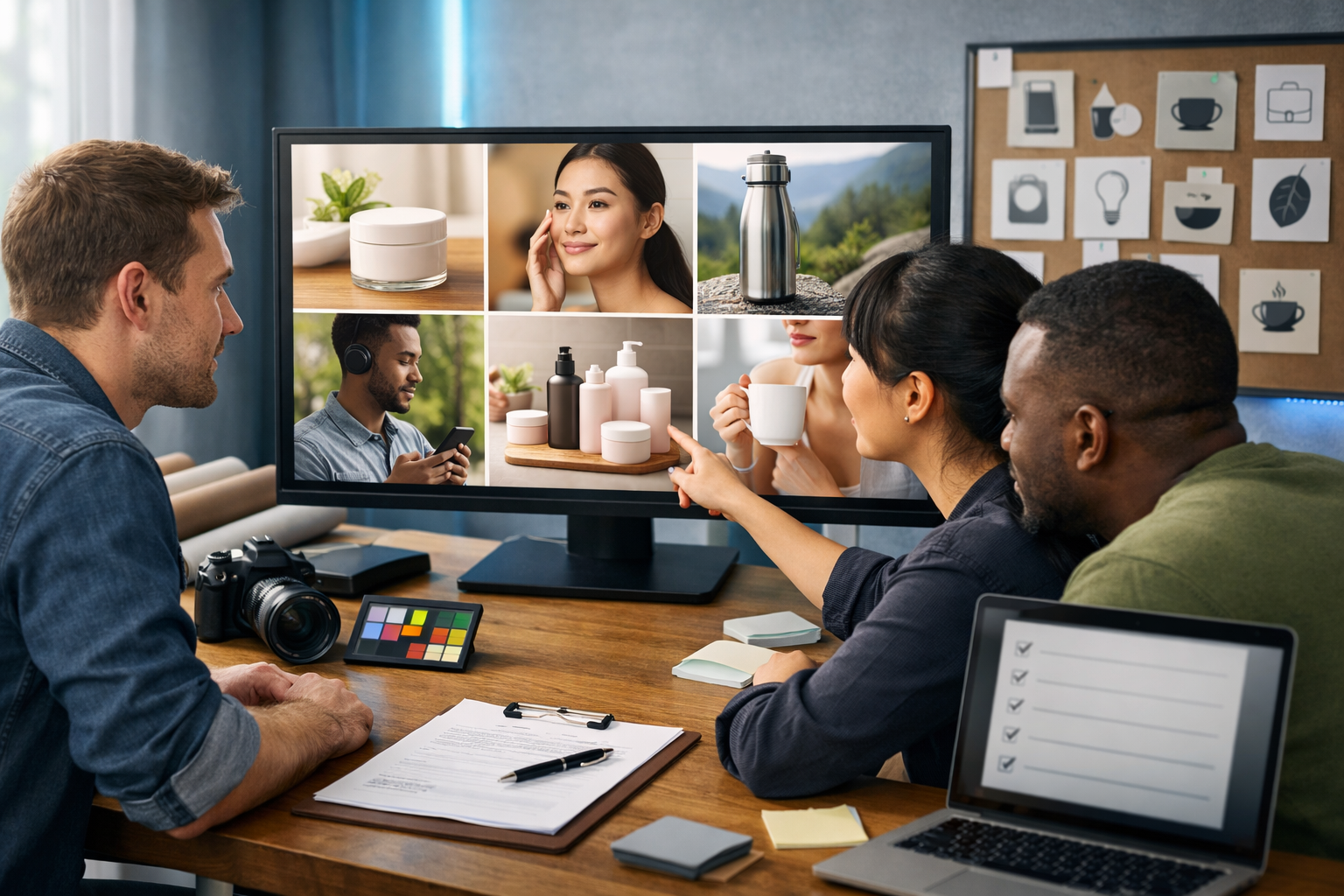
If you’re using AI visuals in marketing, the real challenge isn’t generating something “beautiful”—it’s generating something you can confidently use in ads, landing pages, packaging, and client work without legal or brand risk. This guide explains how to generate commerically safe AI images with a repeatable workflow: choosing the right approach, writing safer prompts, avoiding trademarks and lookalikes, documenting rights, and preparing files for real commercial deployment.
What “commercially safe” AI images actually means
“Commercially safe” doesn’t mean “risk-free”. It means you’ve taken sensible, documented steps to reduce the most common risks when using AI-generated images in business contexts. In practice, it means your image is unlikely to:
- Infringe trademarks (logos, brand names, distinctive trade dress).
- Misuse a real person’s likeness (publicity rights) or imply endorsement.
- Create confusing “lookalike” imagery that copies a specific artist, photographer, or proprietary character style.
- Include copyrighted elements (recognisable characters, posters, album covers, unique designs).
- Contain unlicensed fonts, patterns, or embedded assets (common in “generated” packaging, labels, and UI).
Your risk tolerance also depends on how the image will be used: a blog header has a different risk profile than paid ads, product packaging, or a national campaign.
Before you generate: classify your use case and risk level
Start with a simple classification. This keeps your team consistent and prevents “we’ll fix it later” decisions.
- Low risk: internal decks, concepting, mood boards, blog illustrations (non-claim heavy).
- Medium risk: organic social posts, email banners, website hero images for general marketing.
- High risk: paid ads, product packaging, in-app visuals, client deliverables, PR materials, anything implying endorsement.
For high-risk uses, aim for stricter controls: generic products, no recognisable people, no brand references, plus a documented prompt-and-output trail.
Choose the safest image strategy (3 options)
There are three common ways businesses produce commercially usable visuals with AI. The “safest” option depends on what you’re generating.
1) Generate fully original, generic marketing visuals
Best for: hero banners, lifestyle scenes, abstract backgrounds, seasonal campaign visuals, social graphics. Safety comes from avoiding real brands, specific people, and distinctive protected designs.
2) Use AI to enhance your own assets (lowest legal friction)
Best for: your own product photos, your own models, your own sets. You can generate backgrounds, lighting variants, and compositions without inventing potentially risky elements. If you have the original photo and the rights to it, your documentation is stronger.
3) Generate “in the style of…” (highest risk)
Best for: rarely justified in commercial campaigns. Prompts that target a living artist, a recognisable franchise look, or a distinctive photographer style can increase copyright and reputational risk. If your goal is a vibe, describe the vibe (lighting, composition, colour palette) rather than naming creators or brands.
A practical checklist: how to generate commerically safe AI images
Use this checklist as your repeatable workflow. It’s designed for marketers, founders, and small teams who need speed without cutting corners.
Step 1: Remove trademark and brand cues from your prompt
Trademarks are one of the fastest ways to create commercial problems. Avoid brand names, logos, and distinctive product designs (for example, iconic trainer silhouettes, handbag shapes, packaging styles strongly associated with a brand).
- Avoid: “in the style of Nike ad”, “iPhone on desk”, “Starbucks cup”.
- Use: “minimal athletic footwear campaign”, “modern smartphone”, “paper coffee cup without branding”.
If you need a specific product shown, consider photographing your product and using AI to create safe backgrounds and scenes around it (option 2 above).
Step 2: Avoid recognisable people and celebrity lookalikes
Even if an image is “generated”, it can resemble a real person. For commercial work, especially ads, avoid prompts that could produce a celebrity, influencer, or a distinctive real individual.
- Don’t name public figures.
- Don’t request “looks like [celebrity]”.
- Prefer non-identifiable subjects: hands using a device, back-of-head compositions, silhouettes, or stylised characters that aren’t tied to a specific franchise.
If you do need a human face in a high-risk placement (paid ads, billboards), consider using hired models with releases—AI can still help generate supporting visuals, crops, or safe background variations.
Step 3: Describe visual attributes, not protected “styles”
Many teams accidentally push into unsafe territory by referencing artists, studios, or franchises. A safer approach is to specify the technical and aesthetic properties you want.
- Instead of: “like Pixar”, use “3D animated character, soft global illumination, rounded shapes, family-friendly colour palette”.
- Instead of: “like a famous fashion photographer”, use “high-fashion editorial lighting, 85mm lens look, clean studio backdrop, subtle film grain”.
This keeps the prompt focused on outcomes rather than imitating a specific creator’s identifiable style.
Step 4: Add “brand-safe” negative constraints
Your prompt should explicitly forbid common risky elements. Add a short “do not include” section to reduce accidental logos, text, and recognisable IP.
- No logos, no brand names, no watermarks.
- No copyrighted characters, no movie posters, no album art.
- No readable text (especially on packaging, signs, and screens).
- No distinctive uniform badges, sports crests, or car emblems.
Step 5: Generate multiple variants and actively “audit” outputs
Don’t treat the first good-looking image as final. Generate a batch, then audit each candidate at 200–300% zoom. Look for:
- Accidental logos on clothing, devices, cups, signage, and packaging.
- Pseudo-text that resembles a brand name or slogan.
- Recognisable character silhouettes or trademark shapes.
- Embedded UI that looks like a real app or platform.
If you find issues, regenerate with stronger negatives, change wardrobe/props, or crop/retouch (without introducing new copyrighted elements).
Step 6: Keep a “rights record” for each asset
Commercial safety is partly documentation. Create a simple record for every image used externally:
- Prompt and negative prompt (final version).
- Date created and intended use (campaign/page/ad).
- Tool used and project name.
- Notes from the audit (e.g., “checked: no logos/text”).
- If applicable: releases for models/locations, and proof you own any source photos used.
This is especially useful if you work with clients, run paid ads, or operate in regulated spaces.
Prompt templates you can reuse (commercial-safe by design)
Use these as starting points and customise the product category, setting, and lighting. The goal is to be specific about what you want while explicitly avoiding risky elements.
Template 1: Generic product lifestyle (safe for most marketing)
Prompt: “Photorealistic lifestyle scene of a generic [product type] on a tidy desk in a home office, soft natural window light, neutral colour palette, shallow depth of field, high detail, realistic shadows, 16:9 wide composition.”
Negative constraints: “No logos, no brand names, no readable text, no watermarks, no copyrighted characters, no recognisable app interfaces.”
Template 2: Social banner background (safe, flexible, fast)
Prompt: “Clean abstract gradient background with subtle geometric shapes, modern tech vibe, soft glow, minimal, lots of negative space for overlay, 16:9 wide.”
Negative constraints: “No text, no logos, no symbols resembling brands, no watermark.”
Template 3: People without identity risk (hands-only composition)
Prompt: “Close-up photorealistic shot of hands using a generic smartphone and notebook at a coffee shop table, warm golden-hour light, cinematic bokeh, 16:9 wide.”
Negative constraints: “No visible faces, no logos, no readable text, no brand packaging, no identifiable tattoos.”
Common mistakes that make AI images unsafe for commercial use
- Including brand names in prompts: this often triggers logo-like artefacts and trade dress mimicry.
- Letting the model generate packaging text: AI text can resemble real slogans or trademarks. Use “no readable text”, then add real copy later in design software.
- Generating “fake screenshots”: an interface that looks like a real app can create confusion and legal complaints. Prefer generic UI or entirely abstract visuals.
- Using celebrity-like faces: even accidental resemblance can be a problem in advertising.
- Copying a single artist’s identifiable look: if your prompt is essentially an imitation, treat it as high risk.
A simple brand-safe workflow using Gen AI Last
Gen AI Last is built for small teams that need to create quickly across formats—text, images, audio, and video—in one place. Here’s a practical workflow you can implement today:
- Define the campaign asset list: hero image, social variants, email header, ad creative. Use the platform’s planning and copy generation to outline requirements and constraints. Explore our AI content tools.
- Draft “safe prompts” with a checklist: include scene, lighting, composition, and explicit negatives (no logos/text/characters).
- Generate a batch of images: pick 3–5 finalists and audit at high zoom for accidental trademarks and readable text.
- Create matching copy: generate compliant headlines, captions, and CTA variants so the visual and message align without needing risky “brand references”.
- Extend into video and audio: turn the same campaign concept into short reels or explainer videos with voice-over and background music—keeping the same brand-safe guardrails. Pricing is straightforward—view pricing from $10/month.
If you’re building a consistent pipeline, keep a shared “Prompt Library” document with approved safe templates and negatives for your industry (SaaS, e-commerce, local services, etc.).
Commercial-safe image types that perform well (and are easier to defend)
Some image categories tend to be both effective in marketing and easier to keep commercially safe:
- Abstract brand backgrounds: gradients, textures, geometric shapes.
- Generic lifestyle scenes: desks, coffee shops, studios—no brands, no readable signage.
- Hands-only or over-the-shoulder shots: avoids likeness and identity issues.
- 3D objects with custom design cues: clearly invented forms rather than “famous” silhouettes.
- Product-in-context using your own product photo: strongest rights position for e-commerce.
Quick audit guide: a 60-second commercial safety scan
Before publishing, do this scan on every external-facing image:
- Zoom check: corners, labels, sleeves, screens, background signage.
- Text check: any readable word? Remove/regenerate if yes.
- Logo check: any mark resembling a brand? Regenerate or edit.
- Likeness check: does the face resemble a real person? If “maybe”, treat as “no”.
- IP check: any recognisable character, uniform, or proprietary design?
This won’t replace legal advice, but it will catch the issues that most often trigger takedowns, ad rejections, or client disputes.
FAQ: how to generate commerically safe AI images?
Can I use AI-generated images in ads and on my website?
Often, yes—if you avoid trademarks, copyrighted characters, and recognisable people, and you follow the tool’s terms. Treat paid ads as high-risk: audit carefully and keep a rights record.
Is “no logos” enough to make an image commercial-safe?
No. Logos are only one risk. You also need to avoid brand-like packaging, copyrighted characters, celebrity likeness, and “in the style of” prompts that target specific creators.
Should I add text and product labels with AI?
For commercial work, it’s safer to generate images with no readable text, then add your own copy and labels in design software. This avoids accidental trademark-like strings and messy pseudo-typography.
What if I need a specific brand shown (e.g., a partner logo)?
Use authorised brand assets and follow the partner’s brand guidelines. Don’t ask the model to “invent” the logo. Generate the scene without branding, then place the approved logo manually.
Create faster without cutting corners
Generating commerically safe AI images is less about one perfect prompt and more about a disciplined process: reduce brand cues, avoid likeness risk, describe outcomes (not protected styles), audit outputs, and document what you did. When you pair that process with an all-in-one platform, you can move from concept to campaign assets quickly—images, supporting copy, short videos, and voice-overs—without juggling tools.
If you want to build a repeatable content pipeline for your business, you can start creating for free and explore image, text, video, and audio generation in one workspace.
Ready to Create with Generative AI?
Join thousands of creators using Gen AI Last to generate text, images, audio, and video — all from one platform. Start your 7-day free trial today.
Start Free — Try 7 DaysQuick Links
Create AI content from $10/month
View Plans