How to Generate Commerically Safe AI Images (Complete Guide)
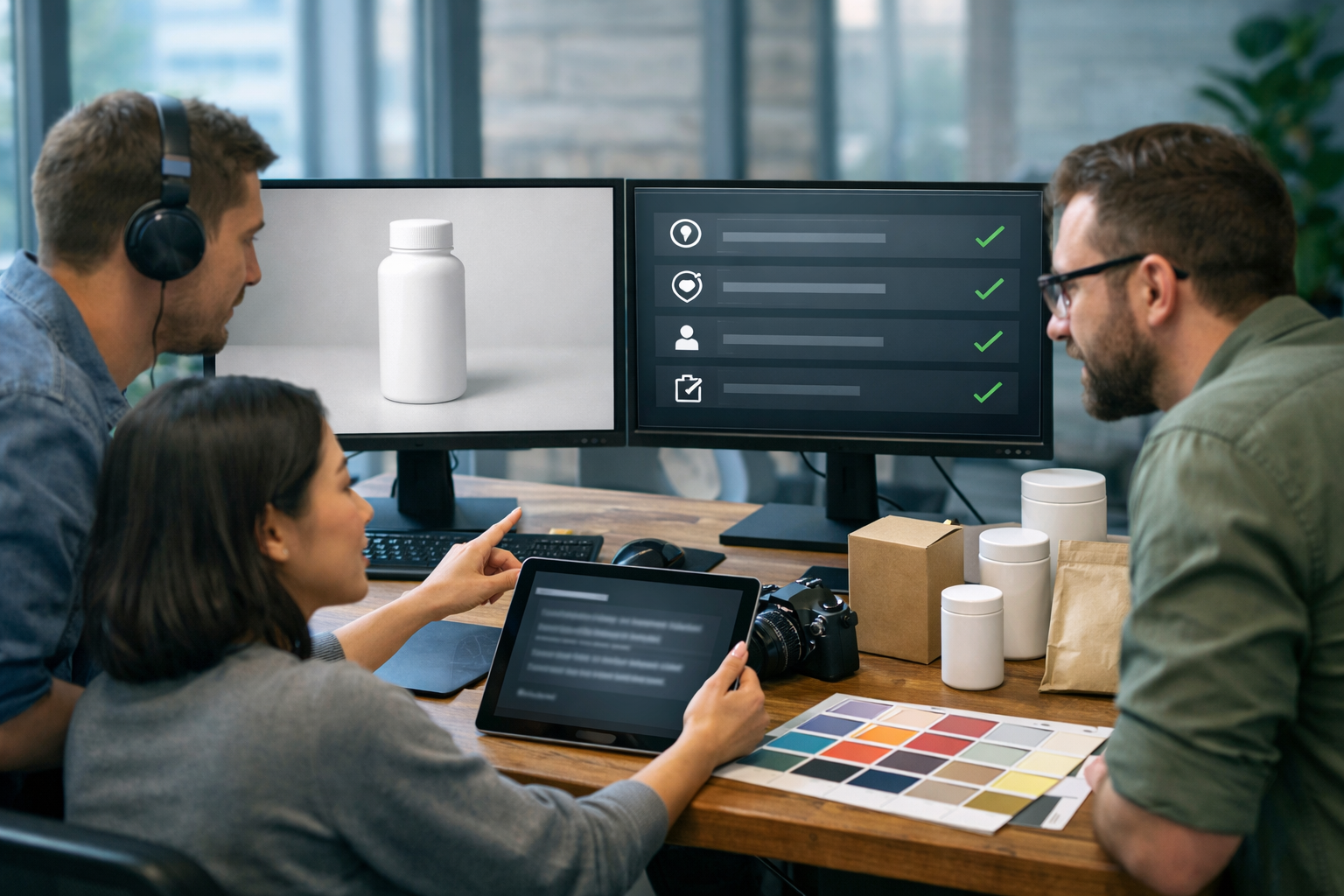
Knowing how to generate commerically safe AI images is now a core marketing skill. The goal isn’t just “make something that looks good” — it’s creating visuals you can confidently use in ads, websites, packaging mock-ups, and social campaigns without tripping over copyright, trademarks, privacy, or platform policies.
What “commercially safe” AI images actually means
A commercially safe AI image is one you can use in business contexts (marketing, sales, product pages, client deliverables) with a low risk of legal or policy issues. “Safe” is about risk management: you reduce the chances of receiving takedown requests, ad rejections, account restrictions, or legal complaints.
In practice, commercially safe images typically avoid:
- Copyrighted characters, artwork styles that clearly mimic a living artist, or direct copies of existing photos.
- Trademarks and trade dress (logos, recognisable packaging, distinctive product shapes strongly linked to a brand).
- Real people’s likenesses (celebrities, influencers, private individuals) without permission.
- Restricted or sensitive content that triggers ad/platform policy blocks.
No guide can offer legal advice, but you can build a repeatable workflow that makes your image generation far safer for commercial use.
The main risks: copyright, trademarks, likeness, and “style”
1) Copyright risk (copying protected expression)
Copyright protects specific creative expression (an illustration, a photograph, a particular character design, a unique composition), not broad ideas. If your AI image resembles an existing work closely enough that a reasonable person would see it as a copy or derivative, you’re in risky territory.
High-risk prompts include: “make a poster of [famous film]”, “in the exact style of [living artist]”, “recreate this album cover”, or “a photo identical to this product shot”.
2) Trademark risk (consumer confusion)
Trademarks protect brand identifiers: logos, brand names, slogans, and sometimes distinctive shapes/packaging (trade dress). Even if an image is “original”, including a recognisable logo or brand-like design can cause issues if it implies endorsement or confuses customers.
Examples: a trainer with an unmistakable swoosh-like mark; a cola bottle silhouette that strongly evokes a specific brand; a phone that looks exactly like a flagship model.
3) Likeness and privacy risk (real people)
Using a real person’s likeness (especially a celebrity) for commercial gain can trigger “right of publicity” claims (jurisdiction-dependent) and privacy issues. For business use, avoid generating identifiable faces of real individuals unless you have permission and you can document it.
4) “Style imitation” and reputational risk
Even when a style isn’t strictly protected in the same way as a specific artwork, “in the style of a living artist” can create contractual, ethical, and reputational problems. For brands, the safer path is to define a unique art direction using descriptive terms (lighting, composition, materials, colour palette) rather than a named creator.
A practical workflow for generating commercially safe AI images
Use this workflow every time you generate assets for marketing or clients. It’s designed to be fast enough for day-to-day content, but strict enough to reduce risk.
Step 1: Define the use case and risk level
Start by deciding where the image will appear:
- Low risk: internal presentations, moodboards, concept exploration.
- Medium risk: social posts, blog headers, email banners.
- High risk: paid ads, packaging, app store screenshots, product labels, billboards.
The higher the risk level, the more conservative you should be with subjects, brands, people, and “inspired by” references.
Step 2: Build prompts that avoid protected elements
A commercially safe prompt is specific about visual details, but avoids names and recognisable IP. Focus on:
- Environment (studio, café, warehouse, home office).
- Lighting (softbox, golden hour, cool neon accents).
- Materials (matte plastic, brushed aluminium, kraft paper).
- Composition (top-down flat lay, shallow depth of field, centred hero shot).
- Brand-neutral design cues (no logos, no distinctive brand shapes).
Safer prompt example (product visual): “Photorealistic studio product photo of a generic 50ml amber dropper bottle on a neutral beige background, softbox lighting, subtle shadow, no label text, no branding, high-end skincare aesthetic, 16:9”.
Risky prompt example: “Make a skincare bottle like [brand name] serum, same label, same font.”
Step 3: Add negative prompts / constraints
When your generator supports it, use constraints to reduce accidental logos or recognisable elements. Add terms such as:
- “no logos, no brand names, no trademarks”
- “no celebrity, no public figure, no recognisable face”
- “no text, no watermark, no signature”
This is particularly useful for lifestyle scenes where background objects (trainers, phones, car badges, shop signs) might unintentionally resemble real brands.
Step 4: Generate multiple variations, then choose the safest
Commercial safety improves when you can compare options and select the one with the least “brand-like” details. Generate 4–10 variations and reject anything with:
- Accidental text that looks like a brand.
- Distinctive patterns or icons resembling known logos.
- A face that looks like a real person.
If you’re moving quickly, Gen AI Last’s all-in-one workflow helps: you can generate image concepts, then immediately produce supporting text (captions, ad copy, product descriptions) inside our AI content tools without juggling multiple platforms.
Step 5: Perform a simple “commercial safety check” before publishing
Use this checklist as a last gate. It takes two minutes and catches most issues.
- Logo/text scan: zoom to 200–400% and inspect labels, signs, clothing, devices, background packaging.
- Trademark/trade dress scan: does any product shape strongly resemble a famous brand?
- Likeness scan: is any person clearly identifiable or celebrity-like? If yes, regenerate.
- Context scan: does the scene imply endorsement by a real company or public figure?
- Policy scan: does the image include restricted content for the platform (e.g., medical claims visuals, sensitive attributes, weapons)?
For higher-stakes usage (paid ads, packaging), consider a second pair of eyes and store a record of the prompt, date, and the selected final.
Prompt frameworks that stay brand-safe (with ready-to-use examples)
If you want consistent, commercially safe outputs, rely on structured prompts rather than one-liners.
Framework A: Brand-neutral product hero shot
Template: “Photorealistic studio product photo of [generic product], [material/finish], on [background], [lighting], [camera/lens feel], [composition], no logos, no text, no watermark, 16:9.”
Example: “Photorealistic studio product photo of a generic wireless earbud charging case, matte white plastic, on a pale grey seamless background, softbox lighting, subtle reflections, centred composition, shallow depth of field, no logos, no text, no watermark, 16:9.”
Framework B: Lifestyle marketing image without trademarks
Template: “[Scene] with [person descriptor] using [generic product], [wardrobe], [environment], [lighting], [mood], no brand names/logos, no recognisable faces, 16:9.”
Example: “Modern home office scene with a professional adult (non-identifiable face) holding a generic insulated travel mug next to a laptop, neutral clothing without logos, soft natural window light, calm productivity mood, no brand names/logos, no recognisable faces, 16:9.”
Framework C: Abstract brand backgrounds (very safe for ads)
Template: “Abstract 3D render background with [shapes/materials], [brand colours], [lighting], [empty space for copy], no text, no logos, 16:9.”
Example: “Abstract 3D render background with soft curved shapes, matte ceramic texture, beige and sage palette, gentle gradient lighting, generous empty space on the right for copy placement, no text, no logos, 16:9.”
How to avoid the most common “unsafe” image scenarios
Don’t generate “fake brand ads” using real brands
Even if the output is impressive, using another company’s logo, product likeness, or campaign concept can create trademark and passing-off issues. For portfolio work, create fictional brands: invent names, shapes, packaging, and keep everything original.
Be careful with uniforms, sports kits, and street scenes
Street scenes often include shop signs, car badges, and billboard-like elements that the AI may approximate. Uniforms and sports kits can resemble real teams or sponsors. If you need the setting, push for “minimalist background, blank signage, no text” and inspect the final closely.
Avoid celebrities and “looks like” prompts
“A person who looks like [celebrity]” is still a likeness request. For commercial campaigns, use non-identifiable models (back-of-head angles, cropped faces, or stylised illustrations) unless you have explicit rights and releases.
Watch for medical, financial, and “before/after” claims
Some ad platforms are strict about health/weight loss imagery and implications. Even if the image is legally safe, it may be policy-unsafe for ads. Keep visuals neutral and let compliant copy do the heavy lifting.
Creating a commercial-safe content pipeline with Gen AI Last
Commercial safety improves when your workflow is consistent. Gen AI Last is useful here because you can generate and ship a complete campaign set from one place: images, supporting text, voice, and video.
- Image generation: produce brand-neutral product shots, lifestyle visuals, social banners, and background assets for ads.
- Text generation: create compliant captions, landing page sections, and product descriptions that match the visuals (and avoid risky claims).
- Video generation: turn your safest stills into short social reels or simple explainer visuals.
- Audio generation: add voice-overs for product demos or narration for UGC-style ads without hiring a studio.
Because every plan includes full access across text, image, audio, and video, you can run a small-team marketing operation without paying for separate tools. If you want to test the workflow, start creating for free, and when you’re ready to scale, view pricing from $10/month.
A “commercial safety” checklist you can copy into your SOP
Use this as a standard operating procedure for your team (or for client deliveries):
- Prompt hygiene: no brand names, no character names, no “in the style of [living artist]”.
- Constraints: add “no logos, no text, no watermark, no recognisable faces”.
- Variation set: generate multiple options and pick the least risky.
- Zoom review: inspect background elements for accidental marks or readable text.
- Reverse image search (optional but useful): ensure it doesn’t closely match an existing famous image.
- Document: save the prompt, settings, and final file name/version.
- Platform fit: check ad policy constraints for your target channel before spending budget.
FAQ: how to generate commerically safe AI images?
Can I use AI-generated images commercially if I paid for the tool?
Paying for a tool doesn’t automatically eliminate legal risk. Commercial use depends on the provider’s terms and on whether your specific image includes protected elements (logos, characters, identifiable people). Treat payment as access to the tool, not a blanket licence to use any output in any context.
Is “no logos” enough to be safe?
It helps, but it’s not enough on its own. Trade dress, distinctive shapes, and “celebrity lookalikes” can still cause issues. Use the full workflow: prompt hygiene, variation selection, and a final inspection.
What’s the safest type of AI image for marketing?
Abstract backgrounds, original iconography, and brand-neutral product/lifestyle photography are typically safer than images referencing pop culture, famous brands, or recognisable people. If you need a “premium” look, specify materials, lighting, and composition rather than referencing a known campaign.
How do I keep a consistent brand style without copying an artist?
Define a style recipe: colour palette, lighting, lens feel, background textures, composition rules, and recurring props. Then encode that recipe in your prompts. This creates consistency while staying original.
Final takeaways
Learning how to generate commerically safe AI images is mostly about process: avoid protected references, constrain your prompts, generate variations, and run a quick safety review before publishing. When you pair that with an integrated platform like Gen AI Last, you can produce brand-safe visuals and the supporting copy, video, and audio in one workflow using our AI content tools — ideal for startups and small teams that need speed without unnecessary risk.
Ready to Create with Generative AI?
Join thousands of creators using Gen AI Last to generate text, images, audio, and video — all from one platform. Start your 7-day free trial today.
Start Free — Try 7 DaysQuick Links
Create AI content from $10/month
View Plans