How to Generate Commerically Safe AI Images (2026 Guide)
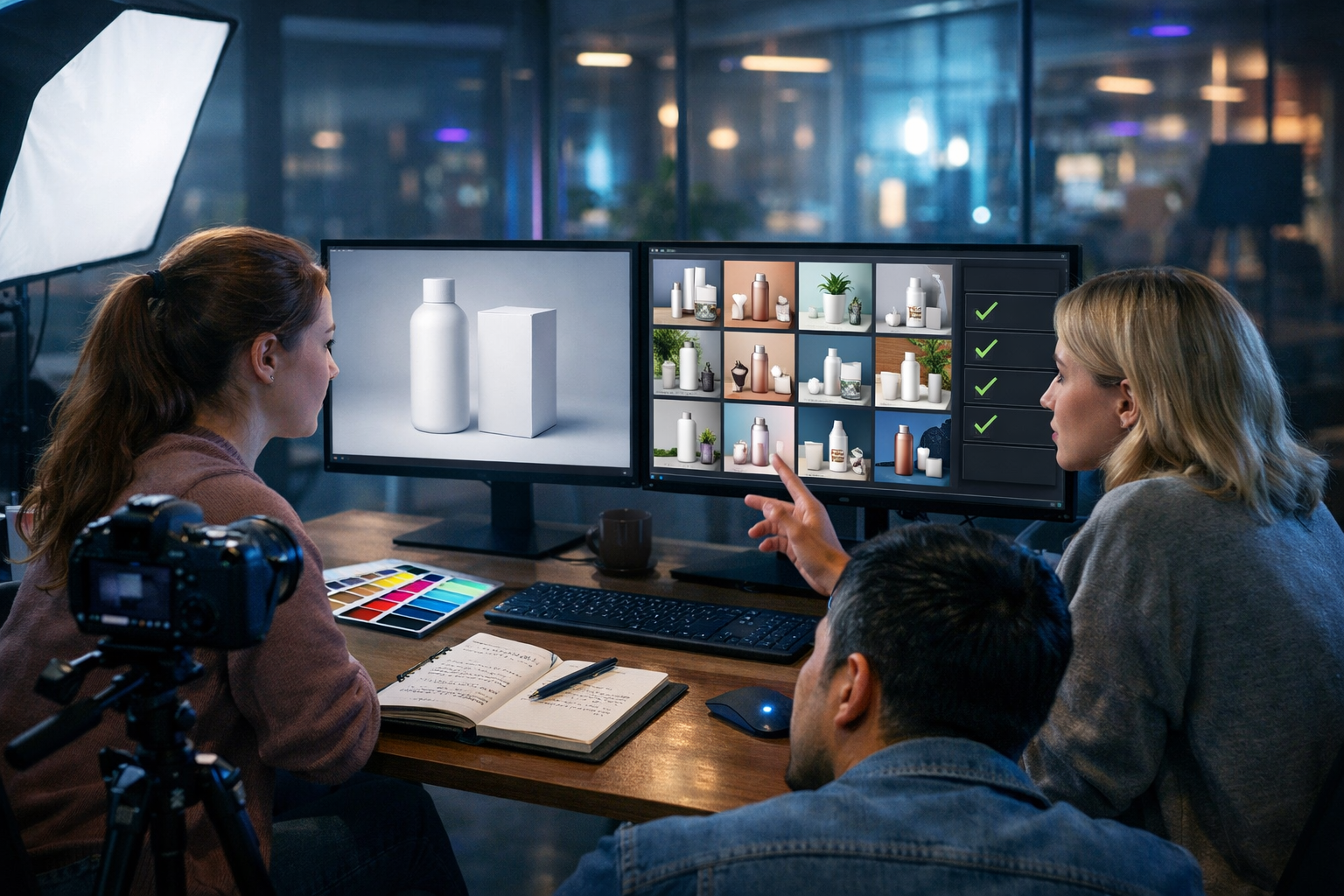
Creating AI images you can actually use in ads, websites, packaging, and client work is less about “making it look good” and more about reducing legal and brand risk. This guide explains how to generate commerically safe AI images with a practical workflow—prompting, design choices, documentation, and final checks—so your visuals are both high-quality and suitable for commercial use.
What “commerically safe” really means (and what it doesn’t)
People often use “commercially safe” as shorthand for “I won’t get into trouble using this image in marketing”. In reality, no tool can guarantee zero risk, because legal outcomes depend on context, jurisdiction, and how an image is used. The goal is to minimise risk with sensible guardrails and evidence.
In practice, commercially safer AI images avoid:
- Recognisable brands, logos, and trade dress (packaging shapes/colours strongly associated with a brand).
- Recognisable real people (without clear permission/model release).
- Distinctive copyrighted characters, franchises, or “in the style of” living artists when it’s too close.
- Misleading depictions (e.g., fake endorsements, fake product claims, or deceptive before/after imagery).
A commerically safe workflow also includes documenting what you did: the prompts, tool settings, and checks. That documentation is helpful for client approvals and internal compliance.
Commercial use basics: copyright, trademarks, and personality rights
To generate commerically safe AI images, you need to understand the most common risk areas:
1) Copyright (artwork, characters, and creative expression)
Copyright protects original creative expression. Risk increases when an AI output is substantially similar to a specific copyrighted work (e.g., a famous poster composition, a movie still, a well-known character design, or a distinct illustration).
2) Trademarks (logos, brand names, and confusing similarity)
Trademarks protect signs that indicate a brand (logos, names, slogans), and sometimes the overall look/feel of packaging (trade dress). Even if you do not copy a logo exactly, you can still create confusion if the design looks like a specific brand.
3) Personality rights (faces, likeness, and publicity)
Using a recognisable person—especially a celebrity or public figure—can trigger privacy/publicity issues. For marketing, assume you need explicit permission if the person is recognisable.
4) Client and platform policies
Many ad platforms and marketplaces have strict rules on deceptive imagery, sensitive attributes, and misleading claims. A “legal” image can still be rejected by an ad review team if it looks manipulated or confusing.
Choose the right approach: safest image categories to generate
If you want the lowest-risk path, prioritise images that are inherently less likely to infringe or mislead. These categories are typically safer:
- Abstract backgrounds (gradients, textures, geometric patterns) for banners and social posts.
- Generic product mock-ups (unbranded packaging, blank labels, simple shapes).
- Concept photography (hands using a laptop, desk setups, anonymous silhouettes) without identifying features.
- Original icons/illustrations built from simple shapes (avoid copying any recognisable icon set).
- Internal visuals (e.g., training slides) where brand confusion risk is lower—still avoid copying, but distribution is controlled.
Higher-risk categories include celebrity lookalikes, recognisable characters, “in the style of [living artist]”, and images that mimic a competitor’s packaging or hero product shots too closely.
A practical workflow: how to generate commerically safe AI images
Use this workflow whenever you create visuals for websites, paid ads, social campaigns, product pages, or client deliverables.
Step 1: Define the use case and risk level before prompting
Start by writing down where the image will appear and who will see it. The broader the distribution and the higher the revenue impact, the more cautious you should be.
- Low risk: internal slide deck, blog header, generic website background.
- Medium risk: social ads, email banners, product listing images.
- High risk: packaging, billboards, claims-heavy healthcare/finance ads, anything implying endorsement.
Your prompts and checks will be stricter for medium/high risk use.
Step 2: Prompt for originality and avoid brand/artist references
The simplest way to reduce IP risk is to remove references to specific brands, franchises, and living artists. Instead, describe the visual in terms of lighting, materials, camera setup, era, and mood.
Risky prompt: “Create a perfume advert like Chanel, minimal black-and-white, with a bottle similar to No.5.”
Safer alternative: “Photorealistic studio product photography of an unbranded glass perfume bottle with a blank label, black-and-white high-contrast lighting, soft shadow, 85mm lens look, clean minimal background.”
When generating in Gen AI Last, you can iterate rapidly with small prompt adjustments, which is ideal for nudging outputs away from recognisable brand cues while keeping the marketing intent intact. You can generate supporting copy for the same campaign using our AI content tools so the headline and the image concept stay consistent.
Step 3: Add “negative constraints” to reduce accidental logos and text
AI image models sometimes hallucinate logos, brand-like marks, or random text. Even if that text is nonsense, it can look like a real mark in an advert.
Include constraints such as:
- No logos, no brand names, no trademarks
- No readable text, no watermarks, no signatures
- Plain packaging, blank labels, generic shapes
If you need typography, add it later using your design tool (or keep it separate from the AI-generated raster image) so you can fully control what appears.
Step 4: Keep people non-identifiable unless you have releases
People can boost conversion rates, but they add legal and reputational complexity. For safer commercial use:
- Use backs of heads, hands, silhouettes, or cropped frames.
- Avoid unique tattoos, distinctive jewellery, school uniforms, or anything that could identify a real person.
- Avoid prompts like “a famous actress”, “a footballer”, or “looks like [celebrity]”.
If you truly need a recognisable spokesperson, use traditional photography with a signed release, or work with a licenced asset provider. AI is best used for concept shots and anonymised lifestyle imagery.
Step 5: Avoid protected characters and lookalikes
Many commercial conflicts come from character resemblance: costumes, colour palettes, props, and facial structure that point clearly to a franchise. Even “inspired by” can cross the line if the output is too close.
If your campaign needs a “wizard”, describe generic attributes (robe, staff, dramatic lighting) without referencing specific worlds, names, symbols, or recognisable costume details.
Step 6: Run a visual “brand confusion” check
Before publishing, ask: “Could a normal customer mistake this for a real brand or think it’s endorsed by them?”
- Zoom in and scan for hidden logos/text on clothing, devices, bottles, signs, and packaging.
- Check colours and shapes: does the packaging silhouette mimic a well-known competitor?
- Check the setting: branded storefronts, car badges, sports teams, and product placements often appear unintentionally.
- If in doubt, regenerate with stricter constraints or simplify the composition.
Step 7: Keep a simple compliance record (clients love this)
For each final image, keep a short note with:
- Prompt and key constraints (e.g., “no logos, no text”).
- Intended use (social ad, homepage hero, etc.).
- Any post-edits made (cropping, removing artefacts, adding brand typography).
- Date and version number.
This makes approvals faster and reduces repeated debates about “where did this come from?”
Prompt templates you can copy (commercial-safe leaning)
Use these as starting points in Gen AI Last, then iterate based on your brand colours and layout needs.
Template 1: Unbranded product hero image
Prompt: “Photorealistic studio product photography of an unbranded [product type] with a blank label, centred composition, softbox lighting, clean shadow, neutral background, high detail, 16:9 wide. No logos, no readable text, no watermarks, no brand marks.”
Template 2: Lifestyle marketing image without identifiable people
Prompt: “Photorealistic lifestyle photo in a modern home office: hands using a laptop beside a coffee mug and notebook, warm natural window light, shallow depth of field, 16:9 wide. No logos, no readable text, no brand names, no watermarks.”
Template 3: Abstract banner background
Prompt: “Abstract gradient background with soft flowing shapes, subtle grain texture, modern palette of [your colours], high resolution, 16:9 wide. No text, no logos, no watermarks.”
Template 4: Service concept image (generic, not brand-referential)
Prompt: “Photorealistic scene in a modern agency: team collaborating around a desk with tablets and printed mock-ups, cool blue tech lighting with neon accents, cinematic depth of field, 16:9 wide. No logos, no readable text, no watermarks.”
Pair these visuals with consistent campaign messaging generated via our AI content tools—for example, matching ad headlines, landing page copy, and product descriptions.
Editing tips to make AI images safer (and more professional)
A small amount of editing can dramatically reduce risk and improve output quality:
- Remove accidental marks: clone out any logo-like icon, weird label, or text artefact.
- Replace screens: if the image contains a laptop/phone screen, blank it or insert your own UI mock-up.
- Crop strategically: remove background signs, storefronts, or car badges.
- Add your branding separately: place your logo and typography in a controlled layer so you’re not relying on the model to “render” branding accurately.
If you’re producing a full campaign, consider extending the workflow: generate the static key visual, then use AI video generation for short social variations and AI audio for voice-over. Gen AI Last keeps these capabilities under one roof, with full access starting at view pricing from $10/month.
Common mistakes that make AI images commercially risky
- Naming brands in prompts “so the model knows what you mean”. It often produces something confusingly similar.
- Requesting “in the style of” living artists for client work. Even if not illegal in all contexts, it can create reputational and contractual issues.
- Using celebrity lookalikes for ads. This can trigger takedowns and legal complaints quickly.
- Ignoring background details (street signs, brand labels, UI icons, jerseys).
- Assuming AI outputs are automatically owned/cleared. Always review your platform/tool terms and keep a record.
A lightweight “commercial safety checklist” before you publish
Run this checklist on every image going into a paid or client-facing campaign:
- No logos or brand names? Check clothing, packaging, devices, signage.
- No readable text? Especially on labels, screens, book spines, posters.
- No recognisable people? If yes, do you have permission and documentation?
- No obvious character/franchise cues? Costumes, props, symbols.
- No confusing similarity to a competitor? Packaging silhouette, colour blocks, iconic layouts.
- Truthful representation? If it implies performance/results, ensure it’s not misleading.
- Stored your prompt + version? Keep a simple record for approvals.
How Gen AI Last supports safer commercial image creation
A safe process is easier when you can iterate quickly and keep campaign assets aligned. With Gen AI Last you can:
- Generate multiple image variations from a single concept prompt, making it easier to avoid accidental brand-like artefacts.
- Create matching text assets (ads, landing pages, product descriptions) so you don’t need to over-rely on the image to “say” everything.
- Extend the same concept into video and audio for multi-channel campaigns—use consistent, compliant messaging across formats.
If you’re building on a budget, the all-in-one plan structure is designed for startups and small teams. You can start creating for free and move to paid when you’re ready to scale.
FAQs: how to generate commerically safe AI images?
Can I use AI images for ads and client work?
Often yes, but you should treat AI images like any other marketing asset: verify your usage rights under your tool’s terms, avoid IP/personality risks, and keep a record of prompts and edits. For high-stakes campaigns, consider a legal review.
Is “no logos, no text” enough?
It’s a strong start, but not sufficient on its own. Packaging shapes, colourways, character silhouettes, and recognisable faces can still create problems. Use the checklist above and regenerate if anything looks too close to a known brand or person.
What if the AI generates a fake logo or random letters?
Treat it as a risk. Remove it in editing or regenerate. In advertising, random marks can look like a real trademark and create confusion.
Should I avoid “in the style of” prompts?
For commercial work, it’s safer to describe the aesthetic using neutral art direction (lighting, composition, palette, medium) rather than referencing a living artist. It’s also more professional for client approvals.
Final takeaway
To generate commerically safe AI images, focus on two things: (1) prompts that drive originality and avoid brands/identities, and (2) a repeatable review process that catches logos, text artefacts, recognisable likenesses, and confusing similarity before you publish. With a disciplined workflow—and fast iteration using Gen AI Last—you can produce marketing-ready visuals that are both compelling and far less risky to use commercially.
Ready to build a safer creative pipeline? Explore our AI content tools, check view pricing from $10/month, or start creating for free.
Ready to Create with Generative AI?
Join thousands of creators using Gen AI Last to generate text, images, audio, and video — all from one platform. Start your 7-day free trial today.
Start Free — Try 7 DaysQuick Links
Create AI content from $10/month
View Plans