How to Generate Podcast Episodes With AI (Step-by-Step)
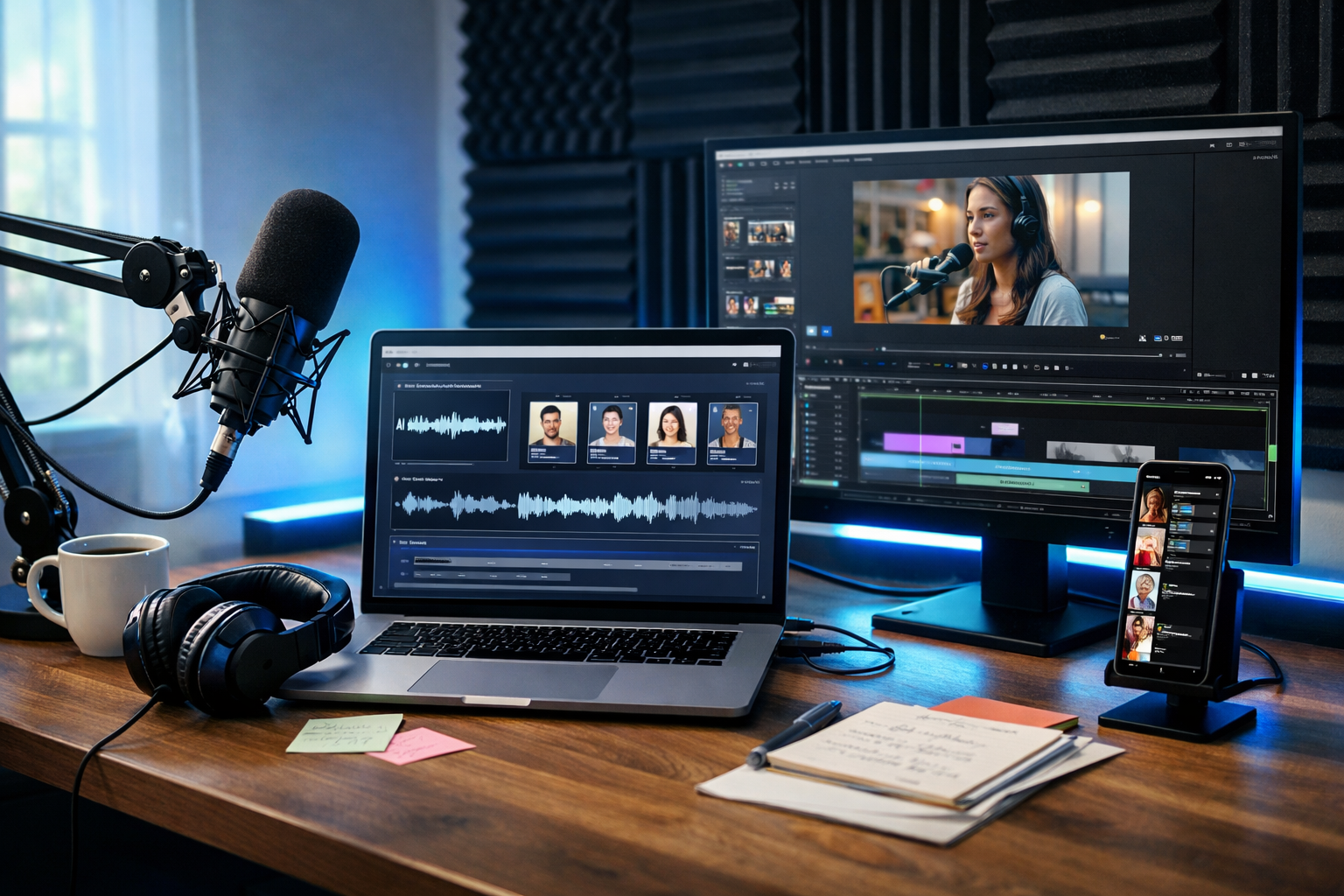
If you’ve ever abandoned a podcast idea because scripting, recording, editing and promotion felt like a full-time job, AI can change the economics. Today you can generate podcast episodes with AI by turning a simple brief into a researched outline, a polished script, natural-sounding narration, background music, and even promotional visuals—without needing a studio or a large team.
What “generate podcast episodes with AI” actually means
Generating podcast episodes with AI isn’t one single button. It’s a workflow where AI helps you produce (and keep producing) episodes faster while maintaining consistent quality. In practice, AI can support:
- Topic research and angle selection based on your audience and niche.
- Episode outlines, segment planning, and repeatable show formats.
- Scriptwriting for solo shows, interviews, or co-host formats.
- AI voice narration (including multiple voices for hosts/characters).
- Intro/outro writing and production, plus background music.
- Marketing assets: show notes, social captions, images and short videos.
The most useful approach is to build a repeatable system. Gen AI Last helps because it combines AI text, audio, image and video generation in one place—so you can create the entire episode package from a single brief. Explore our AI content tools to see what you can generate end-to-end.
Before you start: choose a format AI can consistently produce
AI works best when you give it constraints. Pick a format you can repeat weekly, then refine. Common AI-friendly formats include:
- Solo “teaching” episodes (8–20 minutes): one topic, clear takeaway, structured segments.
- News/round-up (10–15 minutes): three stories, each with “what happened / why it matters / what to do next”.
- Listener Q&A (10–25 minutes): prompt AI with real FAQs, answer with examples.
- Scripted interviews: AI generates questions, follow-ups, and summary; you record the conversation (or narrate a “simulated” case study clearly labelled as such).
- Fiction or dramatised storytelling: multi-voice narration, scene-based scripts, sound design.
For most creators and small businesses, a solo teaching format is the simplest: it’s predictable, scalable, and easy to convert into blogs, newsletters and social posts.
Step-by-step: how to generate podcast episodes with AI
Step 1: Create a one-paragraph episode brief (your “single source of truth”)
Start with a tight brief that every AI output will reference. Include: who the episode is for, the problem, the promise, and the desired action. Here’s a reusable brief template:
- Audience: Who exactly is listening?
- Core problem: What are they struggling with right now?
- Episode promise: What will they know/do by the end?
- Tone: Friendly, expert, candid, humorous, etc.
- Proof points: Your experience, mini case study, key stats (only if you can verify).
- CTA: Subscribe, download, book a call, visit a page, etc.
Example brief: “This episode is for Shopify store owners doing £10k–£50k/month who feel stuck on content. Teach a simple weekly content system: one podcast → clips → blog → emails. Tone: practical, non-hype. Include 2 examples of repurposing and a closing checklist. CTA: subscribe and test the workflow next week.”
Step 2: Generate an outline with clear segments and timings
Ask AI text generation to produce a segment-based outline with approximate timing. This ensures your final audio lands at the intended duration and doesn’t drift.
Outline structure that works well:
- Hook (0:00–0:30): a sharp promise or problem statement.
- Context (0:30–2:00): why this matters now.
- Main teaching (2:00–12:00): 3–5 points with examples.
- Pitfalls and fixes (12:00–14:00): common mistakes, quick remedies.
- Action checklist (14:00–15:00): step-by-step what to do next.
- CTA + outro (15:00–16:00).
In Gen AI Last, you can generate multiple outline variations quickly, then pick the one that best matches your style and audience.
Step 3: Turn the outline into a speakable script (not an essay)
Podcast scripts should sound natural. When you generate the script, instruct AI to use short sentences, contractions, and signposting. Ask for: (1) host cues, (2) pauses, (3) emphasis markers, and (4) optional ad-break placeholders.
Practical prompt you can reuse: “Write a 15-minute podcast script using this outline. Make it conversational British English. Use short paragraphs, natural transitions, occasional rhetorical questions, and clear signposting (‘First…’, ‘Next…’). Include a 10-second intro and a 20-second outro with CTA. Add [PAUSE] and [EMPHASIS] markers. Avoid jargon unless explained. Provide two real-world examples.”
If you have a distinctive voice, paste a sample transcript of your speaking style and ask AI to mirror it (while keeping facts accurate). This is where AI text generation provides the biggest time savings.
Step 4: Fact-check, de-risk, and add your experience (E-E-A-T)
AI can sound confident while being wrong. Protect your credibility by doing a quick “verification pass” before audio generation:
- Verify claims: stats, timelines, legal/medical advice (avoid if unqualified).
- Replace generic advice with lived experience: what you tried, what happened, what you learned.
- Remove filler: tighten intros, cut repetitive sections.
- Add specificity: tools, step counts, example numbers, checklists.
A strong rule: if you can’t explain where a claim comes from, remove it or reframe it as an opinion or hypothesis.
Step 5: Generate the podcast audio (voice, pacing, and tone)
Now convert the script into audio using AI audio generation. For best results, adjust the script for narration:
- Write numbers how you’d say them (e.g., “ten to fifteen minutes” rather than “10–15 mins”).
- Avoid long sentences with multiple clauses.
- Use pronunciation notes for brand names or acronyms.
- Insert short pauses between segments and lists.
Multi-voice tip: If your show uses two hosts, generate two distinct voices and assign lines accordingly (e.g., HOST A / HOST B). This can make AI-generated episodes feel far more dynamic.
Gen AI Last supports AI audio for narration and podcast-style voice-overs, so you can go from script to listenable audio without leaving the platform.
Step 6: Add intro/outro and background music (without overpowering speech)
Music is branding. Keep it subtle and consistent. You can generate a short intro theme and light background beds, then reuse them across episodes. Guidelines:
- Volume: background music should sit well under the voice (listeners shouldn’t strain).
- Consistency: use the same intro/outro across a season for recognisability.
- Duration: intros typically 6–12 seconds; outros 10–20 seconds.
- Transitions: use a short stinger between major segments (optional).
If your podcast targets professionals, aim for clean, modern, unobtrusive music rather than dramatic cinematic tracks—unless your genre calls for it.
Step 7: Create show notes, timestamps, titles, and descriptions with AI
Great show notes improve discovery and listener retention. Use AI text generation to create:
- Episode title: benefit-led, specific, not clickbait.
- Episode description: 150–250 words, include who it’s for and what you’ll learn.
- Key takeaways: 5–8 bullets.
- Timestamps: segment markers to help listeners jump around.
Example title formulas: “How to [Outcome] Without [Pain]”, “The [Number]-Step System for [Audience]”, “What I’d Do Differently If I Started [Topic] Again”.
Step 8: Generate promotional images and short videos for social
A podcast grows when each episode becomes a content pack. With Gen AI Last you can generate supporting assets from the same episode brief:
- AI images: episode cover variations, quote cards, carousel-style visuals.
- AI videos: short promo clips, audiogram-style reels, simple explainer videos.
- AI text: platform-native captions, hooks, and CTAs for LinkedIn, Instagram, TikTok, and X.
A practical repurposing plan for one episode:
- Create 3 short clips (15–30 seconds) with one key takeaway each.
- Generate 5 social posts: one contrarian take, one checklist, one story, one quote, one question.
- Turn the script into a blog post or newsletter (lightly edited for reading).
This is where an all-in-one platform saves time: you’re not copying/pasting across four different tools.
A repeatable AI podcast workflow you can run weekly
Here’s a simple weekly cadence for a solo show (aiming for 15 minutes):
- Monday: write brief → generate 3 outlines → choose 1.
- Tuesday: generate script → fact-check → add your examples.
- Wednesday: generate voice audio → add intro/outro music.
- Thursday: generate show notes + 3 clips + images.
- Friday: publish → schedule promos → collect questions for next week.
If you’re a small team, assign one owner per stage (script, audio, promotion) and keep a shared template library so each episode feels consistent.
Quality checklist: make AI-generated podcasts sound human
Listeners don’t mind AI assistance; they mind blandness. Use this checklist before publishing:
- Hook: first 20 seconds clearly state the benefit.
- Specificity: at least two concrete examples or mini case studies.
- Editing: remove repeated points and long preambles.
- Voice: natural pacing, intentional pauses, no robotic over-enunciation.
- Structure: signposting between sections so it’s easy to follow.
- CTA: one clear next step, not five.
If you want an easy win, read the script out loud once (even if you’ll use AI voice). You’ll immediately spot sentences that don’t sound like speech.
Ethics, disclosure, and rights: what you should get right
AI can speed up production, but you still own the responsibility for what you publish. Keep your process clean:
- Be honest where it matters: if you’re using an AI voice to represent a real person, get permission; don’t impersonate.
- Avoid sensitive advice: legal, medical, or financial advice should be reviewed by a qualified professional or framed carefully.
- Respect IP: don’t ask AI to mimic a specific celebrity voice or lift copyrighted scripts.
- Keep records: store your briefs and drafts so you can correct errors quickly.
When in doubt, prioritise trust. A podcast is a long game; credibility compounds.
Frequently asked questions
Can AI fully generate a podcast episode without me?
Yes, but the best results come from human direction. Let AI generate the first draft script and audio, then you add viewpoint, examples, and a quick fact-check. That combination usually beats fully automated output.
Will listeners know it’s AI?
If you keep the script conversational and use natural pacing, many listeners won’t notice or won’t care. The bigger giveaway is generic content. Prioritise specificity and real insight.
How much does it cost to start generating podcast episodes with AI?
With Gen AI Last, you get full access to text, image, audio and video generation from $10/month, which is designed to be affordable for startups and small teams. You can view pricing from $10/month and scale as your show grows.
Get started: create your first AI-generated episode package
To generate your first episode, start with a one-paragraph brief, produce a timed outline, write a speakable script, and then generate narration and promos in one workflow. Gen AI Last is built for this “episode to content pack” approach—text, audio, images, and video in a single platform.
If you want to test the process today, start creating for free, then explore our AI content tools to generate your script, voice-over, cover art, and short promo clips from the same prompt.
Next step: pick one episode idea you can confidently teach, write the brief, and aim for a 10–15 minute pilot. Once you’ve shipped one, you’re no longer “planning a podcast”—you’re publishing one.
Ready to Create with Generative AI?
Join thousands of creators using Gen AI Last to generate text, images, audio, and video — all from one platform. Start your 7-day free trial today.
Start Free — Try 7 DaysQuick Links
Create AI content from $10/month
View Plans