How to Generate Podcast Episodes with AI (Step-by-Step)
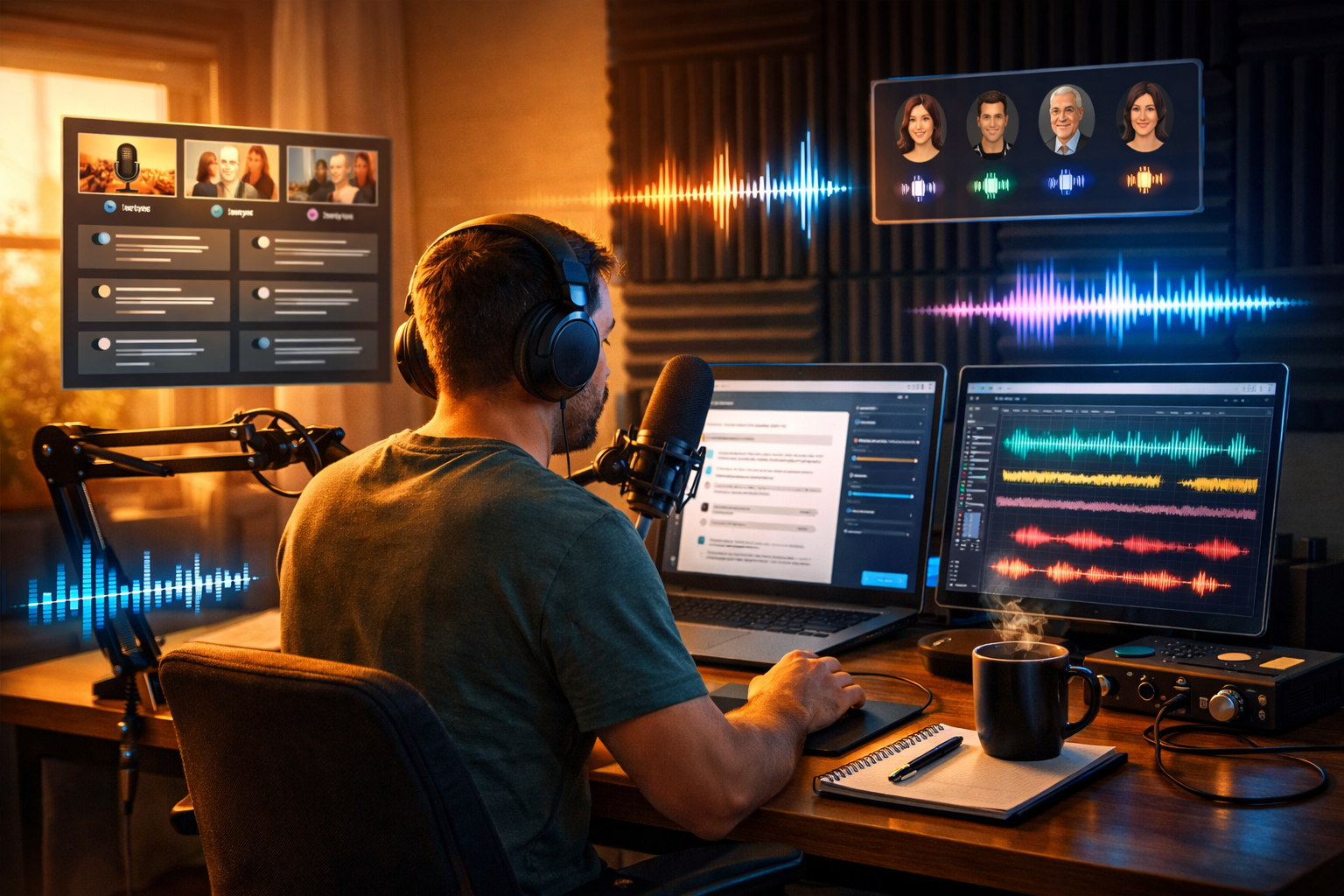
If you’ve ever struggled to keep a podcast schedule, AI can change the game: it helps you brainstorm stronger topics, draft tighter scripts, generate clean voice-overs, add music, and repurpose every episode into clips and posts—without a full production team. This guide explains exactly how to generate podcast episodes with AI, step by step, using a practical workflow you can repeat every week.
What “generating podcast episodes with AI” actually means
Generating podcast episodes with AI isn’t about pressing one button and getting a perfect show. In practice, AI supports each stage of production so you can move faster and improve quality. You still choose the angle, approve the final script, and ensure the audio matches your brand.
- Planning: topic ideas, episode structure, research summaries, hook writing.
- Scripting: long-form scripts, interview questions, transitions, calls to action.
- Audio creation: AI voice-over, intro/outro narration, background music.
- Editing support: rough cut guidance, filler word removal plan, segment timing.
- Distribution: titles, show notes, timestamps, social captions, blog companion posts.
With an all-in-one platform like Gen AI Last, you can run much of this workflow from one place: text for scripts and show notes, audio for voice and music, images for episode artwork and social graphics, and video for reels or audiogram-style promos. Explore our AI content tools to see how the pieces fit together.
Before you start: pick a repeatable episode format
AI works best when you standardise your format. Choose one template you can reuse, then let AI fill the blanks. Here are formats that are especially AI-friendly:
- Solo “teaching” episode (10–25 minutes): one idea, three supporting points, one actionable takeaway.
- News/insights roundup (15–30 minutes): 3–5 stories, why they matter, what to do next.
- Listener Q&A (10–20 minutes): one question per segment, concise answers, quick examples.
- Interview (30–60 minutes): AI helps with guest research, question lists, and intro/outro scripting.
Tip: start with a solo format if you want speed. You can add interviews once your production pipeline is stable.
Step-by-step: how to generate podcast episodes with AI
Step 1: Generate episode ideas that match your audience
Good podcasts are built on audience pain points and curiosity, not random topics. Use AI text generation to produce a list of episodes tied to outcomes your listeners want.
Practical prompt you can reuse: “You are a podcast producer. My podcast is about [topic]. My audience is [role] who struggles with [problem]. Generate 20 episode ideas with a clear promise, plus a one-sentence hook and 3 bullet talking points for each. Keep each idea specific and actionable.”
Then shortlist 3–5 ideas and validate quickly:
- Check what questions appear in forums, LinkedIn comments, Reddit, or YouTube.
- Look at competitor episode titles—find gaps or angles they missed.
- Pick topics that naturally lead to your product, service, or newsletter (without forcing it).
Step 2: Build a solid outline (the “episode blueprint”)
An outline keeps AI scripts from becoming rambling. A strong blueprint for a 15–20 minute solo episode might look like this:
- Cold open (15–30s): what they’ll learn and why it matters today.
- Intro (20–40s): who you are, the show promise, quick CTA.
- Context (1–2 mins): define the problem and common mistakes.
- Main section (10–14 mins): 3–5 points with examples.
- Action plan (1–2 mins): steps to implement this week.
- Outro (20–40s): recap + CTA + teaser next episode.
Use AI text generation to expand your outline into a timed structure: “Write a podcast outline that targets 18 minutes. Include approximate time stamps per section and a one-sentence goal for each segment.”
Step 3: Generate a natural-sounding script (without “AI voice”)
The biggest giveaway of AI-written podcasts is overly formal phrasing and generic advice. Fix this by giving the model constraints: your tone, pacing, and specific examples.
Script prompt (high-performing): “Write a podcast script for the outline below. Use British English. Keep sentences short and speakable. Add rhetorical questions, occasional light humour, and practical examples from [industry]. Avoid clichés and avoid saying ‘in today’s world’. Include (1) a 20-second cold open, (2) clear transitions between sections, (3) a concise CTA to [action], and (4) a 30-second outro teasing the next episode about [topic].”
After you generate the script, do a quick “human pass”:
- Read it out loud once. Tighten anything you stumble over.
- Replace generic examples with your real experience, client stories, or numbers.
- Cut 10–20% for pace. Most scripts improve when shortened.
Gen AI Last makes this fast because you can iterate scripts, rewrite segments, and generate alternative intros/outros in seconds using the same workspace. If you’re building a lean production stack, view pricing from $10/month for full access to text, audio, image, and video generation.
Step 4: Create AI voice (or a hybrid of your voice + AI)
You have three realistic options for AI-driven narration:
- Fully AI voice-over: fastest for consistent production, ideal for educational podcasts, internal training, or multi-language versions.
- Hybrid: you record the main sections; AI generates the intro/outro, ads, or corrections.
- AI polishing support: you record everything; AI helps with additional assets (show notes, clips, promo).
When generating AI narration in Gen AI Last’s AI Audio Generation, focus on delivery details:
- Choose a voice style that matches your brand (warm, authoritative, energetic).
- Add pauses with punctuation and line breaks for breath and emphasis.
- Spell tricky names phonetically in brackets if needed.
- Generate in sections (cold open, intro, segment 1, etc.) so revisions are painless.
Step 5: Generate intro/outro music and background beds (carefully)
Music can elevate production value, but it can also distract. Use short, consistent elements:
- Intro theme: 8–12 seconds.
- Segment stinger: 2–4 seconds (optional).
- Outro theme: 8–12 seconds.
AI audio generation can create royalty-friendly background music quickly. Keep it minimal and ensure it sits under speech (lower volume, less busy instrumentation). Always listen on earbuds and a laptop speaker—if the voice clarity suffers, reduce or remove the bed.
Step 6: Assemble and “light edit” the episode
Even AI-generated voice tracks benefit from basic editing. Your goal is clarity and flow, not perfection.
- Leveling: keep voice volume consistent across sections.
- Noise and clicks: remove obvious distractions.
- Pacing: trim long pauses; shorten repetitive sentences.
- Music mix: fade in/out cleanly and keep it subtle.
If you’re doing a hybrid approach (you record + AI assists), AI text generation can help you create a precise edit plan: “Here is my rough transcript. Identify repetitive sections, suggest cuts to reach 18 minutes, and rewrite two transitions so the flow is smoother.”
Step 7: Generate show notes, timestamps, and SEO-friendly titles
Publishing consistency is where many podcasts fall apart. Let AI handle the “packaging” so you can stay on schedule.
Use AI text generation to produce:
- Episode title options: clear outcome + curiosity (avoid clickbait).
- Short description: 1–2 sentences for podcast apps.
- Full show notes: key points, tools mentioned, action steps.
- Timestamps: segment markers that improve UX.
Title prompt example: “Generate 12 podcast titles for an episode teaching [topic]. Each title must be under 60 characters, include a clear benefit, and avoid hype. Provide 3 options that include the phrase ‘AI’ and 3 without it.”
Step 8: Create episode artwork and promo graphics with AI
Strong visuals increase clicks on social and help your show look established. With AI image generation, you can create:
- Episode cover variants (on-brand colours, consistent layout style).
- Quote cards (key takeaway + your photo or a relevant visual).
- Carousel graphics summarising the episode steps.
Keep branding consistent: reuse the same font style (where applicable in your design tool), colour palette, and image style across episodes. AI should speed up the creative process, not make every post look different.
Step 9: Turn the episode into short videos (reels, shorts, TikToks)
Podcast growth is often driven by short-form distribution. With AI video generation, you can create promotional assets quickly, such as:
- Audiogram-style clips with waveforms and stock visuals.
- A talking-head style explainer (if you have video) plus captions.
- A “3 key takeaways” reel for LinkedIn and Instagram.
A practical approach: pick 2–3 moments per episode (a punchy insight, a surprising stat, a step-by-step mini framework). Then ask AI to write captions and hooks tailored to each platform.
A repeatable weekly workflow (60–120 minutes per episode)
Here’s a realistic cadence for a solo show using AI heavily. Your timing will vary, but this gives you a target.
- 15 mins: pick topic + generate outline.
- 20–30 mins: generate script + edit for your voice.
- 10–25 mins: generate AI voice in sections and re-generate any weak parts.
- 10–20 mins: assemble audio + add intro/outro music.
- 15–25 mins: generate show notes, titles, promos, and 2–3 short clips.
If you want to streamline everything (script, voice, visuals, and clips) without juggling separate subscriptions, you can start creating for free and build your podcast pipeline inside one platform.
Best practices: how to keep AI-generated podcasts trustworthy
To stay credible (and avoid spreading misinformation), treat AI as a production assistant, not a source of truth.
- Fact-check anything specific: stats, claims about health/finance/legal topics, and quotes.
- Add first-hand experience: what you tried, what worked, what didn’t, and what you’d do differently.
- Be transparent where needed: if your show uses AI narration, consider a brief note in show notes.
- Respect rights and privacy: don’t upload confidential client information into prompts.
- Maintain a consistent voice: create a style guide (tone, phrases to avoid, episode structure).
Common mistakes when generating podcast episodes with AI (and fixes)
- Mistake: The script sounds like a blog post.
Fix: shorten sentences, add natural transitions, and include spoken cues (pauses, emphasis). - Mistake: Episodes feel generic.
Fix: require specific examples, case studies, and a step-by-step action plan in your prompt. - Mistake: Overproduced music.
Fix: keep beds subtle or skip them; prioritise speech clarity. - Mistake: Inconsistent publishing.
Fix: create a reusable template for outline, script, show notes, and promo assets. - Mistake: Trying to automate everything at once.
Fix: start with AI scripting + show notes; add AI voice and video clips once the basics are stable.
Example: an AI-generated episode prompt pack (copy and adapt)
If you want a single set of prompts you can reuse for every episode, here’s a compact “pack” you can paste into your workflow:
- Outline: “Create a timed outline for an 18-minute solo podcast on: [topic]. Audience: [who]. Goal: [outcome]. Include cold open, intro, 3–5 sections, action plan, outro.”
- Script: “Write a speakable script from the outline. British English. Short sentences. Include 2 concrete examples and one mini case study. Add transitions and a 30-second outro CTA to [action].”
- Voice direction: “Convert this script to a voice-over with a calm, confident tone. Medium pace. Add brief pauses after key points. Pronounce: [names/terms]. Output in sections labelled by segment.”
- Show notes: “Write show notes: summary, 6 key takeaways, action steps, and timestamps based on this script.”
- Promotion: “Create 5 social posts (LinkedIn, X, Instagram) with unique hooks. Then extract 3 short clip scripts (30–45s) with a strong opening line and one takeaway.”
Why Gen AI Last is a practical choice for AI podcast production
Most podcasters end up paying for separate tools: one for scripts, one for voice, another for visuals, and another for video clips. Gen AI Last bundles text, image, audio, and video generation into one platform—helpful for startups and small teams that need speed without enterprise costs. You can draft your episode, generate narration, create cover art, and produce promo videos as part of one consistent workflow via our AI content tools.
Conclusion: a simple way to start today
To generate podcast episodes with AI successfully, start with a repeatable format, use AI to draft outlines and speakable scripts, generate clean voice-over in sections, and let AI handle show notes and promotion. The fastest wins come from consistency: one good template, improved every week.
If you want to try the full workflow without juggling tools, you can start creating for free and then scale with full access plans—view pricing from $10/month.
Ready to Create with Generative AI?
Join thousands of creators using Gen AI Last to generate text, images, audio, and video — all from one platform. Start your 7-day free trial today.
Start Free — Try 7 DaysQuick Links
Create AI content from $10/month
View Plans