How to Generate Podcast Episodes With AI (Step-by-Step)
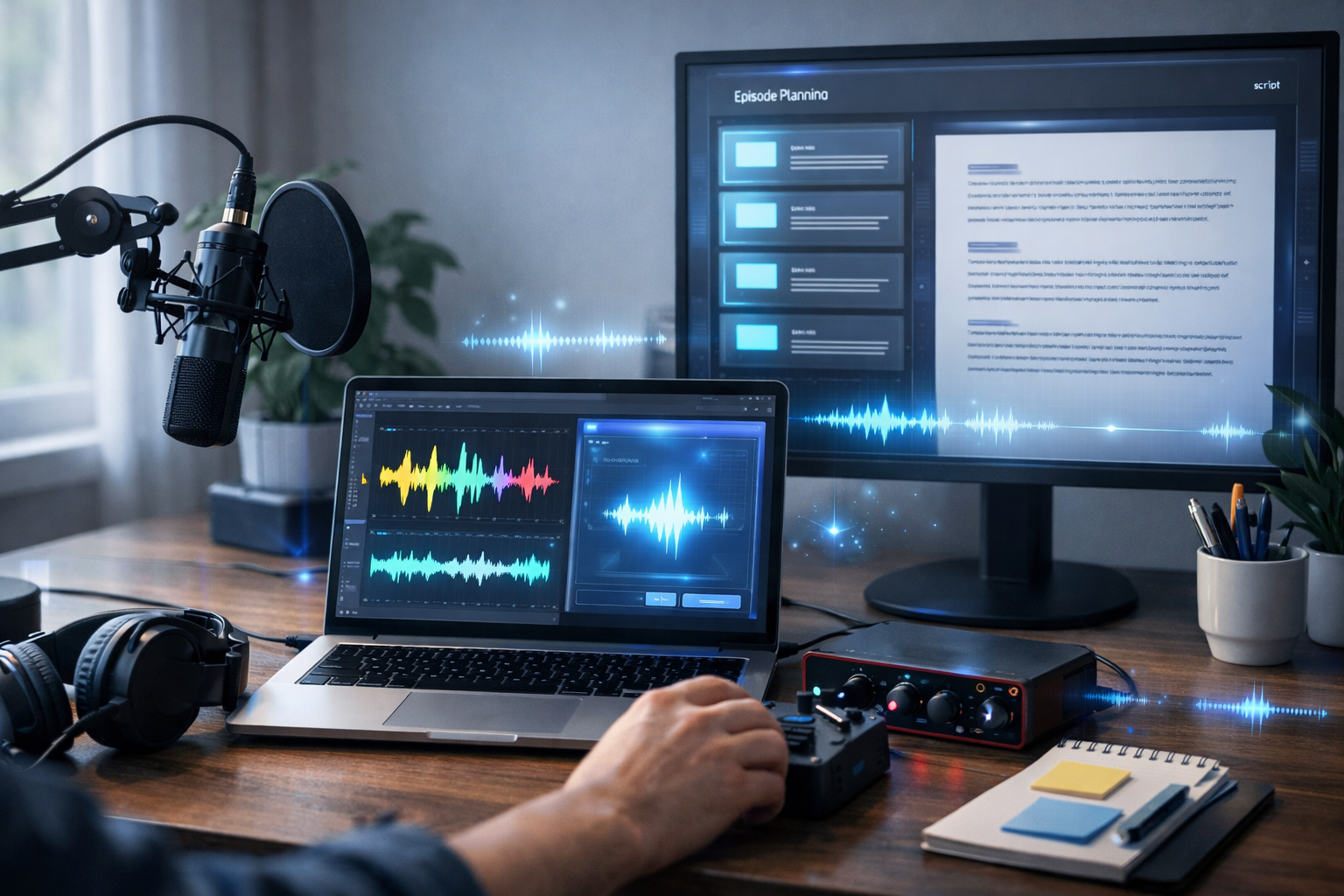
If you’ve ever stared at a blank page trying to plan an episode, record clean audio, edit out mistakes, write show notes, and still publish on schedule, you already know podcasting is a production pipeline—not a single task. The good news is that AI can now help you generate podcast episodes end-to-end: research, scripting, voice, music, editing assets, and all the promotional content—without needing a studio team.
In this guide, you’ll learn exactly how to generate podcast episodes with AI using a repeatable workflow you can run weekly. We’ll cover what to automate, what to keep human-led (so your show stays authentic), and how to use an all-in-one platform like Gen AI Last to keep everything in one place.
What “generating a podcast episode with AI” really means
AI can support podcast creation in two main ways:
- Content generation: topic ideas, episode structure, research summaries, interview questions, scripts, hooks, titles, and show notes.
- Production generation: voice-overs (narration or character voices), intro/outro audio, background music beds, and even video/audio assets for promotion.
The goal is not to “replace” your voice; it’s to remove bottlenecks so you can publish consistently and improve quality over time. You remain the editor-in-chief—AI becomes your producer, writer, and assistant.
Before you start: choose the right episode format for AI
Some podcast formats are easier to generate with AI than others. Pick the one that matches your time, skills, and brand.
- Solo narrated episodes: easiest to automate. AI can draft the script and generate a voice-over.
- Co-host chat: partially automatable. AI can create a run-of-show and talking points, but you’ll record the conversation.
- Interview show: great for authority building. AI helps with guest research, questions, and editing assets, while you record the interview.
- News/updates: AI helps summarise sources and draft commentary, but requires careful fact-checking.
If you’re new, start with 10–15 minute solo episodes. They’re long enough to be valuable and short enough to produce weekly.
The end-to-end AI workflow (repeat this each episode)
Here’s a practical workflow you can follow from idea to publishing. You can do it in a few focused sessions, or batch multiple episodes at once.
Step 1: Generate topic ideas that fit your niche and audience
Start by defining: who the show is for, what problem you solve, and what outcome listeners want. Then prompt AI to generate a list of episode ideas tailored to that audience.
Example prompt: “Generate 25 podcast episode ideas for [target audience] who want to [goal]. Keep titles punchy, include 5 beginner topics, 10 intermediate, 5 advanced, and 5 myth-busting episodes. Add a 1–2 sentence summary for each.”
With Gen AI Last, you can generate these ideas using our AI content tools, then shortlist the ones that match your expertise and your listeners’ current questions.
Step 2: Build an episode brief (so the AI output stays on-brand)
The fastest way to get usable scripts is to write a short brief first. Think of it as the “creative constraints” that stop AI from drifting.
- Episode goal: what should the listener know/do by the end?
- Target listener: beginner, intermediate, or advanced?
- Tone: friendly, analytical, humorous, direct.
- Key points: 3–7 bullets you must cover.
- Unique perspective: a story, framework, or opinion that makes it yours.
- Call to action: subscribe, download, visit a page, reply to a question.
This brief takes 5–10 minutes and can cut your editing time in half.
Step 3: Use AI to generate a tight outline (not the full script yet)
Outlines are where AI shines: structure, pacing, and logical order. Ask for timestamps and segments so you can record faster and edit less.
Example prompt: “Create a 12-minute podcast outline on: [topic]. Include: hook (0:00–0:30), credibility line, 3 main sections with examples, a recap, and a closing CTA. Add suggested transitions and where to place a short musical sting.”
Review the outline and adjust the order to match how you naturally speak.
Step 4: Generate the script (two versions: spoken and edited)
Most AI scripts read like articles. The fix is to explicitly request a spoken-word style with shorter sentences, contractions, and stage directions.
- Spoken script: what you’ll actually record (or use for AI narration).
- Clean script: a polished version for your website/transcript page.
Example prompt: “Write a spoken-word podcast script from this outline. Keep sentences under 18 words, use contractions, include breath pauses, and add [Host note:] directions for emphasis. Avoid clichés and generic motivation.”
Generate the script in Gen AI Last, then do a quick human pass: add personal anecdotes, remove anything you wouldn’t say, and ensure claims are accurate.
Step 5: Choose your audio approach: record yourself or generate AI narration
There are three common ways to produce the final voice track:
- Record your own voice: best for trust and brand. AI still helps with scripting, intros/outros, and show notes.
- Hybrid: you record the main content, AI generates the intro/outro, disclaimers, or short segments.
- Full AI voice-over: fastest for consistent output, especially for explainer-style shows or internal/business podcasts.
Gen AI Last includes AI Audio Generation for voice-overs and narration, so you can turn your final script into podcast-ready audio without juggling multiple tools. If you’re a startup or small team, keeping everything under one subscription can simplify production—view pricing from $10/month.
Step 6: Generate intro/outro, stings, and background music (tastefully)
Music can make an episode feel professional, but too much becomes distracting. A good baseline:
- Intro music: 6–10 seconds
- Segment sting: 1–2 seconds (optional)
- Outro music: 8–12 seconds under your CTA
Use AI to generate a consistent audio identity: similar instruments, tempo, and mood across episodes. With Gen AI Last’s audio tools, you can create background music and simple stings that match your show’s vibe (for example: “warm lo-fi for productivity”, “clean tech ambient for SaaS”, or “acoustic upbeat for small business”).
Step 7: Create titles, descriptions, and show notes that actually help discovery
Podcast platforms still rely heavily on text metadata. AI can draft it quickly, but you should guide it with SEO fundamentals:
- Title: clear benefit + specific topic (avoid being too clever)
- Description: 1–2 sentence hook + bullets + CTA
- Show notes: timestamps, resources mentioned, key takeaways
Example prompt: “Write 5 episode titles under 60 characters for this topic. Then write show notes with: a 2-sentence summary, 5 bullet takeaways, and timestamps for each section. Add a short CTA to subscribe.”
Gen AI Last’s AI Text Generation can also produce: newsletter blurbs, LinkedIn posts, X threads, and short TikTok/Instagram captions from the same episode—ideal for repurposing without rewriting everything from scratch.
Step 8: Generate cover art and promotional visuals
Static visuals still matter: episode artwork for your website, social graphics, and thumbnails for YouTube. AI image generation is perfect for creating a consistent template you can reuse each week (same style, changing episode title area added later in your design tool).
With Gen AI Last’s AI Image Generation, create a set of branded assets such as:
- Square episode graphic background (no text)
- Wide banner for blog posts and newsletters
- Quote card background for social clips
Tip: generate 10–20 backgrounds in one session, then reuse them across a season for visual consistency.
Step 9: Turn the episode into a video (for YouTube and reels)
Video is a discovery engine for audio shows. You don’t need a complex edit—start with an audiogram or a simple talking-head + b-roll format.
Gen AI Last’s AI Video Generation can help you create:
- Short social reels summarising one key idea
- Explainer videos matching your episode topic
- Product demo clips if your podcast supports a business
If you publish weekly, aim for: 1 full episode video (optional) + 3 short clips per episode. AI makes the asset creation much less painful.
A ready-to-use prompt pack (copy, paste, customise)
Use these prompts inside Gen AI Last to standardise your workflow.
- Episode ideas: “Create 30 episode ideas for a podcast about [niche]. Audience: [who]. Outcome: [result]. Group by beginner/intermediate/advanced. Include a one-line hook per idea.”
- Outline: “Make a 10–15 minute outline for: [episode title]. Include hook, credibility line, 3 sections with examples, common mistakes, recap, CTA. Add suggested timestamps.”
- Spoken script: “Write a conversational spoken-word script from this outline. Short sentences, natural transitions, no fluff. Add [PAUSE] cues and emphasis notes.”
- Show notes: “Write show notes with: summary, timestamps, key takeaways, tools/resources mentioned, and a final CTA to [action].”
- Social posts: “Create 5 LinkedIn posts, 5 X posts, and 5 short captions promoting this episode. Each should highlight a different insight. Include one question to encourage comments.”
Quality control: how to keep AI-generated episodes trustworthy
AI can be fast, but it can also be confidently wrong. If you want your podcast to build authority (and not lose listener trust), add a simple QC checklist:
- Fact-check claims: verify statistics, dates, and quotes.
- Replace vague advice: add specific steps, tools, or examples.
- Add lived experience: a short story, mistake you made, or what you’d do differently.
- Remove filler: cut repetitive intros, generic motivational lines, and overlong definitions.
- Make it sound human: vary sentence length, use natural transitions, and keep your own phrasing.
If your show covers health, finance, or legal topics, be extra cautious: cite reputable sources and consider adding a short disclaimer.
A realistic production schedule (weekly episode, small team)
Here’s a simple schedule you can stick to without burning out:
- Monday (45–60 min): pick topic, generate outline + script draft
- Tuesday (30–60 min): edit script, record voice or generate narration, create intro/outro
- Wednesday (30–45 min): generate show notes, titles, and social posts
- Thursday (45–90 min): create visuals + 2–3 short video clips
- Friday (15–30 min): schedule publishing and promotion
Once your templates are set, you can batch two or four episodes in a single day—especially if you’re using AI voice-over and standardised segments.
Common mistakes when generating podcast episodes with AI (and how to avoid them)
- Sounding generic: fix by adding your own framework, opinion, or story; keep one “signature segment” each episode.
- Over-scripting: spoken audio needs breathing room. Use bullet cues, not paragraphs, if you record yourself.
- Ignoring listener intent: every episode should answer a real question your audience asks.
- Inconsistent publishing: build an AI-assisted workflow you can maintain weekly.
- No repurposing: your episode should produce a blog post, email, and multiple social assets.
Why an all-in-one platform makes AI podcasting easier
You can stitch together separate tools for writing, audio, images, and video—but switching platforms adds friction: exporting, formatting, and managing assets across multiple subscriptions.
Gen AI Last keeps the workflow streamlined by offering AI text, image, audio, and video generation in one place. That means you can generate:
- Your outline, script, show notes, and promotional copy
- Voice-overs, narration, and background music
- Episode artwork and social visuals
- Short-form videos to grow discovery
If you want to test the workflow quickly, start creating for free and build one complete episode pack (script + voice + visuals) before committing to a publishing schedule.
FAQ: how to generate podcast episodes with AI
Is it legal to use AI voice for a podcast?
In most cases, yes—but you should use properly licensed tools and audio assets, and avoid impersonating real people without permission. If you’re using music, ensure it’s generated or licensed for commercial use.
Will listeners accept AI-generated episodes?
Listeners accept AI when the content is genuinely useful and the delivery is clear. Trust drops when episodes feel generic or misleading. Aim for transparency where appropriate, and keep a strong human editorial hand.
How long should an AI-generated episode be?
For most niches, 10–20 minutes is a great starting point. It’s long enough to deliver value, short enough to produce consistently, and easy to repurpose into clips.
Next steps: build your first AI-assisted episode pack
To put this into action, choose one topic and create a complete “episode pack”: outline, spoken script, voice track (recorded or AI), intro/outro music, show notes, and three promotional posts. Once you can do that once, you can do it every week.
Use our AI content tools to generate the script, audio, visuals, and video assets from the same core idea, then keep the parts that sound like you. Consistency plus quality is what grows a podcast—and AI makes both achievable on a small-team budget.
Ready to Create with Generative AI?
Join thousands of creators using Gen AI Last to generate text, images, audio, and video — all from one platform. Start your 7-day free trial today.
Start Free — Try 7 DaysQuick Links
Create AI content from $10/month
View Plans