How to Generate Podcast Episodes with AI
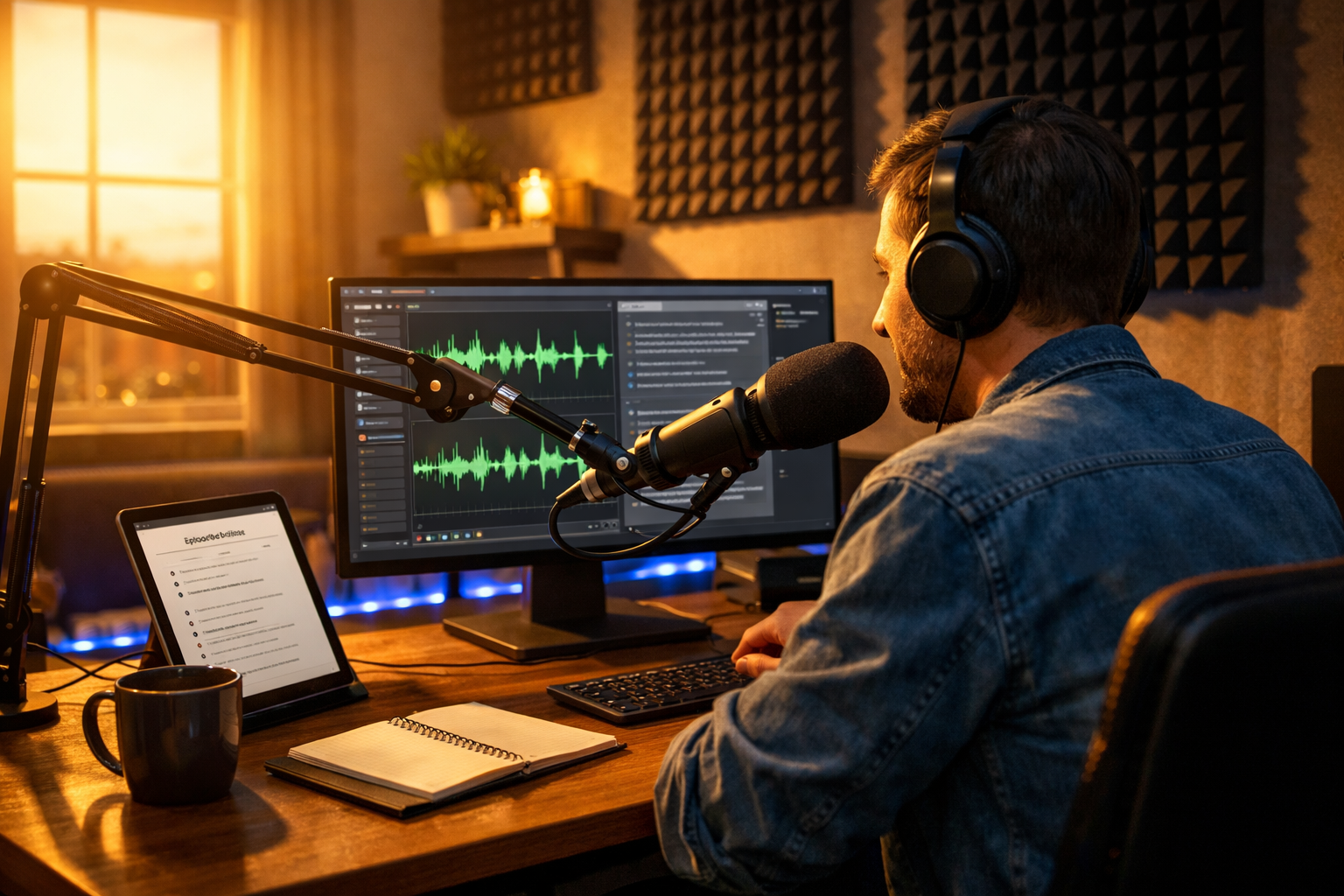
Podcasting has become one of the most powerful ways to build authority, grow an audience, and create meaningful engagement. But producing consistent, high-quality episodes can feel overwhelming. If you’ve ever wondered how to generate podcast episodes with AI, the good news is that modern AI tools now make it possible to plan, script, record, edit, and even promote your show faster than ever — without sacrificing quality.
In this guide, we’ll walk through the complete process of creating professional podcast episodes using AI, from idea generation to publishing. Whether you’re a solo creator, startup founder, marketer, or small business owner, AI can dramatically reduce production time and costs while improving consistency.
Why Use AI to Create Podcast Episodes?
Traditional podcast production involves brainstorming, outlining, writing scripts, recording audio, editing, mixing, creating artwork, writing show notes, and promoting the episode. Each step requires time and specialised skills. AI simplifies this workflow by automating the most time-consuming elements.
- Generate episode ideas based on your niche and audience.
- Write structured scripts or talking-point outlines in minutes.
- Create realistic AI voice-overs if you don’t want to record yourself.
- Produce intro music and background audio.
- Draft show notes, transcripts, and promotional posts.
Platforms like our AI content tools combine text, audio, image, and video generation in one place — making it possible to manage your entire podcast workflow for as little as view pricing from $10/month.
Step 1: Generate Podcast Episode Ideas with AI
If you’re stuck on what to talk about, AI can analyse trends and generate targeted ideas aligned with your niche. The key is giving clear prompts.
Example Prompt
“Generate 20 podcast episode ideas for a small business marketing show targeting UK startup founders. Focus on practical, actionable topics.”
Within seconds, AI can produce titles such as:
- How to Launch Your First Product with a Limited Budget
- Using AI to Automate Customer Support
- Common Branding Mistakes Startups Make
From there, you can ask AI to expand a single idea into a detailed outline or series plan. This removes creative blocks and ensures you always have a content pipeline.
Step 2: Create a Structured Podcast Script
A well-structured script improves clarity and engagement. Even conversational podcasts benefit from a clear framework. AI text generation tools can create:
- Full word-for-word scripts
- Bullet-point talking guides
- Interview question lists
- Story-driven narrative scripts
Basic Podcast Structure
- Hook: Capture attention within the first 30 seconds.
- Introduction: Introduce yourself and the episode topic.
- Main Content: 3–5 key points with examples.
- Summary: Reinforce key takeaways.
- Call to Action: Encourage subscriptions, reviews, or website visits.
You can prompt AI like this: “Write a 15-minute podcast script in a friendly, authoritative tone explaining how AI helps small businesses automate marketing.”
The result is a polished draft you can refine to match your personal voice.
Step 3: Generate Professional Podcast Audio with AI
One of the biggest breakthroughs in AI podcasting is realistic voice generation. If you’re not comfortable recording your own voice — or want to produce episodes at scale — AI audio tools can convert scripts into natural-sounding narration.
With AI audio generation, you can:
- Choose different voice styles (professional, conversational, energetic).
- Adjust tone, pacing, and emphasis.
- Create multilingual episodes.
- Generate intro and outro voice segments.
For example, using Gen AI Last’s AI Audio Generation feature, you can paste your script and instantly produce studio-quality narration — eliminating the need for expensive recording equipment or voice actors.
Pro Tip: Combine Human and AI Audio
Many podcasters use a hybrid approach: record the main conversation themselves, then use AI for intros, adverts, or recaps. This saves time while preserving authenticity.
Step 4: Add Music and Sound Design
Professional podcasts include intro music, transitions, and subtle background sound. AI tools can generate royalty-free music tailored to your show’s tone — whether that’s upbeat tech vibes, calm storytelling, or corporate professionalism.
Prompt example: “Create a 20-second upbeat, modern intro music track for a technology podcast.”
This ensures brand consistency without licensing headaches.
Step 5: Design Podcast Artwork with AI
Your cover art strongly influences whether someone clicks on your podcast. AI image generation can create high-quality, professional artwork quickly.
You can generate:
- Podcast cover designs
- Episode-specific thumbnails
- Social media graphics
- YouTube podcast banners
With a single prompt describing your brand colours, style, and niche, AI can create multiple variations to test which performs best.
Step 6: Write SEO-Optimised Show Notes
If you want your podcast discovered via Google, show notes matter. AI text tools can turn your episode transcript into keyword-optimised summaries that improve search visibility.
Strong show notes should include:
- A compelling episode summary
- Key discussion points
- Time-stamped highlights
- Relevant keywords
- Links to resources mentioned
Simply prompt: “Create SEO-optimised show notes for this podcast transcript targeting the keyword ‘AI for small business marketing’.”
Step 7: Repurpose Your Podcast into Multiple Formats
One of AI’s biggest advantages is content repurposing. A single podcast episode can become:
- A blog article
- LinkedIn posts
- Email newsletters
- Short-form video clips
- Quote graphics
Using integrated platforms like Gen AI Last, you can transform your transcript into blog content, generate promotional visuals, and even create short AI-generated video snippets — all within one workflow.
Step 8: Publish and Promote Efficiently
After generating your episode, AI can help you promote it strategically. For example:
- Write compelling email announcements.
- Generate Twitter/X threads summarising key insights.
- Create Instagram captions with relevant hashtags.
- Draft YouTube descriptions with SEO keywords.
This ensures maximum reach without hiring a full marketing team.
Best Practices When Using AI for Podcasting
While AI is powerful, quality still depends on strategy. Keep these principles in mind:
- Maintain authenticity: Add personal stories and real-world experience.
- Fact-check content: Always review AI-generated scripts for accuracy.
- Refine tone: Adjust phrasing to match your brand voice.
- Stay consistent: Publish on a predictable schedule.
How Much Does It Cost to Generate Podcast Episodes with AI?
Traditional podcast production can cost hundreds — sometimes thousands — of pounds per episode when factoring in equipment, editing software, designers, and voice talent.
With AI platforms like Gen AI Last, you can access text, image, video, and audio generation tools starting at just £10 per month. That makes AI podcasting accessible to startups, solopreneurs, and small marketing teams.
If you’re ready to experiment, you can start creating for free and explore the full workflow.
Final Thoughts: The Future of AI Podcast Creation
Understanding how to generate podcast episodes with AI gives you a significant competitive advantage. You can produce more content, test new formats quickly, and scale your show without dramatically increasing costs.
AI doesn’t replace creativity — it enhances it. By combining your expertise with intelligent automation, you can focus on delivering value to your audience while AI handles the heavy lifting.
Whether you’re launching your first podcast or optimising an existing one, AI-powered tools make professional production achievable for everyone. The barrier to entry has never been lower — and the opportunity has never been greater.
Ready to Create with Generative AI?
Join thousands of creators using Gen AI Last to generate text, images, audio, and video — all from one platform. Start your 7-day free trial today.
Start Free — Try 7 DaysQuick Links
Create AI content from $10/month
View Plans