How to Localise Content With AI Voice Translation
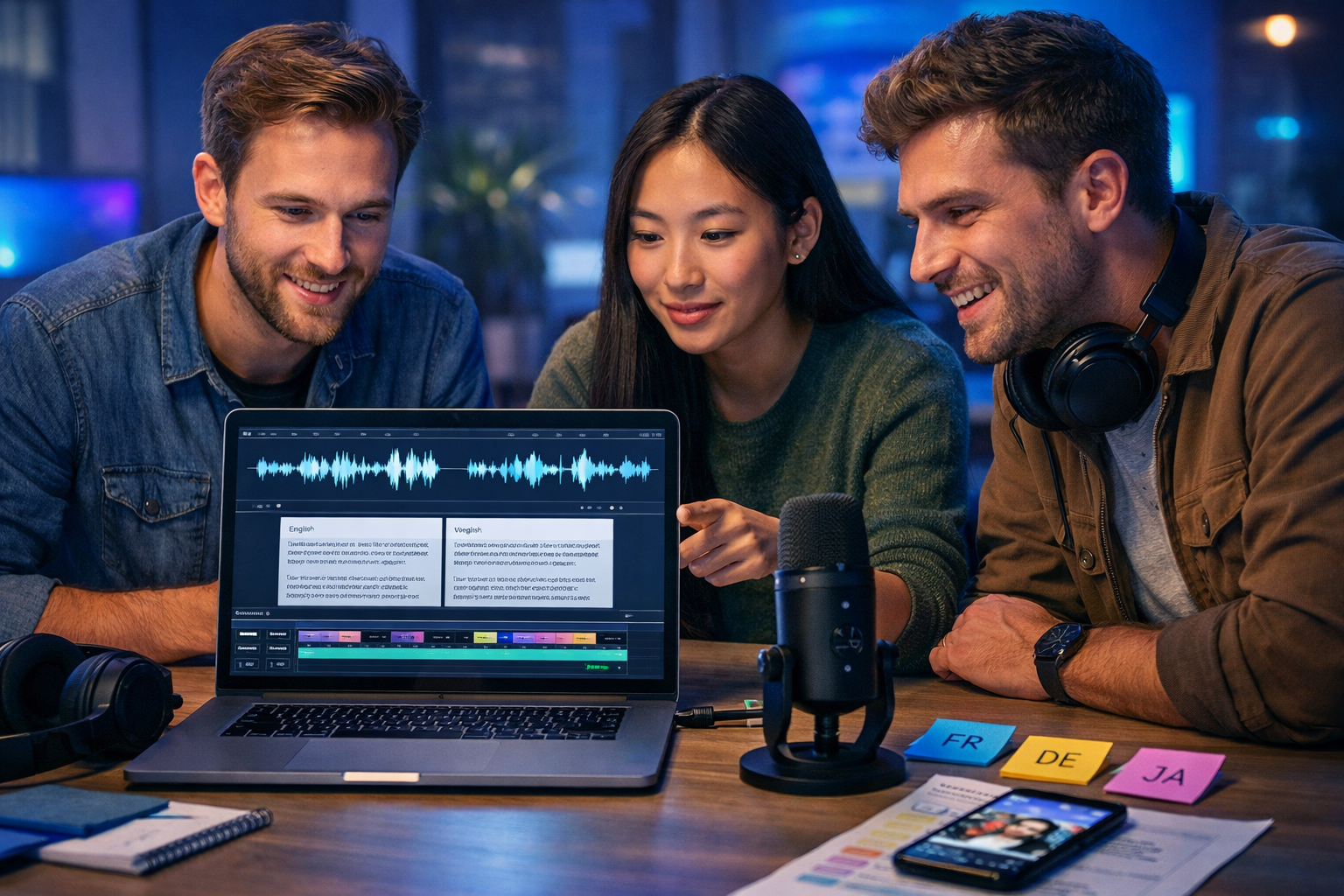
If your product, course, or marketing video works in one language, it can often work in ten—if the voice, timing, and cultural cues feel native. This guide shows you how to localise content with AI voice translation using a repeatable workflow: from script prep and terminology, to voice selection, timing for video, and quality checks that prevent “robotic” localisation.
What “AI voice translation” actually means (and what it doesn’t)
AI voice translation is the process of converting spoken content in one language into another language using AI. In practical production terms, teams usually use one of these approaches:
- Voice-over translation: translate the script, then generate a new voice track in the target language.
- AI dubbing: translate + generate voice and align it to match the original video timing (sometimes with lip-sync support in other tools).
- Narration localisation: rewrite for local tone, then generate narration that matches the on-screen content and pacing.
What it doesn’t automatically solve: cultural nuance, local compliance, brand tone, and technical post-production. AI accelerates the labour-heavy parts—drafting, translating, generating consistent audio—but you still need a human-led localisation strategy and a quality assurance pass.
Why localise with AI voice translation (especially for small teams)
Traditional localisation is expensive because you pay for translation, studio time, voice talent, retakes, and editing. AI voice translation reduces cost and cycle time, so you can iterate and test languages rather than betting everything on one “big” localisation release.
- Faster go-to-market: produce multiple language variants in days, not weeks.
- More experiments: test different hooks, offers, and scripts per region without rebooking a studio.
- Consistency: keep stable voice styles across campaigns and product updates.
- Accessibility: offer local-language narration for training, onboarding, and help content.
With an all-in-one platform, you can keep the full workflow—script, translated variants, visuals, and final video—under one roof. Gen AI Last combines text, audio, image, and video generation in one place. Explore our AI content tools to see how the pieces fit together.
Step-by-step: how to localise content with AI voice translation
Use this workflow whether you are localising a 30-second ad, a product demo, or a 15-minute training module.
1) Choose the right “source of truth” (script first, not audio first)
Start from a written script whenever possible. If your content begins as a video, create a clean transcript and then rewrite it into a voice-friendly script. Spoken language needs shorter sentences, clear signposting, and fewer nested clauses.
- Remove filler and overly long sentences.
- Write numbers and units consistently (e.g., “£10 per month” vs “ten pounds a month”).
- Add pronunciation notes for product names or acronyms.
Tip: if your message depends on humour, slang, or idioms, rewrite the idea rather than translating the words. Localisation is “same intent, local execution”.
2) Build a micro glossary (brand, product, and industry terms)
Before translating, list the terms you cannot afford to get wrong. This prevents inconsistent naming across languages and avoids awkward translations of product features.
- Brand terms: product name, feature names, taglines, and competitor references.
- Industry terms: regulated vocabulary (finance, medical, legal).
- User interface terms: buttons, menus, and in-app labels.
For example, you might decide that “Gen AI Last” stays un-translated, while “AI audio generation” becomes the local market’s most common phrasing (not necessarily the literal translation).
3) Translate for voice, not for reading
A common failure in AI voice translation is using a text translation that reads fine but sounds unnatural when spoken. For each target language, optimise the script for:
- Breath and pacing: shorter clauses, natural pause points.
- Spoken conventions: greetings, calls-to-action, politeness levels (e.g., formal vs informal “you”).
- Local proof points: currency, date formats, and region-specific examples.
Practical example: an English CTA like “Start free today” may localise better as “Create your first draft free” in some markets if “free trial” carries different expectations. Always aim for clarity over word-for-word equivalence.
4) Select an appropriate AI voice (persona, trust, and context)
The voice is part of the brand. Choose a voice style that matches the audience and the content type:
- Explainer videos: friendly, steady pace, high clarity.
- Product demos: confident, slightly faster pace, crisp enunciation.
- Compliance or training: neutral tone, slower pacing, minimal expressiveness.
- Social ads: energetic, punchy, stronger emphasis on the first 3 seconds.
If you are localising into multiple languages, aim for comparable “persona” across languages (e.g., professional but warm). That consistency helps global brand recognition even when the voice itself differs.
5) Generate the target-language voice-over and align it to your video
When localising video, timing is the make-or-break factor. Different languages expand or contract compared to English (German often longer; Chinese may be shorter). Expect to iterate.
- Generate the first voice-over take.
- Drop it into your video timeline and check key sync points (product name, feature steps, CTA).
- Adjust the script for timing: shorten where needed, split lines, or rephrase to reduce syllables.
- Regenerate and re-check. Two to three iterations is normal.
If the content is a screen recording tutorial, consider adding brief “buffer phrases” you can shorten later (e.g., “Now, let’s take a look at…”). Those give you flexibility without changing meaning.
6) Localise supporting assets: on-screen text, thumbnails, and graphics
Voice translation alone can feel inconsistent if the visuals remain in the source language. Prioritise these elements:
- On-screen captions/subtitles: match the translated voice track.
- Lower-thirds and callouts: keep them short; avoid text overflow.
- Thumbnails and ad creatives: local language headline and the right cultural cues.
Gen AI Last makes this easier because you can generate translated copy for overlays with AI text generation, create local-market visuals with AI image generation, and assemble variants with AI video generation—alongside AI audio voice-overs—in one workflow. If you want full access without complicated tiers, view pricing from $10/month.
7) Run localisation QA (the checklist most teams skip)
AI accelerates production, but quality still needs a process. Use this QA checklist before publishing.
- Terminology: product and feature names consistent with your glossary.
- Pronunciation: brand names, acronyms, people’s names, and local places.
- Numbers and formats: currency symbols, decimal separators, date formats, measurements.
- Timing: key moments align with video and on-screen actions.
- Tone: correct formality, no awkward direct translations.
- Compliance: required disclaimers or region-specific claims.
- Audio quality: consistent loudness, no clipping, natural pauses.
If you can, use a native speaker reviewer for each language—at least for the first few releases—to catch subtle issues (politeness level, unnatural phrasing, or cultural missteps).
A practical localisation workflow you can copy (with prompts)
Below is a lightweight workflow designed for startups and small marketing teams. It is structured to reduce rework and keep your voice translations consistent.
Workflow overview
- Create the master script in English (or your source language).
- Create a glossary + style guide (tone, formality, banned phrases, CTA rules).
- Translate and localise the script per market.
- Generate AI voice-over per language.
- Align audio to video and adjust timings.
- Localise supporting visuals and captions.
- QA pass and publish.
Prompt example: translate for voice and timing
Use case: you have a 45-second English ad script and need Spanish (Spain) that fits the same timing.
Prompt you can adapt: “Translate the following voice-over script into Spanish (Spain) for a 45-second social ad. Keep sentences short and natural for spoken delivery. Maintain the same structure and approximate timing. Keep product name un-translated. Replace currency and date references with Spain-appropriate formats. Script: [paste script]. Glossary: [paste terms]. Tone: confident, friendly, non-slang.”
Prompt example: create a pronunciation guide
“Create a pronunciation guide for this target-language voice-over. List brand names, acronyms, and any English loanwords. Provide phonetic hints a voice model should follow. Text: [paste translated script].”
Common mistakes when localising with AI voice translation
Most “AI localisation sounds bad” complaints come from process problems rather than the technology itself. Avoid these pitfalls:
- Word-for-word translation: the meaning may be accurate, but it won’t sound like a native speaker.
- Ignoring timing: your translated voice track will drift out of sync unless you rewrite for length.
- No glossary: feature names change across videos, confusing users and harming trust.
- One voice fits all: the same persona does not suit every market and content type.
- Not localising visuals: subtitles and on-screen copy in the wrong language break immersion.
- Skipping native review: you’ll miss politeness level errors and cultural nuance.
Where AI voice translation fits in a full localisation strategy
Localisation is broader than dubbing. AI voice translation works best when it supports a consistent multi-format strategy:
- Blog and SEO pages: localised articles and landing pages that match local search intent.
- Social clips: language variants with region-specific hooks and CTAs.
- Email campaigns: localised sequences that reflect local buying cycles and expectations.
- Product education: onboarding videos, tooltips, and help centre narration.
Gen AI Last supports this end-to-end approach: generate the local scripts with AI text generation, produce the voice track with AI audio generation, and publish variants with AI video and image generation. If you want to try the workflow quickly, start creating for free.
Mini case examples: what good AI voice localisation looks like
Example 1: SaaS product demo (2 minutes)
Goal: localise an English product walkthrough into French and German for paid social.
- Script change: simplify step descriptions so the viewer can follow the UI without rewinding.
- Timing fix: German version runs longer; shorten two lines and remove repeated phrases.
- Visual change: localise on-screen headings and add captions matching the voice.
Result you should aim for: both local versions feel like they were originally produced for that market, not “translated later”.
Example 2: E-commerce UGC-style ad (20 seconds)
Goal: translate an English hook-driven ad into Spanish (LATAM).
- Hook rewrite: keep the emotional point, not the exact line.
- CTA localisation: adjust to local norms (delivery expectations, payments, returns).
- Audio pacing: faster first 3 seconds, clearer emphasis on the offer.
Example 3: Internal training module (10 minutes)
Goal: localise training into Japanese for a new regional team.
- Formality control: adopt the appropriate polite register for corporate training.
- Consistency: strict glossary for process terms to avoid confusion.
- QA: native review for nuance and clarity, plus checks for dates and internal acronyms.
Publishing and measurement: prove localisation ROI
To justify scaling your localisation programme, measure performance per market with a simple baseline:
- Video: 3-second view rate, average watch time, completion rate, click-through rate.
- Landing pages: conversion rate, bounce rate, time on page, assisted conversions.
- Support/training: ticket deflection, onboarding completion, time-to-productivity.
Run A/B tests where possible: the same creative concept with different localisation depth (basic translation vs culturally adapted script). Often, a slightly more local script outperforms a literal translation even when the visuals are identical.
Quick-start checklist (save this for your next localisation)
- Clean the source script for spoken delivery.
- Create a glossary: product names, feature terms, forbidden translations.
- Translate and rewrite for natural speech in the target language.
- Generate the AI voice-over and check pronunciation.
- Align audio to video; adjust the script for timing and regenerate as needed.
- Localise on-screen text, subtitles, thumbnails, and captions.
- QA with a native reviewer (especially your first release per language).
- Publish, measure, and iterate.
Localise faster with an all-in-one AI workflow
The fastest teams treat localisation like a system: scripts, glossaries, voice tracks, and creative variants. Gen AI Last helps you keep that system lean by combining AI text, image, audio, and video generation in one platform—available from $10/month with full access across features. If you are ready to build your first multi-language voice-over, explore our AI content tools or start creating for free.
Ready to Create with Generative AI?
Join thousands of creators using Gen AI Last to generate text, images, audio, and video — all from one platform. Start your 7-day free trial today.
Start Free — Try 7 DaysQuick Links
Create AI content from $10/month
View Plans